A power outage can strike without warning, leaving your Lorex security system blind at the worst possible moment. Whether it’s a brief brownout or an extended blackout, losing power to your NVR means losing recorded footage and real-time monitoring. That’s why investing in a proper power backup solution is essential for any serious home or business surveillance setup.
In this guide, we’ll walk you through everything you need to know about keeping your Lorex NVR and wired cameras operational during power failures. From selecting the right uninterruptible power supply to installation best practices, these tips will help you maintain continuous security even when the grid goes down.
Why Your Lorex NVR Needs a Dedicated UPS
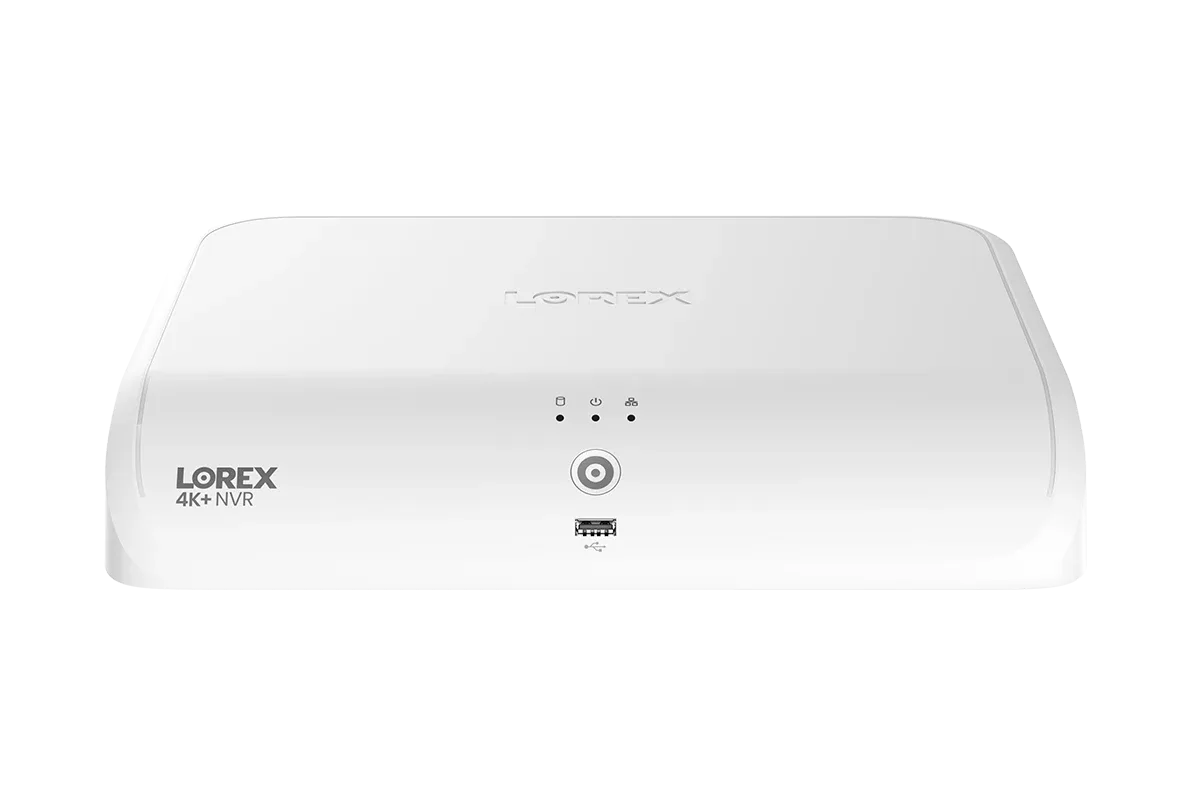
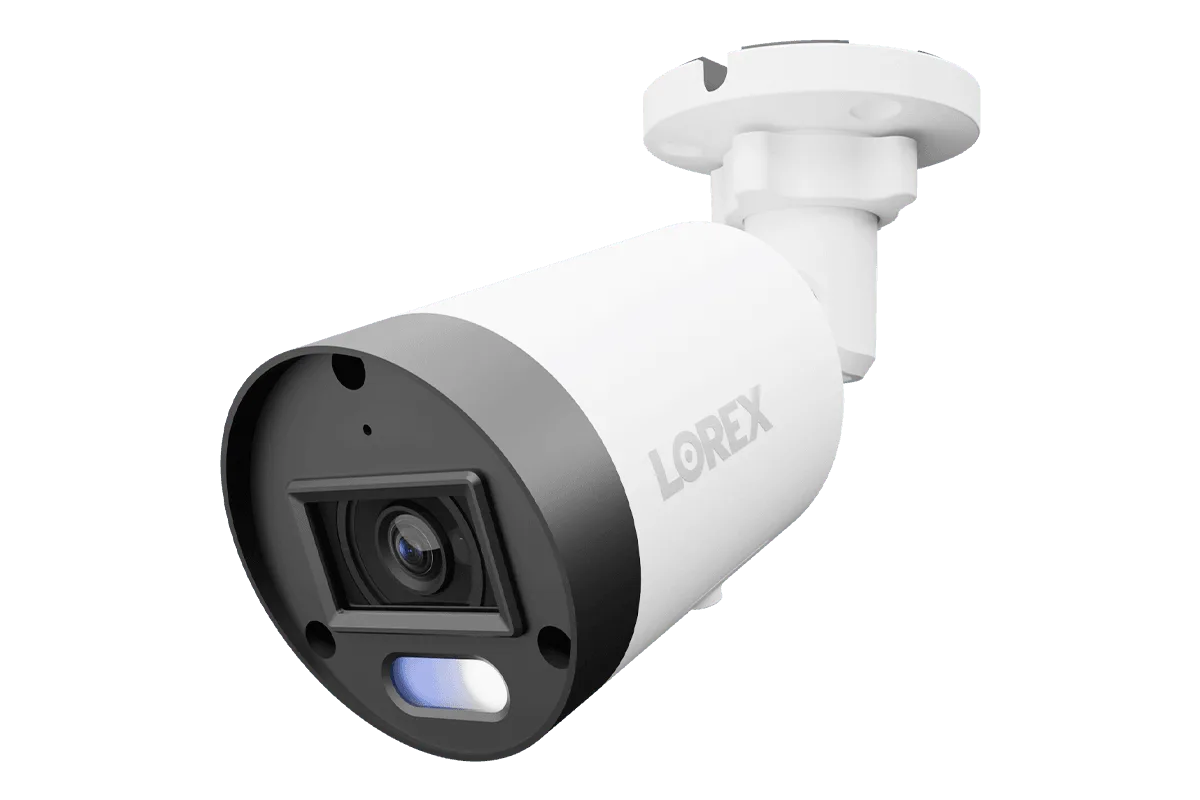
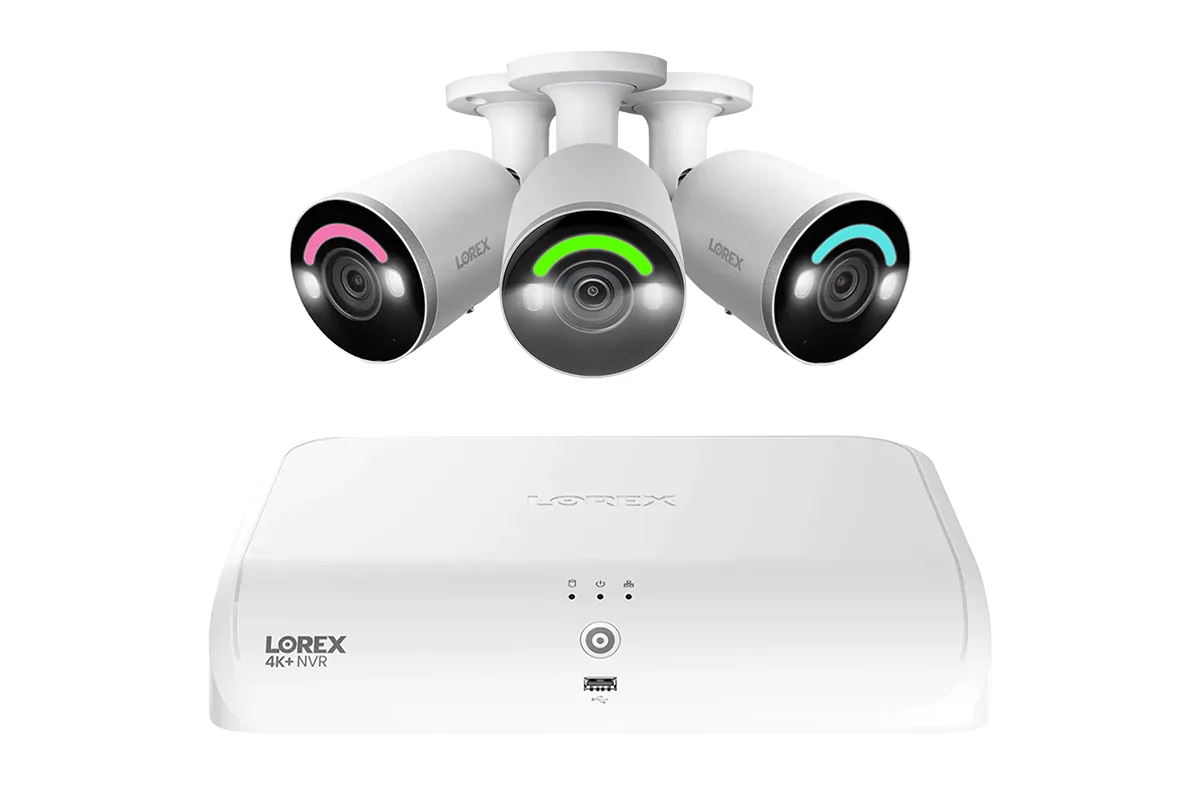
Your Lorex NVR and its connected cameras are the backbone of your security system. During a power outage, the NVR stops recording, live view goes dark, and any critical motion events are missed. A dedicated uninterruptible power supply provides seamless battery backup, giving you time to either ride out a short outage or safely shut down the system. For systems like the Lorex 4K+ Fusion Wired NVR System with 4 Bullet IP Cameras Featuring 12MP Ultra HD and Smart Security Lighting, which supports both wired and Wi-Fi cameras, a UPS ensures that all components remain powered until the main supply is restored.
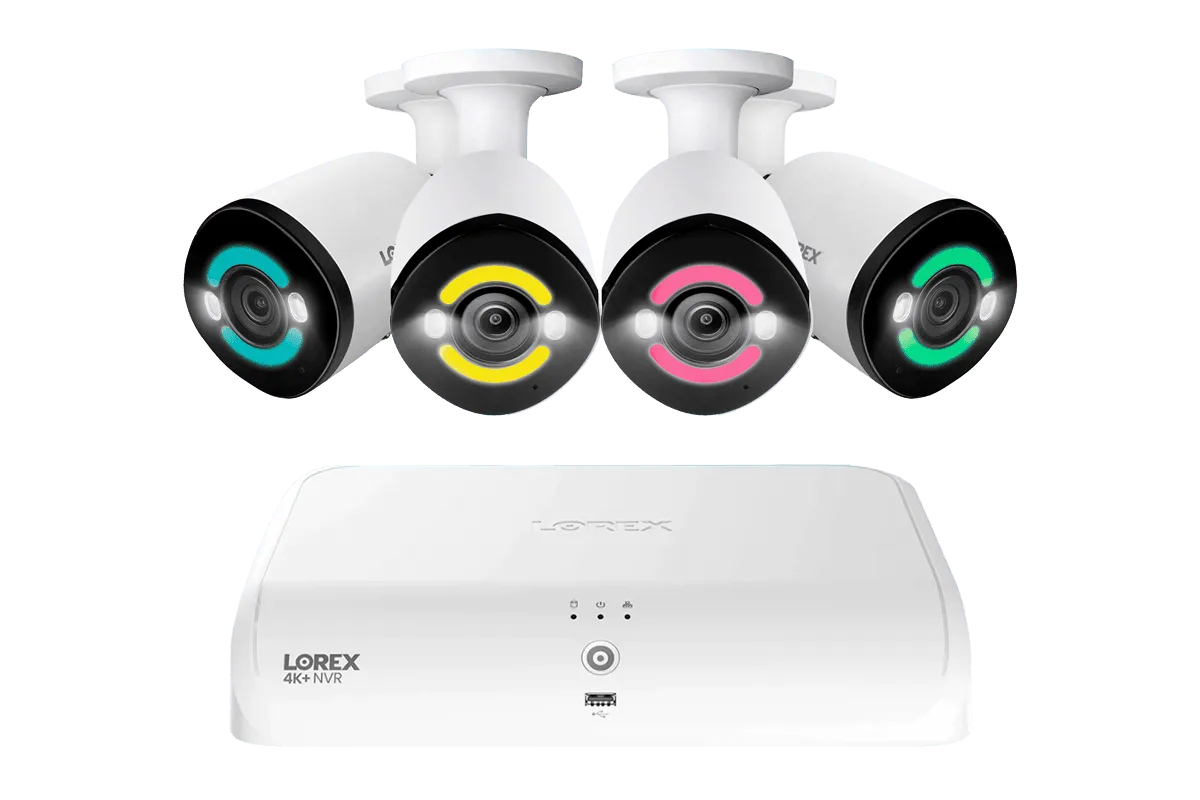
Lorex 4K+ Fusion Wired NVR System with 4 Bullet IP Cameras Featuring 12MP Ultra HD and Smart Security Lighting
Without backup, you also risk corrupting the NVR’s hard drive during an abrupt shutdown. A UPS with proper voltage regulation protects your hardware and footage, making it a worthwhile investment for any Lorex owner.
- Prevents data loss and hard drive corruption from sudden power cuts.
- Maintains continuous recording of critical events, even during an outage.
- Allows remote monitoring via mobile apps when the NVR stays online.
Choosing the Right UPS for Your Lorex Security System
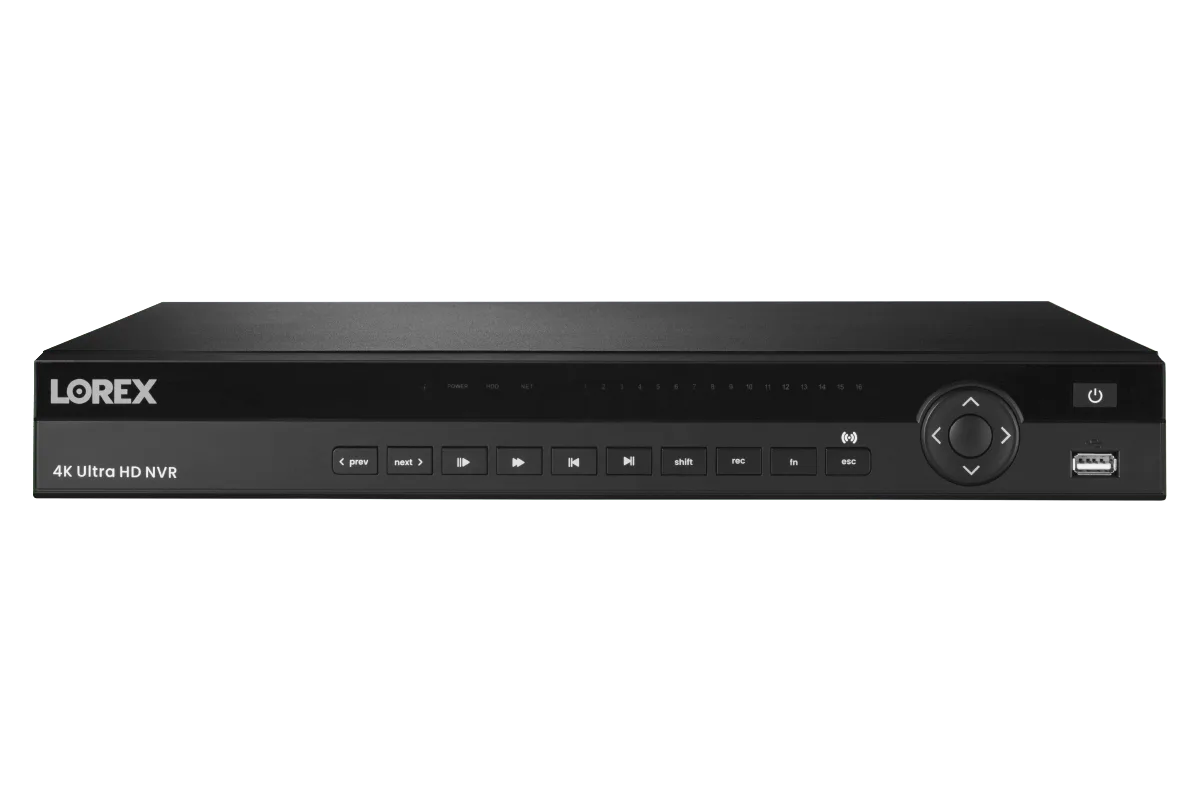
Selecting a UPS isn’t one-size-fits-all. The size of your Lorex system determines the power requirements. For a typical 8-channel NVR with four or five cameras, a UPS rated between 600VA and 1000VA usually provides 30 to 60 minutes of backup time. Larger systems—such as the Lorex 4K 4TB Wired NVR System with Five Nocturnal 3 Bullet Cameras, Four Nocturnal 3 Turret Cameras and Two 4K Pan-Tilt-Zoom Cameras—demand a higher capacity unit, often 1500VA or more.
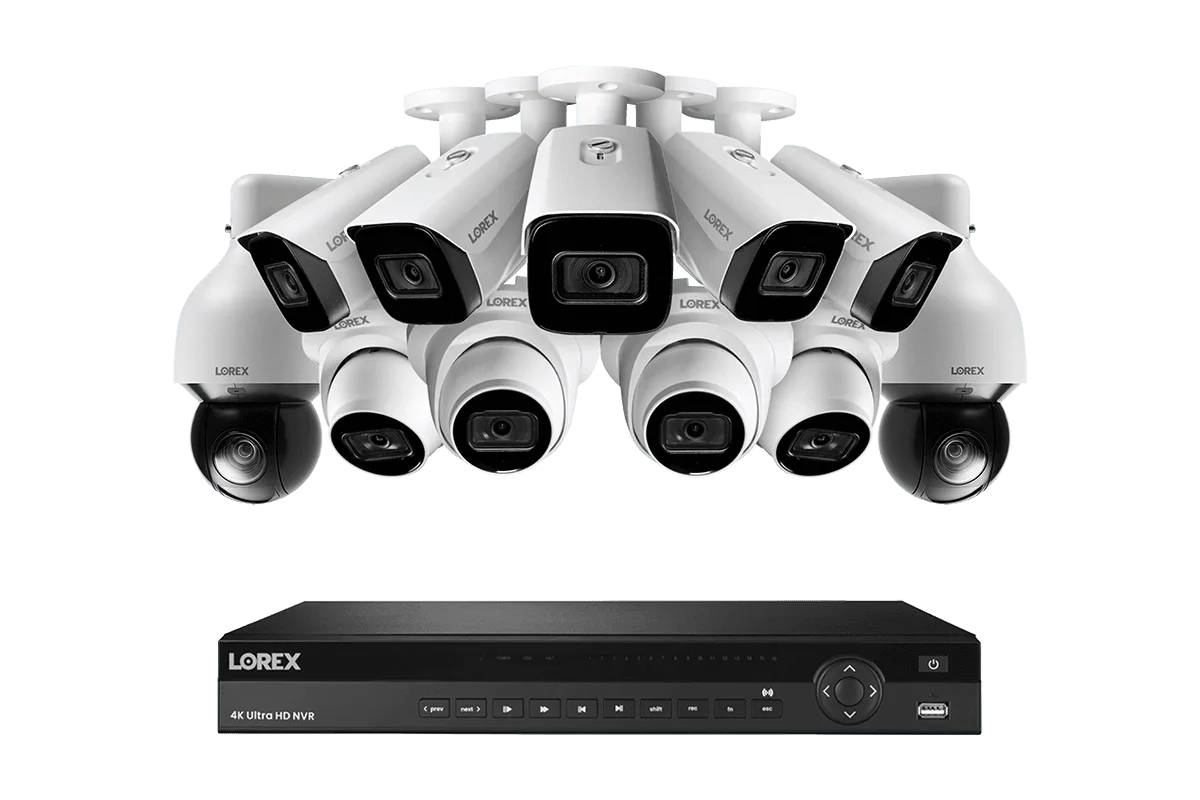
Lorex 4K 4TB Wired NVR System with Five Nocturnal 3 Bullet Cameras, Four Nocturnal 3 Turret Cameras and Two 4K Pan-Tilt-Zoom Cameras
Look for a UPS with pure sine wave output, as it’s safer for sensitive electronics like NVRs and PoE switches. Also consider models with surge protection and automatic voltage regulation to handle brownouts without switching to battery. Many Lorex users pair their NVR with an APC or CyberPower UPS that includes USB connectivity for graceful shutdown alerts.
- Calculate total wattage: add NVR power draw plus PoE switch and any external hard drives.
- Choose a standby or line-interactive UPS for better efficiency and lower cost.
- Ensure the UPS has enough outlets for the NVR, router, and PoE switch.
How to Calculate Power Backup Time for Your NVR and Cameras
To estimate runtime, start by summing the power consumption of all connected devices. A typical Lorex NVR uses between 30W and 60W, while each PoE camera adds roughly 10W to 15W. For example, a system with an NVR and 8 cameras may draw around 150W total. A 1000VA UPS with a 600W load will run for roughly 15–25 minutes, whereas a 1500VA unit might last 30–45 minutes.
If your system includes the Lorex Fusion Series 4K+ 16 Channel (8 Wired + 8 Fusion Wi-Fi) 2TB Wired System with A14 Wired 4K IP Bullet Cameras, remember that Wi-Fi cameras are not powered over Ethernet, so they still rely on local power adapters. You may need to add those to your UPS or use battery-powered alternatives for the wireless cams during an outage.
- Use a power meter to get exact consumption for your specific configuration.
- Plan for at least 15–30 minutes of backup to cover most short outages.
- Consider a UPS with an external battery pack for longer runtime needs.
Installation and Placement Tips for Your UPS
Place your UPS in a well-ventilated area near the NVR and networking equipment. Avoid carpets or enclosed cabinets that trap heat. Most UPS units are designed for indoor use only, so keep them away from moisture and direct sunlight. Plug critical components like the NVR, PoE switch, and your main router into the UPS’s battery-backed outlets, while non-essential gear can go on surge-only outlets.
Connect the UPS to your NVR via USB if the NVR supports automatic shutdown on low battery (many Lorex models do). This ensures your system shuts down gracefully, preserving footage. You can also set up email or push notifications from the UPS management software to alert you when power is lost.
- Test the UPS under load once a month to confirm battery health.
- Replace the UPS battery every 2–3 years to maintain reliable backup.
- Label the outlets clearly so you know which ones are battery-backed.
Maintaining Your Power Backup System for Long-Term Reliability
A UPS is only as reliable as its battery. Over time, batteries degrade and lose capacity. Most UPS units self-test periodically, but you should perform a manual test every few months by unplugging the unit from the wall and checking runtime. Replace batteries when runtime drops below 50% of original spec.
Keep the UPS firmware updated if possible, and clear any dust from vents. If you live in an area with frequent power fluctuations, consider adding a separate surge protector for the PoE camera cables to protect against surges coming through the Ethernet lines. With proper care, your Lorex security system will stay operational through virtually any power event.
- Document your backup runtime during a full load test and compare over time.
- Store replacement batteries on hand if your UPS uses hot-swappable packs.
- Schedule an annual check of all connections and battery terminals.
Don’t let a power outage compromise your security. A reliable UPS keeps your Lorex NVR and cameras recording so you never miss a moment. Explore our compatibility recommendations and find the best backup solution for your system today.