What the Honeycomb Grid Solves
If your lighting feels too broad or spills onto areas you want dark, the Lume Cube RGB Panel Pro 2.0 Honeycomb Grid is the accessory that narrows the beam and reduces scatter. It channels light forward in a tighter cone, which is especially useful when you need to separate a subject from the background or control multiple lights in a small space.
The grid is designed specifically for the RGB Panel Pro 2.0 (and compatible Lume Cube systems) and installs quickly without tools. It's a lightweight, travel-friendly modifier that gives you studio-level control without a heavy softbox or barn doors.
How It Works with the RGB Panel Pro 2.0
-
Lume Cube RGB Panel Pro 2.0 Honeycomb Grid Light Shaping Accessory: Designed for seamless compatibility with Lume Cube lighting systems, the honeycomb grid installs quickly and securely while maintaining a lightweight, travel-friendly design. Confirms that the grid fits the RGB Panel Pro 2.0 without adapters, making it a simple add-on for on-location or studio work.
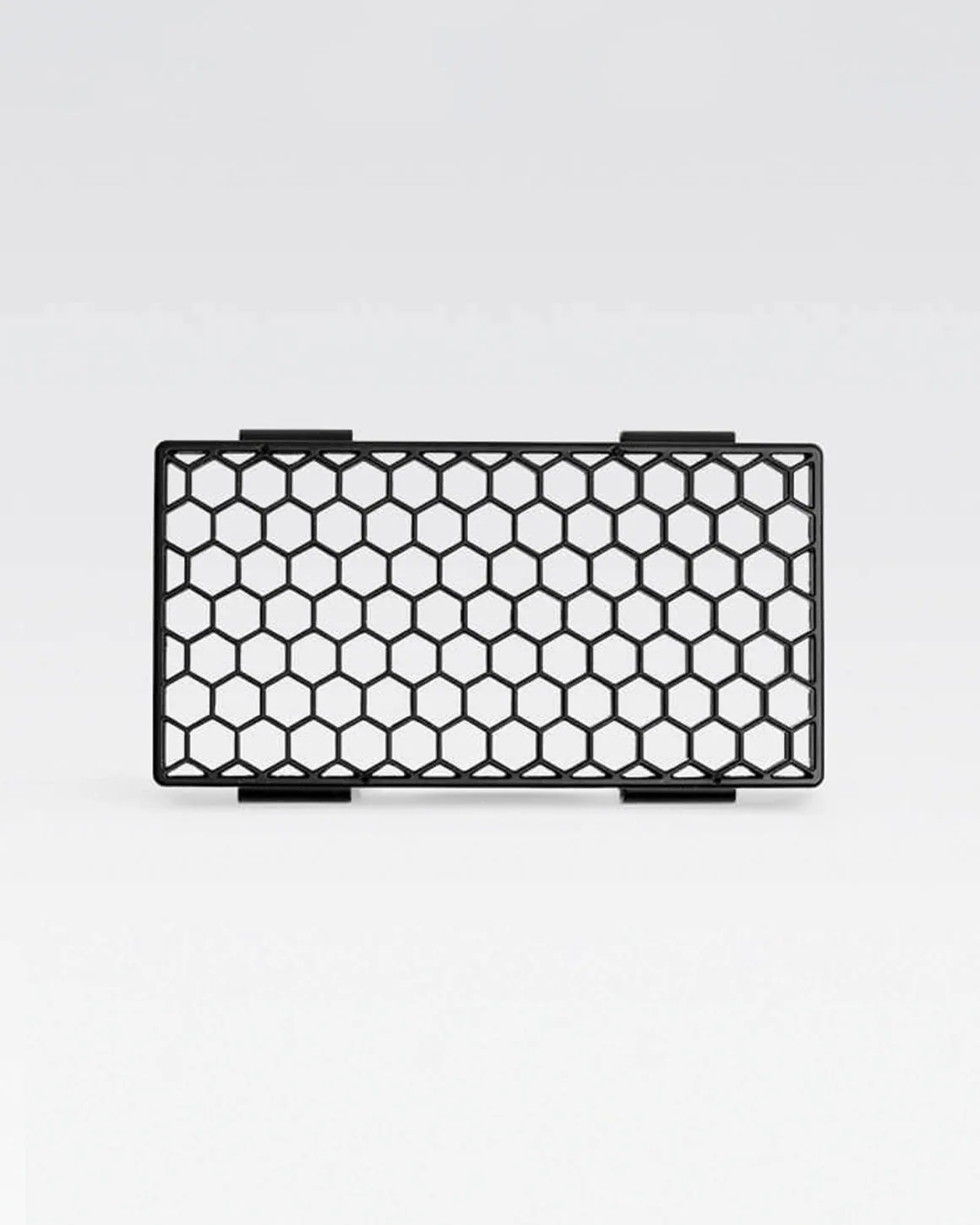
Lume Cube RGB Panel Pro 2.0 Honeycomb Grid Light Shaping Accessory
-
Lume Cube RGB Panel Pro 2.0 Honeycomb Grid Light Shaping Accessory: By narrowing the beam angle and reducing unwanted light spill, the honeycomb grid allows creators to guide light exactly where it’s needed while keeping surrounding areas controlled and shadow-rich. This is the core benefit: you can aim light precisely, which is critical for portrait, product, and cinematic lighting where spill ruins the mood.
-
Lume Cube RGB Panel Pro 2.0 Honeycomb Grid Light Shaping Accessory: Constructed with a carefully engineered grid pattern, this modifier channels light forward in a tighter beam, preventing it from scattering across the scene. The physical grid pattern is what achieves the focused beam. It's not a diffuser or a gel—it's a directional tool for hard, controlled light.
When You'll Want This Grid on Your Light
Use the Honeycomb Grid when you need to darken the background without moving the light farther away. In portrait work, it helps keep the subject's face lit while letting the background fall into shadow, creating depth. In product shots, it prevents light from bouncing off nearby surfaces and causing unwanted reflections.
The grid is also valuable in multi-light setups. If you have a key light, fill, and rim light, the grid on the key light stops it from spilling into the fill's zone, giving you cleaner separation. For video interviews, it reduces flare on the lens and keeps the background from washing out.
In small spaces, where walls and ceilings are close, a bare panel can bounce light everywhere. The grid contains the beam so you can shape the scene without fighting ambient spill.
What the Grid Does Not Do
The Honeycomb Grid is not a diffuser—it does not soften light. It actually makes the light more directional and increases contrast. If you need soft, wrap-around light, pair the grid with a diffuser panel or use the panel without the grid.
The supplied information does not specify the exact beam angle reduction, so treat the effect as a noticeable but unmeasured narrowing. It also does not include instructions for cleaning or storing the grid, so handle it with care to avoid bending the honeycomb cells.