Quick answer
Choose the Core i3 model if you want a Grade B device with 256GB storage and a lower-risk cosmetic condition. Choose the Core i5 model if you need 512GB storage and are comfortable with a Grade C device that may show more wear.
What the Core i3 and Core i5 actually change for daily use
The Core i3 1.1 GHz and Core i5 1.1 GHz are both dual-core processors from the same generation, so the difference shows up mainly in sustained tasks like photo editing, large spreadsheets, or multiple browser tabs. For web browsing, email, and document work, either will feel similar.
The bigger practical split here is storage: the Core i3 model comes with 256GB, while the Core i5 model doubles that to 512GB. If you keep a local music library, edit video, or install large apps, the extra space matters more than the badge on the chip.
The condition trade-off: Grade B vs Grade C
Grade B typically means light signs of use, while Grade C usually means more visible cosmetic wear such as scratches or scuffs. Neither grade affects the 12-month warranty or the included generic charger, but it does affect how the device looks and feels.
If you plan to carry the laptop daily or care about resale appearance, Grade B is the safer choice. If the device will stay on a desk and you want the lowest price, Grade C can be a sensible compromise.
Price and value: why the Core i5 can cost less
At the time of writing, the Core i5 512GB model is listed at USD 161.99, while the Core i3 256GB model is USD 191.69. That means the higher-spec model is actually cheaper, likely because of its Grade C condition.
This is the central trade-off: you can pay less for more storage and a faster chip, but you accept more cosmetic wear. Or you can pay more for a cleaner device with less storage and a slower processor.
Key trade-offs to weigh
- Performance vs condition: The Core i5 offers a faster processor and double the storage, but it comes in Grade C condition. The Core i3 is Grade B, so it will likely look better. Decide whether you value speed and space more than cosmetic condition.
- Storage needs: 256GB is workable for cloud-based workflows, but 512GB gives you room for local files, photos, and apps without constant management. If you already use external drives or cloud storage, 256GB may be enough.
- Price vs grade: The Core i5 model is currently cheaper despite higher specs, so you are essentially trading cosmetic wear for savings and performance. Check current prices before deciding, as they can change.
Product facts
-
MacBook Air 2020 (13-inch) – Core i3 1.1 GHz – 8GB RAM – 256GB SSD – Grade B – Gold: Grade B condition with 256GB SSD and Core i3 processor. A cleaner cosmetic grade and enough space for everyday files, but you may need external storage for large media libraries.
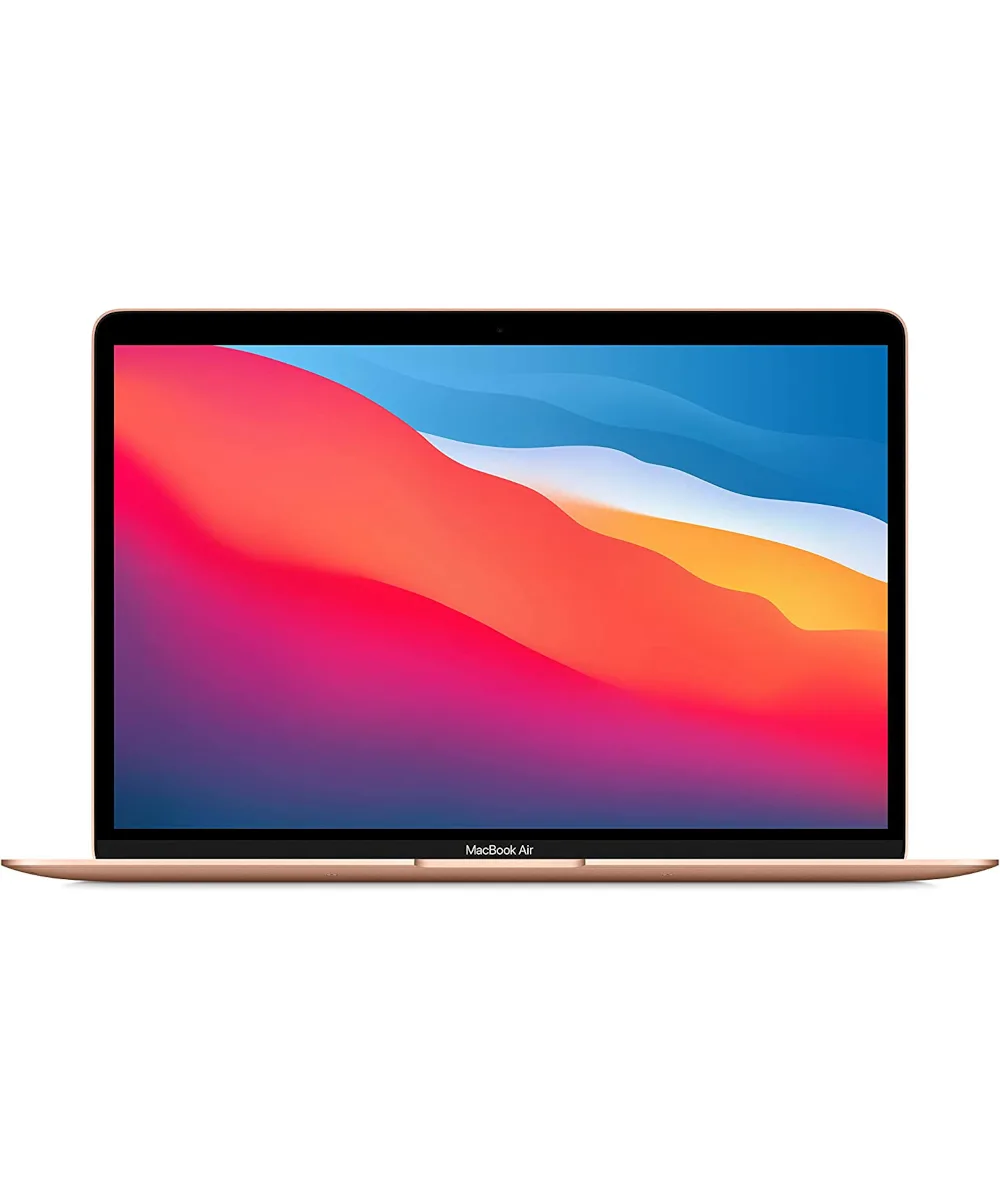
MacBook Air 2020 (13-inch) – Core i3 1.1 GHz – 8GB RAM – 256GB SSD – Grade B – Gold
-
MacBook Air 2020 (13-inch) – Core i5 1.1 GHz – 8GB RAM – 512GB SSD – Grade C – Silver: Grade C condition with 512GB SSD and Core i5 processor. More storage and a faster chip for less money, but expect visible wear on the chassis.
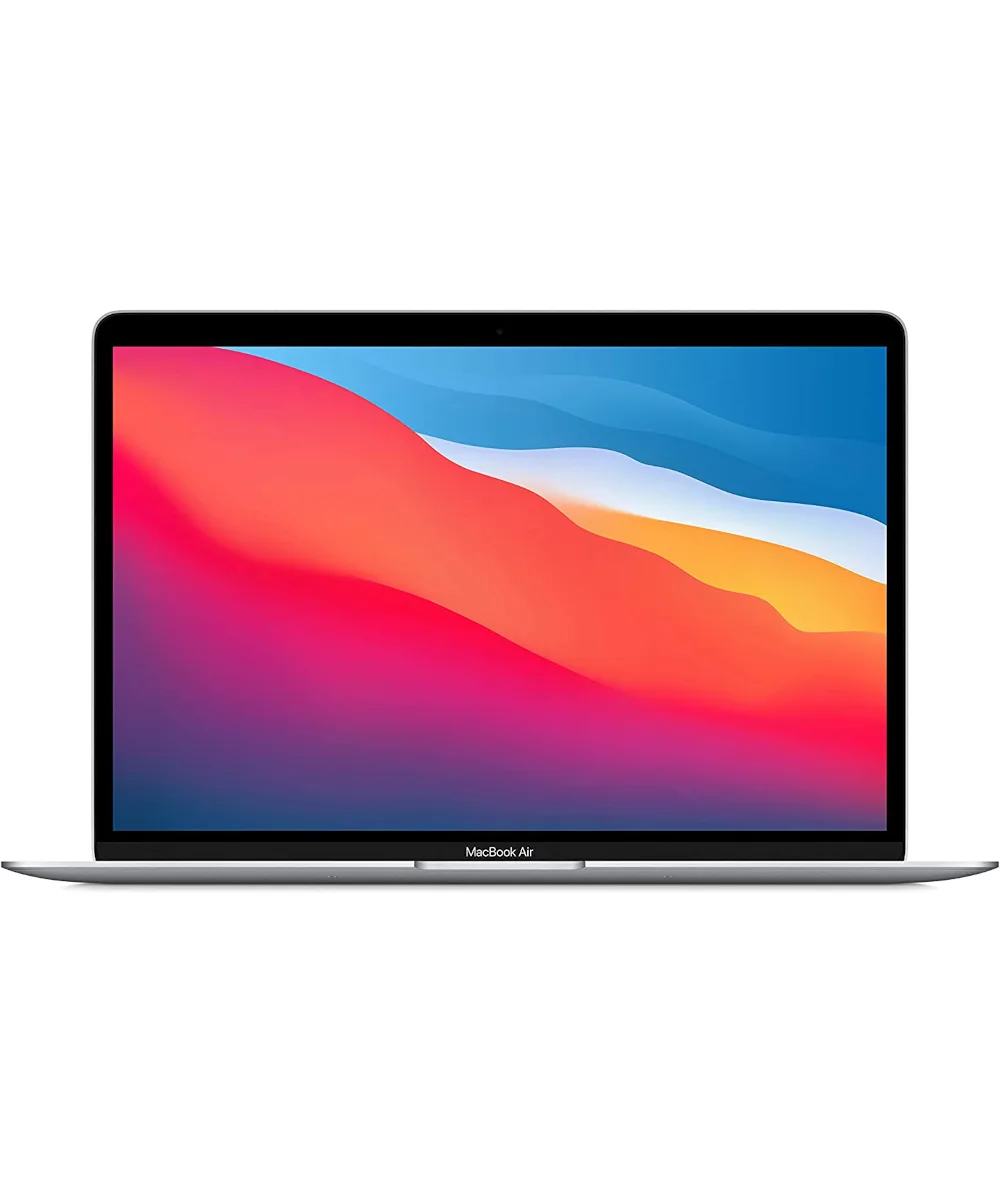
MacBook Air 2020 (13-inch) – Core i5 1.1 GHz – 8GB RAM – 512GB SSD – Grade C – Silver
Which refurbished MacBook Air 2020 should you buy?
Best for
- Students or office workers who want a clean-looking device for everyday tasks
- Buyers who prefer a higher cosmetic grade and can manage with 256GB storage
Not for
- Users who need more than 256GB of local storage or frequently edit large media files
- Buyers who want the lowest possible price and don't mind visible wear