Quick answer
Clean the magnetic contacts on both the cable and your headphones with a dry, soft cloth or cotton swab, and check for debris or corrosion. If the cable still won't charge reliably after cleaning, replace it with a genuine Shokz magnetic charging cable rather than a third-party adapter.
Why the magnetic connection fails
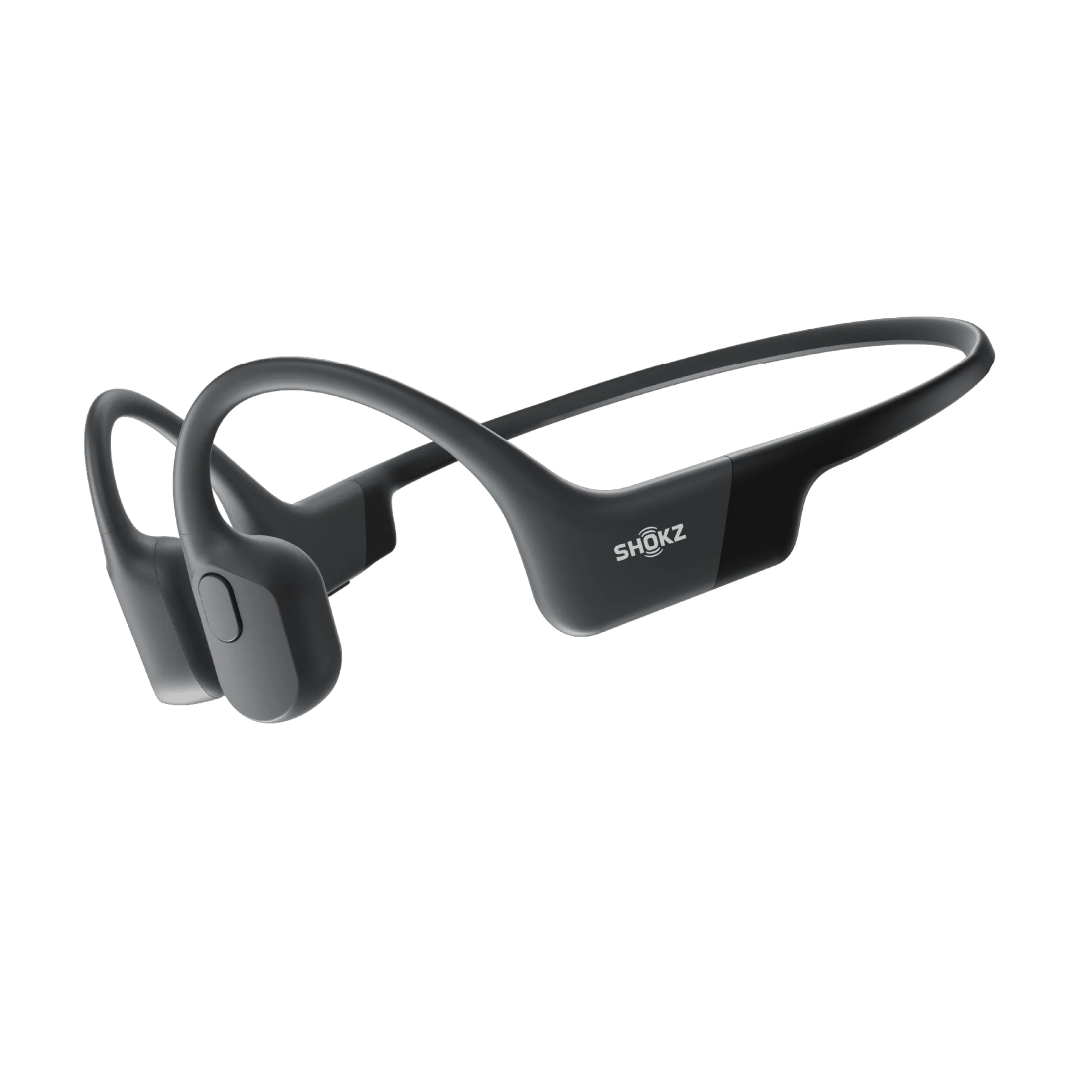
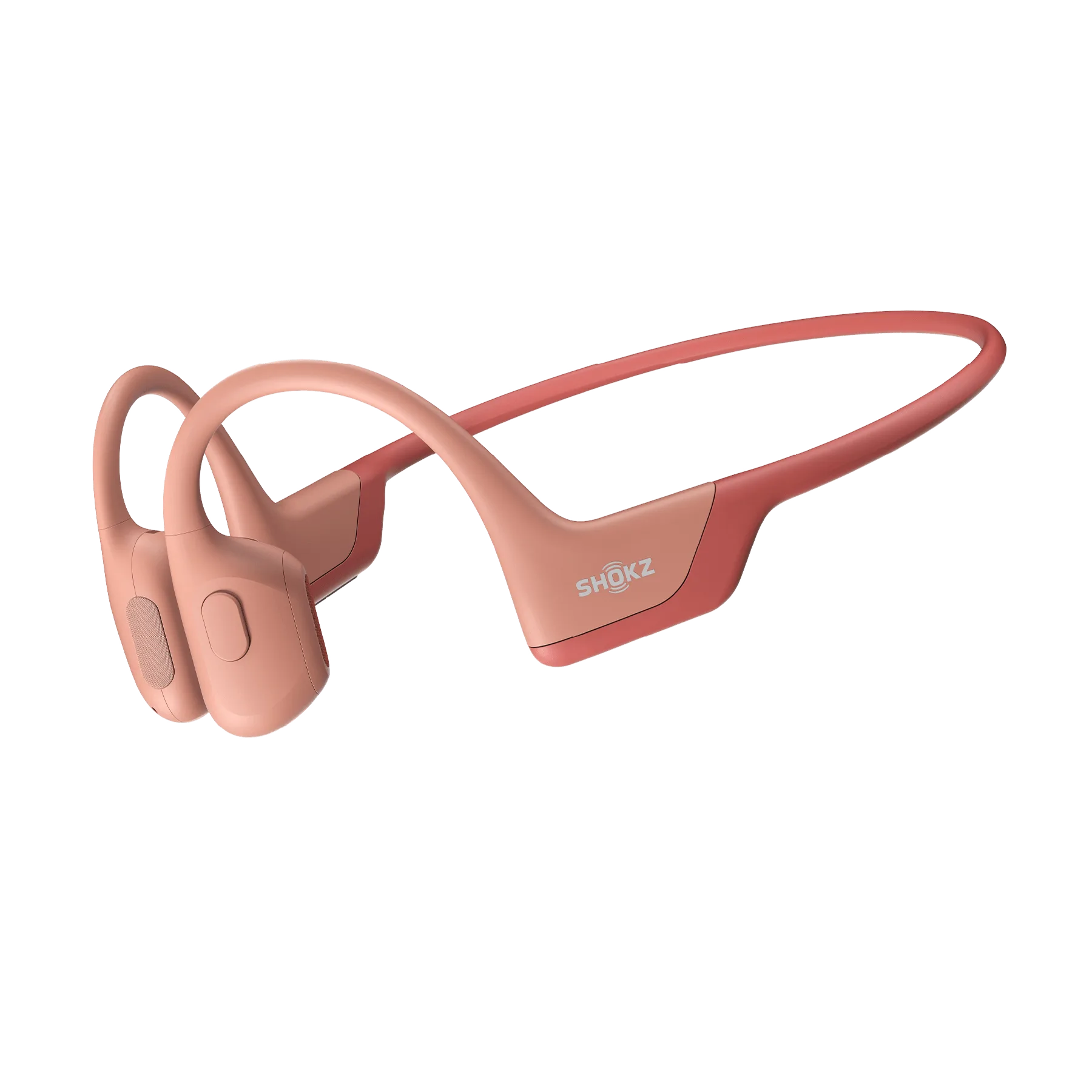
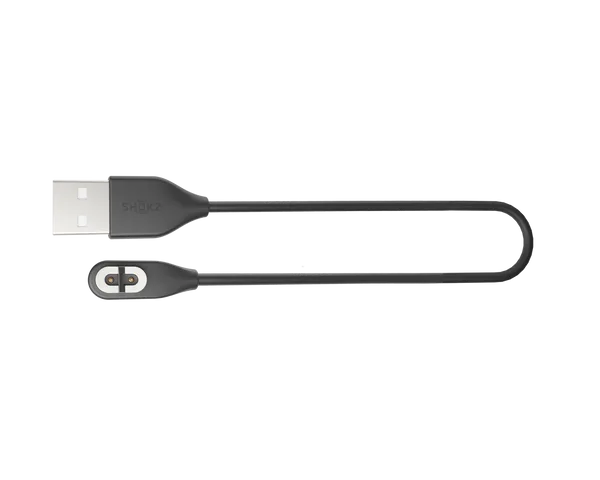
The magnetic charging cable for https://shokzeg.com/products/openrunpro-b0a5e85706b040158ec964d2-1344166OpenRun Pro, OpenRun, and Aeropex uses spring-loaded pins that press against metal contacts on the headphone. Sweat, sunscreen, and pocket lint can build up on either surface. Because the connection is magnetic rather than plug-in, even a thin film of residue can lift the pins enough to break the circuit. The cable itself has no user-serviceable parts, so most failures trace back to dirty contacts, a damaged pin, or a worn cable.
How to clean the cable and contacts
Power off the headphones and unplug the cable from the USB port. Wipe the magnetic end of the cable with a dry, soft cloth. For the headphone contacts, use a dry cotton swab and gentle pressure. If you see visible residue, dampen the swab with a small amount of isopropyl alcohol and let both surfaces dry completely before reconnecting. Never push metal objects into the charging port, and never rinse the cable under water.
- Clean the cable pins and headphone contacts separately so you can see which side has buildup.
- Let alcohol evaporate fully before charging; moisture can interrupt the connection.
- Avoid abrasive materials that could scratch the contact plating.
When to replace rather than repair
If cleaning does not restore a consistent connection, inspect the cable for bent pins, frayed insulation near the USB end, or a magnetic face that no longer sits flush. A replacement cable is inexpensive and restores the original charging speed. The OpenRun Pro/OpenRun Magnetic Charging Cable is designed for OpenRun Pro, OpenRun, and Aeropex, so it matches the contact layout without an adapter.
Charging problem diagnosis
- Cable attaches but no charging light: Residue or a thin film on the contacts is the most common cause. Clean both the cable pins and the headphone contacts with a dry cloth or cotton swab. If the light still does not come on after cleaning, test the cable with a different USB power source.
- Charging cuts in and out: A bent pin or a magnetic face that no longer sits flush can cause intermittent contact. Inspect the cable end for damage. Replace the cable if the magnetic face is deformed or pins are visibly bent.
- Cable works only at certain angles: This usually means the cable connector or the headphone port has wear that cleaning cannot fix. Stop using the cable and replace it to avoid straining the headphone port.
Charging cable details
- OpenRun Pro/OpenRun Magnetic Charging Cable: The magnetic cable allows you to quickly charge your OpenRun Pro/OpenRun/Aeropex headphones on-the-go. A dedicated cable keeps the magnetic alignment correct and avoids the loose fit common with generic adapters.