Why an ND8 Filter for Video?
When shooting video outdoors, bright sunlight often forces you to use a narrow aperture or a very fast shutter speed. That can make motion look stuttery instead of smooth. A neutral density filter reduces the light entering the lens without changing color, so you can keep your shutter speed at roughly double your frame rate even in full sun, following the product instructions for optimal results.
The Urth Magnetic ND8 Filter Plus cuts light by 3 stops, making it a practical choice for daylight video work. With this filter, you can open your aperture for a shallower depth of field or maintain a slower shutter speed for natural motion blur.
What the Magnetic ND8 Filter Plus Offers for Video
-
Magnetic ND8 Filter Plus: Fixed 3-stop light reduction for daylight versatility Three stops is enough to bring a bright sunny scene into a manageable range for video, letting you shoot at f/2.8 or f/4 instead of f/16.
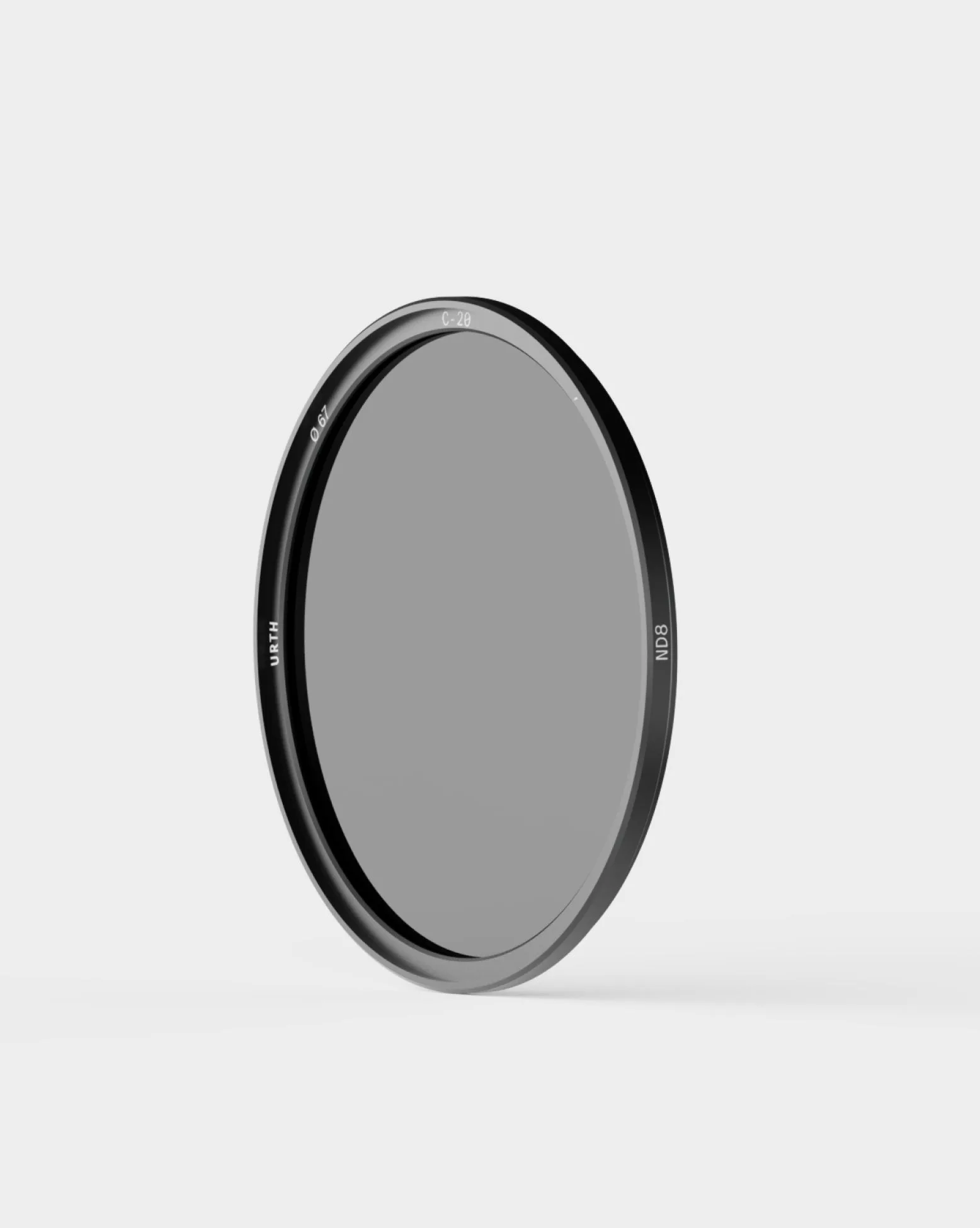
Magnetic ND8 Filter Plus
-
Magnetic ND8 Filter Plus: Fast, secure magnetic mount for rapid setup and swaps When you need to switch between filtered and unfiltered shots quickly, the magnetic system saves time and reduces fumbling on set.
-
Magnetic ND8 Filter Plus: German SCHOTT B270 optical glass for professional sharpness Optical glass helps maintain sharpness and contrast, so adding the filter doesn't soften your video image.
-
Magnetic ND8 Filter Plus: CoraNano™ 20-layer dual-side nano-coating for optical precision The coating reduces reflections and flare, which is especially helpful when shooting into bright light sources like the sun or windows.
When to Reach for the ND8 Filter Plus
The ND8 is ideal for midday shoots, outdoor interviews, or any scene where the sun is high and you want to keep your shutter speed at 1/50 or 1/60 for a 24 or 30 fps project. It also helps when you want to use a wider aperture for a blurred background without overexposing.
Because it's a fixed 3-stop filter, it's straightforward to use: you don't need to dial in a variable density or worry about uneven darkening. Just attach the magnetic adapter ring, snap the filter on, and adjust your exposure settings as usual.
Quick Setup Steps for Video
- 1. Choose the right size: The Magnetic ND8 Filter Plus is available in 12 sizes from 39mm to 95mm. Match the size to your lens thread diameter.
- 2. Attach the magnetic adapter ring: Screw the included ring onto your lens. It stays in place so you can snap filters on and off quickly.
- 3. Set your camera to manual or aperture priority: With the filter on, adjust your shutter speed to match your frame rate (e.g., 1/50 for 24 fps). Let the camera meter the scene or set aperture and ISO manually.
- 4. Check your histogram: The filter reduces light evenly, so your exposure should shift predictably. Use the histogram to confirm you're not clipping highlights.
What the ND8 Won't Do
The ND8 is a 3-stop filter, so it's not designed for very long exposures or extreme darkness. If you need to shoot at f/1.4 in bright sun or want to blur water over several seconds, a stronger ND (like ND64 or ND1000) would be more suitable. For most daytime video scenarios, though, the 3-stop reduction hits a sweet spot between usability and effect.