Quick Answer
Attach a magnetic phone grip by placing it on the back of a MagSafe-compatible case or accessory, then adjust it to your preferred grip or stand angle. Ensure you use it only with MagSafe cases, not on bare phones, to avoid weak attachment.
Why MagSafe Compatibility Matters
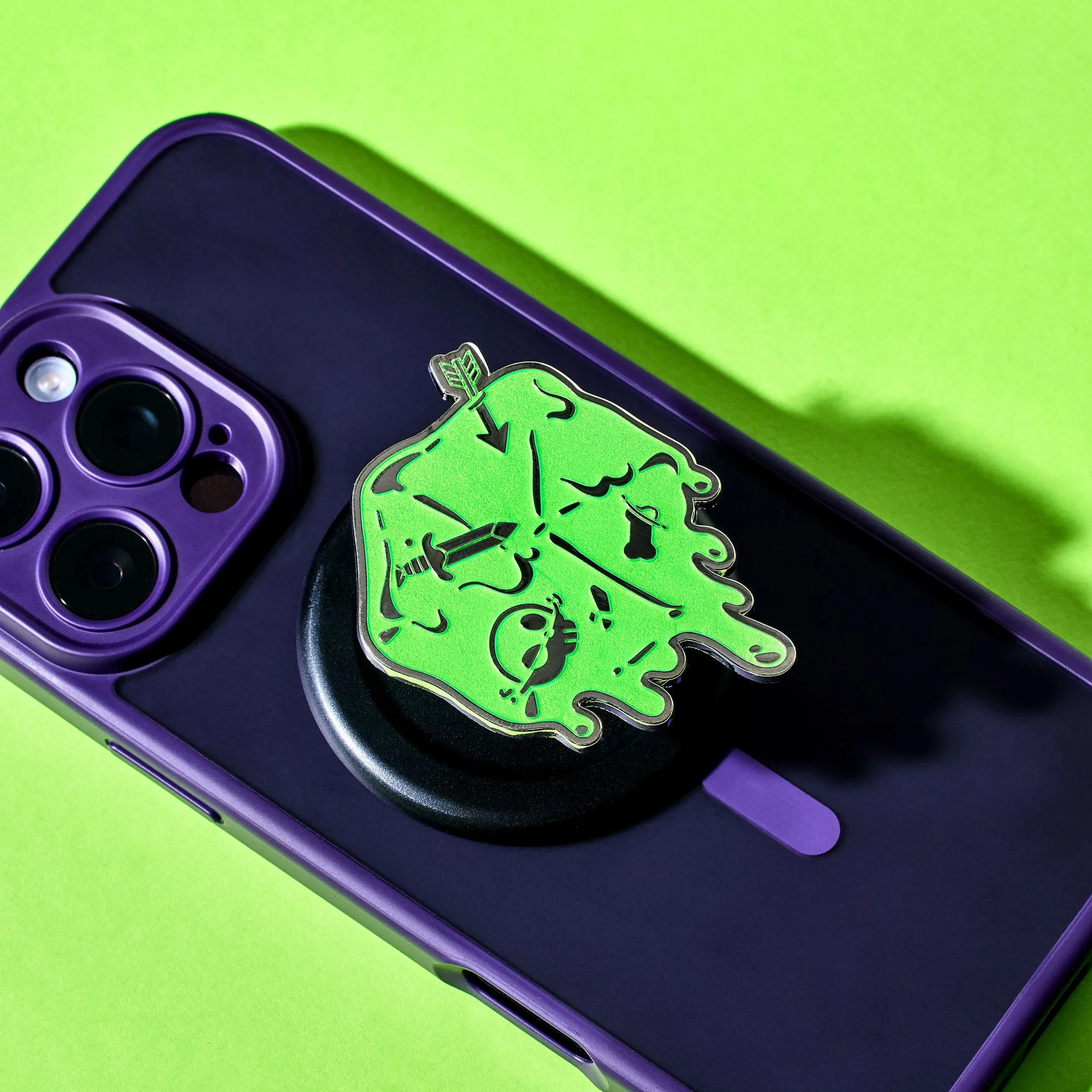
Magnetic phone grips rely on the MagSafe magnet array built into compatible cases. Without that built-in magnet, the grip won't hold securely, which is why the Death by Ooze Magnetic Phone Grip explicitly warns against using it on a bare phone.
If your phone case isn't MagSafe-certified, you can still use a magnetic grip by adding a MagSafe-compatible adhesive ring or using a case that includes the magnet. This keeps the grip stable during intense gaming sessions.
Stand Mode vs. Grip Mode
A magnetic phone grip doubles as a stand, but the two modes require different positioning. For grip mode, center the grip on the back of your phone for balanced weight. For stand mode, position it closer to the bottom third of the case so the phone props up at a comfortable viewing angle.
Switching between modes is quick because the grip snaps on and off magnetically. Just pull it off and reattach it in the new position.
How to Attach and Use Your Magnetic Phone Grip
- Check Your Case Compatibility: Confirm your phone case has MagSafe built in. Look for the magnet ring on the back or check the case specs. Do not attempt to attach the grip to a bare phone or a non-MagSafe case without an adhesive magnet ring. If your case lacks MagSafe, buy a MagSafe-compatible adhesive ring before proceeding.
- Clean the Back Surface: Wipe the back of your case with a dry microfiber cloth to remove dust or oils. This ensures the magnetic grip sits flush and doesn't slide off during use. A quick wipe prevents slipping and keeps the grip secure.
- Attach the Grip: Place the magnetic grip on the back of the case, aligning it with the magnet area. You should feel it snap into place. If it doesn't snap, reposition it slightly. If the grip doesn't snap, your case may not be MagSafe-compatible.
- Adjust for Grip or Stand Mode: For grip mode, center the grip on the back. For stand mode, move it to the lower third of the case so the phone props up at a comfortable angle. Test both positions before committing. Test the stand angle with your phone in landscape to avoid it tipping over.
- Test the Hold: Shake your phone gently while holding the grip to ensure it's secure. Then practice snapping the grip off and on a few times to get comfortable with the mechanism. If it feels loose, reattach or reposition the grip.
Product Fact
-
Death by Ooze Magnetic Phone Grip: The Death by Ooze Magnetic Phone Grip is compatible with any MagSafe phone case and functions as a convenient stand for watching videos. This means you can use it both as a secure grip during gameplay and as a hands-free stand for video guides or cutscenes, without needing separate accessories.
Death by Ooze Magnetic Phone Grip