Quick answer
Start with your IEM's sensitivity and impedance, because those two numbers decide how much noise your source will reveal and how much voltage you actually need. For most 64 Audio IEMs, a low-output-impedance source under about 2 ohms and a quiet noise floor matter more than raw power. Match the source first, then add an amp only if you hear hiss, distortion, or a lack of headroom.
Step 1: Read your IEM's sensitivity and impedance before shopping
Sensitivity tells you how loud the IEM gets per unit of power or voltage, and impedance tells you how much the load resists that signal. High sensitivity means the IEM will reveal background hiss from a noisy source; low impedance means the source's output impedance can shift the frequency response. If you don't have the spec sheet, treat the IEM as sensitive and low-impedance until you test it, because that is the safer assumption for portable gear.
Step 2: Set a realistic output-impedance target for impedance matching
For impedance matching in in-ear monitors, aim for a source output impedance below roughly 1/8 of the IEM's impedance. With a 10-ohm IEM, that means under about 1.25 ohms; with a 32-ohm IEM, under about 4 ohms. Many dongles and DAPs publish this number, but some headphone amps do not. If the output impedance is missing from the spec sheet, that is a decision limitation, not a green light — assume it is higher than ideal and listen for a bass lift or a thin top end.
Step 3: Estimate power needs with a headroom margin
You rarely need huge power for IEMs, but you do need enough voltage swing to handle dynamic peaks without clipping. A practical approach is to calculate the power needed for your normal listening level, then double it for headroom. If your source already reaches a comfortable volume at 40–60% of its range, you likely have enough power; if you are pinned near maximum, the source is the bottleneck, not the IEM.
Step 4: Choose the source type that fits your listening context
A phone with a dongle DAC is the simplest option for commuting, but dongles vary widely in noise floor and output impedance. A dedicated DAP gives you a known output impedance and often a lower noise floor, while a desktop amp can add headroom for harder-to-drive models. There is no single best amp for 64 Audio IEMs — the right choice depends on whether you need portability, a black background, or extra voltage swing.
Step 5: Test with real music and listen for specific problems
Play a familiar track with quiet passages and dense peaks. Hiss in the silence points to a noisy source; a bloated or recessed midrange points to output impedance mismatch; distortion on peaks points to insufficient headroom. Adjust one variable at a time — cable, tip, source, gain setting — so you know what actually changed the sound.
Your source-matching checklist
- Write down sensitivity and impedance: Find these two numbers for your exact 64 Audio model before you compare sources. If either number is missing, treat the IEM as sensitive and low-impedance.
- Check source output impedance: Aim for under 1/8 of the IEM's impedance. If the spec is not published, assume it is higher than ideal. A mismatch often shows up as a bass boost or a dull top end.
- Estimate power with 2x headroom: Calculate the power for your normal level, then double it for peaks. If you listen near maximum volume, the source is limiting you.
- Pick the source for your context: Dongle for phone use, DAP for a known output impedance, desktop amp for headroom. There is no universal best amp — match the source to how you listen.
- Listen for hiss, distortion, and tonal shifts: Use a familiar track with quiet and loud passages. Change one variable at a time so you know what fixed the problem.
Products that help with source matching
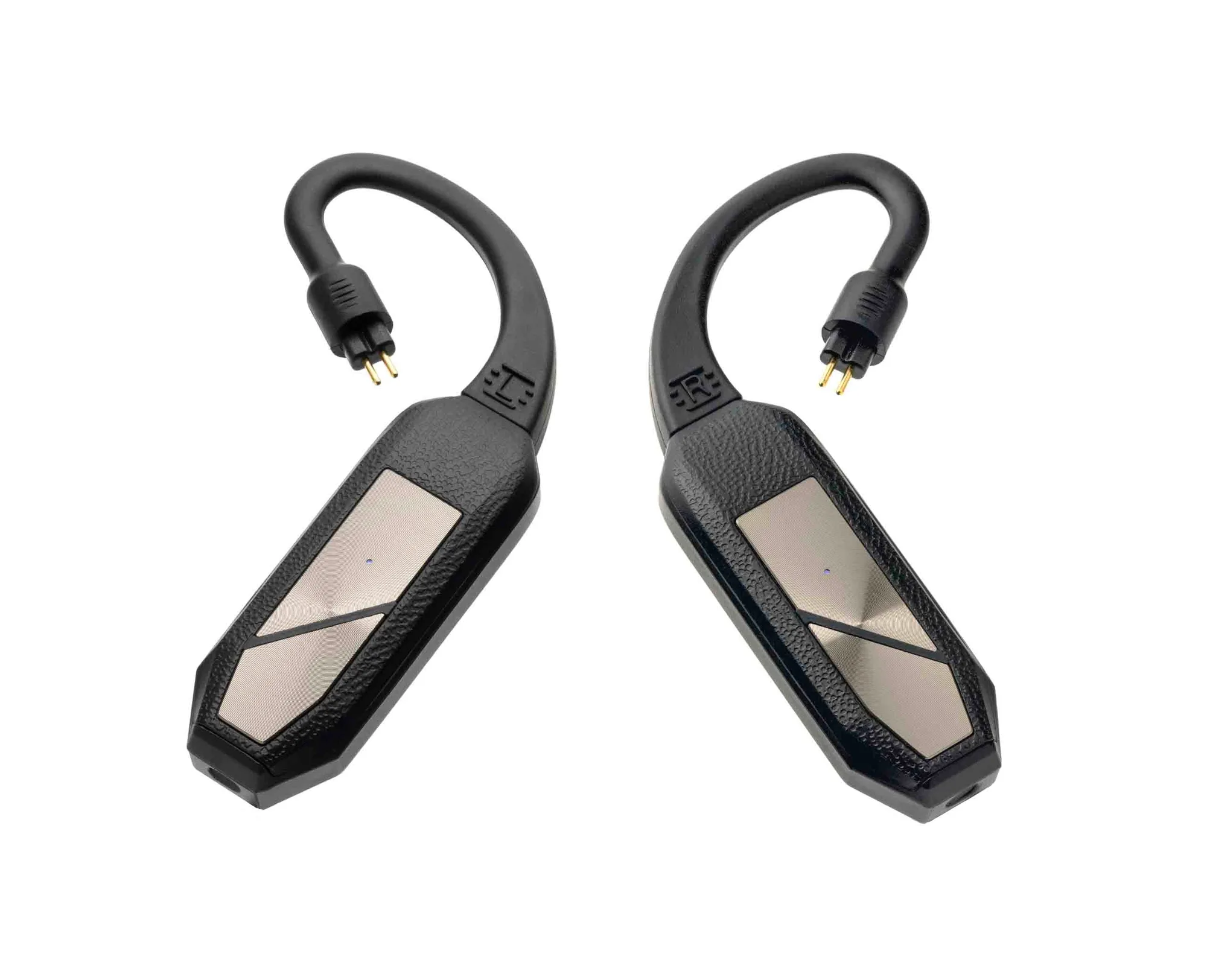
- iFi Go pod: iFi's GO pod was the world's first wearable Hi-Res Bluetooth Balanced DAC/amp upon its release, and it attaches directly to the cable socket of almost any IEM to convert them to wireless. If you want to keep your 64 Audio IEMs but remove the cable, the GO pod is a source-and-amp in one wearable unit. Check the connector option for your IEM before buying, and remember that Bluetooth adds its own codec and latency limits.
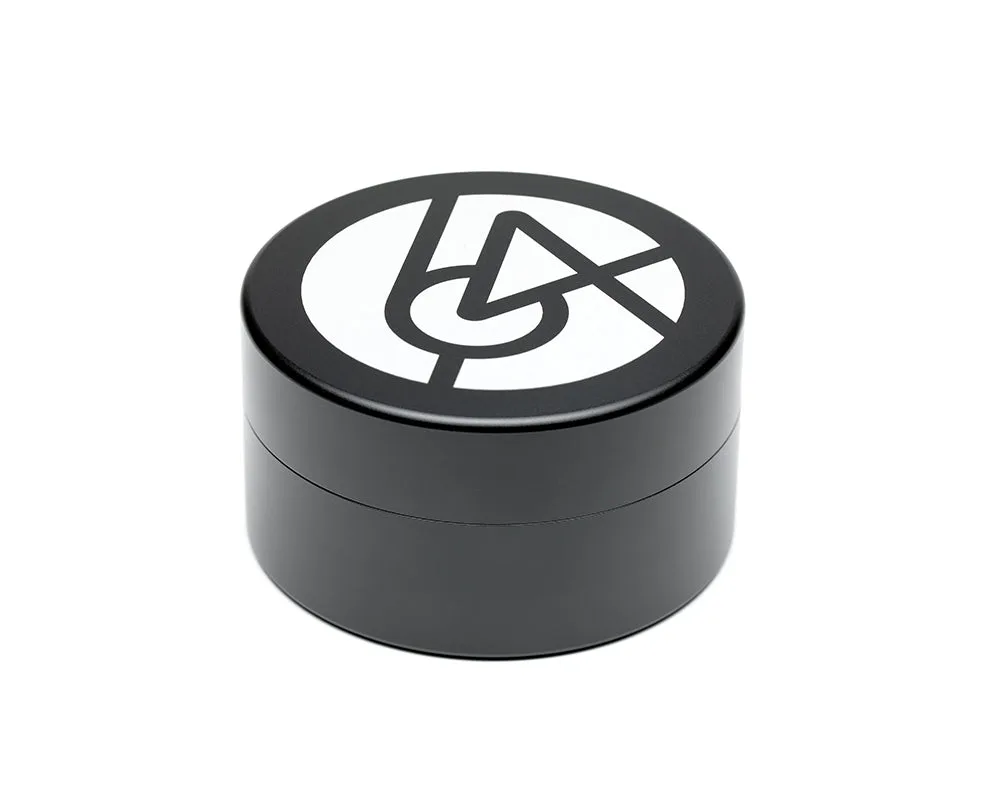
- 64 Audio Aluminum Case: The 64 Audio Aluminum Case has a wrap and lock mechanism for the cable, a built-in dehumidifier, and compartments for Apex modules, the cleaning tool, a shirt clip, and ear tips. When you carry a source, a dongle, and spare modules, this case keeps the small parts together so you can swap sources without losing accessories.
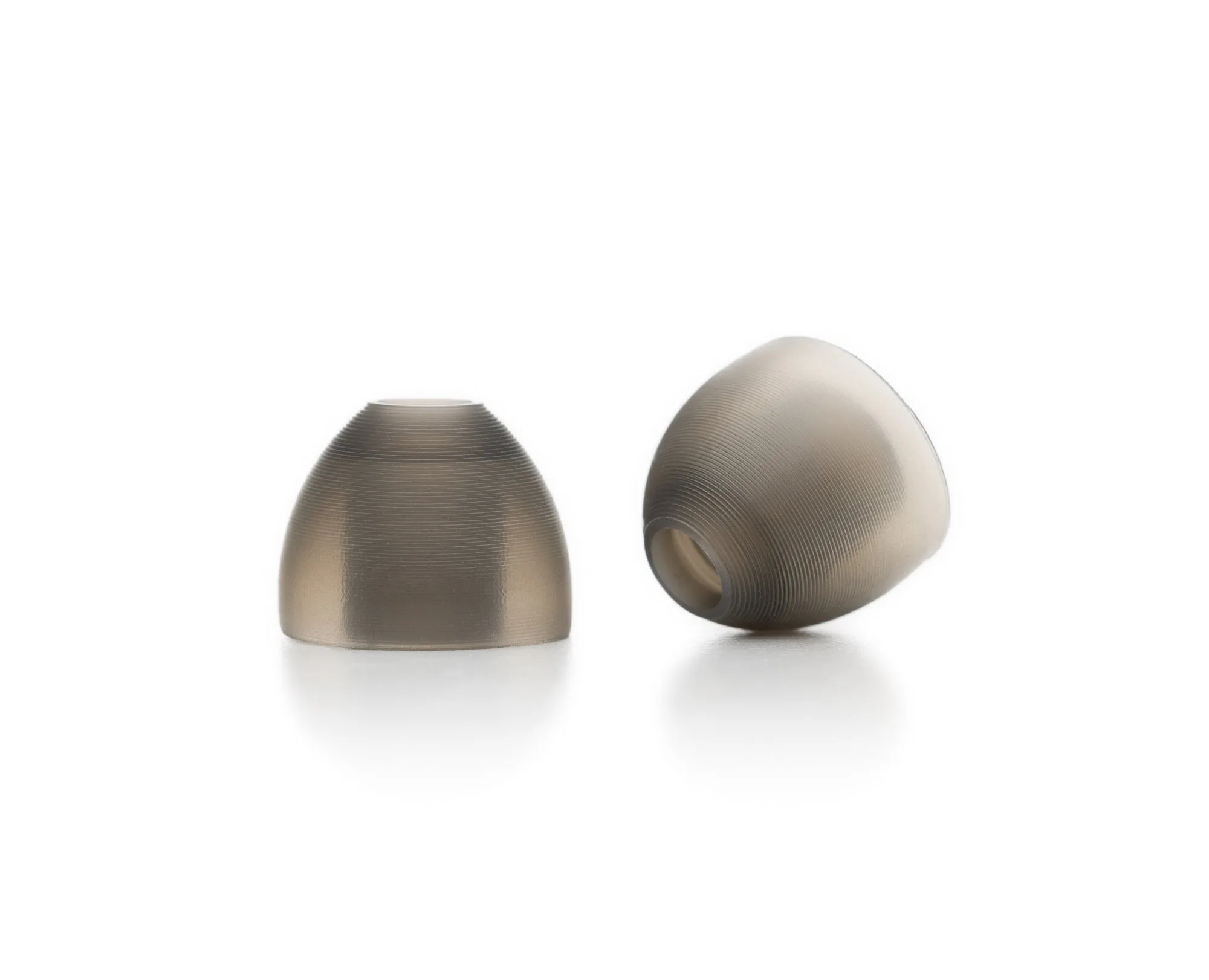
- Silicone Ear Tips: 64 Audio Silicone Ear Tips are replacement tips offered in Small, Medium, and Large, with each size sold under its own product code. A proper seal changes how much bass you hear, which affects how you judge a source. Test a new source only after you have a consistent, comfortable tip fit.