Quick answer
Use Madworks S073 etching parts to add sharp, precise detail to your MG Gundam Vidar. Follow a careful cut-and-glue process with the right tools to avoid damaging the parts.
Why etching parts?
Photo-etched parts are thin metal sheets with pre-cut details that add realism and sharpness that plastic alone cannot achieve. For the MG Gundam Vidar, these parts can replace plain plastic vents, sensors, and armor panels with finer, more intricate shapes.
The trade-off is that metal parts are delicate and require more careful handling than plastic. They do not flex, and they need a strong adhesive like cyanoacrylate (super glue) rather than plastic cement.
What you'll need
Besides the Madworks S073 set, you'll need a sharp hobby knife or dedicated photo-etch scissors, tweezers, a cutting mat, cyanoacrylate glue (thin or medium), and optionally a metal file or sanding stick for cleaning edges.
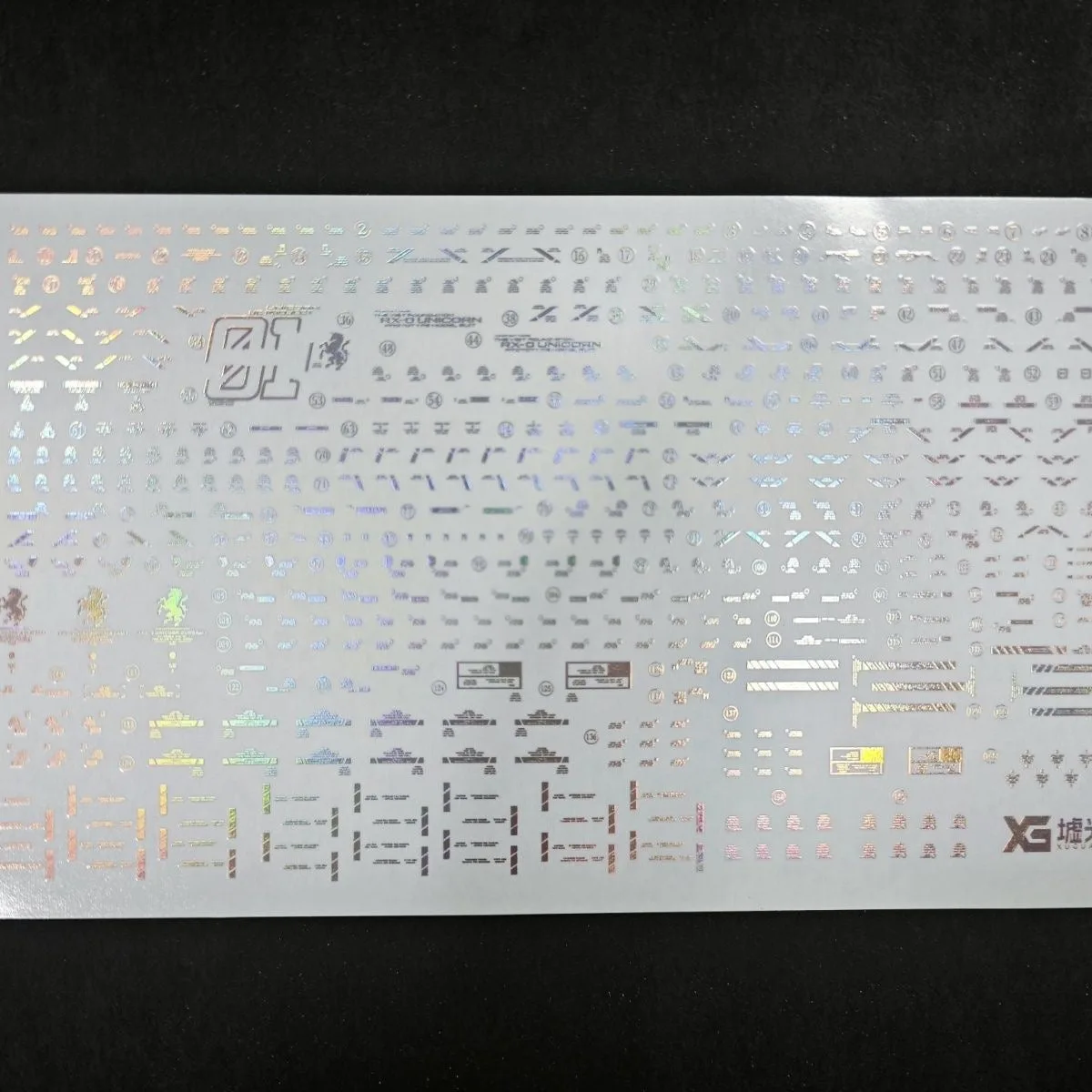
The set includes waterslide decals, so have warm water and a soft brush ready for decal application after the metal parts are placed.
Step-by-step upgrade process
- Prepare your workspace: Lay down a cutting mat and ensure good lighting. Organize the etching sheet and your tools within easy reach. Check that your hobby knife blade is sharp; a dull blade can bend or tear the metal.
- Cut out the parts: Using photo-etch scissors or a sharp knife, carefully cut each part from the sprue. Cut close to the part but not through it, to avoid leaving excess metal. Hold the sheet flat and cut in short, controlled strokes to prevent warping.
- Clean the edges: Use a fine file or sanding stick to remove any burrs or rough edges from the cut parts. This ensures a flush fit against the plastic. Work gently; over-filing can remove detail or make the part too small.
- Dry-fit before gluing: Place the part on the intended area without adhesive to check alignment and fit. Adjust if necessary. If the part does not sit flat, trim a little more from the edge rather than forcing it.
- Apply adhesive: Apply a small amount of cyanoacrylate glue to the back of the part or directly on the plastic. Press the part into place and hold for a few seconds. Use minimal glue to avoid squeeze-out; excess glue can mar the surface and is hard to clean once set.
- Apply the waterslide decals: After the metal parts are fixed, apply the included waterslide decals. Dip in warm water, slide onto the surface, and position with a damp brush. Let the glue cure fully before handling the area, so the decal does not shift or tear.
Product facts
-
Madworks S073 Etching Parts for MG Gundam Vidar: Madworks S073 etching parts for MG Gundam Vidar include waterslide decals. You get both raised metal detail and flat decals in one set, so you can finish the kit's detailing without buying extra decals.
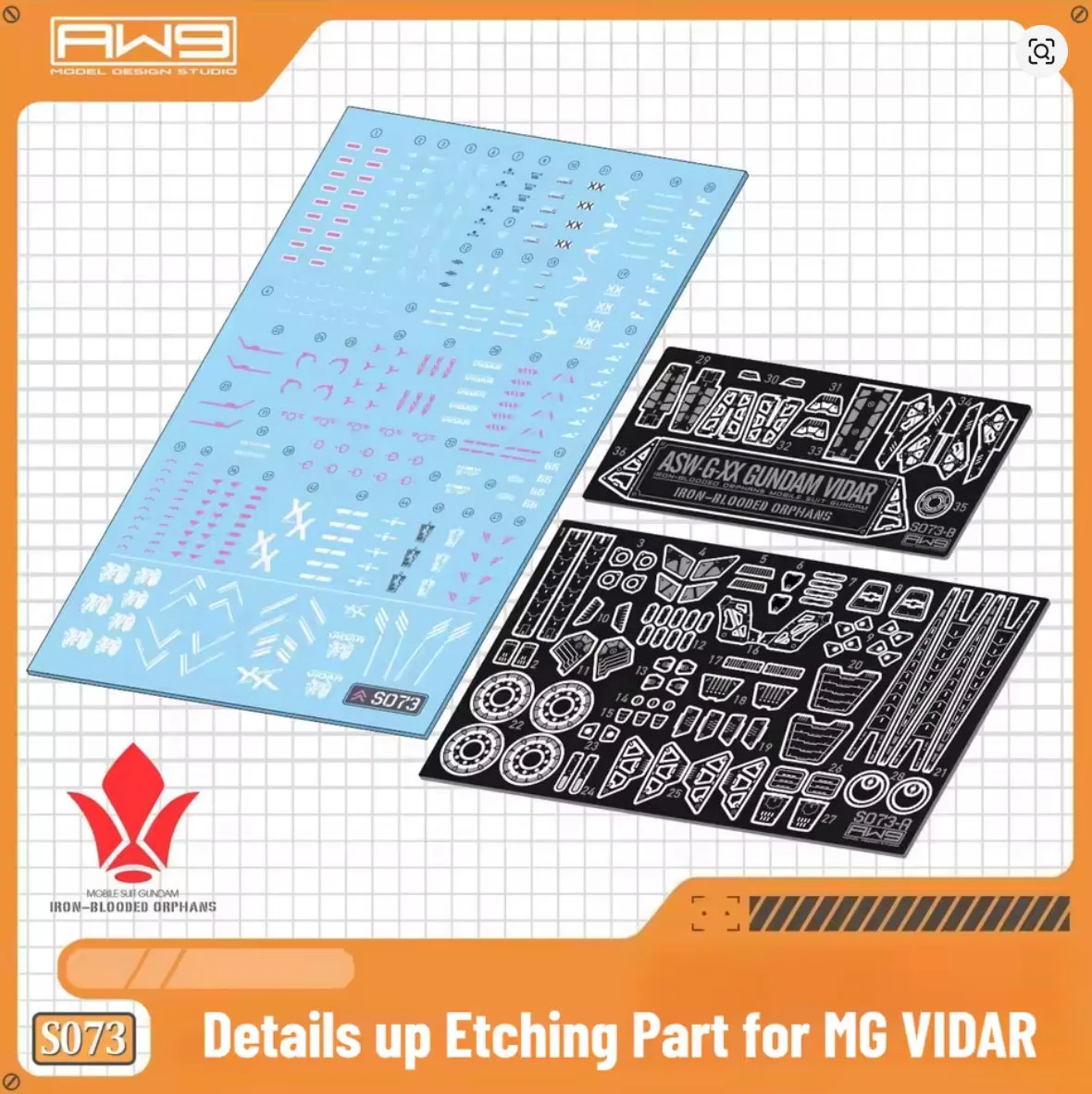
Madworks S073 Etching Parts for MG Gundam Vidar