Why dash cam cards wear out faster than phone cards
A dash cam records in a loop: it writes new footage continuously and overwrites the oldest files. That constant write-and-erase cycle is the main reason a dash cam SD card can fail long before a card used only for occasional photos. The card is doing heavy, repeated work every time you drive.
You cannot eliminate loop-recording wear, but you can reduce avoidable stress. Use a card intended for continuous recording, format it in the camera rather than on a computer, and check it periodically so a worn card does not quietly stop saving footage.
How to format a dash cam micro SD card
Formatting clears the card's file structure and gives the camera a clean place to write. The exact menu wording varies by model, so use your camera's own settings menu rather than a computer. The steps below are the general sequence; follow the prompts on your dash cam.
- Back up footage you want to keep: Formatting erases the card. Copy any clips you need to a computer or another storage device first.
- Put the card in the dash cam: Format in the camera that will record to it. This avoids file-system mismatches between computer and camera.
- Open the camera's settings menu: Look for a storage, SD card, or format option. The exact label depends on your 70mai model.
- Confirm the format and wait: Do not remove the card or cut power while the camera is formatting. Let the process finish and the camera return to its normal screen.
- Check that recording starts normally: After formatting, confirm the camera recognizes the card and begins loop recording. If it does not, re-seat the card and check compatibility before trying again.
Match the card to your 70mai model before you format
Formatting cannot fix a capacity that your camera does not support. 70mai lists different micro SD card variants for different dash cam models, so check your model against the card capacity first. If the capacity is not listed for your camera, formatting it will not make it compatible.
70mai micro SD card capacity by dash cam model
-
70mai Micro SD Card for Dash Cam: The 512G variant is compatible with Dash Cam 4K Omni, T800 and A800SE. If you own one of these three models and want the largest listed capacity, this is the variant 70mai lists for it.
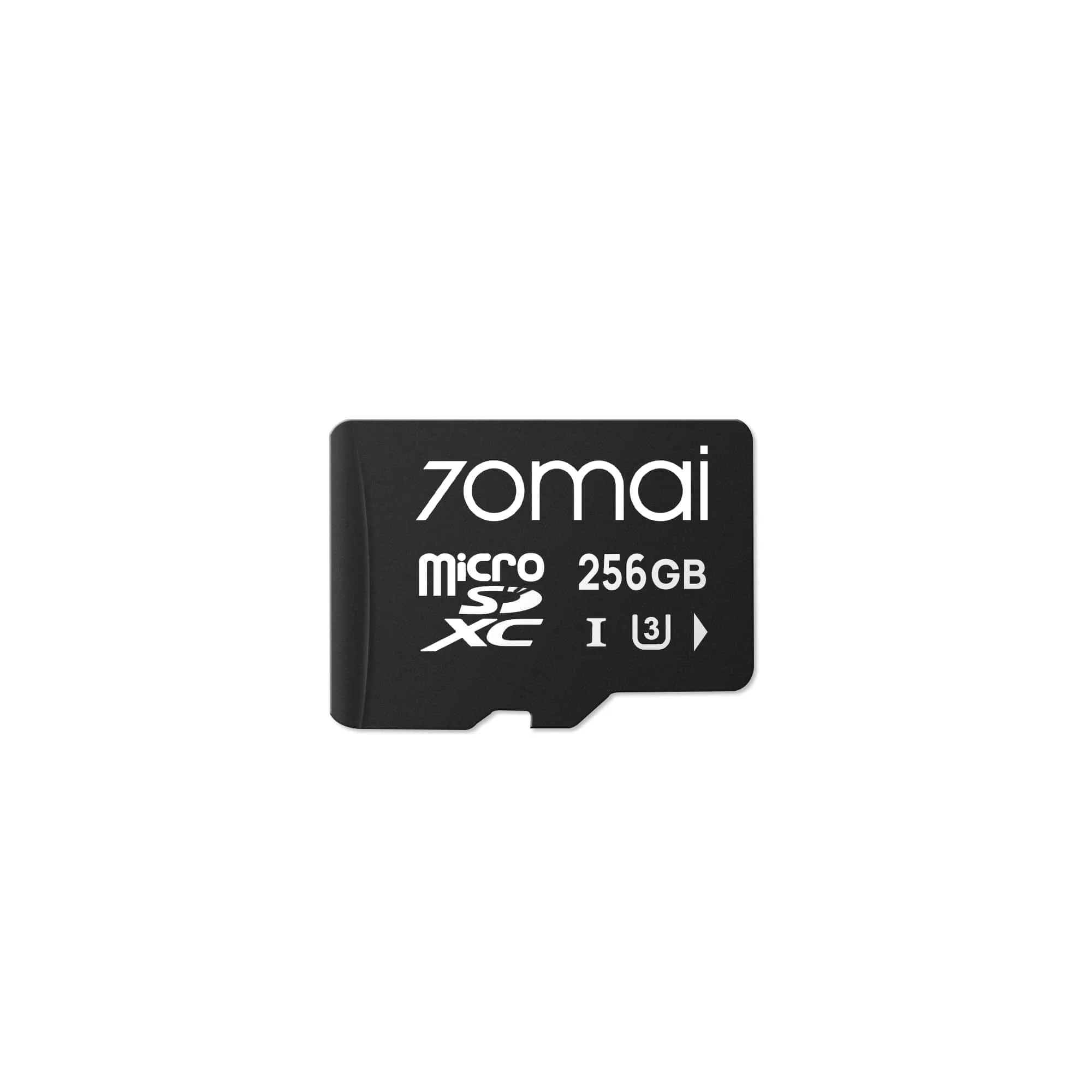
70mai Micro SD Card for Dash Cam
-
70mai Micro SD Card for Dash Cam: The 256G variant is suitable for use with Dash Cam 4K Omni, T800, A800SE, A810, A800S and A510. This capacity covers several popular 70mai models, making it a useful middle option when you want more recording time than 128G.
-
70mai Micro SD Card for Dash Cam: The 128G variant is suitable for use with Dash Cam 3, M300, Lite 2, A400, A500S, A800S, A810, S500, A200, 4K Omni, T800, A800SE and A510. The 128G variant has the broadest listed model coverage, so it is a safe starting point for many 70mai dash cams.
-
70mai Micro SD Card for Dash Cam: The 32G and 64G variants are compatible with Dash Cam 3, 1S, M300, Lite 2, A400, A500S, A800S, A810, A200, S500 and A510. These smaller capacities cover older and entry-level models, including the 1S, which is not listed for the 128G variant.
Everyday care tips that reduce wear
- Format in the camera, not the computer: The camera writes in its own file structure. Formatting on a computer can leave the card in a state the camera does not expect.
- Do not pull the card while recording: Removing the card mid-write can interrupt the file system. Power the camera down or stop recording before you remove it.
- Keep the card away from heat and moisture: A dash cam parked in the sun gets hot. Avoid leaving spare cards on the dashboard or in damp storage.
- Check recorded footage periodically: Play back a recent clip every so often. If files are missing or corrupted, format the card and test again before relying on it.
- Replace a card that keeps failing: If formatting no longer restores normal recording, the card is likely worn out. A fresh card is more reliable than repeated rescues.
What the 70mai card listing does not tell you
The supplied product information confirms model compatibility for each capacity variant, but it does not state endurance ratings, write speed classes, or a recommended replacement interval. Those details are not confirmed here, so treat any specific lifespan figure with caution. Use the compatibility list to choose the right capacity, then rely on your own footage checks to decide when a card needs replacing.