Quick answer
For most Arduboy-compatible mini consoles, short battery life and screen flicker trace back to charging habits and storage conditions, not a failed device. Charge fully before first use, top up monthly, and clean the 1.3-inch screen with a dry microfiber cloth.
Why tiny consoles behave differently
A 600mAh battery has far less reserve than the 3,000mAh cells in full-size handhelds, so small changes in playtime or charging routine show up quickly. The 1.3-inch display also has fewer pixels to mask pressure marks or smudges, which makes screen care more visible in daily use.
Treat the console as a keychain first and a gaming device second: keys, coins, and bag straps are the most common sources of scratches and case pressure.
When the fix is not worth it
If the console has been stored for months and will not accept a charge after a full overnight attempt, or if the screen shows permanent lines or dead pixels, stop troubleshooting. These symptoms point to cell or panel failure that routine care cannot reverse, and the low replacement cost of a mini console usually outweighs repair.
Diagnosis: match the symptom to the fix
- Battery drains within minutes of a full charge: Charge the console to full with the supplied cable and a standard 5V USB adapter, then play continuously and note the time. If runtime is under 30 minutes, the cell is likely worn or the charger is underpowered. Try a different 5V adapter and cable before assuming battery failure. If runtime stays under 30 minutes after two full charge cycles, stop charging troubleshooting.
- Console will not turn on after storage: Connect it to a charger for at least two hours before pressing power. A deeply discharged 600mAh cell needs a long trickle before the screen responds. If no display appears after a full overnight charge, the battery has likely gone flat permanently. Do not keep pressing power repeatedly; give the cell time to recover first.
- Screen looks dim, smudged, or scratched: Wipe the 1.3-inch display with a dry microfiber cloth using light pressure. Avoid alcohol or household cleaners, which can cloud the plastic window. For scratches, a screen protector can hide light marks but will not remove deep gouges. If scratches obscure the game display, replace the unit rather than polishing the window.
- Console gets warm while charging: Mild warmth is normal during charging. Unplug immediately if the case becomes hot to the touch or the screen flickers while charging. Charge on a non-flammable surface and avoid leaving it plugged in overnight on a soft surface like a bed. Heat plus flicker means stop charging and do not use that adapter again.
- Games freeze or console resets mid-play: Charge to full and test again. If resets continue at full charge, the battery may not be delivering stable voltage under load. Stop using the console if resets happen within minutes of a full charge. Resets at full charge are a stop signal, not a care problem.
Product facts
-
1.3-Inch 600mAh Mini Handheld Game Console Compatible with Arduboy: Rechargeable 600mAh battery for extended playtime. Plan shorter sessions and top up regularly rather than expecting all-day play.
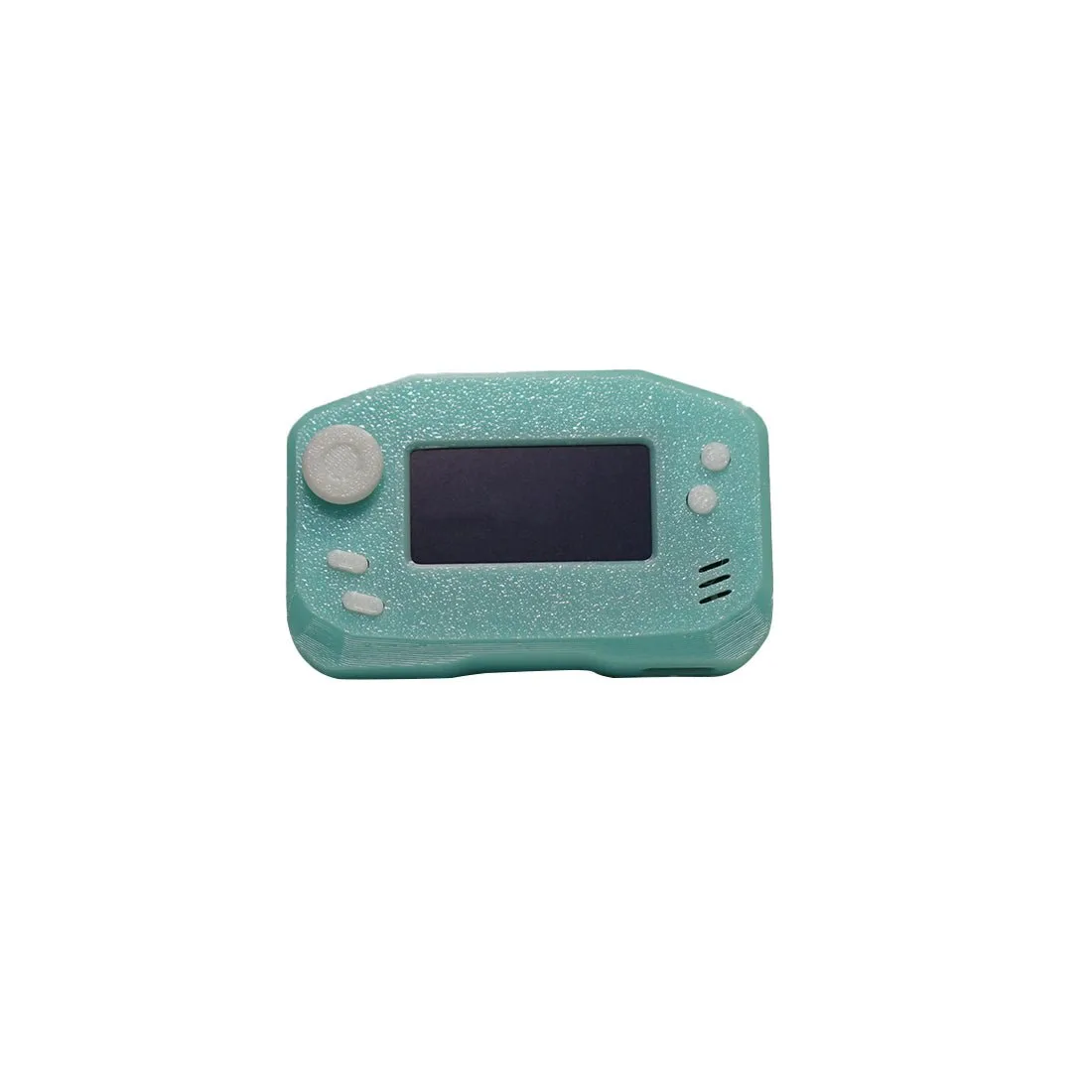
1.3-Inch 600mAh Mini Handheld Game Console Compatible with Arduboy
-
1.3-Inch 600mAh Mini Handheld Game Console Compatible with Arduboy: 1.3-inch display in a lightweight body that fits on a keychain. The small screen benefits from a dry wipe after each outing to remove oils and grit.
-
1.3-Inch 600mAh Mini Handheld Game Console Compatible with Arduboy: Preloaded with 400+ classic games and no setup required. You can test battery and screen health immediately after charging, without loading files.