Quick answer
Buy a mouse bungee only if you play wired and your cable still drags, snags, or catches on your mousepad edge. A bungee lifts the cable off the desk and holds it at a fixed angle, which makes the cable feel lighter and more consistent. If your wired mouse already feels cable-free, skip it and spend the money on skates or a mousepad instead.
A mouse bungee is one of the cheapest upgrades in gaming, but it is also one of the most misunderstood. It does not make your sensor more accurate, and it will not fix a frayed cable. What it does is hold your mouse cable above the desk so it stops dragging, snagging on pad edges, or pulling your aim off line during a fast swipe.
This mouse bungee buying guide covers the real benefits, the situations where a bungee is a waste of money, and how to match one to a wired mouse like the XM2 8k v2 or OP1 8k v2. If you are weighing a bungee against a wireless upgrade, the decision rules and fit guidance below will help you choose the right path for your setup.
What a mouse bungee actually does
A bungee clamps or weights your cable at a fixed point and lifts it into a gentle arc. That arc removes the cable's contact with the desk and pad edge, which is where most drag and snagging comes from. The result is a more consistent cable feel: the mouse moves the same way whether you are doing small corrections or a full-arm flick.
The benefit is real but modest. You will notice it most during low-sensitivity play, where long swipes repeatedly pull the cable across the desk. If you play at high sensitivity with small movements, the cable may barely move, and a bungee will do almost nothing for you.
- A bungee manages the cable, not the sensor, switches, or skates.
- The biggest gains show up in low-sensitivity, large-swipe playstyles.
- If your cable already floats freely, a bungee adds little.
Do I need a mouse bungee? Four honest tests
Test one: play a round and watch your cable. If it slides across the desk, catches on the pad edge, or pulls taut during swipes, a bungee will help. Test two: check your cable material. Stiff, thick, or braided cables drag more than flexible ones, so they benefit most from being lifted.
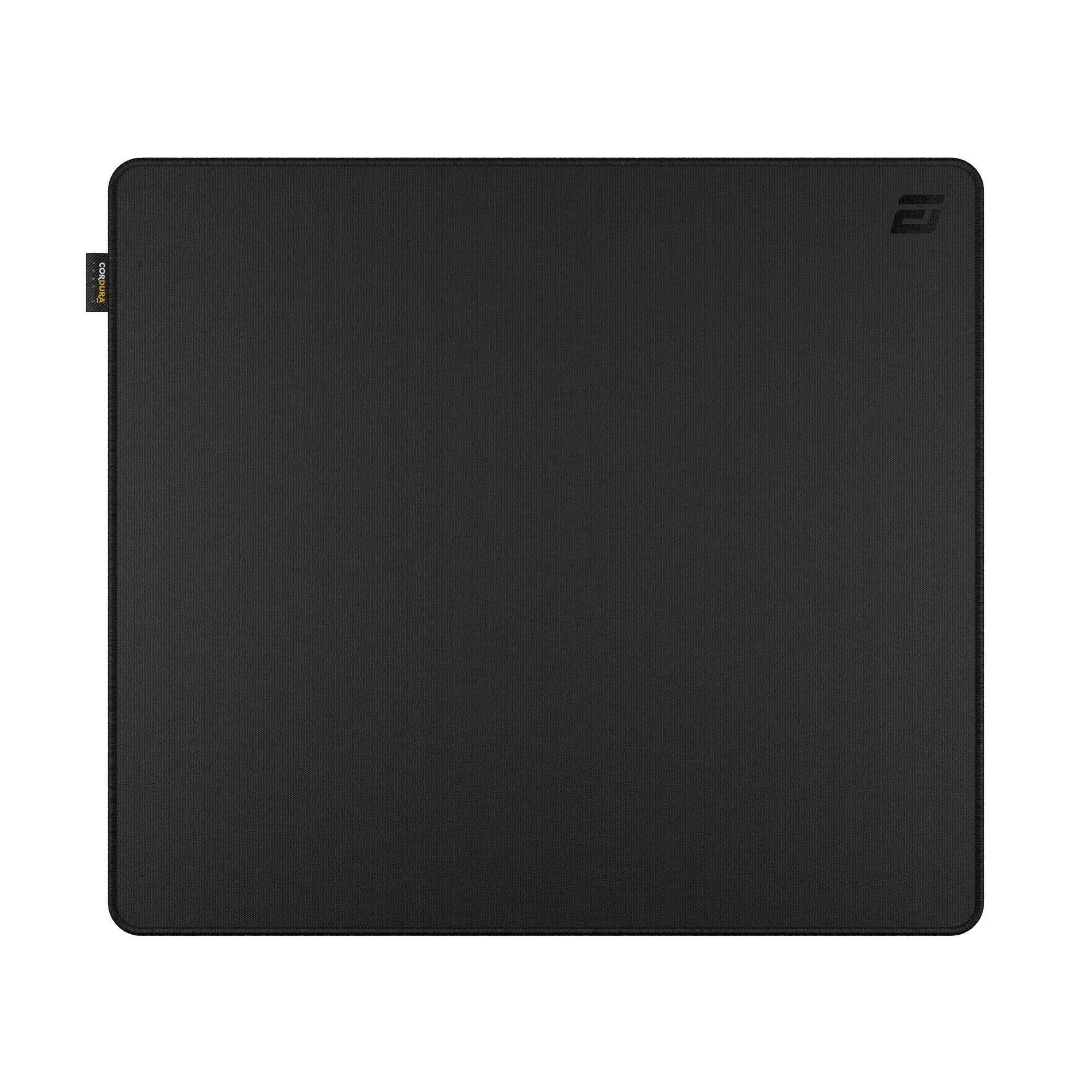
Test three: check your desk. A cluttered desk with a monitor stand, headphone cable, or keyboard cable crossing your mouse cable creates snags a bungee can reduce. Test four: check your mousepad. A large pad like the MPC1200 CORDURA® Gaming Mousepad gives you more room to swipe, which also means more cable travel and more chances to snag without a bungee.
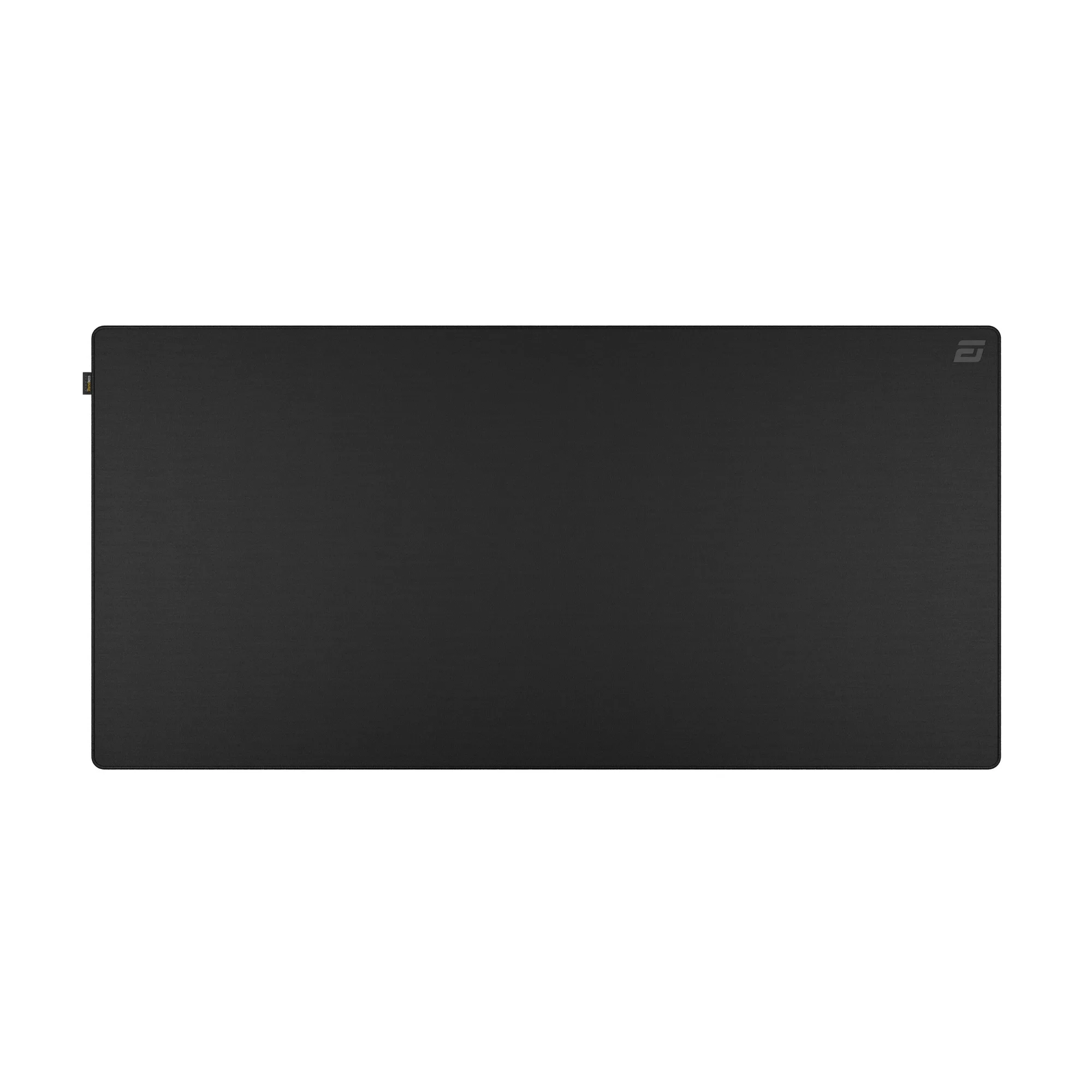
MPC1200 CORDURA® Gaming Mousepad
- Cable drags, snags, or pulls taut: buy a bungee.
- Cable already floats free: skip it.
- Desk clutter crosses your cable: a bungee helps organize it.
Mouse bungee benefits and the trade-offs nobody mentions
The main mouse bungee benefits are consistent cable tension, less pad-edge snagging, and tidier mouse cable management. A bungee also keeps the cable off your mousepad surface, which means less chance of the cable dragging dust or grit across the pad. That is a small but real durability bonus for cloth pads.
The trade-offs are just as real. A bungee takes up desk space, adds one more thing to position and adjust, and can be fussy if your cable is unusually thick or your desk edge is awkward. Some players also dislike the slight upward pull a bungee adds, especially if the arm is set too high or too far back.
- Set the arm so the cable has a gentle arc, not a tight pull.
- Keep the bungee close to your pad edge to avoid a long cable run.
- If the pull feels heavy, lower the arm or move the bungee closer.
How to choose a mouse bungee for a wired mouse
Start with cable compatibility. A bungee that grips too tightly can pinch a thin or soft cable, while one that grips too loosely lets the cable slide through and defeats the purpose. Check that the clamp or slot fits your cable diameter without crushing it, and prefer a design with an adjustable arm so you can tune the arc.
Next, match the bungee to your mouse weight and cable feel. A light wired mouse like the XM2 8k v2 benefits most from a bungee because its cable can noticeably affect the mouse's effective weight during swipes. A heavier mouse masks cable drag better, so the bungee's benefit is smaller. Finally, check the base: a weighted or clamped base that stays put matters more than extra features.
- Adjustable arm height and angle beats a fixed arm.
- A stable base is more important than a fancy clamp.
- Match the grip tension to your cable thickness.
Bungee or wireless? A simple decision rule
If you already own a wired mouse you like, a bungee is the cheaper path to a cleaner cable feel. If you are buying a new mouse anyway and cable drag is your main complaint, compare the total cost. A bungee plus a wired mouse can still cost less than a wireless mouse, but wireless removes the cable question entirely.
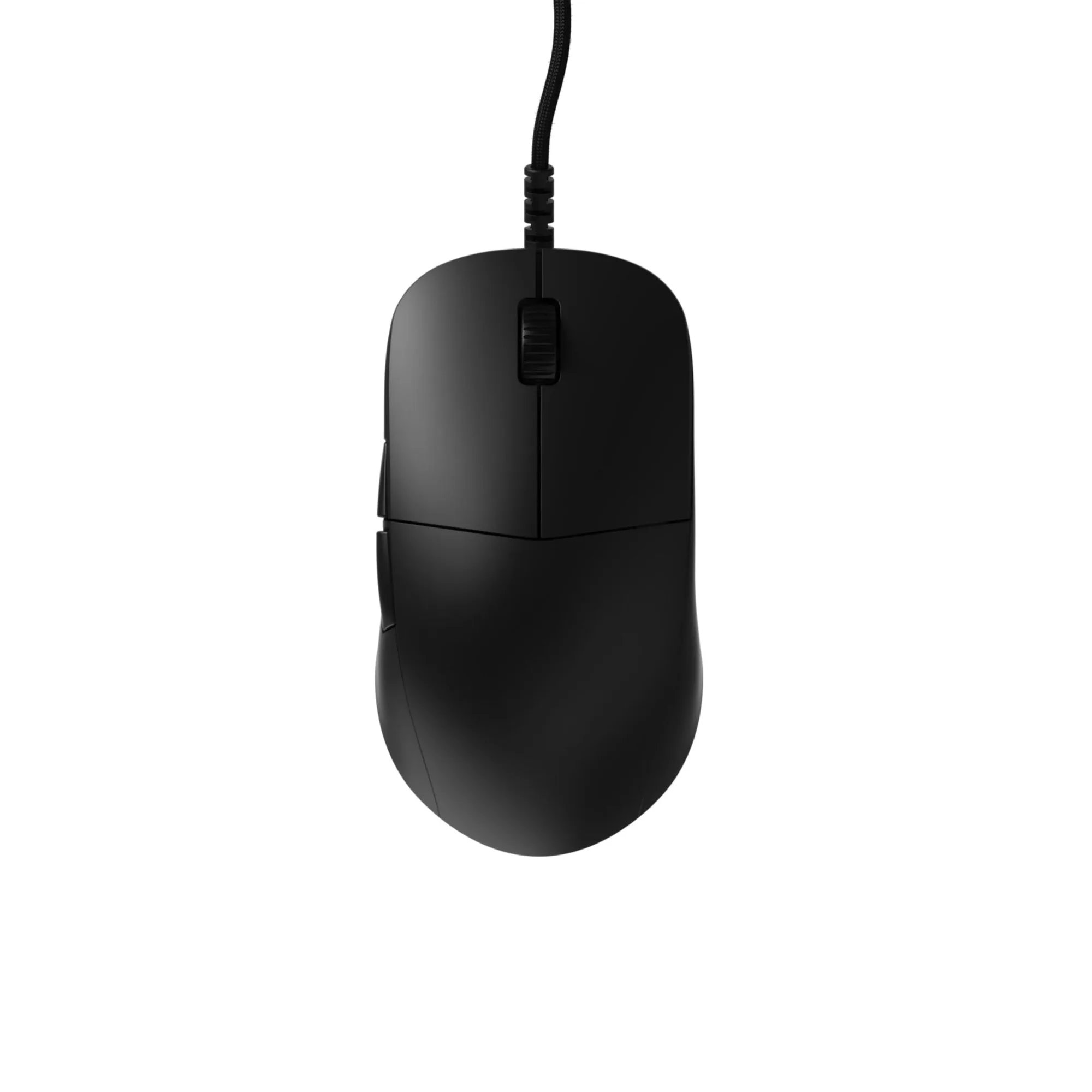
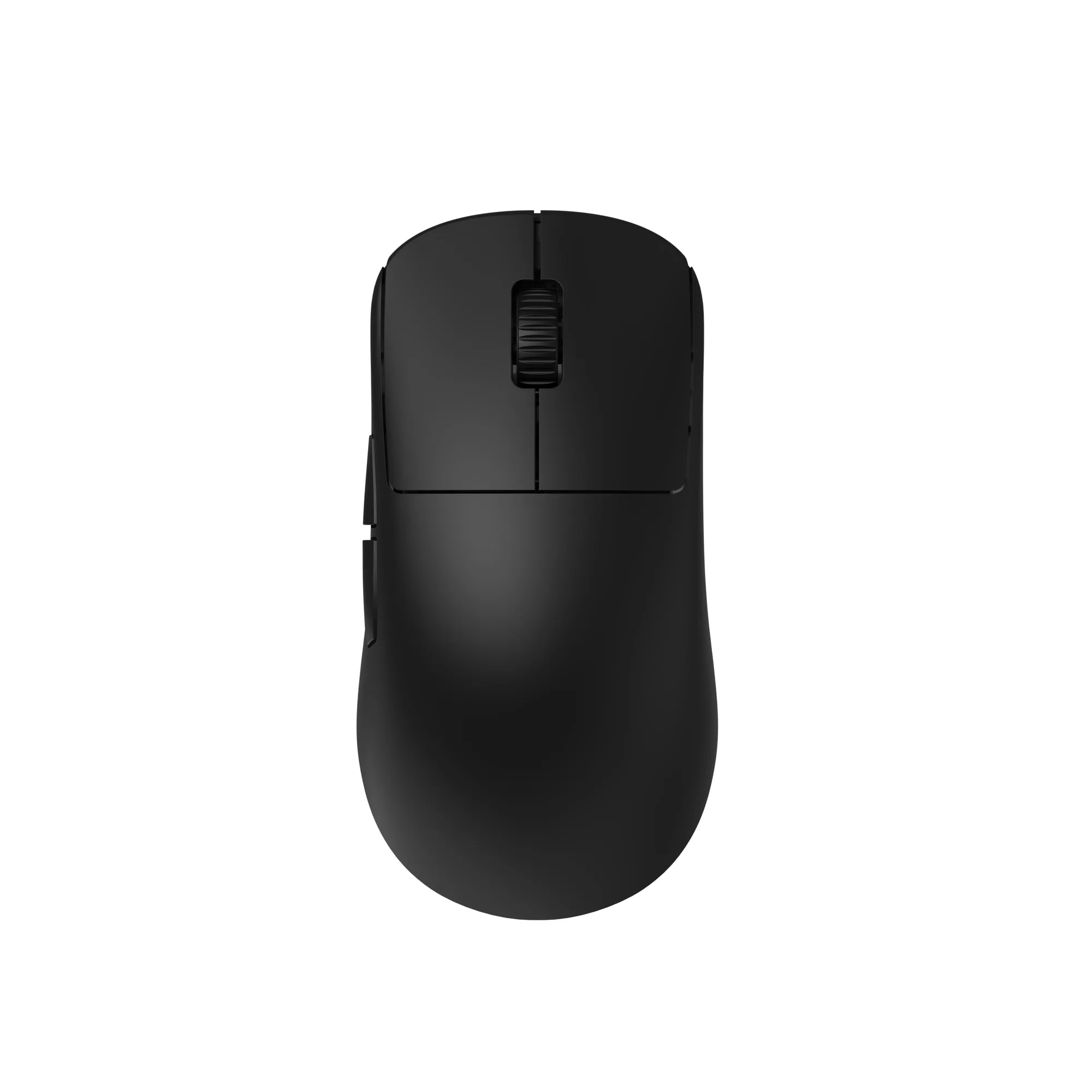
For example, the XM2 8k v2 Wired Gaming Mouse and the OP1 8k v2 Wired Gaming Mouse are both built for competitive play, and a bungee is a natural pairing for either. If you want to cut the cable, the OP1w 4k v2 Wireless Gaming Mouse removes the need for a bungee altogether. Neither choice is wrong; they solve the same problem in different ways.
- Own a wired mouse you like: add a bungee.
- Buying new and hate cables: go wireless.
- On a tight budget: bungee plus wired mouse is usually cheaper.
Set up and placement tips that actually matter
Place the bungee slightly behind and above your mousepad's top edge, so the cable rises gently and then falls toward the mouse. Too far back and the cable pulls; too far forward and the cable can loop and catch. Aim for a shallow arc with just enough slack for a full swipe in every direction.
Leave a little extra slack than you think you need, then trim the feel by adjusting the arm rather than shortening the cable. If you use a large pad like the MPC1200 CORDURA® Gaming Mousepad, position the bungee so the cable never crosses the pad surface. If you use a compact pad like the MPC450 CORDURA® Gaming Mousepad, you have less room, so keep the bungee close and the arc short.
- Test a full left, right, up, and down swipe after positioning.
- Keep the cable off the pad surface to reduce drag and grit.
- Re-check placement after changing your sensitivity or grip.
Decision rules: buy a bungee or skip it
- Your cable drags or snags: If the cable slides across the desk, catches the pad edge, or pulls taut during swipes, a bungee fixes the problem directly. Buy a bungee with an adjustable arm and a stable base.
- You play low sensitivity with long swipes: Long swipes move the cable the most, so a bungee's consistency benefit is largest here. Prioritize placement and a gentle arc over extra features.
- Your cable already floats freely: If the cable never touches the desk or pad, a bungee adds clutter without a real gain. Skip it and spend the money on skates or a mousepad.
- You are buying a new mouse anyway: Compare a bungee plus wired mouse against a wireless mouse. Both solve cable drag, but wireless removes the cable question. Choose based on total cost and whether you want any cable at all.
Wired mice that pair well with a bungee
- XM2 8k v2 Wired Gaming Mouse: Powered by the custom PixArt PAW3950 sensor and a high-speed USB Nuvoton MCU, delivering a true 8000Hz polling rate. High polling rates only help if your aim is consistent, and a bungee removes cable drag that can disrupt fast swipes.
- OP1 8k v2 Wired Gaming Mouse: Features the PixArt PAW3950 sensor, a high-speed Nuvoton MCU, true 8000Hz polling, and hot-swappable main button switches. A light, competitive wired mouse is exactly the case where lifting the cable with a bungee makes the biggest difference.
- OP1w 4k v2 Wireless Gaming Mouse: Combines the PixArt PAW3950 sensor, up to 4000Hz wireless polling, and Kailh GX mechanical switches. If cable drag is your main complaint and you are buying new, wireless removes the need for a bungee entirely.
Who should buy a mouse bungee
Best for
- Wired mouse users whose cable drags, snags, or pulls during swipes
- Low-sensitivity players who make long, fast arm movements
- Players with cluttered desks who want tidier mouse cable management
Not for
- Wireless mouse users who have no cable to manage
- High-sensitivity players whose cable barely moves
- Anyone whose cable already floats freely without touching the desk
A mouse bungee is a small, targeted fix for one specific problem: cable drag on a wired mouse. If that problem is yours, an adjustable bungee with a stable base will make your wired mouse feel lighter and more consistent. If it is not, put the money toward skates, a mousepad, or a wireless mouse instead.