Quick Answer
Choose the MOZA MFY Yoke if you want a complete commercial-style flight control, and add the MOZA Z-Axis Module when you need precise yaw control without moving your throttle or stick.
What Each Control Adds to Your Cockpit
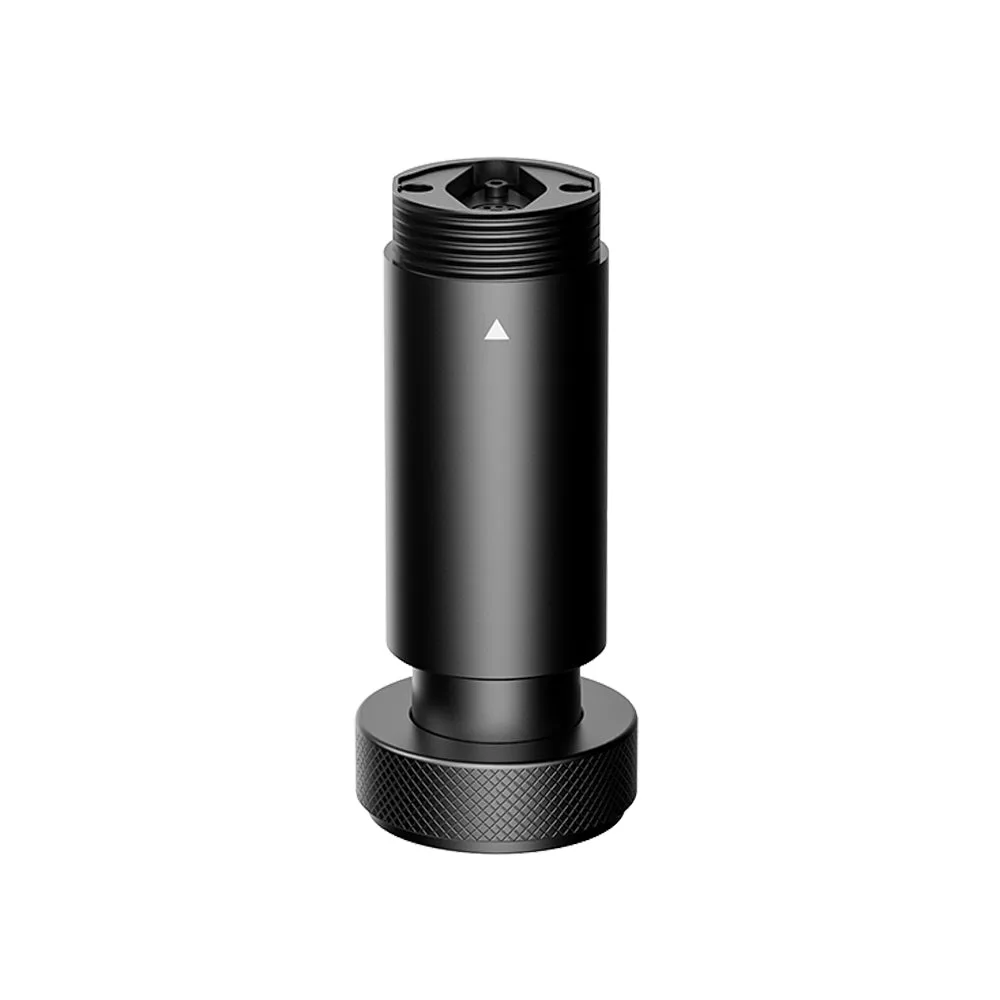
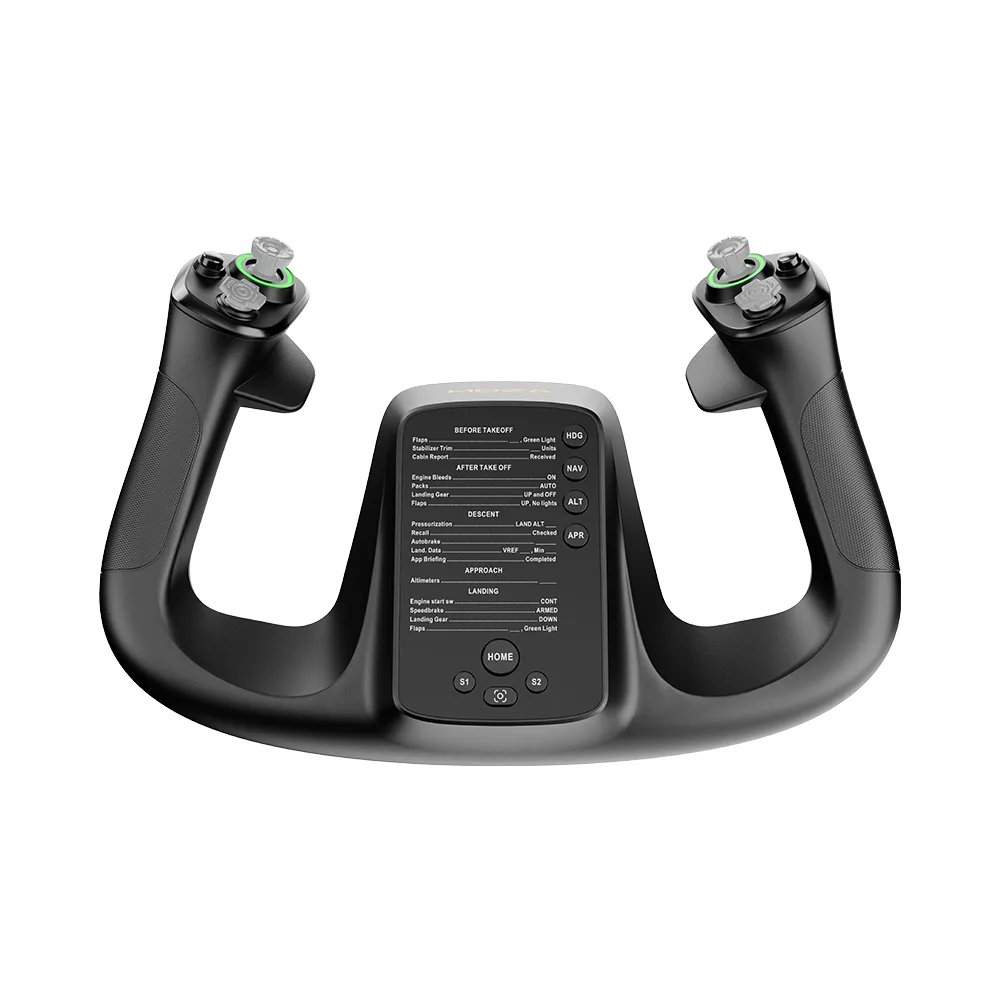
The MOZA MFY Yoke gives you the familiar two-handed grip of a commercial aircraft, with a built-in design that suits pilots who fly airliners or general aviation aircraft in their sims. The MOZA Z-Axis Module, on the other hand, is not a standalone control — it adds a dedicated yaw axis with a ±20° range, which is useful when your current flight setup lacks a natural way to control rudder or nose steering.
The key difference is scope. The MFY Yoke replaces or upgrades your primary flight control, while the Z-Axis Module expands an existing setup. If you already own a MOZA yoke or side stick, the Z-Axis Module can be a compact addition; if you are building from scratch, the MFY Yoke is the more complete starting point.
Build Quality and Installation Trade-Offs
Both products use durable materials, but they serve different roles. The MFY Yoke uses a high-strength PA66 composite with an aluminum alloy quick-release system, so it is built for repeated use and quick changes between sessions. The Z-Axis Module uses aerospace-grade CNC aluminum alloy and a locking mechanism, which gives you flexibility to lock the axis when you do not need it.
Installation is another consideration. The Z-Axis Module is described as easy to install and compatible with the MOZA ecosystem, making it a reasonable add-on for an existing rig. The MFY Yoke, with its 34 configurable inputs, will take more time to map and customize, but it also replaces multiple functions in one unit.
MOZA Z-Axis vs MFY Yoke: Trade-Offs at a Glance
- Primary Control vs Add-On: The MFY Yoke is a complete primary flight control; the Z-Axis Module is an add-on yaw axis. If you need a main control, choose the yoke. If you already have a main control, the Z-Axis Module can expand it.
- Build and Installation: The MFY Yoke uses PA66 composite and an aluminum quick-release for durability and quick changes. The Z-Axis Module uses CNC aluminum and a locking mechanism for flexible use. Both are solid, but the yoke has more buttons to configure.
- Range and Precision: The Z-Axis Module offers a ±20° yaw range with a 16-bit Hall sensor for precise control. The MFY Yoke uses a multi-functional Hall effect sensor for accurate input across its controls. Your choice depends on whether you need dedicated yaw or a full control surface. If precise yaw control is your priority, the Z-Axis Module is the targeted solution.
Product Facts at a Glance
-
MOZA Z-Axis Module: The MOZA Z-Axis Module provides a yaw control axis with a ±20° range and an extension kit that adds 97mm in length. This lets you add a dedicated yaw axis to an existing MOZA setup, which is useful for rudder or nose control without buying a separate pedal set.
MOZA Z-Axis Module
-
MOZA MFY Yoke: The MOZA MFY Yoke is inspired by commercial aircraft yokes and features 34 configurable inputs and a multi-functional Hall effect sensor. It gives you a complete primary control with plenty of buttons, making it a strong choice for airliner flying where you need quick access to many functions.
MOZA MFY Yoke
Which One Fits You?
Best for
- Pilots who want a complete commercial-style yoke with many configurable inputs for airliner flying.
- Simmers who already have a MOZA base and want a dedicated yaw axis without replacing their main control.
Not for
- Pilots who want a single, all-in-one control and do not want to buy an add-on module.
- Simmers who only fly helicopters or fighters where a yoke is not the primary control.