Quick answer
Connect the Myolift USB Lead Wire by plugging the USB end into your device and attaching the other end to your microcurrent accessory, then check that the connection is snug before each session. It works with the Mini, Triwave, and 600 devices and accessories such as eye masks, lip masks, and conductive gloves.
Why the USB connection matters for your microcurrent routine
A secure lead wire is the link between your device and the accessory that delivers current. If the USB end is loose or the accessory end is not fully seated, you may feel inconsistent stimulation or no current at all. That is why setup and routine care are worth a minute of your time.
The Myolift USB Lead Wire is designed for the Mini, Triwave, and 600 devices, so it is a useful spare or replacement if you switch between accessories often. Keep in mind that the catalog does not list cable length or material, so if those details matter to you, check the product page or contact support before ordering.
When to replace rather than troubleshoot
If you have followed the setup steps and still get no response from any accessory, the wire may be worn. Look for fraying, bent connectors, or a USB plug that wiggles in the port. Replacing the lead wire is usually simpler than diagnosing the device itself.
This guide focuses on the USB lead wire. If you use a different connector style, such as a button snap or round lead, the steps are similar but the physical connection will differ.
How to set up and care for your Myolift USB Lead Wire
- Check device and accessory compatibility: Confirm your device is a Myolift Mini, Triwave, or 600 and that your accessory uses a USB-style connection (eye mask, lip mask, or conductive gloves). Mistake to avoid: assuming any microcurrent accessory will fit; check the connector type before plugging in. If you own a different Myolift model, verify the connector type on its product page first.
- Plug the USB end into the device: Insert the USB connector into the port on your device until it sits flush. Do not force it; the plug should go in smoothly. Checkpoint: a loose or partially inserted plug can cause intermittent current. Give the plug a gentle tug to confirm it is fully seated before each session.
- Attach the accessory end: Connect the other end of the lead wire to your eye mask, lip mask, or conductive gloves according to the accessory instructions. Make sure the connection is snug and not twisted. Mistake to avoid: leaving the accessory end dangling or pulled tight during use. Route the wire so it has slack and does not pull on the accessory while you move.
- Test before your full session: Turn on your device at the lowest setting and check for the expected sensation. If nothing happens, recheck both connections before increasing intensity. Checkpoint: never start at a high level to compensate for a weak connection. If the test fails, try a different accessory to isolate whether the wire or the accessory is the issue.
- Clean and store after each use: Power off and unplug the lead wire. Wipe the connectors with a dry, soft cloth; do not use water or liquid cleaners on the USB plug. Coil the wire loosely and store it separately from sharp objects. Mistake to avoid: wrapping the cable tightly around the device, which can stress the internal wires. Store the wire in a dry place and avoid leaving it plugged in when not in use.
Product facts
-
Myolift USB Lead Wire: USB Myolift Lead Wire connects to eye masks, lip masks, and conductive gloves and works with the Mini, Triwave, or 600 device. That means one wire can serve multiple accessories and devices, so you can keep it as a backup or use it across your routine.
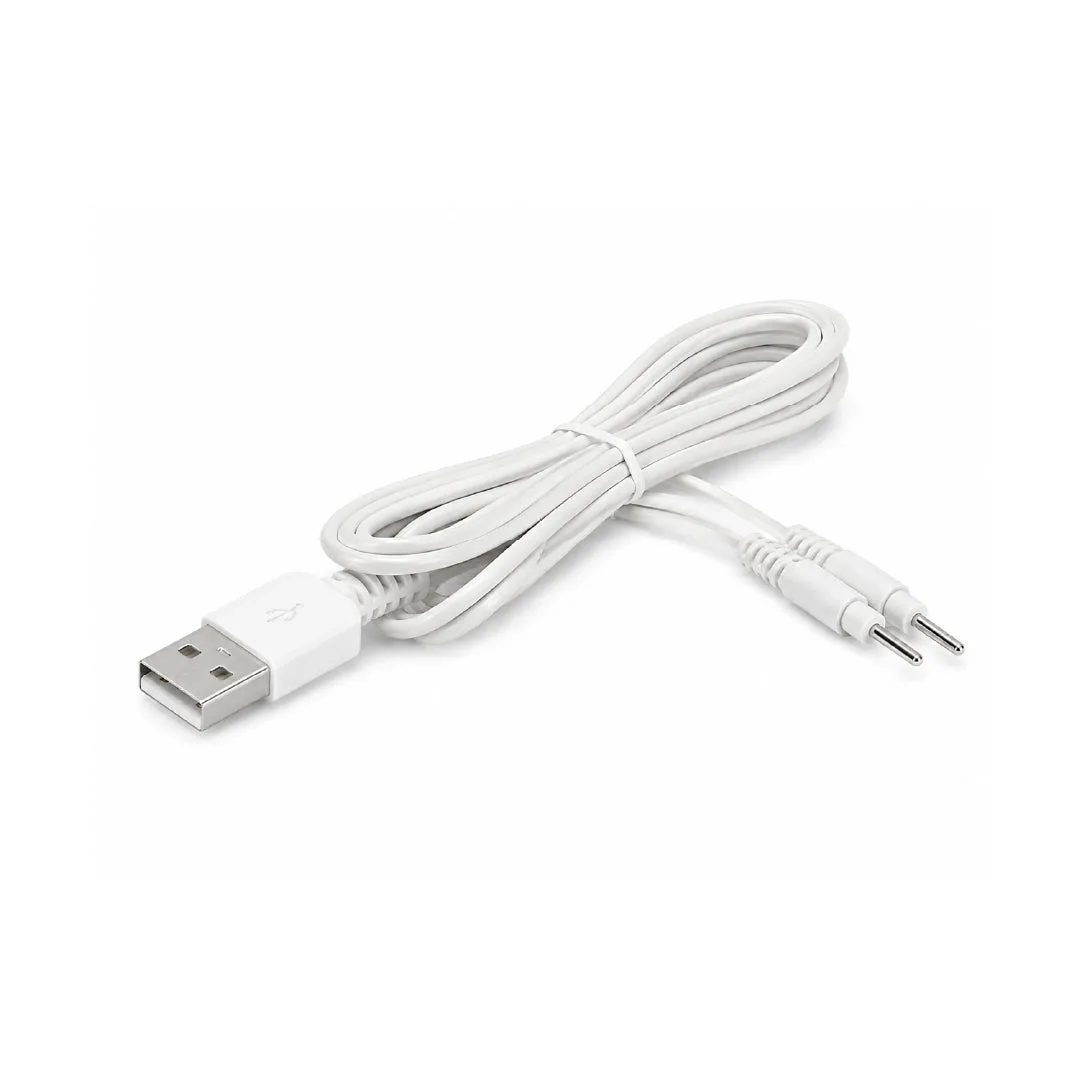
Myolift USB Lead Wire