Quick answer
Plug the BlueRetro receiver into your N64 controller port, insert the Memory Pak for rumble and save support, then pair your PS4, PS5, Xbox, or Switch controller via Bluetooth. The Fire Orange and Smoke Black models work identically.
What you need before starting
Make sure your N64 console is powered on and you have a compatible Bluetooth controller. The BlueRetro receiver supports PS4, PS5, Xbox, Nintendo Switch Pro, and Retro Fighters Brawler 64 BT controllers. Note that original N64 controllers are not Bluetooth and cannot be used wirelessly with this adapter.
The Memory Pak included with both the Fire Orange and Smoke Black versions provides onboard storage for game saves and adds rumble feedback. It fits into the controller pak slot on the N64 console itself, not the controller.
Common pairing issues
If your controller doesn't appear during pairing, ensure the receiver is in pairing mode (the LED should flash rapidly). Some controllers require a specific button combination to enter pairing mode — check your controller's manual. The receiver remembers the last paired controller, so you only need to pair once unless you switch controllers.
Step-by-step setup
- 1. Insert the Memory Pak: Slide the Memory Pak into the memory card slot on the top of your N64 console. Ensure it clicks into place. The LED on the Memory Pak will light up when the console is on. If the LED doesn't light, remove and reinsert the Pak firmly.
- 2. Plug in the BlueRetro receiver: Insert the BlueRetro receiver into the controller port on the front of the N64. The receiver will power on automatically when the console is running. The LED will start blinking slowly. Do not force the receiver — it only fits one way. If it doesn't slide in, rotate it 180 degrees.
- 3. Enter pairing mode: Press and hold the small button on the side of the BlueRetro receiver for 3 seconds until the LED flashes rapidly (about twice per second). The receiver is now discoverable. If the LED doesn't change, the receiver may already be paired to a controller. Hold the button for 5 seconds to clear the previous pairing.
- 4. Pair your Bluetooth controller: Put your controller into pairing mode. For PS4/PS5, hold the Share and PS buttons simultaneously. For Xbox, hold the Pair button. For Switch Pro, hold the sync button on top. The receiver LED will turn solid when paired. Keep the controller within 3 feet of the receiver during pairing. Once paired, range extends to about 30 feet.
- 5. Test and play: Open any N64 game and verify that all buttons and analog stick movements register correctly. The Memory Pak will automatically save game data and provide rumble feedback when supported. If buttons don't respond, re-pair the controller. Some games may require you to select 'Controller Pak' in the menu for save support.
Product facts
-
N64 BlueRetro Controller Receiver with Memory Pak (Fire Orange): The Fire Orange variant is proudly made in the UK and includes both the BlueRetro receiver and Memory Pak. You get wireless play and save/rumble support in one package without needing extra accessories.
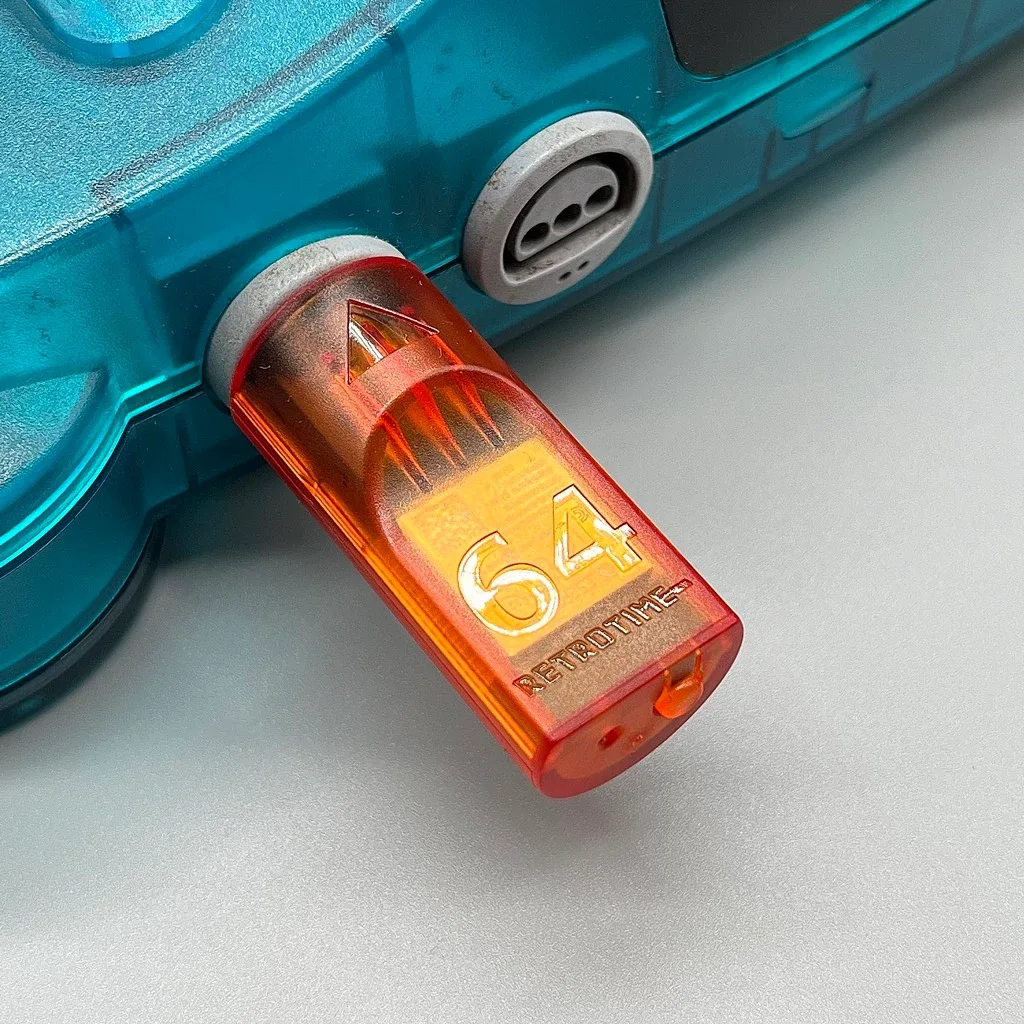
N64 BlueRetro Controller Receiver with Memory Pak (Fire Orange)
-
N64 BlueRetro Controller Receiver with Memory Pak (Smoke Black): The Smoke Black variant has the same internals and features as the Fire Orange, including full Bluetooth compatibility. Choose based on your aesthetic preference — both work identically for pairing modern controllers.
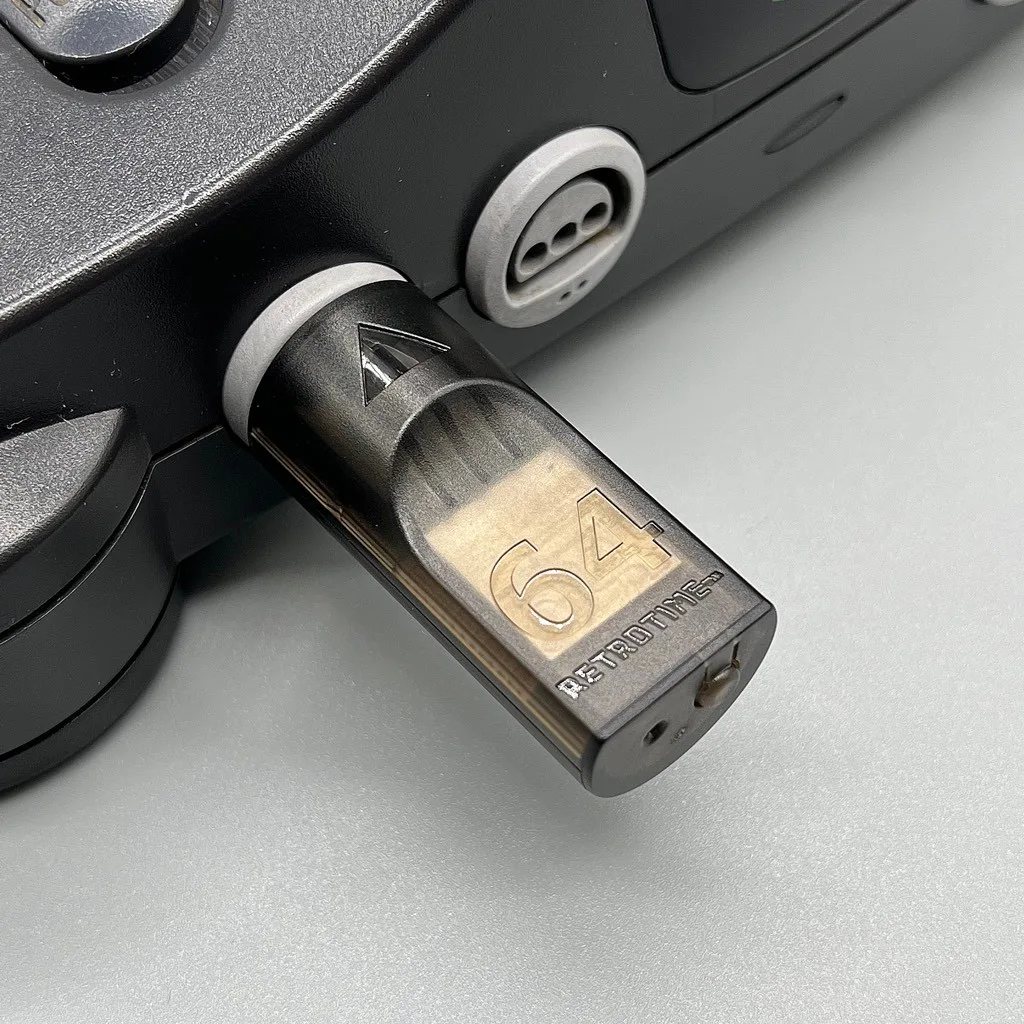
N64 BlueRetro Controller Receiver with Memory Pak (Smoke Black)