When upgrading your standing desk, two popular accessories often come up: Nanoleaf Lines for dynamic lighting and the Ultra Cable Management Bar for tidying cables. Both can transform your workspace, but they serve very different purposes. This comparison helps you decide which one fits your needs—or if you should get both.
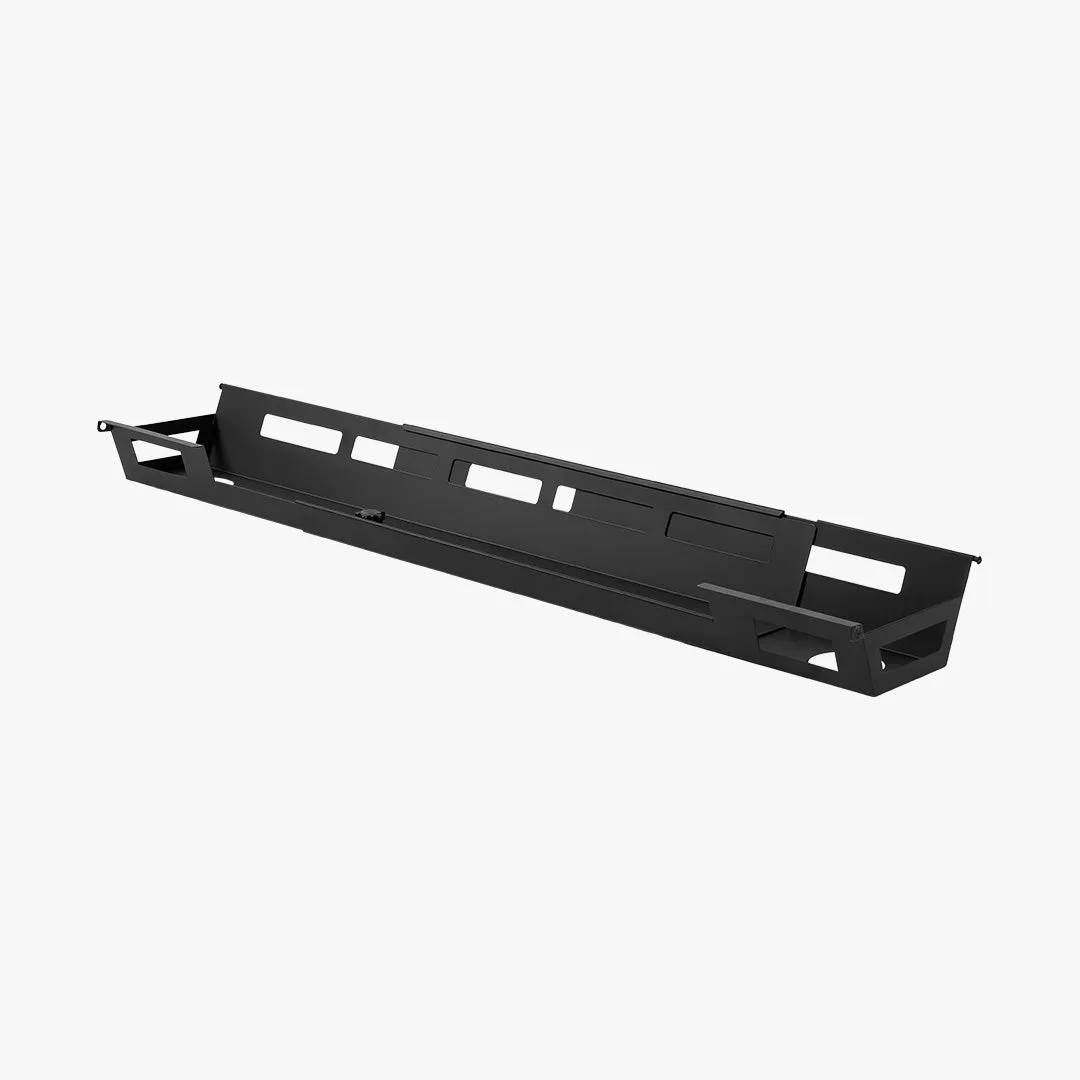
Ultra Cable Management Bar
Nanoleaf Lines add customizable LED lighting that can set the mood and reduce eye strain. The Ultra Cable Management Bar, on the other hand, keeps your desk clutter-free by hiding power bricks and cables. We'll break down the pros and cons of each, so you can make an informed choice for your Omnidesk setup.
What Is Nanoleaf Lines?
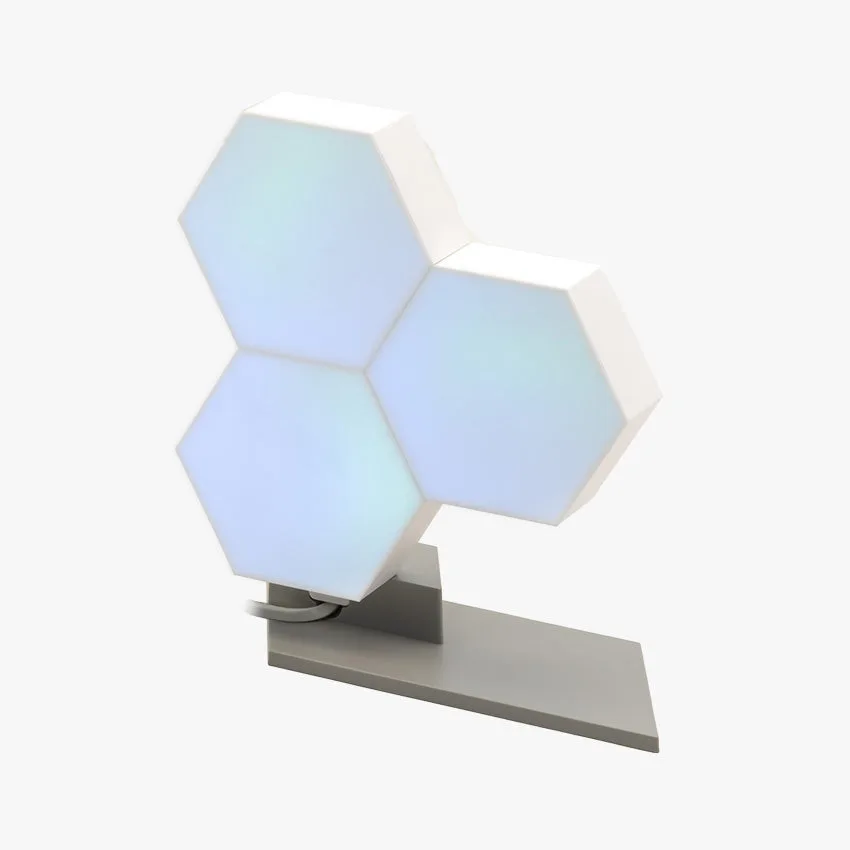
Nanoleaf Lines are modular LED light bars that you can arrange into various patterns on your wall or desk. They sync with music, games, and smart home systems, offering millions of colors and dynamic scenes. For a standing desk, they provide ambient backlighting that reduces contrast on your screen and adds a professional, creative vibe.
Installation is straightforward with adhesive mounts, and they connect via Wi-Fi or Bluetooth. The main tradeoff is cost—Nanoleaf Lines are a premium lighting solution. They also require wall space and may not suit minimalist setups that prioritize pure function.
- Tip: Place Nanoleaf Lines behind your monitor to reduce eye strain during long work sessions.
What Is the Ultra Cable Management Bar?
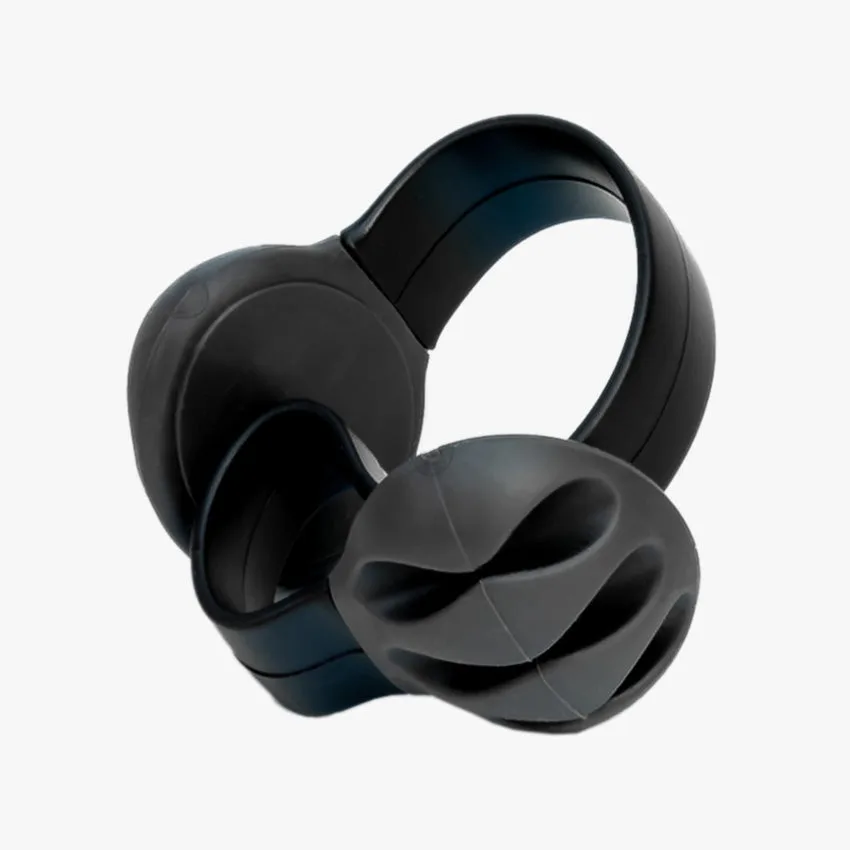
The Ultra Cable Management Bar is a dedicated accessory from Omnidesk that attaches under your desk to route and hide cables. It features multiple channels and clips to keep power cords, monitor cables, and peripheral wires organized. This prevents tangling and makes height adjustments smoother.
It's a practical upgrade for anyone with multiple devices. The bar is easy to install with included screws or adhesive. However, it doesn't add visual flair—its job is purely functional. If you already have cable straps like the Omnidesk Cable Strap, the bar offers a more comprehensive solution.
- Tip: Combine the Ultra Cable Management Bar with a MagRail for a completely cable-free peripheral setup.
Key Differences: Lighting vs Organization
The core difference is purpose: Nanoleaf Lines enhance aesthetics and mood, while the Ultra Cable Management Bar improves functionality and cleanliness. If you work in a dim room or want to personalize your space, Nanoleaf Lines are a great choice. If you're frustrated by tangled cables under your desk, the cable management bar is more practical.
Consider your priorities. Do you need better lighting for video calls or late-night work? Or is cable clutter affecting your workflow? For many, the answer is both—but budget may dictate which comes first.
- Nanoleaf Lines: best for ambient lighting and visual appeal.
- Ultra Cable Management Bar: best for hiding cables and reducing clutter.
How to Choose Based on Your Desk Setup
If you have a minimalist desk with few devices, the Ultra Cable Management Bar might be overkill—a simple Omnidesk Cable Strap could suffice. Conversely, if your desk is already tidy but feels sterile, Nanoleaf Lines can add warmth and personality.
For a balanced workspace, consider starting with the cable management bar to handle the basics, then add Nanoleaf Lines later. Both work well with Omnidesk accessories like the Ascent Desk Controller and MagRail, so you can integrate them gradually.
- Tip: Use the Ascent Desk Controller to adjust your desk height and control Nanoleaf scenes via smart home integration.
Ultimately, the choice between Nanoleaf Lines and the Ultra Cable Management Bar depends on your workspace needs. If you crave a vibrant, mood-enhancing environment, go with Nanoleaf Lines. If you prioritize a clean, organized desk for productivity, choose the cable management bar. Many users find that combining both creates the ultimate standing desk experience—where form and function work together.