Quick answer
The Neewer 67mm ND filter set lets you control exposure by reducing light in fixed stops. Use ND2 for subtle motion blur in bright scenes, ND4 for wider apertures outdoors, ND8 for long exposures in daylight, and ND16 for extreme blur or slow shutter video.
Why use fixed ND filters over variable ones?
Fixed ND filters like the Neewer set avoid the cross-polarization artifacts (X-pattern) that can appear with variable ND filters at extreme settings. They also offer consistent color neutrality across stops, which simplifies color grading in post-production.
Trade-off: stacking filters
You can stack two Neewer ND filters for more light reduction—e.g., ND4 + ND8 equals ND32. However, stacking increases the risk of vignetting at wide angles and may soften image sharpness. For best results, use a single filter whenever possible.
How to use the Neewer 67mm ND filter set
- 1. Choose the right stop: Select ND2 (1-stop) for slight motion blur in bright sunlight, ND4 (2-stop) for shooting at wide apertures outdoors, ND8 (3-stop) for 1-2 second exposures in daylight, ND16 (4-stop) for 4-8 second exposures or video at wide apertures. Common mistake: using too strong an ND filter will force a very long shutter speed, causing unwanted blur from wind or camera shake.
- 2. Set your base exposure: Without the filter, set your desired aperture and ISO. Note the shutter speed that gives a correct exposure. Then attach the filter and multiply the shutter speed by the filter's stop factor: ND2 = 2x, ND4 = 4x, ND8 = 8x, ND16 = 16x. Checkpoint: use your camera's spot meter or histogram to confirm the new exposure is not clipped.
- 3. Focus before attaching the filter: Autofocus may struggle through dense ND filters, especially ND8 and ND16. Focus manually on your subject, then switch to manual focus mode before screwing on the filter. Common mistake: forgetting to lock focus can result in soft images when the camera refocuses through the dark filter.
- 4. Use a tripod for long exposures: With ND8 or ND16, shutter speeds often exceed 1 second. A sturdy tripod is essential to avoid motion blur. Enable your camera's self-timer or remote shutter to eliminate shake from pressing the button. Checkpoint: if your tripod is lightweight, hang a bag from the center hook for extra stability in wind.
- 5. Adjust white balance for video: ND filters can shift color temperature slightly. For video, set a custom white balance using a gray card after attaching the filter. This ensures consistent skin tones and avoids magenta or green casts. Common mistake: relying on auto white balance with ND filters can cause flickering color shifts during long takes.
Product facts
-
Neewer 67MM (ND2 ND4 ND8 ND16) Filter Set: Includes ND2 (1-stop), ND4 (2-stop), ND8 (3-stop), and ND16 (4-stop) filters in a 67mm thread size. You can choose exactly the light reduction needed for your scene, from subtle motion blur to long exposures.
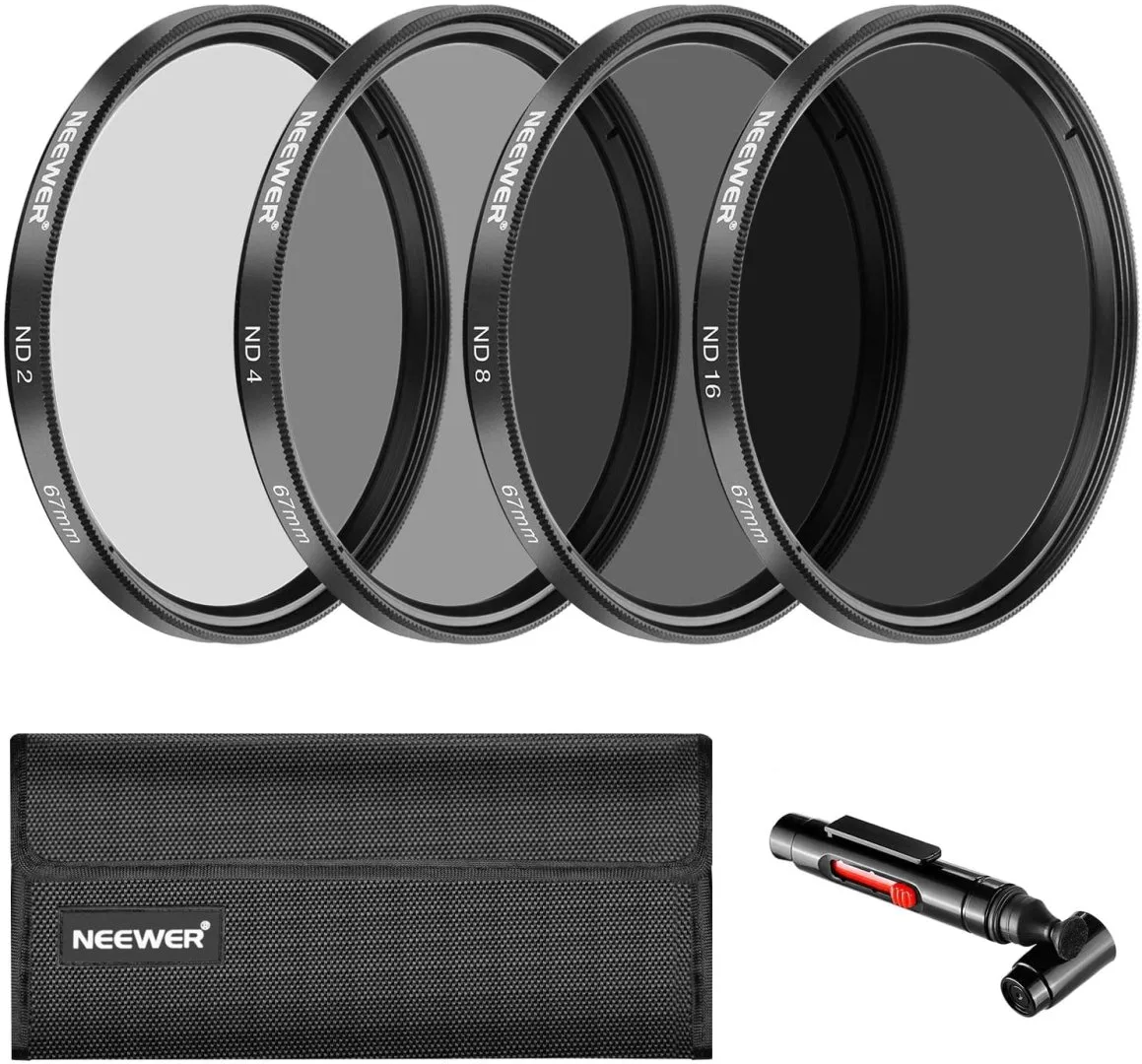
Neewer 67MM (ND2 ND4 ND8 ND16) Filter Set