What the Neo BT does for your AES
The Neo BT is a Bluetooth adapter that lets you use wireless controllers with a Neo Geo AES, MVS, CD, or SuperGun. It runs on the BlueRetro platform by Jacques Gagnon, and a portion of each sale is donated to support that platform. Setup is plug and play: connect the adapter to your console, pair a compatible Bluetooth controller, and you are ready to play.
This guide covers the practical steps for AES owners: which controllers work, how pairing fits into your setup, what latency to expect, and how to remap buttons. It sticks to what the supplied product information confirms, so you can make a clear decision before you buy or plug in.
Neo BT at a glance
-
Neo BT (AES Colour) - Neo Geo Bluetooth Adapter: The Neo BT is a Bluetooth adapter for Neo Geo AES, MVS, CD, and SuperGun that supports PS3, PS4, PS5, Xbox One, Xbox Series S & X, Switch Joy-Cons, 8BitDo (Bluetooth only), and other Bluetooth controllers. This is the compatibility list to check before you try to pair a controller. If your pad is not on it, the adapter may not recognize it.
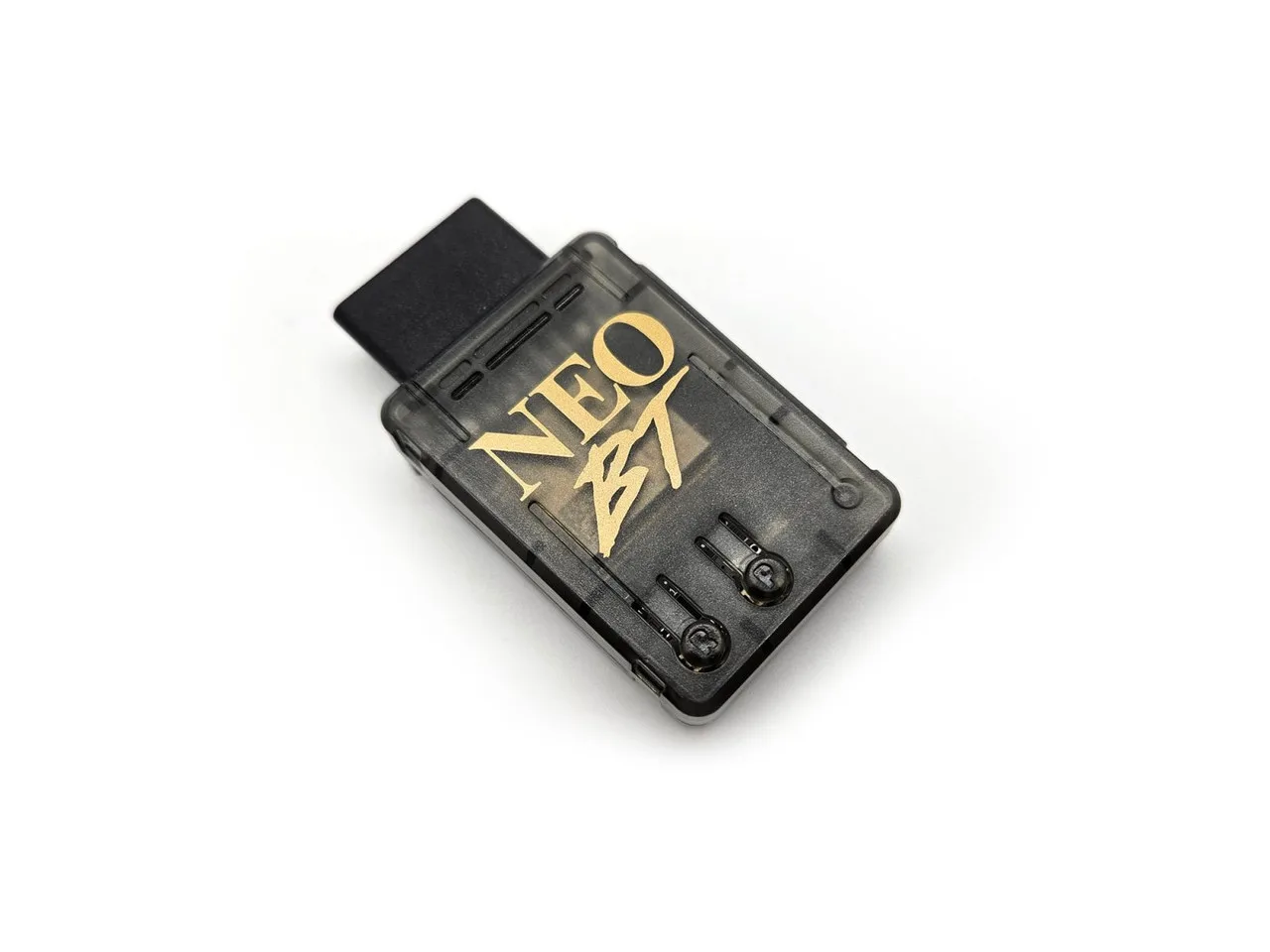
Neo BT (AES Colour) - Neo Geo Bluetooth Adapter
-
Neo BT (AES Colour) - Neo Geo Bluetooth Adapter: Setup is described as plug and play. You do not need to install software or open the console to get started; the adapter is designed to work once connected.
-
Neo BT (AES Colour) - Neo Geo Bluetooth Adapter: The adapter supports Turbo with firmware 1.7 or later. If Turbo matters for your games, confirm your adapter's firmware version before relying on it.
Pairing a controller: a practical sequence
The supplied information confirms plug-and-play operation and a web interface, but it does not list a specific pairing button sequence for each controller. Use the steps below as a general framework, and check the adapter documentation for controller-specific pairing details.
- Connect the Neo BT to your AES: Plug the adapter into the console's controller port. Because the adapter is plug and play, no additional power or software setup is described.
- Put your Bluetooth controller into pairing mode: Follow the controller manufacturer's instructions for pairing mode. The Neo BT supports PS3, PS4, PS5, Xbox One, Xbox Series S & X, Switch Joy-Cons, 8BitDo (Bluetooth only), and other Bluetooth controllers.
- Open the web interface if you need to configure: The Neo BT has an easy-to-use web interface for remapping buttons and managing settings. Use it to confirm the controller is recognized and to adjust button assignments.
- Test in a game and remap as needed: Buttons are remappable through the web interface. If a button does not behave as expected, remap it there rather than assuming the controller is incompatible.
Latency by controller: what to expect
The Neo BT is described as having very low latency, comparable to 2.4GHz devices, though actual latency varies by controller. The supplied figures below give you a realistic expectation for each supported pad type.
- PS4/PS5: ~5.4 ms
- Xbox One: ~8.8 ms
- Switch Pro: ~12.4 ms
- PS3: ~12.8 ms
- Wii U Pro: ~13.2 ms
- 8BitDo: ~16.2 ms
- Wiimote: ~16.3 ms
Turbo, remapping, and firmware
The Neo BT supports button remapping and Turbo, the latter requiring firmware 1.7 or later. The adapter is open source and user updatable, so you can update firmware yourself when needed. If you plan to use Turbo, check your firmware version first; the supplied information does not describe the update procedure, so refer to the adapter documentation for that step.
The web interface is the place to handle remapping and any settings changes. It is described as easy to use, which makes it a practical first stop when a button or feature is not working as expected.
What the supplied information does not settle
The catalog confirms controller compatibility, plug-and-play setup, latency figures, remapping, Turbo support, and the web interface. It does not list a step-by-step pairing sequence for each controller, a required firmware version for basic operation, or specific button mapping defaults. For those details, check the adapter documentation rather than assuming.
If you are choosing between a wired controller and a wireless setup, the latency figures above give you a concrete comparison point. The Neo BT is a practical option when you want to use a modern Bluetooth pad with your AES without modifying the console.