Getting Started with the Tomba! Special Edition
The NEO S Tomba! Special Edition is a limited-run controller (only 1000 made) designed for Nintendo Switch, PC, mobile, and smart TV gaming. It comes with a charging dock and a host of customizable features. This guide covers the initial setup and charging process so you can start playing quickly.
Setting Up the Controller and Charging Dock
- Unbox and inspect: Carefully remove the NEO S Tomba! Special Edition controller and charging dock from the box. Ensure both items are present and free from visible damage.
- Connect the charging dock: Plug the included USB-C cable into the charging dock and connect the other end to a power source such as a USB wall adapter or your console/PC USB port. The dock will begin charging the controller when placed correctly.
- Charge the controller: Place the NEO S controller onto the charging dock. The contacts on the bottom of the controller should align with the dock's pins. A charging indicator (if present) will confirm the connection. Allow the controller to charge fully before first use for best battery life.
- Pair via Bluetooth or wired connection: For wireless use, put the controller into pairing mode (refer to the controller's button combination for Bluetooth pairing) and select it from your device's Bluetooth menu. For a wired connection, use the included USB-C cable to connect directly to your console or PC.
- Adjust settings via the CRKD Companion app: Download the CRKD Companion app to customize features like remappable back buttons, adjustable trigger actuation points, vibration, and turbo function. You can also register your controller's product number and see its rarity rank.
Key Features That Affect Setup
The NEO S Tomba! Special Edition supports both wireless Bluetooth and wired USB-C connections, giving you flexibility depending on your gaming setup. It also features Hall Effect thumbsticks with zero stick drift, which means no calibration is needed. The adjustable trigger actuation points and swappable stick tops are physical customizations you can set up after the initial charge.
Motion controls and rumble support are available on compatible platforms and can be enabled through the Companion app. The Turbo function is another feature you can assign to a button via the app.
Product Facts
-
NEO S Tomba! Special Edition with Charging Dock: Only 1000 of each will be made so get your hands on one before they are locked in the vault for the rest of time! This limited production run means the Tomba! Special Edition is a collectible. If you want one, act quickly.
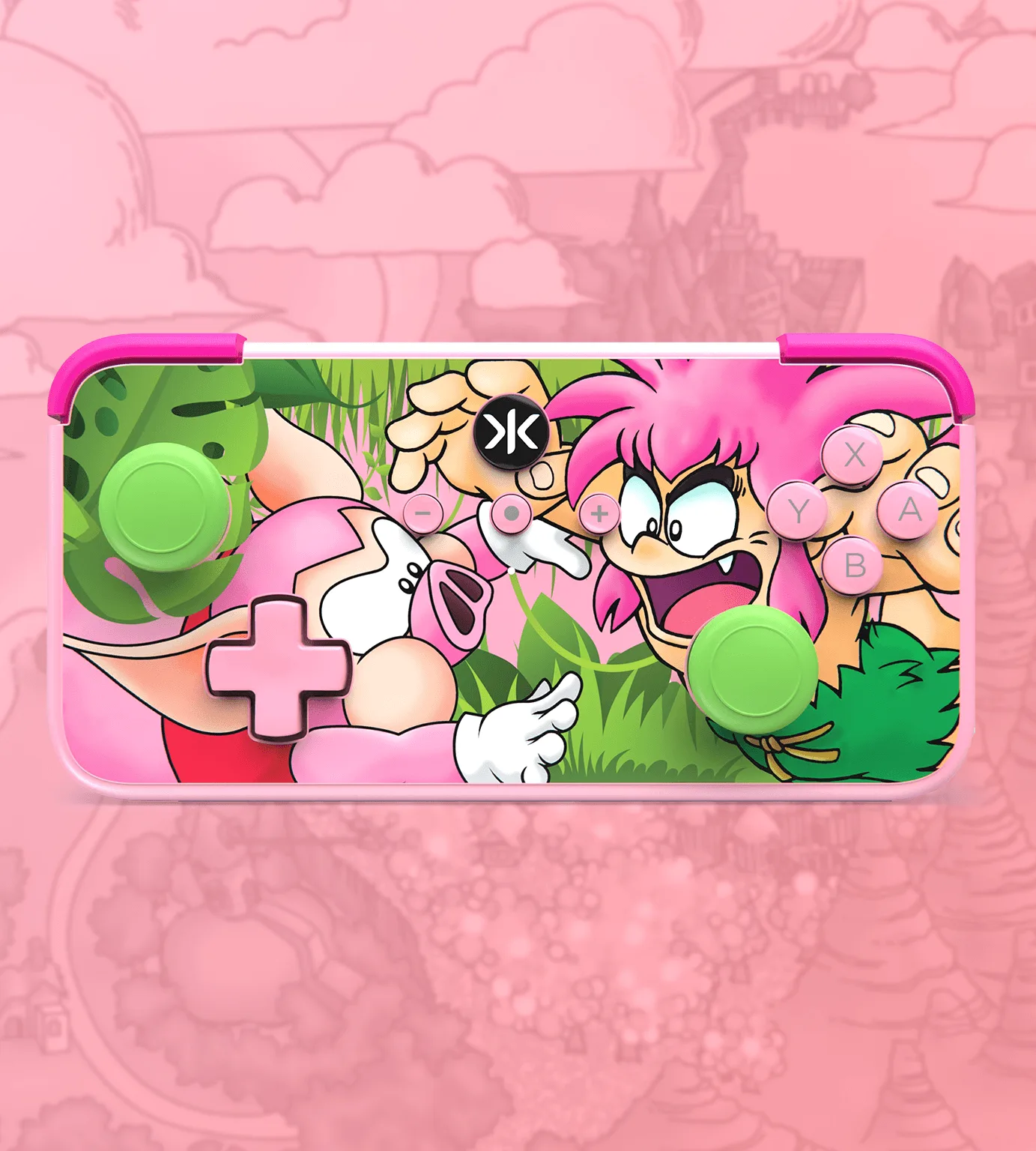
NEO S Tomba! Special Edition with Charging Dock
-
NEO S Tomba! Special Edition with Charging Dock: For Switch, PC, Mobile & Smart TV's The controller works across multiple platforms, so the setup steps differ slightly depending on which device you use.
-
NEO S Tomba! Special Edition with Charging Dock: No Deadzone Mode This feature eliminates stick dead zones for precise aiming and movement, and it is enabled through the Companion app during setup.
What the Catalog Does Not Confirm
The supplied information does not specify the exact Bluetooth pairing button combination or the full charging time. For these details, refer to the included quick-start guide or the CRKD Companion app. Also, while the controller supports motion controls and rumble, the catalog does not confirm compatibility with every game or platform version.
If you encounter issues with pairing or charging, try a different USB cable or power source, and ensure the controller is properly seated on the dock.