Quick answer
To get your Nexus Cestos remote working reliably, pair it within range, recharge it fully before first use, and reset the connection if it stops responding.
Why pairing and battery care matter
The Nexus Cestos remote control uses a rechargeable battery, so how you handle charging directly affects how long it stays responsive. Waterproof construction protects against spills, but it does not mean you can charge it while wet or submerge it during charging.
Pairing issues often come from distance or interference, not a faulty remote. Keep the remote within the recommended range and away from other wireless devices when you connect it for the first time.
Step-by-step pairing and battery care
- Charge the remote fully before first use: Connect the rechargeable remote to a USB power source and let it charge until the indicator shows full. Avoid using it while charging to let the battery calibrate. A full first charge helps the battery hold a longer charge later.
- Power on the device and remote: Turn on your Cestos device and make sure the remote is powered on. Keep them within a few feet of each other and away from other wireless devices. If the remote doesn't respond, move closer and try again before pairing.
- Enter pairing mode: Press and hold the pairing button on the remote (or follow the device's manual) until the LED blinks. The device should detect the remote within a few seconds. A steady LED usually means pairing succeeded; a blinking light means it's still searching.
- Test the connection: Press a button on the remote to confirm the device responds. If it doesn't, turn both off and on again, then repeat the pairing process. If it still fails, check for low battery or interference from other electronics.
- Recharge when response becomes weak: When the remote starts to lag or stops responding, recharge it fully. Avoid letting the battery drain completely on a regular basis. Recharge before the battery is fully empty to extend its lifespan.
About the Nexus Cestos remote control
-
Nexus Cestos Remote Control - Rechargeable: This Nexus replacement remote is rechargeable and compatible with the Cestos system. You won't need to keep buying batteries, and it should work as a direct replacement for your original remote.
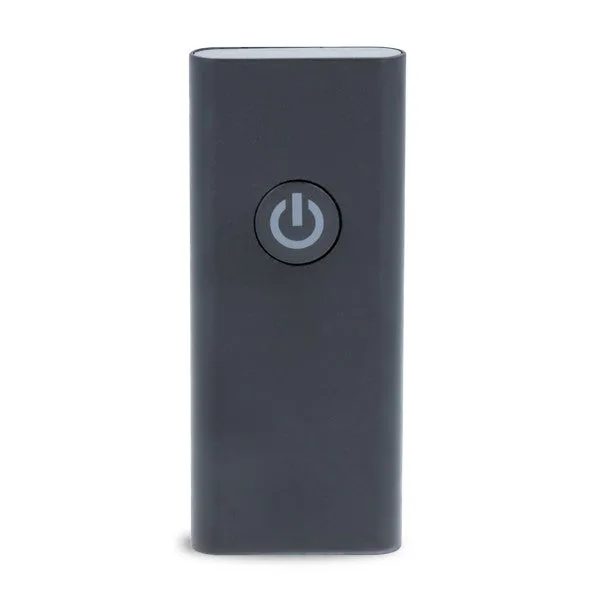
Nexus Cestos Remote Control - Rechargeable
-
Nexus Cestos Remote Control - Rechargeable: The remote has a waterproof construction to help protect against accidental spills or moisture. Everyday splashes are less likely to damage it, but you should still avoid charging it when the port is wet.