Quick Answer
Pair the Nikon Z6 III with the Nikkor Z 26mm f2.8 pancake lens for a compact, discreet street photography setup that fits in a small bag or jacket pocket.
Why the 26mm Pancake Lens Works for Street
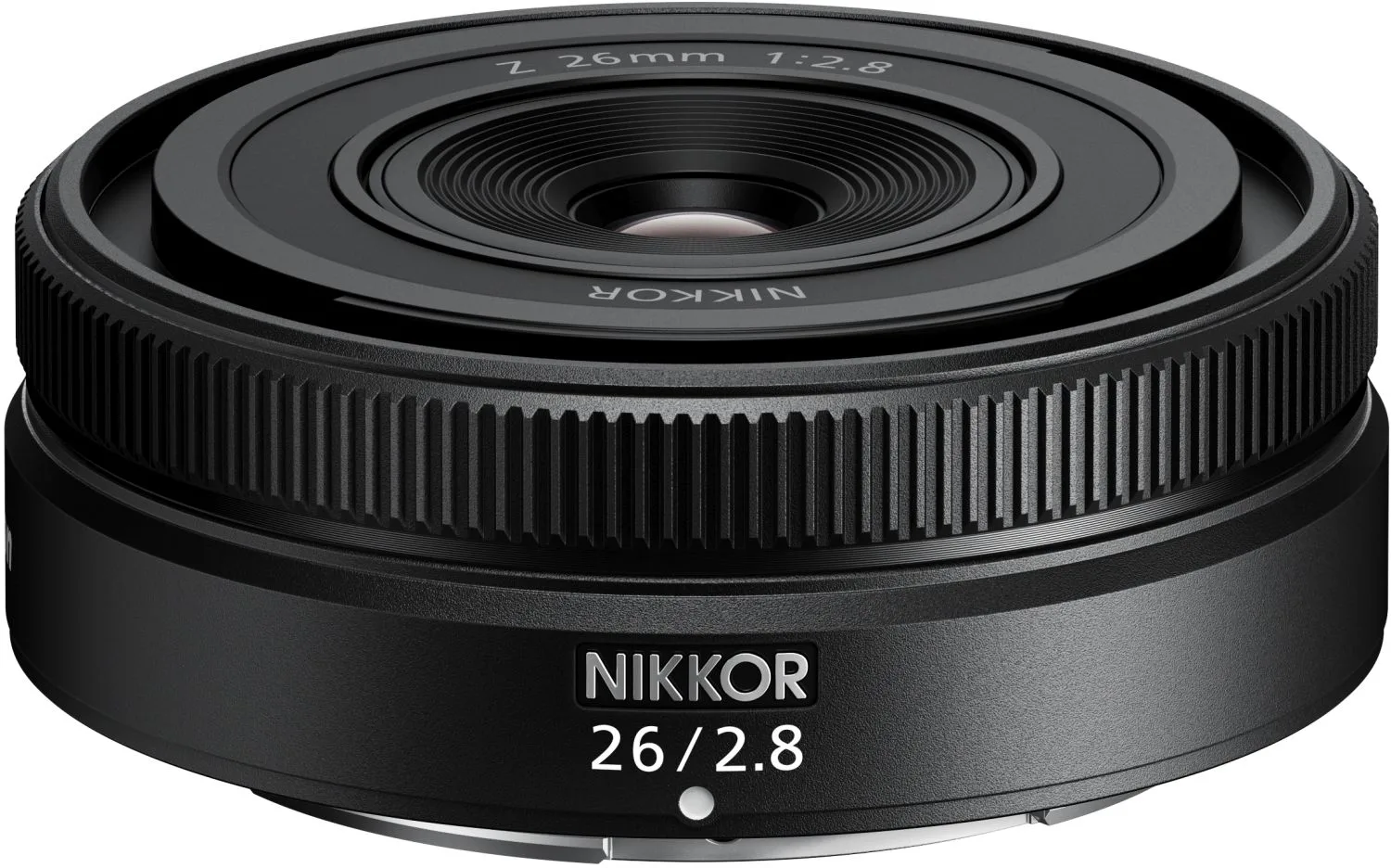
The Nikkor Z 26mm f2.8 is one of the smallest Z-mount lenses, making the Z6 III far more portable than with a standard zoom. Its 26mm focal length (full-frame) gives a natural wide-angle view that suits environmental portraits and urban scenes without drawing attention. The f2.8 aperture is modest but sufficient for daytime street work and offers a compact trade-off you won't get with faster primes.
Key Trade-Offs to Consider
The 26mm f2.8 lacks image stabilization, so you rely on the Z6 III's in-body stabilization (IBIS) for handheld shots. In very low light, you may need to raise ISO more than with an f1.8 lens. The lens also has no control ring, meaning you adjust aperture via the camera body or touch screen. For a pure walkaround setup, these compromises are acceptable given the size savings.
Setting Up Your Compact Street Kit
- Mount the Lens and Enable IBIS: Attach the Nikkor Z 26mm f2.8 to the Z6 III. Go to the Photo Shooting Menu, select Vibration Reduction, and set it to Normal. This compensates for the lens's lack of VR. Common mistake: forgetting to enable IBIS results in blurrier handheld shots at slower shutter speeds.
- Set Auto ISO for Street Conditions: In the Photo Shooting Menu, set ISO Sensitivity to Auto. Choose a minimum shutter speed of 1/125s (for 26mm) and a maximum ISO of 6400. This keeps images sharp in variable light. Checkpoint: If you shoot in very bright sun, lower the max ISO to 800 to preserve detail.
- Choose a Discreet AF Mode: Set Focus Mode to AF-A (Auto-Area AF) or AF-S with Wide-Area AF (L). This lets the camera decide focus quickly while you concentrate on composition. Turn off AF assist light to stay unnoticed. Common mistake: using continuous AF (AF-C) in street scenes can cause the camera to hunt unnecessarily.
- Configure a Custom Button for Quick Access: Assign the Fn1 or Fn2 button to ISO or White Balance. This lets you adjust exposure without taking your eye from the viewfinder. Go to Setup Menu > Buttons > Custom Control Assignment. Checkpoint: test your custom button in the field before a shoot to ensure it feels natural.
- Optimize Image Quality for Editing: Set Image Quality to RAW (Lossless Compressed) for maximum flexibility. If you prefer JPEGs, choose Picture Control Flat to retain shadow and highlight detail for later processing. Common mistake: using JPEG Fine with high contrast Picture Controls reduces editing latitude.
Product Facts
-
Nikon Nikkor Z 26mm f2,8: The Nikkor Z 26mm f2.8 is a pancake-style wide-angle prime for full-frame Z cameras, extremely small and lightweight. It transforms the Z6 III into a pocketable street camera that you can carry all day without fatigue.
Nikon Nikkor Z 26mm f2,8