Quick Answer
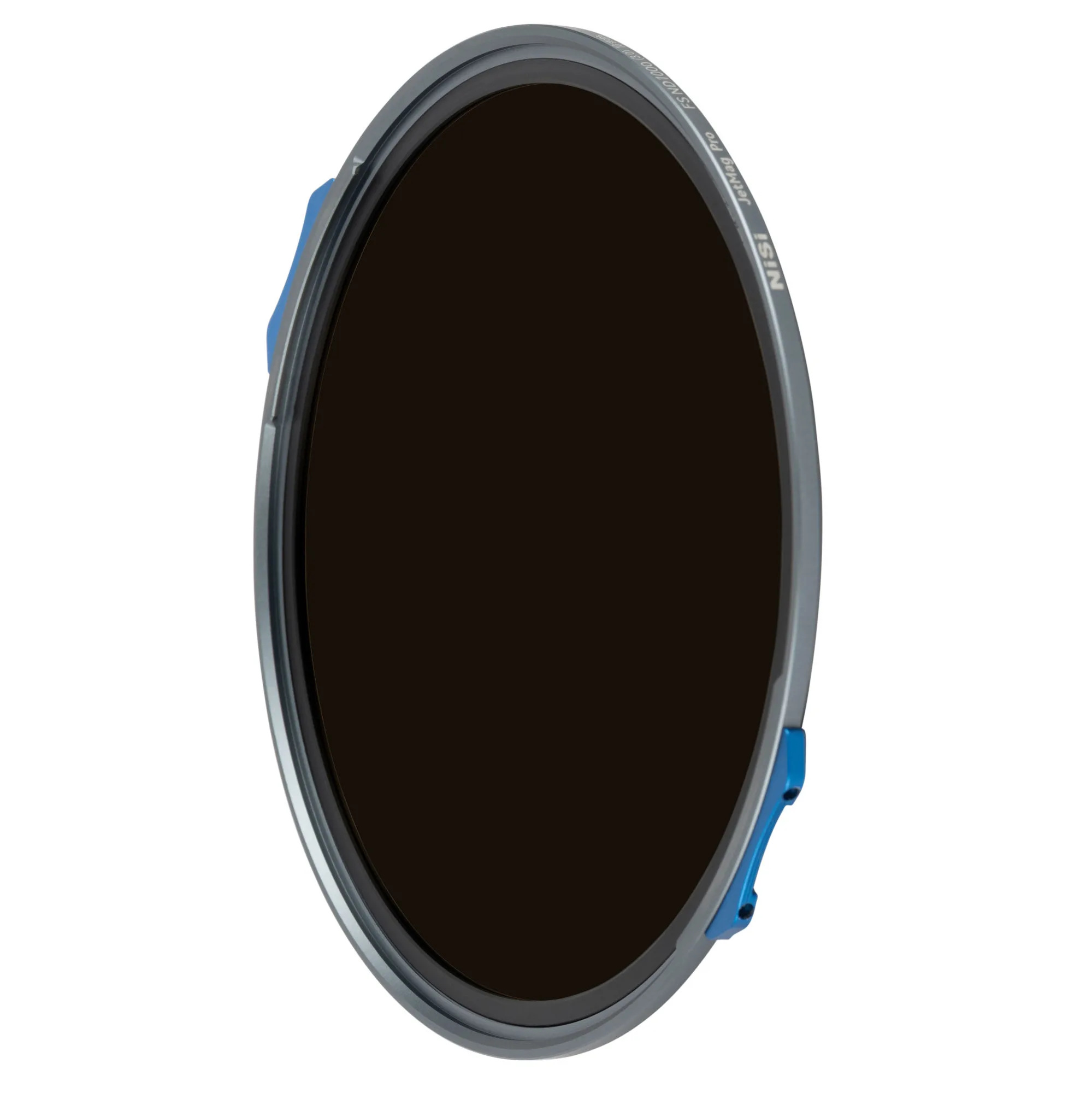
Pick the NiSi JetMag Pro FS ND filter stop that matches your light and motion goal: ND8 (3 stops) for subtle blur in bright light, ND64 (6 stops) for classic long exposures, and ND1000 (10 stops) for extreme daytime long exposures.
Why Stop Strength Matters for Your Shot
The number of stops determines how much light the filter blocks and how long your exposure can be. A 3-stop ND8 lets you shoot wide open in sunlight for shallow depth of field, while a 10-stop ND1000 turns midday into twilight for silky water or streaking clouds. The trade-off: more stops mean longer shutter speeds, which require a tripod and careful focus. If you only shoot handheld or fast action, a lighter stop like ND8 is more practical.
Full Spectrum ND: No Color Shift
All three JetMag Pro FS ND filters use Full Spectrum ND technology to maintain accurate color without the blue or magenta cast common in cheaper ND filters. This matters most when you stack filters or shoot video, where color consistency across frames is critical. You can rely on the same white balance setting whether you use ND8, ND64, or ND1000.
How to Choose Your JetMag Pro FS ND Stop
- 1. Define Your Creative Goal: Decide what kind of motion you want to capture. For subtle blur (e.g., a flowing stream with visible texture) or wide-aperture portraits in sunlight, choose ND8 (3 stops). For classic long exposures that smooth water and clouds into soft layers, choose ND64 (6 stops). For extreme, surreal effects like glassy oceans or streaking clouds that look like paint, choose ND1000 (10 stops). Common mistake: picking too many stops for your first try. ND64 is the most versatile starting point.
- 2. Check Your Lens and Filter Thread: The JetMag Pro system uses a magnetic adapter ring that screws onto your lens filter thread. Confirm your lens thread size (e.g., 67mm, 72mm, 77mm, 82mm) and that you have the correct adapter ring. The filter itself attaches magnetically, so no screwing on/off each time. Checkpoint: If you have multiple lens sizes, buy the largest adapter ring and use step-up rings for smaller lenses.
- 3. Calculate Your Exposure: Start with a meter reading without the filter. Then multiply the shutter speed by the filter factor: ND8 (3 stops) × 8, ND64 (6 stops) × 64, ND1000 (10 stops) × 1000. For example, 1/125s without filter becomes 1s with ND64. Use Bulb mode for exposures longer than 30 seconds. Common mistake: forgetting to switch to manual focus—autofocus often fails through dense ND filters.
- 4. Test for Vignetting and Sharpness: Attach the magnetic filter and take a test shot at your intended aerture. Wide apertures (f/2.8 or wider) on ultra-wide lenses may show slight vignetting. Stop down to f/8–f/11 for optimal sharpness and even light falloff. Checkpoint: If you see dark corners, stop down one more stop or zoom in slightly.
- 5. Review and Adjust White Balance: Review your test image on the camera LCD. The Full Spectrum ND technology should show no color cast, but if the scene looks slightly warm or cool, adjust white balance in camera or during post-processing. The filter's neutrality means you only need minor tweaks. Common mistake: not checking histograms—dense ND filters can trick the meter into underexposure; confirm the histgram is centered.
Product Facts
-
NiSi JetMag Pro FS ND8 (0.9) MAXMAG Magnetic Filter (3 Stop): 3-Stop Light Reduction for Creative Control – Reduces incoming light by three stops, allowing longer exposure times and wider apertures in bright conditions. Ideal for achieving shallow depth of field outdoors or adding subtle motion blur to waterfalls and moving subjects without a tripod.
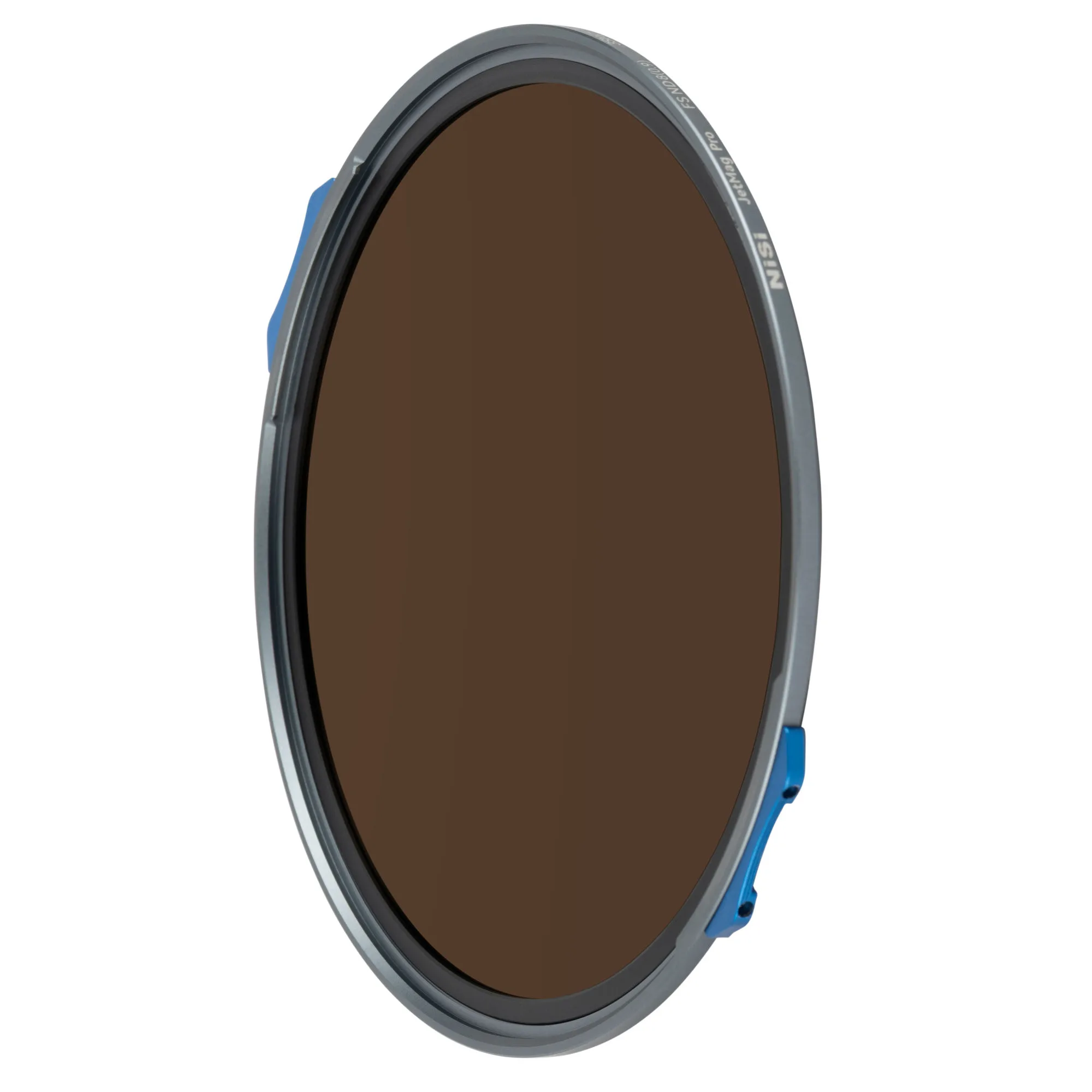
NiSi JetMag Pro FS ND8 (0.9) MAXMAG Magnetic Filter (3 Stop)
-
NiSi JetMag Pro FS ND64 (1.8) MAXMAG Magnetic Filter (6 Stop): 6-Stop Light Reduction for Long Exposure Effects – Enables long exposure techniques in bright conditions for smooth water, blurred clouds, and creative motion effects. The sweet spot for most landscape photographers: enough reduction for dramatic blur while keeping exposure times manageable (typically 1–30 seconds).
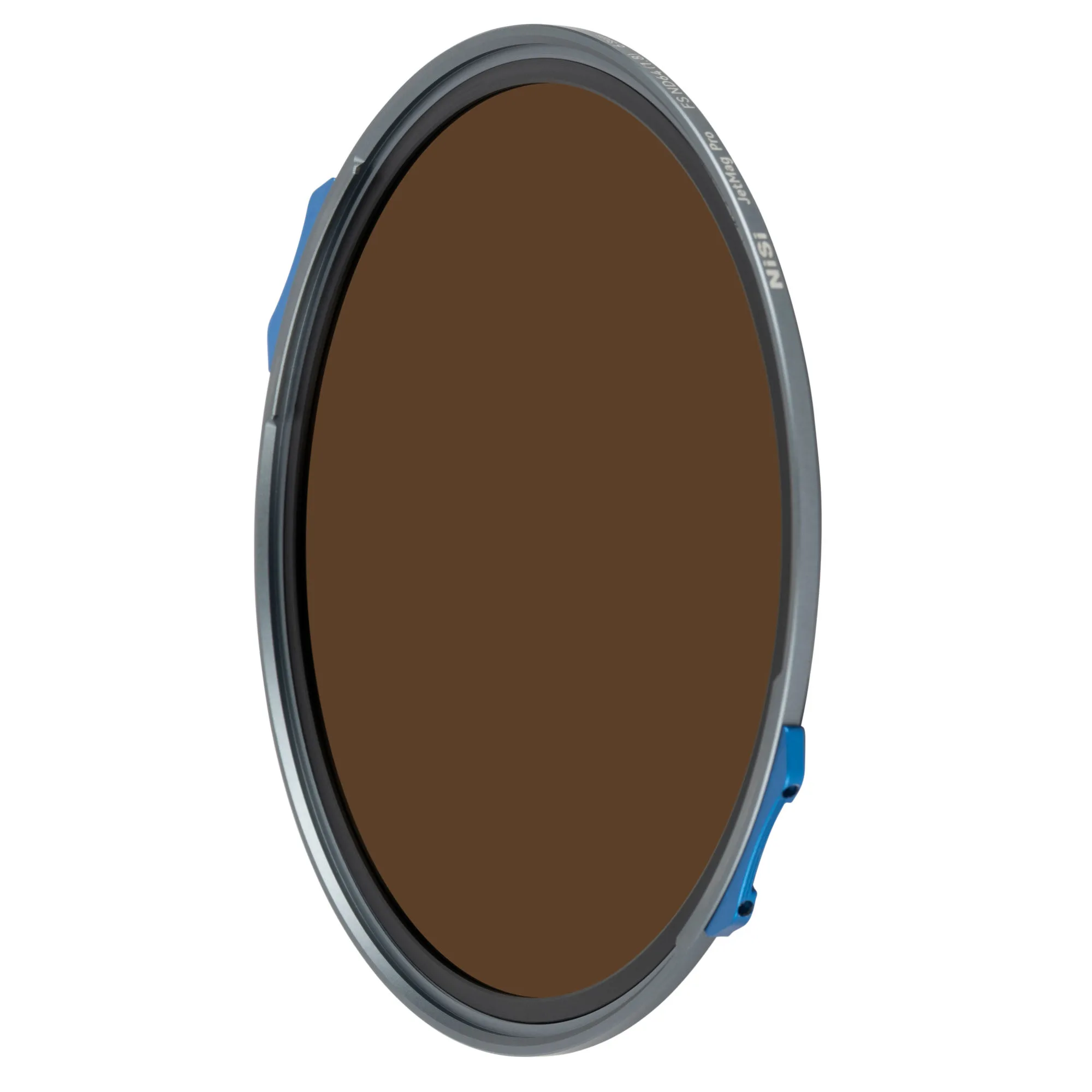
NiSi JetMag Pro FS ND64 (1.8) MAXMAG Magnetic Filter (6 Stop)
-
NiSi JetMag Pro FS ND1000 (3.0) MAXMAG Magnetic Filter (10 Stop): 10-Stop Light Reduction for Extreme Long Exposures – Enables ultra-long exposure photography in bright daylight for smooth water, streaking clouds, and surreal motion effects. Use this when you want to transform moving elements into abstract, painterly textures—expect exposure times from 30 seconds to several minutes.