Mounting and powering the Di600 on your Canon camera
The Nissin Di600 is a Canon-fit flashgun that slides into the camera’s hot shoe just like any dedicated speedlight. Before you attach it, check that both the camera and flash are powered off. Slide the flash foot fully into the hot shoe until it clicks, then tighten the locking ring if one is present.
Power on the flash using the main switch. The supplied information does not specify battery type or quantity, so refer to the battery compartment label inside the unit. A full set of fresh batteries gives you the fastest recycle time: the Di600 recycles in about 5 seconds at full power output.
Using TTL mode for automatic exposure
In TTL mode, the camera controls flash output. Set your camera to a compatible TTL metering mode (E-TTL II for Canon). The flash will communicate with the camera and adjust power automatically. You can fine-tune exposure using the flash compensation control on the back of the Di600, which adjusts in ½ EV steps.
The Di600 also includes a Nissin Original "MY TTL" setting. This lets you preset a custom TTL power level in ±0.75 EV by 0.25 EV increments. Once set, the flash remembers your preference even after powering off, and all subsequent TTL calculations are based on your customised standard.
Switching to manual or slave mode for more control
For predictable, repeatable lighting, use manual mode. Press the mode button until "M" appears on the display. You can adjust output from full power down to 1/32 power in the supplied information. This is useful when you want consistent exposure across a series of shots or when using multiple flashes.
The Di600 also has a slave mode. In slave mode, the flash fires when it detects another flash. The flash output is fully adjustable down to 1/32 power. Use slave mode when you want the Di600 off-camera without a dedicated trigger.
What the Di600 offers for off-camera use
-
(B-Stock) Nissin Di600 Flashgun - Canon Fit: Wireless Remote Flash that allows it to be used as slave unit. Three slave modes: Slave Digital (SD), Slave Film (SF), and Wireless TTL. These modes let you use the Di600 off-camera without buying a separate radio trigger, though you need a master flash or controller for Wireless TTL mode.
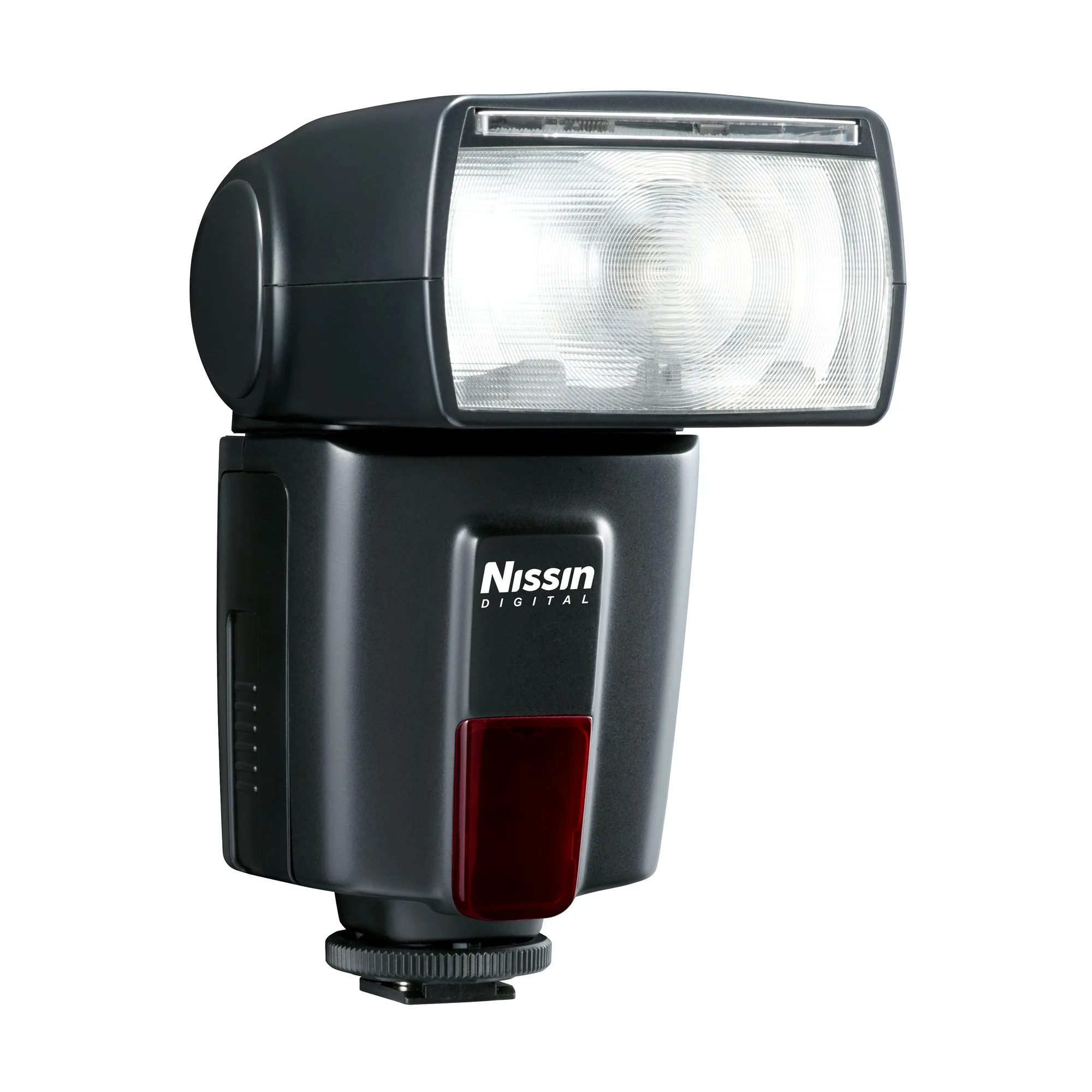
(B-Stock) Nissin Di600 Flashgun - Canon Fit
-
(B-Stock) Nissin Di600 Flashgun - Canon Fit: External Synchro Contact - The Nissin Di600 can be used off camera using the Sync Contact. Using the standard 3.5mm and a PC sync terminal the flash can be hard wired to the camera. A wired connection is more reliable than optical slave in bright conditions or when the master flash is out of line of sight.
Understanding the three slave modes
The Di600 has three optical slave modes, each designed for a different master flash setup:
Slave Digital (SD): Use this when your master flash is set to TTL mode (E-TTL II for Canon). The Di600 ignores the pre-flash and fires on the main flash. This is the most common mode for camera-mounted master flashes.
Slave Film (SF): Use this when the master flash is in manual mode. The Di600 fires on the single flash pulse. This mode also works with studio strobes that emit a single burst.
Wireless TTL: Use this when you have a master controller (like the Nissin Air 10s) that supports wireless TTL. The Di600 synchronises on Channel 1, Group A. You can adjust power and zoom from the master controller.
B-Stock considerations for your Di600
The Nissin Di600 listed here is B-Stock. This means it may be an ex-demo unit, may come without branded packaging, or may show minor aesthetic imperfections. Functionally, the flash should work as specified, but the cosmetic condition may vary.
If you are buying B-Stock, inspect the unit upon arrival. Check that the hot shoe is straight, the tilt and swivel mechanisms move smoothly, and the battery compartment contacts are clean. The flash carries the same features as a new unit, but the price reflects the cosmetic condition.