Quick answer
Most hum and buzz comes from ground loops, cable routing, or open unused inputs. Fix the root cause first: plug all gear into one outlet, separate power from signal cables, and use a ground-loop isolator if needed. For persistent hiss from unused XLR inputs, an XLR Input Noise-Stopper can help. If noise remains after these steps, the issue likely needs a technician or different equipment.
Separate symptom, cause, and action before buying anything
Before you spend money on a noise stopper, identify what you are hearing. Hum is a steady low-frequency tone, usually 50 or 60 Hz and its harmonics. Buzz is a harsher, higher-frequency sound. Hiss is a steady high-frequency noise with no clear pitch. Each points to different causes: hum often comes from ground loops or power issues, buzz from dimmers or switching power supplies, and hiss from gain staging or noisy components. Write down when the noise appears—only when a certain device is on, only when a cable is plugged in, or all the time. This log will guide the fix.
Ground loops: the most common cause of hum
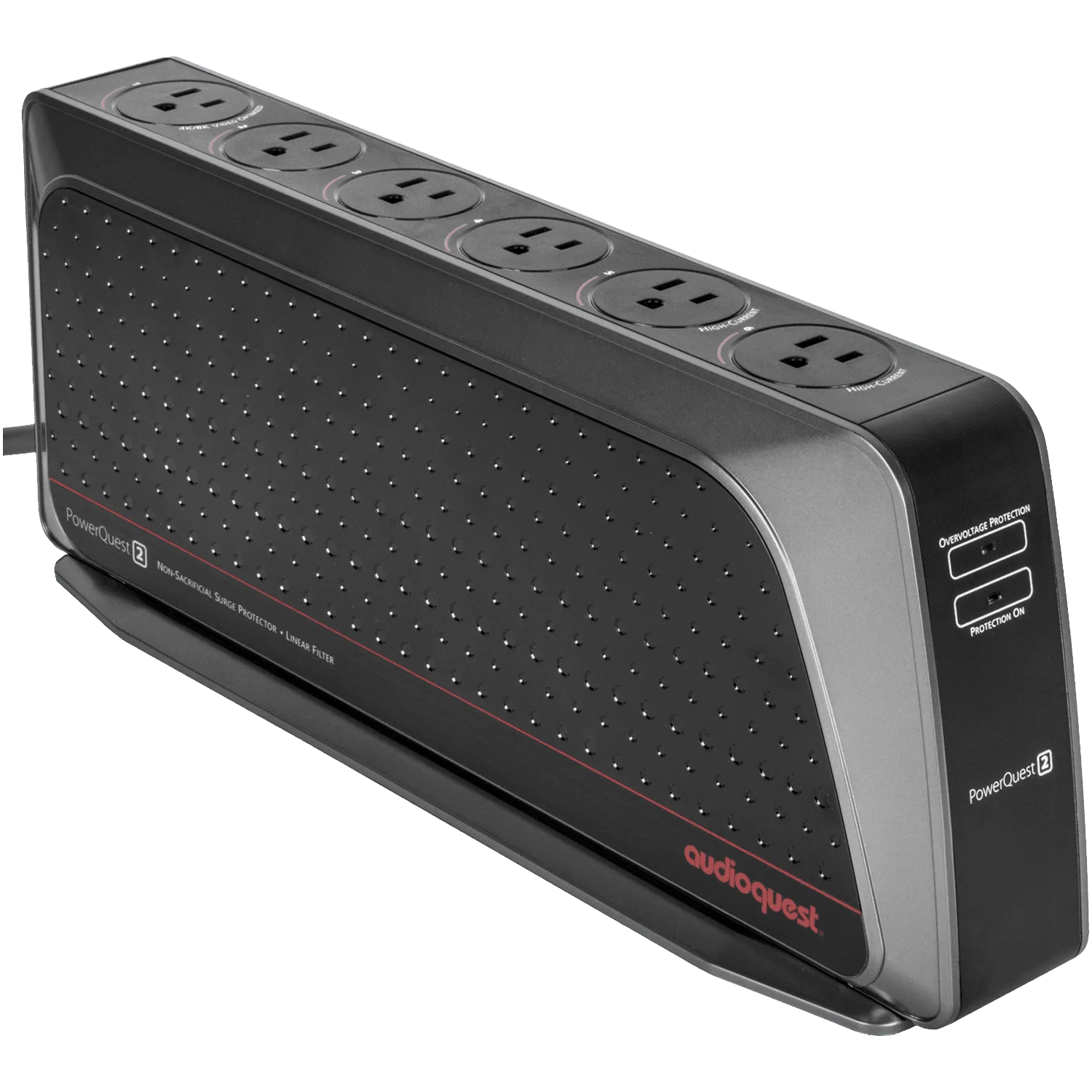
A ground loop happens when two pieces of gear are connected to ground at different points, creating a loop that picks up hum. The classic fix is to plug all audio equipment into the same outlet or power strip, so they share a single ground reference. If that is not possible, a ground-loop isolator (like an isolation transformer or a dedicated ground-loop fixer) can break the loop without unsafe ground lifts. Never remove the ground pin from a power cord; it is dangerous and usually illegal. If you use a power conditioner, plugging all gear into it can also help by providing a common ground and filtering some noise. For example, the PowerQuest 2 Factory Certified Refurbished offers six outlets in a slim profile, making it easier to centralize power for a small system.
PowerQuest 2
Cable routing and shielding: easy wins
Signal cables and power cables should not run parallel for long distances. Keep them separated, and if they must cross, cross at a 90-degree angle. Use well-shielded cables, especially for low-level signals like phono or microphone lines. A cheap unshielded cable can act as an antenna for hum and buzz. Check that all connections are tight; a loose ground connection on an RCA or XLR plug can cause noise. If you have unused inputs on a mixer or interface, they can sometimes pick up noise. That is where a noise stopper can help.
When a noise stopper is the right tool
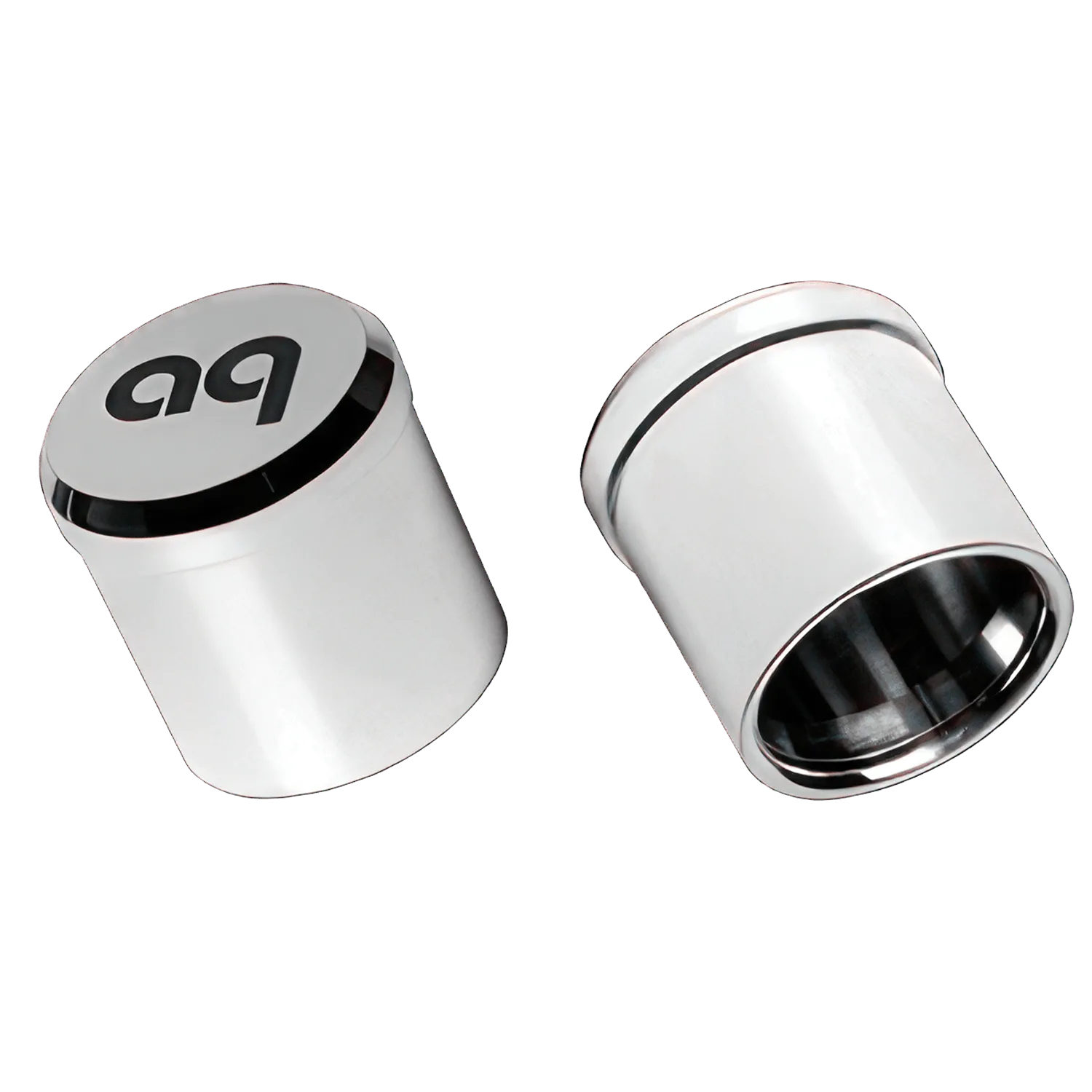
A noise stopper is a plug that goes into an unused input to absorb or dissipate noise. It is not a ground-loop fixer. It helps when an open input is acting like an antenna and adding hiss or buzz to the signal. For XLR inputs, the AudioQuest XLR Input Noise-Stopper is designed for this purpose: it is an interconnect accessory for noise dissipation on XLR inputs. It comes in a Standard version. This is a targeted fix for a specific problem: unused XLR inputs that are picking up noise. If your hum disappears when you unplug a certain cable, a noise stopper on that input might help. But if the hum is present even with nothing plugged in, a noise stopper will not solve it.
Power conditioners and screen cleaning: not noise fixes
Power conditioners can reduce noise from the AC line, but they are not a cure for ground loops or cable-induced hum. They are most useful in systems with dirty power or many digital devices. Screen cleaning kits, like the CleanScreen Laptop & Tablet Cleaner, are for maintaining displays and have no role in audio noise reduction. Do not expect a cleaner to fix hum. Keep your budget focused on the actual cause.
Diagnosis: match the symptom to the fix
- Steady low hum, all the time: Likely a ground loop. Plug all audio gear into the same outlet or power conditioner. If hum persists, try a ground-loop isolator. Do not lift the ground pin. If hum stops, you fixed the loop. If not, move to the next check.
- Buzz that changes with dimmer settings: Likely interference from lighting dimmers or other appliances on the same circuit. Try a different circuit or add a line filter. Keep signal cables away from dimmer wiring. If buzz reduces, the cause was external. If not, consider a power conditioner.
- Hiss from unused XLR inputs: Open inputs can pick up noise. Insert an XLR Input Noise-Stopper into each unused XLR input. This is a targeted fix for hiss or buzz that appears only when inputs are open. If noise drops, the stopper solved it. If noise remains, the issue is elsewhere.
- Noise persists after all checks: The problem may be inside a component or require a technician. Do not keep buying random accessories. Have the gear inspected or try substituting known-good cables and devices. Stop here and seek professional help if needed.
Product facts
- XLR Input Noise-Stopper: The AudioQuest XLR Input Noise-Stopper is an interconnect accessory designed for noise dissipation on XLR inputs. It is part of AudioQuest's Noise Stoppers category and is offered in a Standard version. If you have unused XLR inputs that are picking up noise, this stopper can absorb it without affecting the signal path. It is a simple, low-cost solution for a specific problem.
- PowerQuest 2 Factory Certified Refurbished: The PowerQuest 2 Factory Certified Refurbished has a slim profile and optional detachable base, making it versatile for various setups. It is ideal for mounting behind cabinets, with power cords plugging straight down into the top row of AC outlets. For shelf placement, leave off or remove the base for horizontal use. All six outlets are easily accessible whether standing or lying down. Centralizing your gear on one power conditioner can help reduce ground-loop hum by providing a common ground. Its flexible mounting helps in tight spaces.