What You Need to Start
Before you begin, make sure you have the Nyko Screen Armor for Nintendo Switch OLED and the included installation kit. The kit contains a wet/dry cleaning wipe and dust removal stickers to help you get a bubble-free, seamless alignment. You'll also need a clean, well-lit workspace and steady hands.
Step-by-Step Installation
Follow these steps carefully to avoid dust and bubbles.
- Clean the screen: Use the wet wipe from the kit to thoroughly clean the Switch OLED's 7-inch display. Immediately follow with the dry wipe to remove any moisture. This removes oils, dust, and debris that could cause bubbles.
- Remove remaining dust: Use the included dust removal stickers to lift any tiny particles still on the screen. Press the sticker onto the screen, then peel it off. Repeat with a fresh area of the sticker until no visible dust remains.
- Align and apply the Screen Armor: Peel the backing from the Nyko Screen Armor. Hold it by the edges and align it with the Switch OLED's screen. The protector is precision-cut for the 7-inch display, so it should match the edges closely. Gently lower it from one side, letting the glass adhere gradually. This helps push air out and reduces bubbles.
- Press out remaining bubbles: If small bubbles appear, use the included squeegee or a soft cloth to gently push them toward the nearest edge. Work slowly from the center outward. The oleophobic coating resists fingerprints, so you can handle the screen without leaving marks during this step.
Key Specifications That Matter During Installation
-
Nyko Screen Armor for Nintendo Switch™ OLED: Ultra-Clear 99.9% Transparency: Optimized specifically to preserve the intense color saturation, deep blacks, and brilliant contrast of the Nintendo Switch OLED screen. The high transparency means any misalignment or trapped dust will be more visible. Take your time during alignment to avoid distracting imperfections.
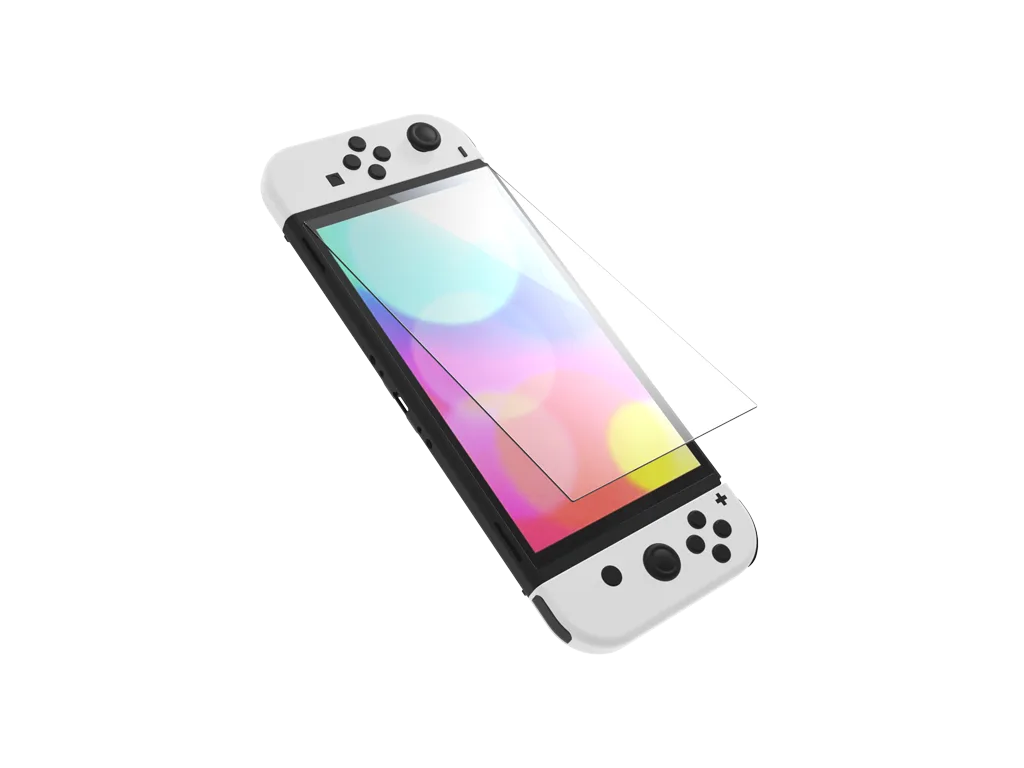
Nyko Screen Armor for Nintendo Switch™ OLED
-
Nyko Screen Armor for Nintendo Switch™ OLED: The ultra-slim profile of the tempered glass is engineered with strict dock-compatibility tolerances. Because the glass is very thin, you don't need to worry about the console not fitting in the dock after application—but it also means the glass is delicate during handling. Avoid bending or flexing it.
-
Nyko Screen Armor for Nintendo Switch™ OLED: Oleophobic Anti-Fingerprint Coating: Resists oil, smudges, and fingerprints, keeping your view clear during intensive handheld gaming sessions. This coating makes the surface easier to clean after installation, but avoid touching the adhesive side or the coated surface with bare fingers to prevent oil residue that could affect adhesion.
What to Do If You Get a Bubble
If a bubble appears after application, try pressing it toward the edge with a soft cloth. For stubborn bubbles, lift the nearest corner of the protector slightly and let the bubble escape, then re-press the glass down. The included dust removal stickers can help if dust is trapped under the bubble—carefully lift the protector, remove the dust with the sticker, and reapply.
Important Compatibility Note
The Nyko Screen Armor is specifically designed for the Nintendo Switch OLED Model's 7-inch display. It will not fit the standard 6.2-inch Nintendo Switch or the 5.5-inch Nintendo Switch Lite. Double-check your console model before purchasing.