Quick answer
Choose the OpenComm2 UC if you take most calls from a Mac or PC and want an adjustable dual noise-canceling microphone plus the Shokz Loop110 wireless adapter for a dependable desk connection. Choose the OpenComm2 if you mainly pair over Bluetooth to a phone or tablet and want the same open-ear bone conduction comfort for less money. Both use 7th generation bone conduction technology, so the real difference is the microphone and the adapter, not the listening experience.
What actually differs between the two
The two headsets share the same core: an open-ear design that keeps you aware of your surroundings and 7th generation bone conduction technology for clear audio. The split comes down to how you connect and how you sound on calls. The OpenComm2 UC pairs an adjustable, dual noise-canceling microphone with the Shokz Loop110 wireless adapter, which is what lets it stay connected to a Mac or PC whether you are in the office or working elsewhere. The OpenComm2 relies on Bluetooth connectivity and does not include that adapter or the dual noise-canceling mic.
That difference matters most for people who live in video meetings. A dual noise-canceling microphone is built to reduce background sound on your end of the call, and the Loop110 adapter gives you a dedicated wireless link to a computer rather than depending on the computer's Bluetooth. If your calls are short and mostly on a phone, those extras add cost without changing your day much.
How to match the headset to your workday
Start with where your calls originate. If you spend hours in softphone or video apps on a laptop, the adapter and microphone on the OpenComm2 UC are the parts you will notice. If you take a handful of calls on a mobile phone and want to stay aware of what is happening around you, the OpenComm2 covers that without extras you will not use.
Then look at how you move. Both are open-ear communication headsets, so neither blocks your ears. The UC model is aimed at sustained situational awareness across a hybrid schedule, while the standard model is built for stable Bluetooth connectivity and unrestricted mobility on the go. Neither is a noise-isolating headset, so if you need to block out a loud office, an open-ear design is the wrong tool.
Price and what you give up
The OpenComm2 UC is listed at USD 127.97 against a catalog comparison price of USD 199.95. The OpenComm2 is listed at USD 95.97 against a catalog comparison price of USD 159.95. The gap buys you the dual noise-canceling microphone and the Loop110 adapter, not better sound for music or a different fit.
One thing to check before ordering: the OpenComm2 UC offers Color and Connectivity options, while the OpenComm2 offers Color only. If your setup depends on a specific adapter type, confirm that at checkout. If you only need Bluetooth, the standard model keeps the decision simple.
Trade-offs to weigh before you buy
- Microphone quality vs simplicity: The OpenComm2 UC includes an adjustable dual noise-canceling microphone; the OpenComm2 does not list that microphone. If colleagues often hear background noise on your calls, the UC microphone is the upgrade that pays off.
- Adapter convenience vs cost: The OpenComm2 UC ships with the Shokz Loop110 wireless adapter for Mac or PC; the OpenComm2 connects over Bluetooth. Choose the UC if you want a dedicated computer link; choose the standard model if Bluetooth already works reliably for you.
- Price difference: The OpenComm2 UC is listed at USD 127.97 and the OpenComm2 at USD 95.97 in the current catalog. The USD 32 gap is the cost of the dual mic and adapter, so decide whether those two features match your call habits.
- Open-ear awareness vs isolation: Both models use an open-ear design that keeps you aware of your surroundings; neither is a noise-isolating headset. If you need to block out a noisy room, look at a different type of headset instead of either OpenComm2.
Product facts at a glance
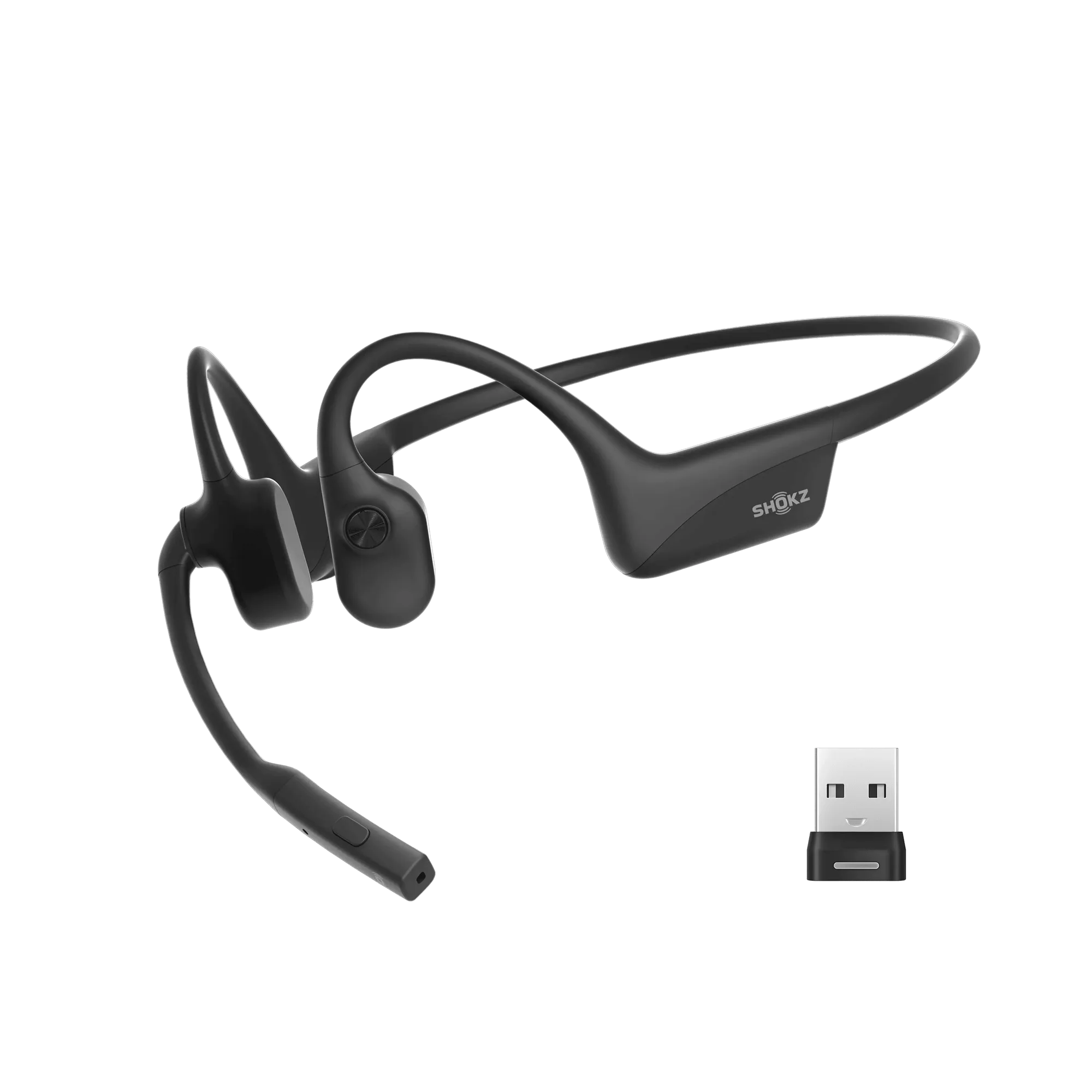
- OpenComm2 UC 2025 Upgrade: OpenComm2 UC 2025 Upgrade: advanced open-ear design for all-day comfort and sustained situational awareness, 7th generation bone conduction technology, adjustable dual noise-canceling microphone, and the Shokz Loop110 wireless adapter for Mac or PC. This is the model to pick when computer-based calls and clear voice pickup are the priority, since the adapter and dual mic are included rather than added later.
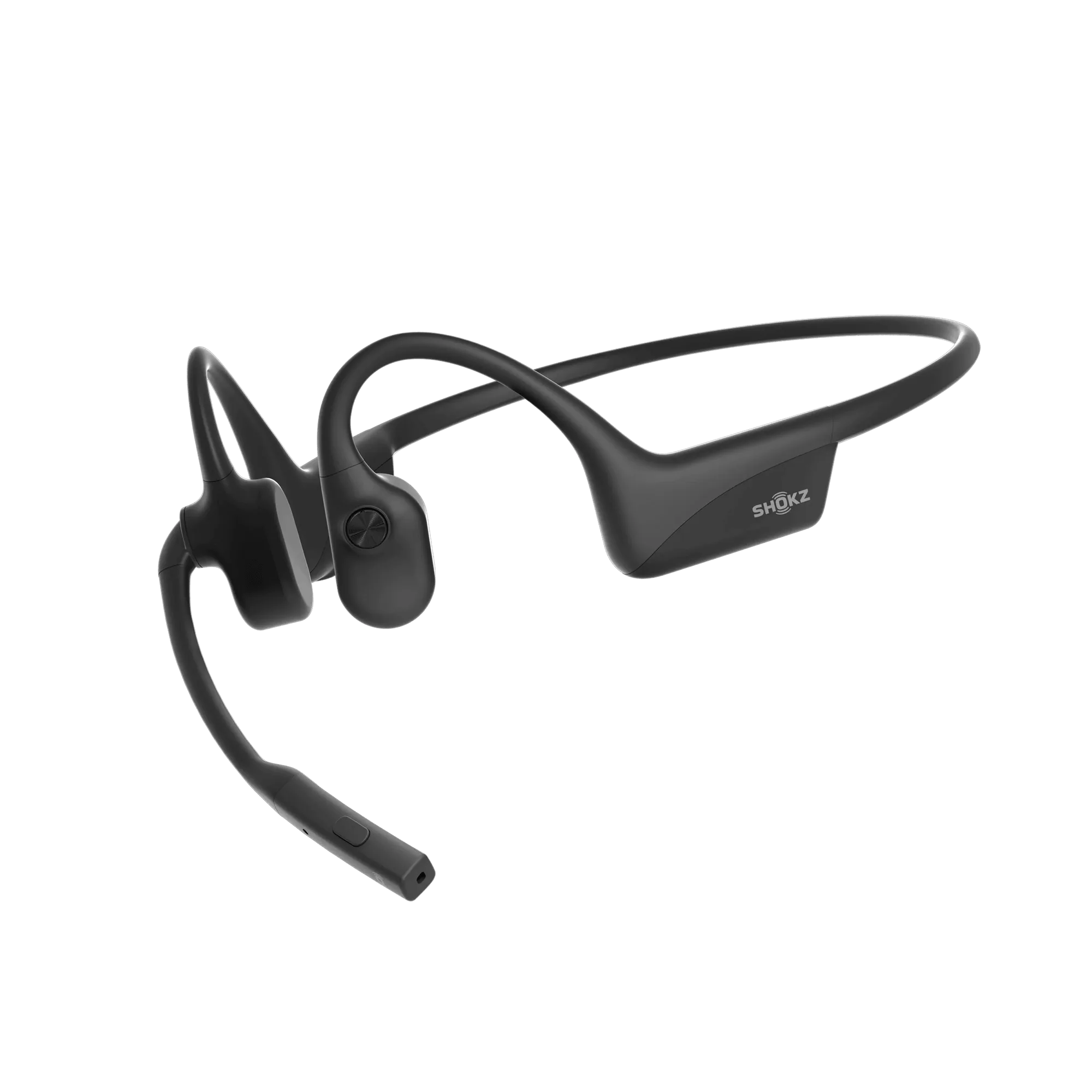
- OpenComm2 2025 Upgrade: OpenComm2 2025 Upgrade: 7th generation bone conduction technology, reliable Bluetooth connectivity, and an open-ear design for comfort and awareness while communicating. A simpler, lower-cost option for phone-first calling and mobile work where a wireless adapter is not needed.
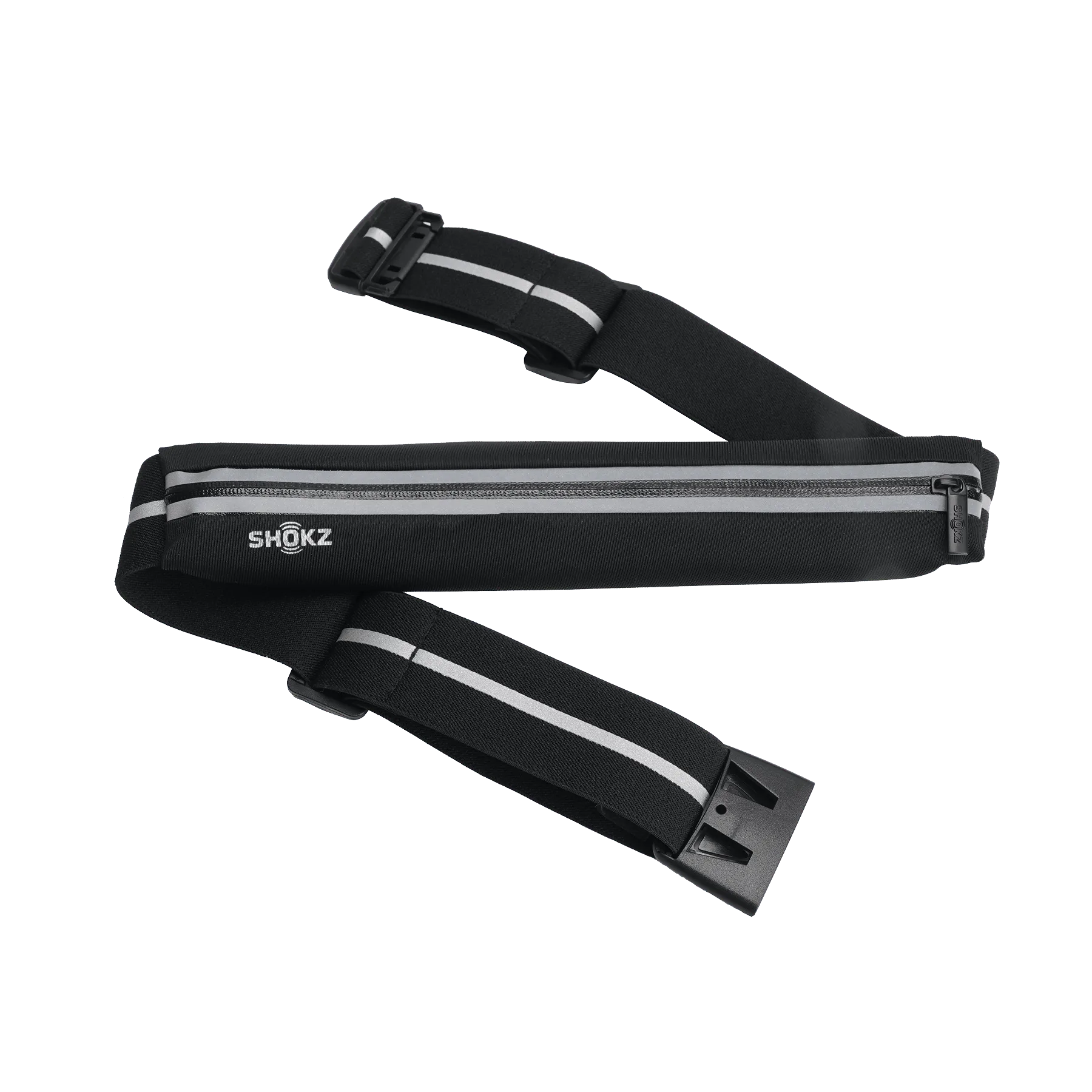
- Shokz Sport Belt: Shokz Sport Belt: a Shokz-branded accessory intended for use with open-ear or bone conduction headphones, available in a standard SKU. A low-cost way to keep the headset with you during activity if you move between locations during the day.
Which one should you order?
Best for
- Hybrid and office workers who take most calls through a Mac or PC and want the Loop110 adapter included
- Anyone who needs an adjustable dual noise-canceling microphone for clearer voice pickup
- People who want open-ear awareness during long meeting days
Not for
- Phone-first callers who only need Bluetooth and want to spend less
- Anyone who needs noise isolation or a sealed fit for loud environments
- Buyers who want a single fixed configuration without choosing a connectivity option