Your Lorex NVR is the brain of your security system, capturing and storing hours of footage every day. But without proper management, even the largest hard drive can fill up quickly, causing you to miss critical recordings or lose older clips. Whether you’re running a 1TB or a 2TB system, understanding how to optimize storage is key to getting the most from your investment.
This guide covers the best practices for managing footage on your Lorex NVR — from adjusting recording settings and selecting the right resolution to scheduling cleanup and monitoring hard drive health. By following these steps, you’ll extend the lifespan of your storage, improve playback performance, and ensure you always have space for the moments that matter.
Adjust Recording Settings to Balance Quality and Duration
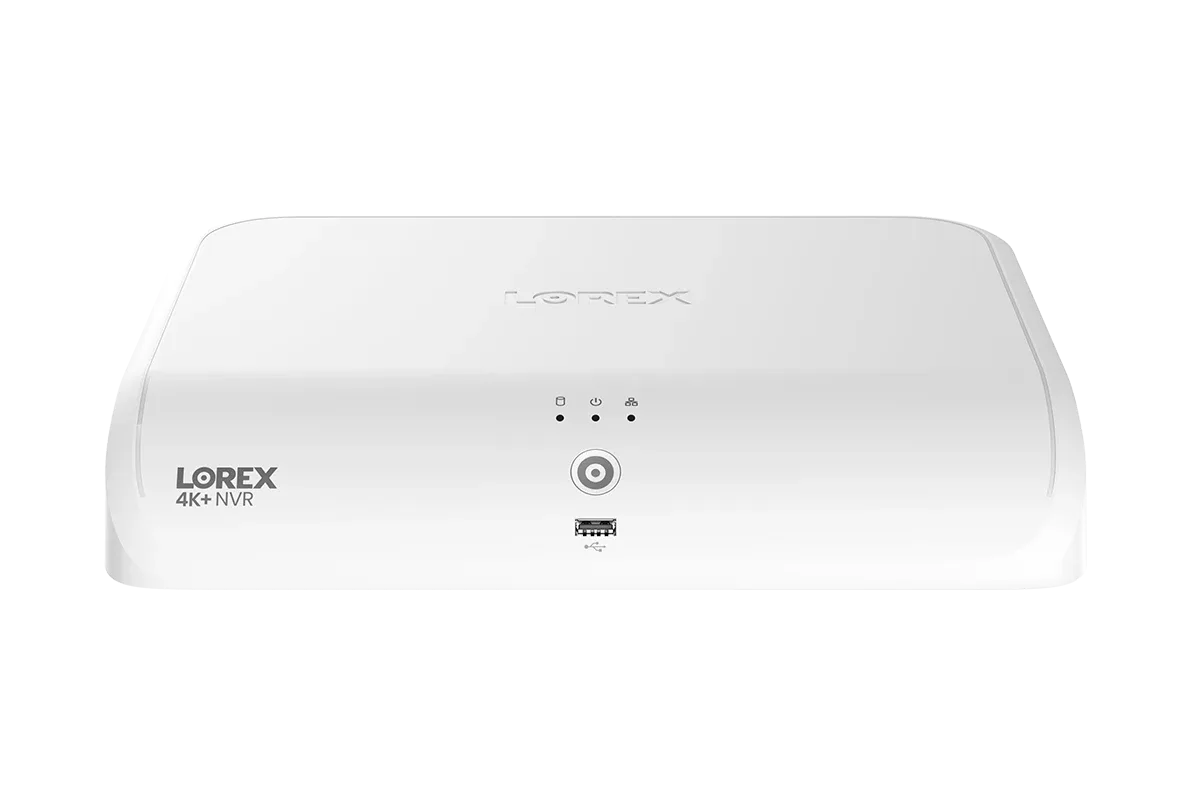
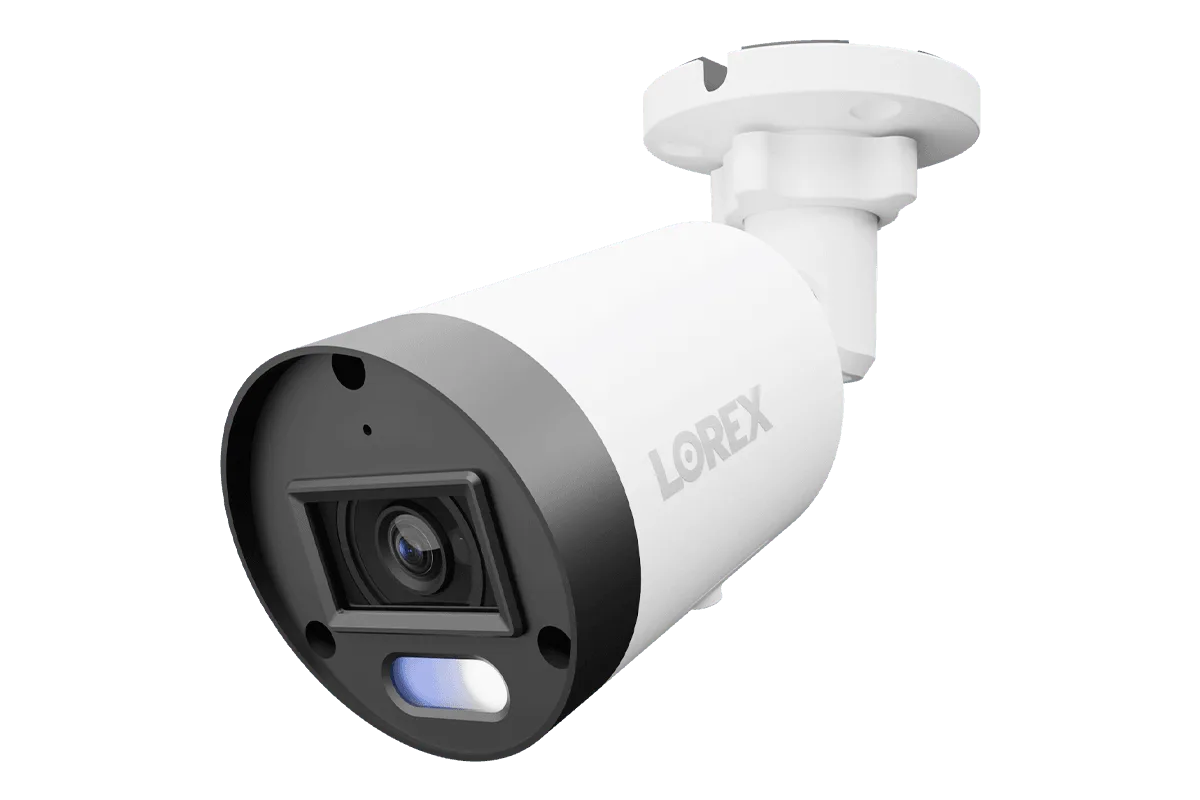
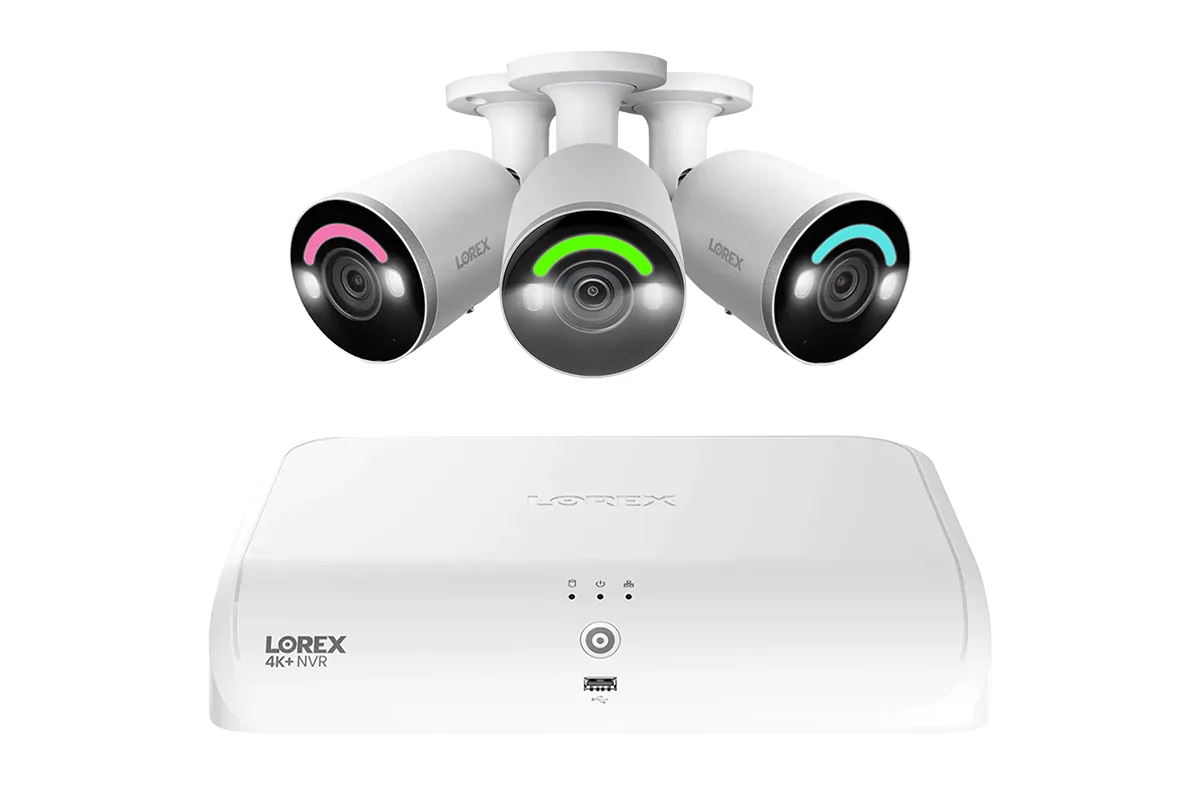
The easiest way to optimize storage is by fine-tuning your NVR’s recording parameters. Most Lorex NVRs, like the Lorex Connect V Series 4K 8-Channel Wired NVR System with V5 4K PoE Bullet Cameras - 1TB, allow you to adjust frame rate, resolution, and bitrate. Lowering the frame rate from 30 fps to 15 fps for less critical areas can cut storage use by up to 50% without noticeable loss in clarity.

Lorex Connect V Series 4K 8-Channel Wired NVR System with V5 4K PoE Bullet Cameras - 1TB
Another powerful setting is enabling motion-triggered recording instead of continuous recording. This ensures that your NVR only saves footage when movement is detected, drastically reducing the amount of data stored. Pair this with scheduled recording — for example, record only during business hours or at night — to further conserve space. You can always combine both methods using pre-record and post-record buffers to capture the full context of an event.
- Set lower frame rates (10–15 fps) for areas with low activity.
- Use motion detection recording to save only relevant events.
- Schedule recording times based on your daily routine or business hours.
Choose the Right Storage Capacity for Your Camera Setup
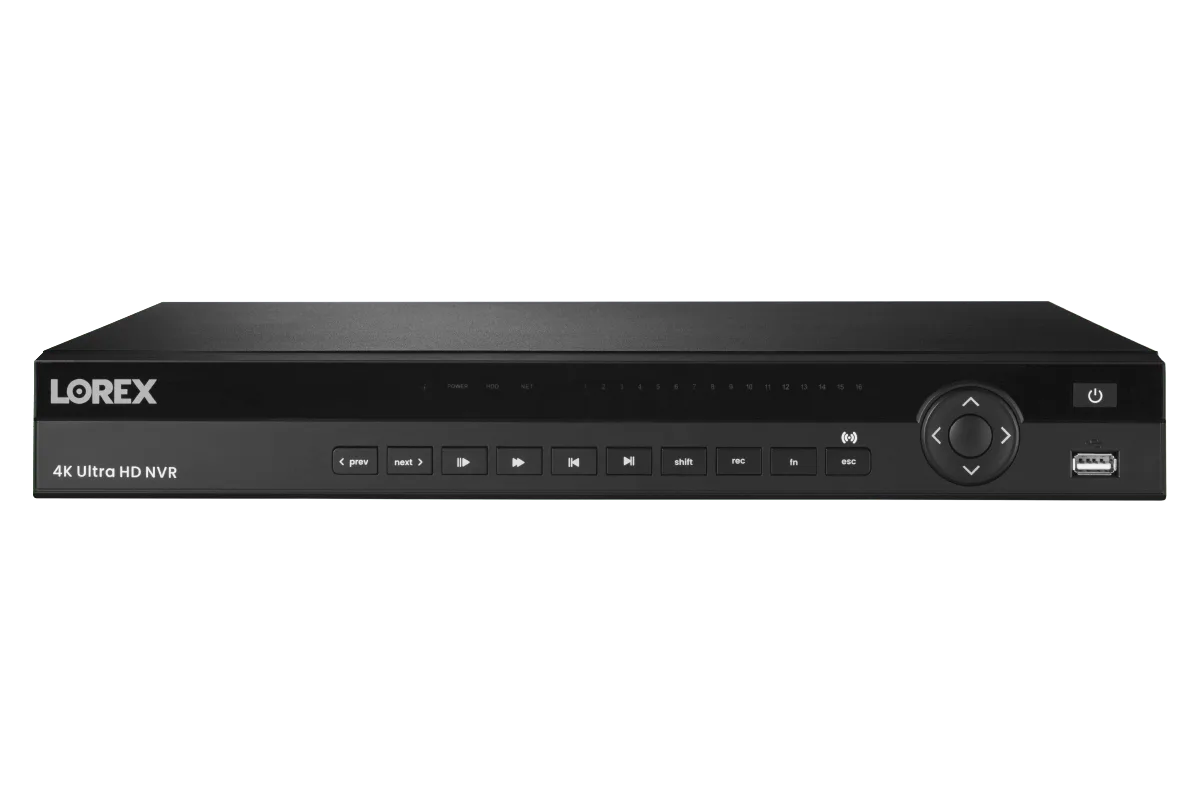
When purchasing a new Lorex system, consider the number of cameras and their resolution. For a typical 4- to 8-camera 4K setup, a 1TB NVR can store roughly 10–14 days of continuous footage at moderate bitrates. If you need longer retention — for a retail store or multi-family property — opt for a higher-capacity model such as the Lorex Fusion 4K 16 Camera Capable (8 Wired + 8 Fusion Wi-Fi) 2TB Wired NVR System with 4 Bullet Cameras Featuring Smart Security Lighting. The extra terabyte nearly doubles your archive window.

Lorex Fusion 4K 16 Camera Capable (8 Wired + 8 Fusion Wi-Fi) 2TB Wired NVR System with 4 Bullet Cameras Featuring Smart Security Lighting
If your system already has a smaller drive, you can upgrade the hard drive yourself (most Lorex NVRs support up to 10TB or more). Follow the manufacturer’s guidelines for compatible drive types (typically 3.5-inch SATA III, 7200 RPM, surveillance-grade). Regular defragmentation isn’t necessary on modern NVRs, but occasional disk checks via the NVR’s dashboard can help spot potential failures early.
- Estimate daily storage needs using online calculators (e.g., 4K at 15 fps uses ~15 GB/day per camera).
- Invest in surveillance-grade hard drives rated for 24/7 operation.
- Keep at least 20% free space on your HDD for optimal performance.
Enable Smart Overwrite and Archive Critical Footage
Lorex NVRs come with a ‘Write‑over’ or ‘Loop Recording’ feature by default, which automatically overwrites the oldest footage when the drive is full. This is crucial for uninterrupted recording, but it means older clips are permanently lost. To preserve important evidence, manually export footage to an external USB drive, NAS, or cloud service. Set a regular schedule — weekly or after significant events — to archive key recordings.
You can also protect specific time segments from being overwritten by marking them as ‘locked’ in the playback interface. This ensures that critical footage (e.g., a break-in or accident) remains safe even as the system continues recording. For business owners using systems like the Lorex Connect X Series 4K PTZ PoE Camera with 30× Optical Zoom, archiving high-resolution zoomed clips is especially valuable for evidence purposes.
- Set weekly reminders to backup important clips to external storage.
- Lock critical footage immediately after an event to prevent automatic deletion.
- Consider cloud subscription for off-site backup of essential recordings.
Maintain Your Hard Drive for Long-Term Reliability
A neglected hard drive can develop bad sectors, slow read/write speeds, and eventually fail — resulting in lost footage. To keep your Lorex NVR storage healthy, perform a monthly health check using the built-in S.M.A.R.T. diagnostic tool (accessible via the NVR’s storage menu). Look for warnings like ‘Reallocated Sector Count’ or ‘Current Pending Sector’ which indicate impending failure.
Also ensure your NVR is placed in a well-ventilated area with stable power. Overheating and power surges are major causes of HDD failure. Use a UPS (Uninterruptible Power Supply) to protect against sudden shutdowns that could corrupt the file system. Finally, format the drive every 6–12 months (after backing up footage) to clear fragmentation and restore optimal write performance. This simple step can extend the life of your drive by months or even years.
- Run S.M.A.R.T. diagnostics monthly via the NVR menu.
- Use a surge protector or UPS to prevent power-related damage.
- Schedule a yearly format (after backup) to reorganize the file system.
Optimizing storage on your Lorex NVR doesn’t require advanced technical skills — just a few smart settings and regular maintenance. By adjusting recording parameters, choosing the right capacity, enabling overwrite protection, and keeping your hard drive healthy, you’ll maximize your system’s efficiency and never worry about running out of space when you need it most. Explore the Lorex Fusion 4K 16 Camera Capable (8 Wired + 8 Fusion Wi-Fi) 2TB Wired NVR System with 4 Bullet Cameras Featuring Smart Security Lighting for a robust solution that balances capacity and performance from the start.