Quick answer
Pack your Orca OR-72 by grouping accessories into modules, placing heavy items at the bottom, and using the hard shell to protect fragile gear. Follow the steps below to avoid crushing cables or losing small parts.
Why the OR-72's hard shell changes your packing approach
The Orca OR-72 is an Extra Large hard shell accessories bag built for broadcast and audiovisual environments. Its rigid top and bottom panels protect sensitive equipment, but they also mean you can't overstuff the bag—the shell won't flex. Plan your layout so the bag closes without force.
Unlike soft pouches, the OR-72 keeps its shape when empty, so you can use it as a semi-permanent storage hub for your camera rig accessories. That makes labeling and modular packing especially worthwhile.
When the OR-72 is the right (or wrong) choice
The OR-72 suits shooters who need to transport a full set of rig accessories—cables, batteries, mounts, and small tools—and want hard-shell protection without a full case. It's less ideal if you only carry a couple of items or need quick access from a shoulder bag.
If you frequently work in wet or dusty conditions, the hard shell helps, but remember that the OR-72 is not described as waterproof. Use internal pouches for extra protection.
Step-by-step packing process
- Empty and inspect the bag: Start with a clean, empty OR-72. Check the hard shell for cracks and the interior for debris. Common mistake: skipping this step and later discovering a sharp object or loose screw that could scratch gear. A quick inspection prevents surprise damage.
- Group accessories into modules: Sort items by function: power (batteries, chargers), cables, mounts and clamps, small tools, and fragile items. Use small pouches or dividers for each group. Common mistake: mixing everything loosely, which makes finding items slow and risks tangles. Modular grouping speeds up setup and packing.
- Place heavy items at the bottom: Put batteries, chargers, and metal clamps in the bottom layer, centered over the hard shell. Distribute weight evenly. Common mistake: putting heavy items on top, which can crush fragile gear when the bag is set down. Bottom-heavy packing protects fragile items.
- Protect fragile and sensitive gear: Wrap monitors, lenses, or audio receivers in padded pouches and place them in the middle or top layer, away from the hard shell edges. Common mistake: assuming the hard shell alone is enough—internal padding still matters for shock absorption. Use padded pouches even inside a hard shell.
- Route cables to avoid stress: Coil cables loosely and secure them with velcro ties. Avoid sharp bends or pressing cables against hard edges. Common mistake: cramming cables into corners, which can damage connectors over time. Loose coils and ties extend cable life.
- Check the lid closure: Before closing, ensure no items protrude above the rim. The hard shell won't flex, so forcing the lid can crack it or damage gear. Common mistake: overpacking and forcing the zipper or latch. If it doesn't close easily, remove an item.
- Label and document: Add labels to pouches or use a packing list inside the lid. This helps you repack consistently and spot missing items. Common mistake: relying on memory, which leads to forgotten accessories on location. A simple list saves time and prevents losses.
Product facts
-
Orca OR-72 – Sacoche Accessoires (Extra Large): Hard shell accessories bag – Extra Large, with rigid top and bottom panels. The rigid shell protects fragile gear but limits how much you can compress the bag, so pack to the shell's shape rather than forcing it closed.
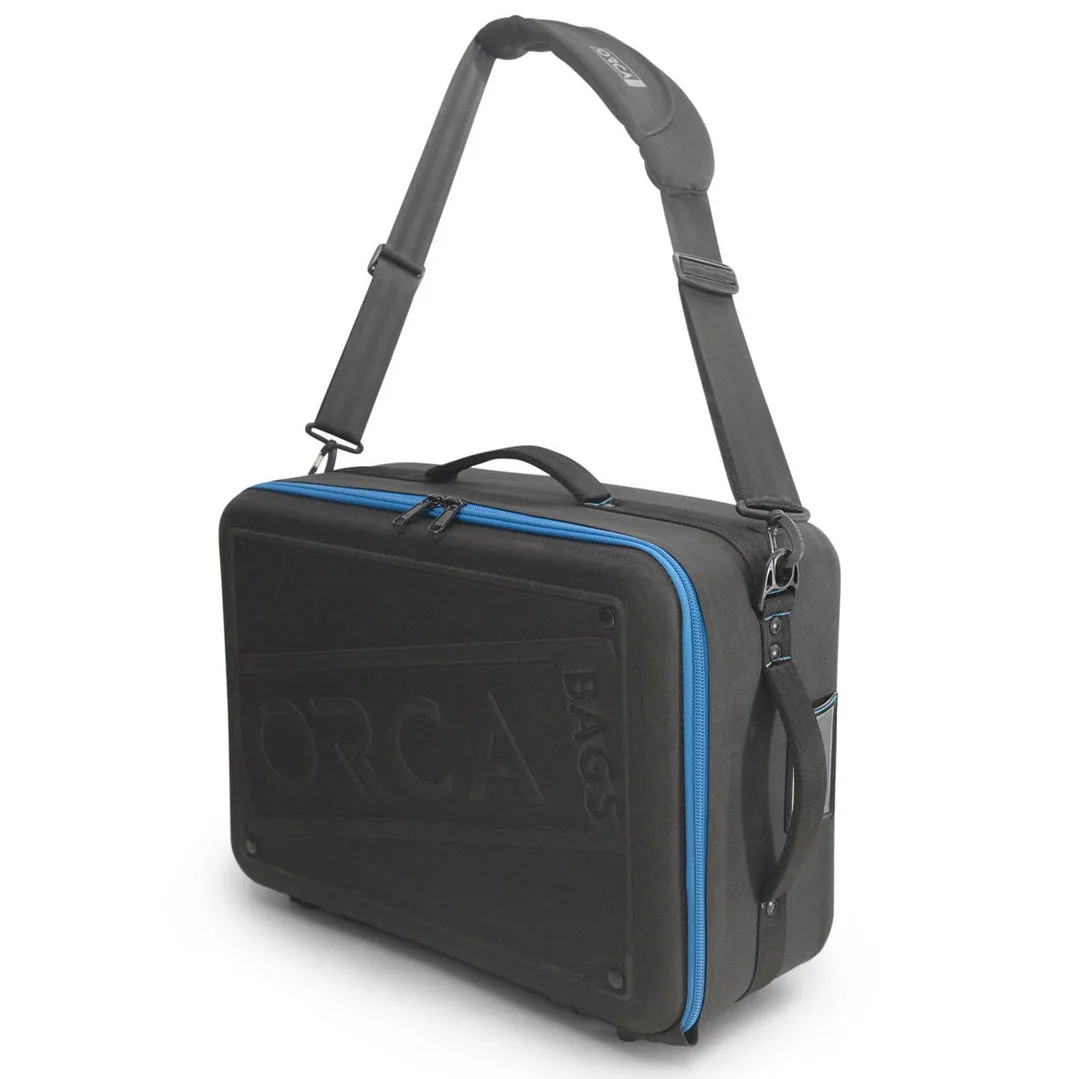
Orca OR-72 – Sacoche Accessoires (Extra Large)