Quick Recommendation
Pick a matte vinyl sticker that sticks well and removes cleanly—like the Onigiri Artist Sticker—and place it on the top‑right corner of each planner page to mark your highest‑priority task. The visual cue draws your eye instantly, helping you focus on what matters most for the week.
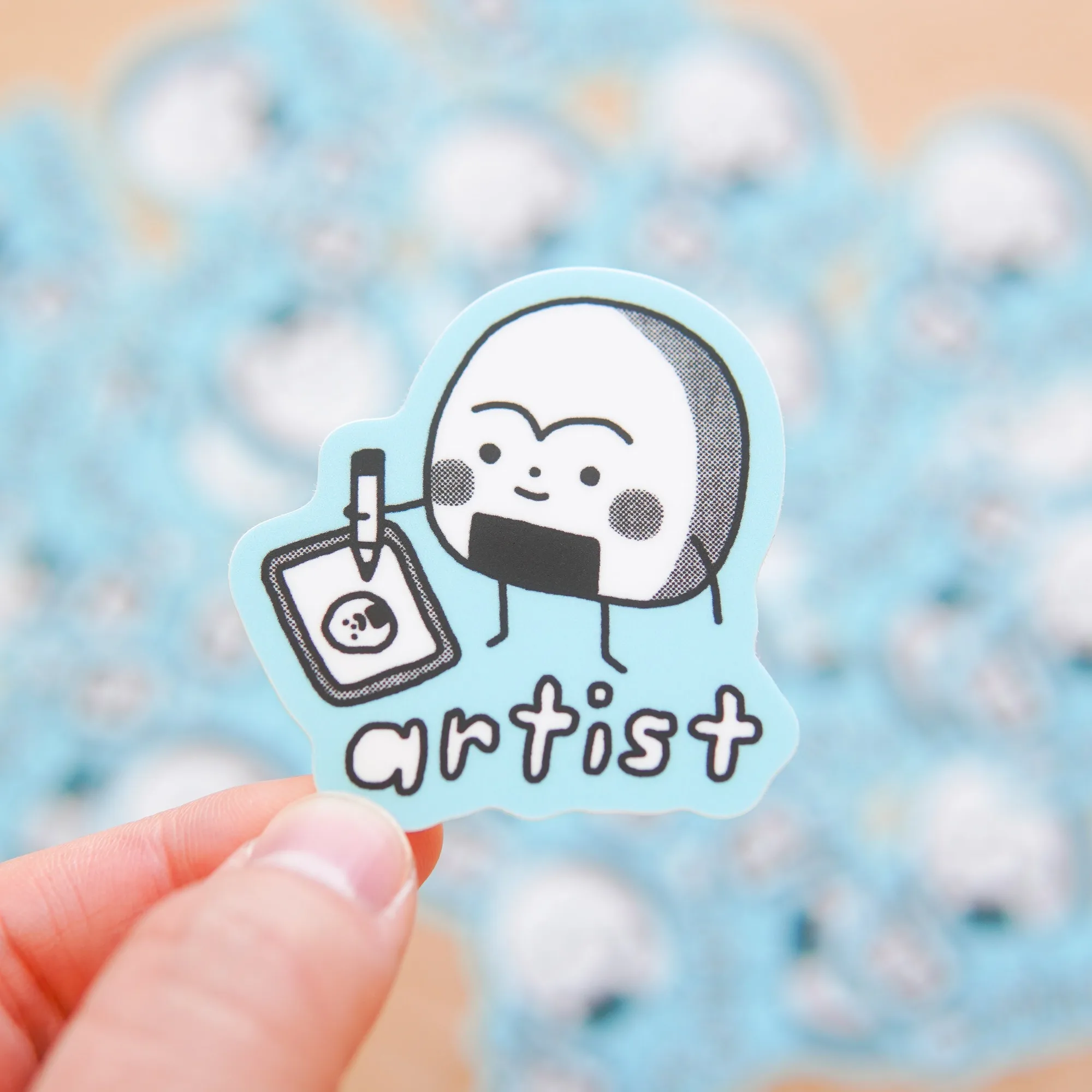
Onigiri Artist Sticker
Stickers aren’t just for decoration; their bold shapes and colors make them perfect visual markers for a busy planner. By assigning a dedicated sticker to your top priority, you create an at‑a‑glance signal that cuts through the clutter of daily entries.
This guide walks you through a straightforward, step‑by‑step process that turns any simple sticker—such as the popular No Thanks I’m Busy sticker—into a reliable priority flag, keeping your weekly planner organized and your to‑do list manageable.
Step‑by‑Step Process
Start by selecting a sticker that is small enough to fit on a planner page but vivid enough to stand out. Matte vinyl stickers like the Onigiri Artist Sticker (2 × 2 inches) or the Journal Buddies Pink Sticker (approximately 2.5 × 2 inches) work well because they adhere smoothly and peel off without residue, which is crucial for a planner you’ll use daily.

Journal Buddies Pink Sticker
Next, open your planner to the first day of the week. Peel the sticker from its backing, position it in the top‑right corner of the page, and press firmly. This corner is usually free of writing space, ensuring the sticker doesn’t interfere with notes while remaining highly visible.
- Tip: Test the sticker on a scrap piece of paper first to confirm it won’t leave any residue on glossy pages.
Your Sticker‑Based Planner Setup
- 1. Choose the right sticker: Select a matte vinyl sticker that is small, colorful, and removable—e.g., Onigiri Artist Sticker or Journal Buddies Pink Sticker. Common mistake: Using glossy stickers can leave a sticky residue on paper; avoid them for clean removal.
- 2. Position the sticker: Place the sticker in the top‑right corner of each day’s entry before you write any notes. Checkpoint: Ensure the surface is dry and smooth; any dust can cause the sticker to lift later.
- 3. Review and adjust weekly: At the start of each week, confirm that each priority sticker aligns with your most important task and move it if priorities shift. Mistake to avoid: Forgetting to update the sticker can lead to outdated priorities cluttering your planner.
Sticker Options That Work Well
- Onigiri Artist Sticker: Add a touch of playful art to your belongings with the Onigiri Artist Sticker. This matte vinyl sticker measures 2 × 2 inches, provides a smooth, non‑glossy finish, and removes cleanly without residue. Its compact size fits neatly on planner pages, and the residue‑free removal lets you reposition the priority marker if your schedule changes.
- Journal Buddies Pink Sticker: The Journal Buddies Pink Sticker is a charming matte vinyl accent designed to personalize journals, planners, or notebooks. Approximate size of 2.5 × 2 inches, soft pink hue adds a subtle pop of color, and the smooth finish ensures a refined look. The gentle pink color creates a clear visual cue without overwhelming the page, making it ideal for highlighting priority tasks.
By turning a simple sticker into a dedicated priority marker, you give your weekly planner a clear visual hierarchy. The right sticker stays put, looks good, and can be moved when plans change—making organization effortless and boosting your productivity.