Quick Answer
To keep your https://osmo-officialeg.com/products/osmo-hearing-aid-2-abfdf7ecb0a0c730e092b122-2577415Osmo hearing aid performing well, clean it weekly, replace the battery as soon as you notice a drop in volume, and follow the troubleshooting steps outlined below. Regular maintenance prevents buildup, extends battery life, and reduces common sound issues.
Your Osmo hearing aid is a daily companion, and a little upkeep goes a long way. This FAQ gathers the most frequent maintenance questions so you can keep the device reliable without guesswork.
Below you’ll find concise, stand‑alone answers covering cleaning, battery health, and troubleshooting. Each tip is practical and based on the device’s design, helping you avoid unnecessary service visits.
How often should I clean my Osmo hearing aid?
Cleaning should be done at least once a week, or more often if you notice visible debris or reduced sound clarity. Use a soft, dry cloth to wipe the outer shell, and a small brush or cleaning tool for the microphone and receiver openings. Avoid liquids, as moisture can damage internal components.
If you live in a dusty environment or have high humidity, consider a brief cleaning after each day of use. Regular cleaning prevents wax buildup, which can block sound pathways and reduce battery efficiency.
- Use only the cleaning brush supplied with your device or a soft, lint‑free cloth.
- Never submerge the hearing aid in water or cleaning solutions.
What’s the typical battery life and how do I know when to replace it?
Osmo hearing aids generally run 20–30 hours on a fresh zinc‑air battery, depending on usage intensity and volume settings. When the sound becomes noticeably softer or intermittent, it’s a clear sign the battery is depleting. Most models emit a low‑battery tone to alert you.
Replace the battery promptly to avoid sudden power loss. Keep spare batteries on hand and store them in a cool, dry place. If you experience rapid discharge, check that the device is clean and that no moisture has entered the battery compartment.
- Carry at least two spare batteries during the day.
- Store unused batteries in their original packaging.
Why is my hearing aid producing static noise?
Static or crackling often results from moisture or wax accumulation in the microphone or receiver. First, clean the affected openings with the brush provided in the care kit. If the noise persists, the device may have been exposed to humidity, which can affect the internal circuitry.
Another common cause is a low‑battery condition; the device may generate interference as the power source weakens. Replace the battery and test again. If static remains after cleaning and a fresh battery, contact Osmo support for further inspection.
- Check for visible moisture before cleaning.
- Replace the battery before attempting deeper troubleshooting.
My hearing aid won’t turn on—what should I check?
First, verify that a fresh battery is installed correctly, with the positive side facing the proper direction. A mis‑aligned battery will prevent power from reaching the circuitry. Next, inspect the battery compartment for debris or corrosion that could block contact.
If the battery is new and the device still stays silent, try resetting the hearing aid by removing the battery for 30 seconds, then reinstalling it. Should the problem continue, there may be an internal fault requiring professional service.
- Ensure the battery contacts are clean and free of corrosion.
- Perform a 30‑second battery removal reset before seeking service.
Need More Help?
Contact Customer Support
Reach out via phone or email for personalized troubleshooting. Get expert guidance within 24 hours.
Check Warranty Status
Enter your device serial number on the Osmo website to verify coverage. Know if you qualify for free repairs or replacement.
Visit the Care Kit Section
Explore cleaning brushes, drying kits, and spare batteries available in our store. Equip yourself with the right tools for routine maintenance.
Related Osmo Products
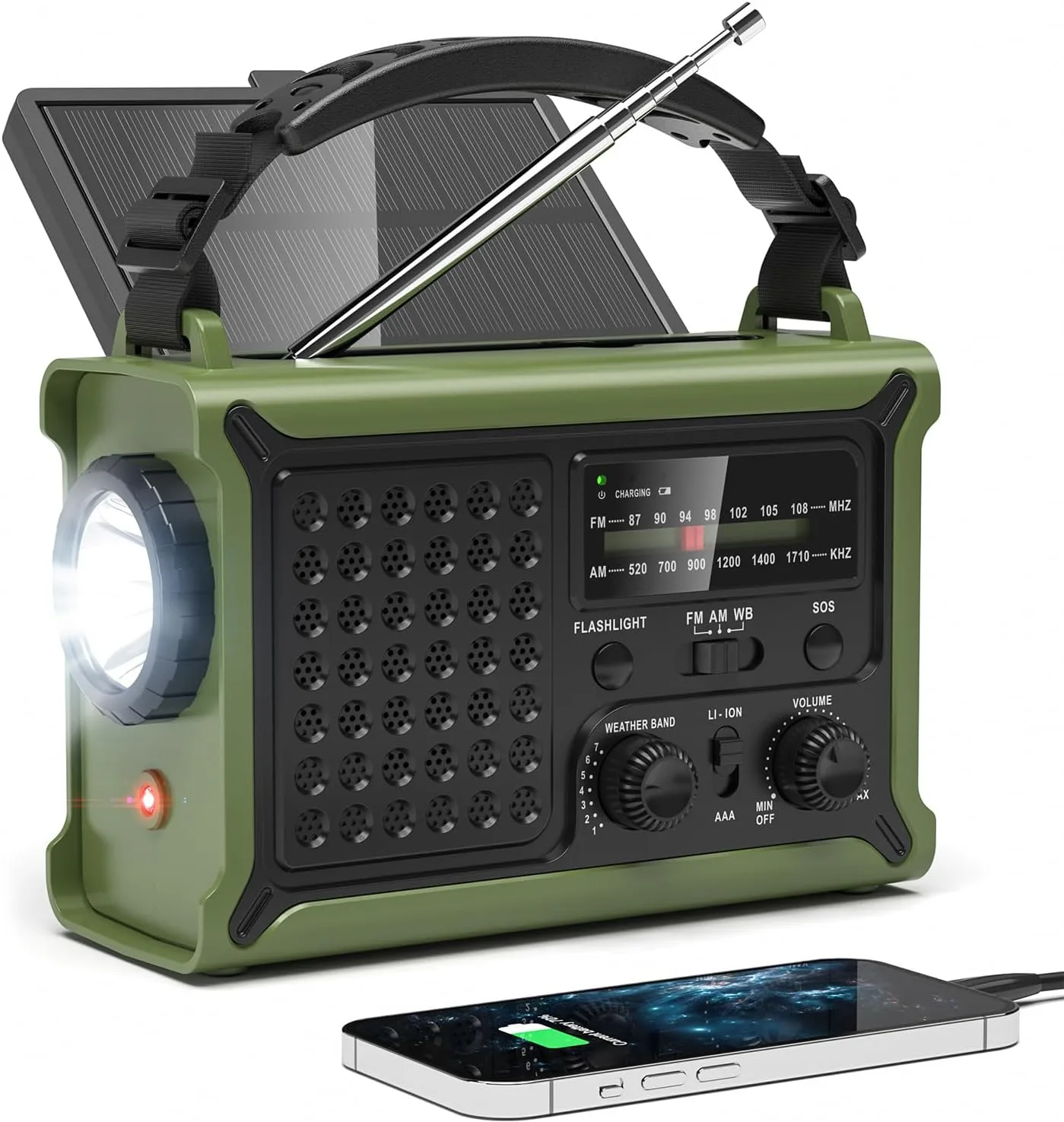
- Osmo SurviveX Radio: Catalog price $99.50 (comparison price $198.99) Offers a strong discount, providing an affordable emergency communication tool that can complement hearing aid safety plans.
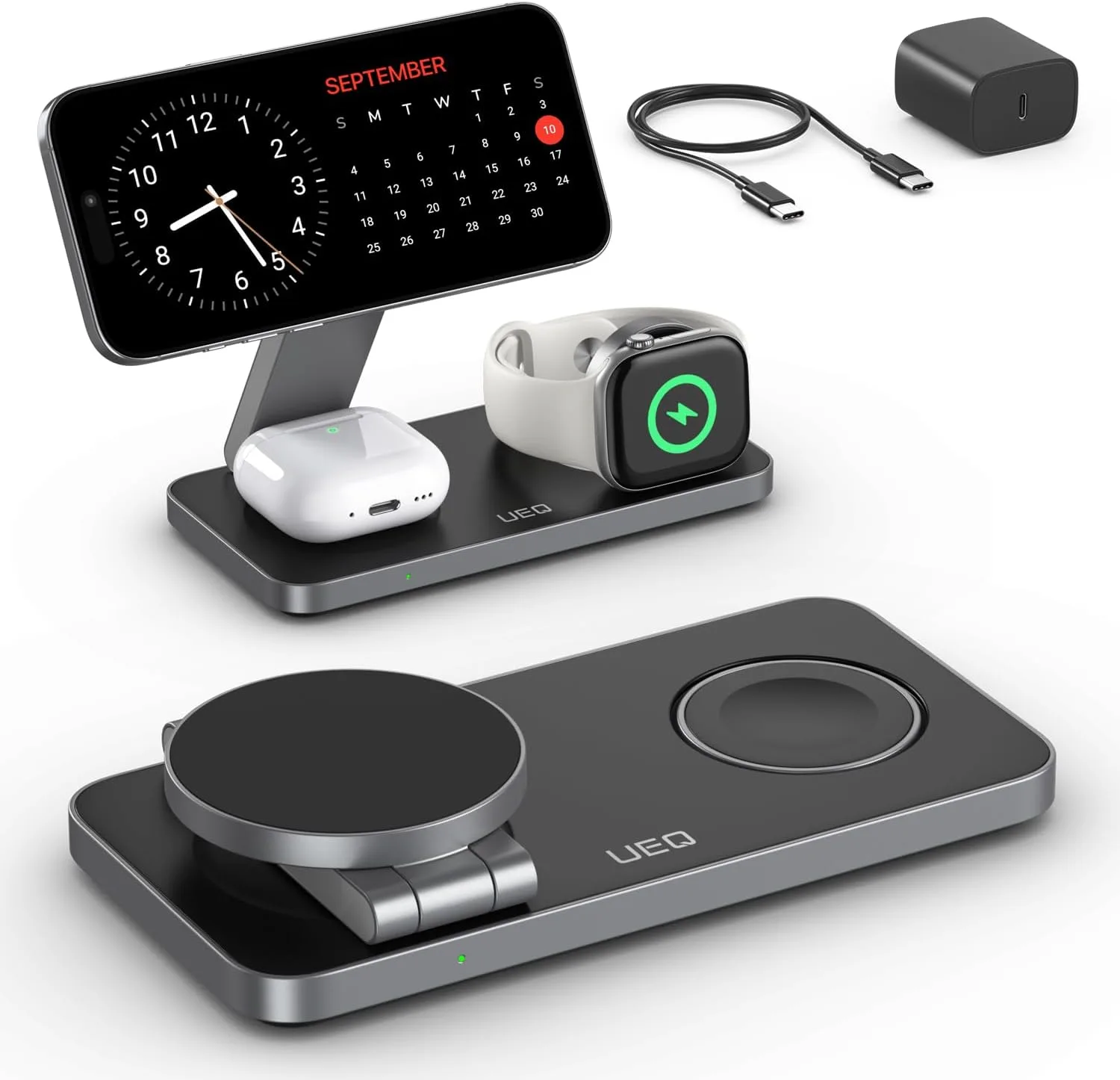
- Osmo VoltStation: Catalog price $79.00 (comparison price $158.00) Provides low‑cost backup power for electronic devices, useful for keeping hearing aids charged during power outages.
Regular care and quick troubleshooting keep your Osmo hearing aid reliable and comfortable. Follow the steps above, keep spare batteries handy, and don’t hesitate to reach out for support whenever you encounter an issue.