Quick Cleaning Recommendation
Unplug the OZI42DC, remove the front grille, and clean the blades and filter every three months. This routine prevents dust buildup, maintains steady airflow, and extends the unit’s useful life.
Even a high‑quality tower circulator like the OZI42DC can lose efficiency if dust and debris accumulate on the blades, motor housing, and filter. Regular care not only preserves airflow performance but also reduces the strain on the motor, lowering energy use and noise.
Below is a step‑by‑step cleaning and maintenance checklist that walks you through each action, highlights a common mistake to avoid, and ensures your fan stays reliable season after season.
Why Regular Maintenance Matters
Dust settling on the fan blades disrupts the V‑Flow circulation pattern, creating uneven temperature zones and a louder operation. Likewise, a clogged filter forces the motor to work harder, which can shorten its lifespan and increase electricity consumption.
By committing to a simple quarterly routine, you keep the airflow consistent, maintain the advertised 70‑foot reach, and avoid costly repairs. The effort takes less than fifteen minutes and pays off in quieter, more effective cooling.
- Check the filter monthly; a visibly dirty filter signals it’s time for a deeper clean.
Step‑by‑Step Cleaning Checklist
- 1. Power Off and Unplug: Turn off the fan and disconnect it from the outlet to avoid electric shock. Common mistake: forgetting to unplug; always verify the unit is completely disconnected before handling.
- 2. Remove the Front Grille: Slide or pop off the front grille according to the user manual; set it aside on a clean surface. Checkpoint: Ensure no clips are broken; a cracked grille can let dust into the motor housing.
- 3. Clean the Blades and Interior: Use a soft brush or a microfiber cloth to gently wipe each blade, then vacuum the interior with a low‑speed brush attachment. Mistake to avoid: Using a wet cloth on the motor; moisture can damage electrical components.
- 4. Replace or Clean the Filter: If the filter is reusable, tap out loose dust, then rinse with lukewarm water and let it dry completely before reinstalling. If disposable, replace it with a new one. Checkpoint: Confirm the filter is fully dry; a damp filter can cause mold growth.
- 5. Reassemble and Test: Snap the grille back into place, plug the fan in, and run it on low speed to verify smooth operation. Common oversight: Forgetting to secure the grille tightly, which can lead to rattling noises.
Related Vornado Products & Practical Takeaways
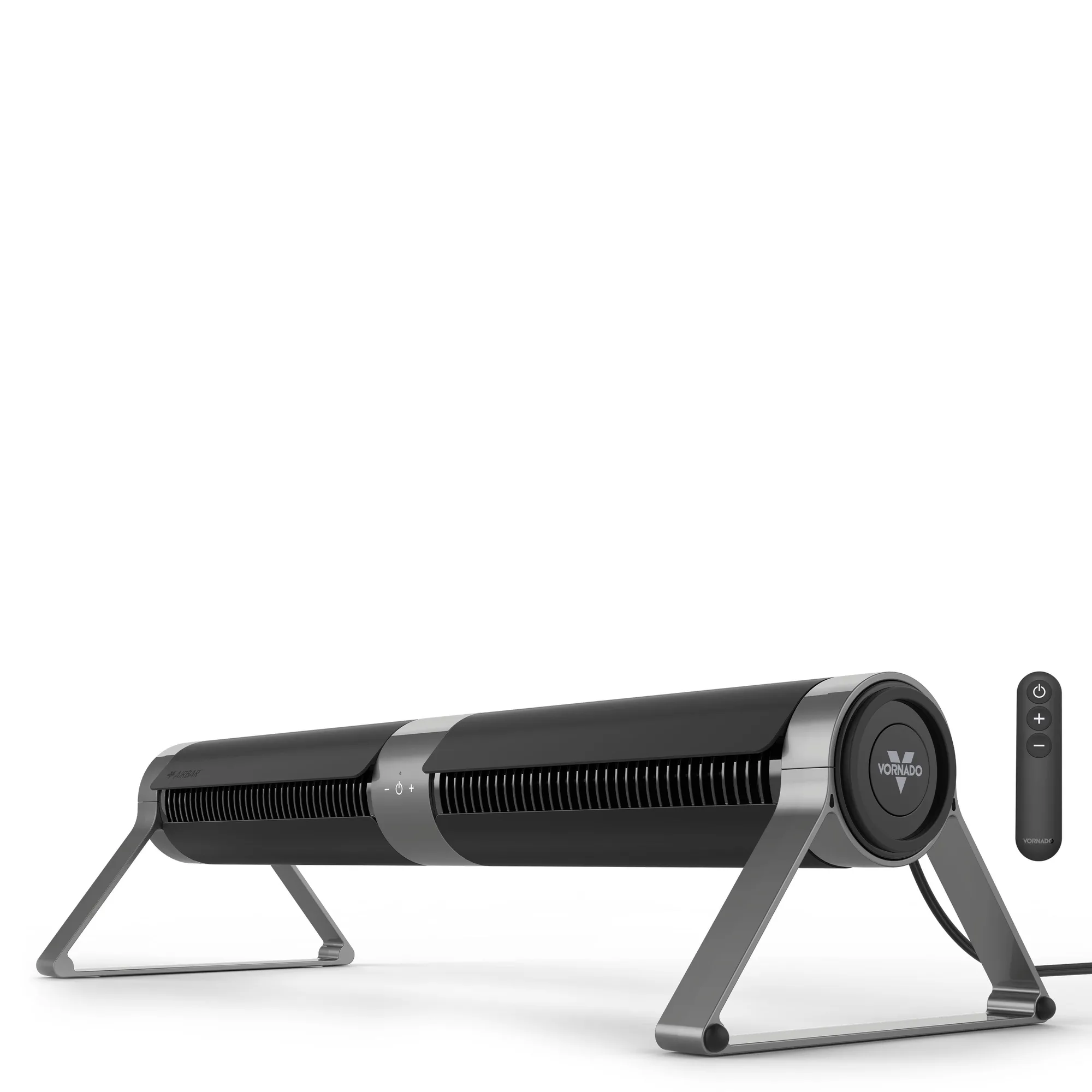
- Airbar® 4 Vertical or Horizontal Tower Fan: Airbar® allows you to feel a wide, horizontal comfort unlike anything else, and with full-range tilt you can direct it… The horizontal airflow option shows how versatile fan orientation can improve comfort in tight spaces, a principle that also applies when positioning the OZI42DC after cleaning.
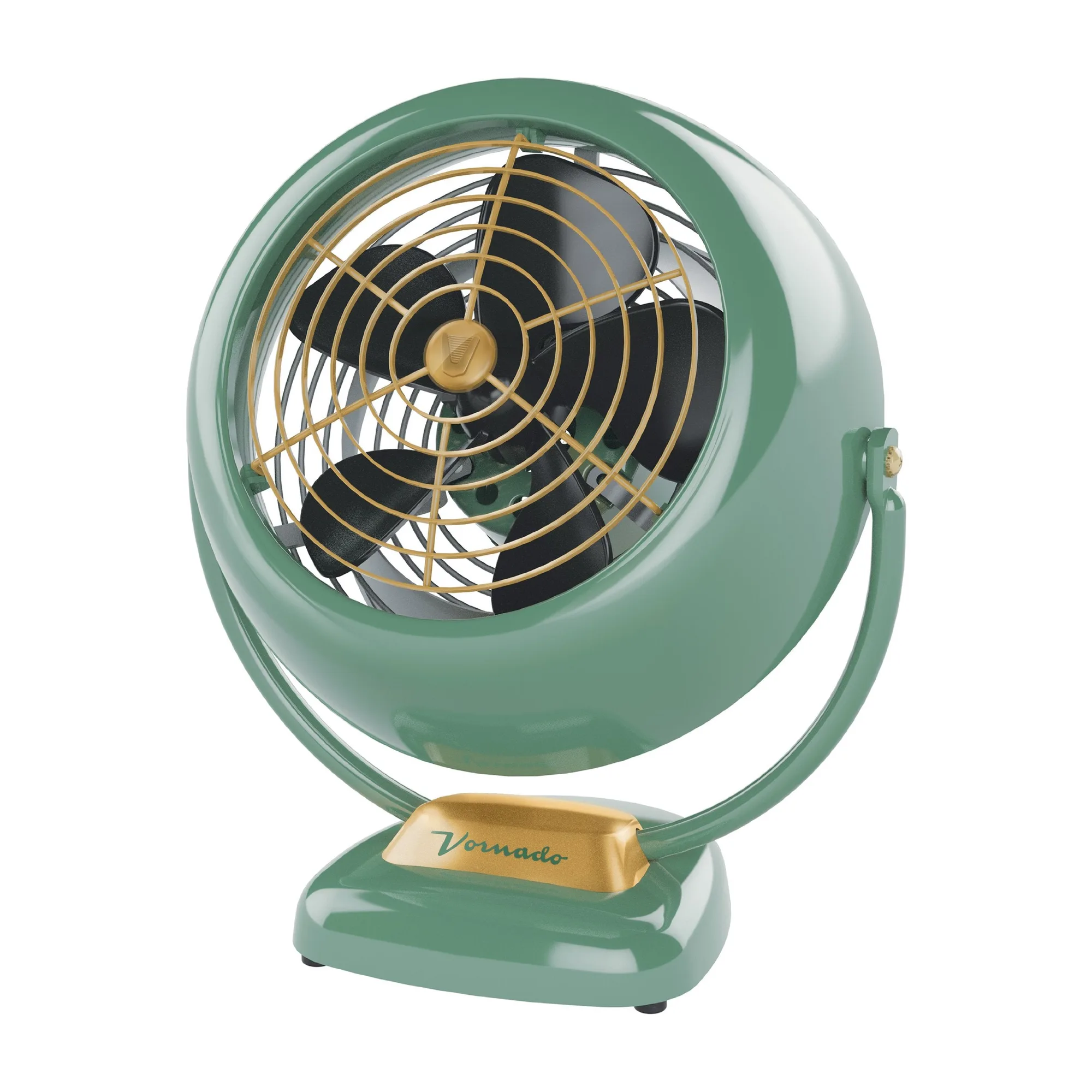
- VFAN™ Vintage Whole Room Air Circulator: Durable metal construction and authentic vintage styling recreate the classic Vornado design… Robust construction means the fan can tolerate regular cleaning without damage, reinforcing the importance of gentle handling during maintenance.
A clean OZI42DC circulator delivers consistent airflow, quieter operation, and a longer service life. Follow this checklist regularly, and your tower fan will keep your space comfortable for years to come.