Quick answer
Pack the Altitude backpack as your mobile office—laptop, charger, documents, and a change of shirt—and use the Platinum Elite carry-on for clothes, shoes, and toiletries. This two-bag split keeps meeting essentials on your back and the bulk in the overhead bin.
Why split work gear from clothes
On a business trip, you often need the backpack at the office or client site while the carry-on stays at the hotel. Packing work items in the backpack means you can leave the larger bag behind without repacking. The carry-on then holds clothing and anything you only need at the hotel, so you are not digging through clothes to find a charger before a meeting.
This split also protects your meeting outfit: the backpack stays with you, while the carry-on absorbs the overhead-bin handling.
When this two-bag setup is not the right choice
If your trip includes multiple flights with tight connections or you will walk long distances between meetings, a single carry-on plus a slim briefcase may be easier. The backpack-and-carry-on pairing works best when you have a home base hotel and need to carry work gear daily.
Step-by-step packing process
- Start with the backpack as your mobile office: Place your laptop, charger, and any meeting documents in the Altitude backpack first. Add a folded shirt or blouse in a packing cube so you have a fresh change if your flight is delayed. Common mistake: stuffing the backpack until it bulges—check that it still fits under the seat and that the laptop compartment closes without pressure. Keep the backpack light enough to carry all day; if it feels heavy before you leave, remove non-essential items.
- Pack the carry-on with hotel-only clothing: Roll or fold clothes for each day into the Platinum Elite carry-on, keeping shoes at the bottom and toiletries in a sealed bag. Use packing cubes to separate outfits. Checkpoint: lift the packed carry-on—if you struggle, you have overpacked for a business trip. Aim for outfits that mix and match so you can pack fewer pieces.
- Keep meeting essentials accessible in the backpack: Put pens, business cards, and a small notebook in the backpack's quick-access pockets. Place your ID and boarding pass in an outer pocket so you are not opening the main compartment at security. Common mistake: burying these items in the carry-on, which forces you to unpack in front of clients. Do a final check that the backpack holds everything you need for the first meeting without opening the carry-on.
- Leave room for souvenirs or extra layers: Both bags are expandable, but avoid expanding them until the return trip. Pack the carry-on about 80% full so you can add a jacket or purchases later. Checkpoint: if you need to expand on the outbound leg, you have packed too much. Use the expansion feature as a return-trip buffer, not as extra outbound capacity.
Product facts
-
Platinum® Elite Carry-On / Travelpro® Altitude™ Large Backpack Set: The set pairs the Travelpro® Altitude™ Expandable Laptop Backpack with the Platinum® Elite Carry-On Expandable Carry-on Spinner. The backpack becomes your day bag for work items while the spinner holds clothes and hotel-only gear, so you can leave the larger bag behind at the hotel.
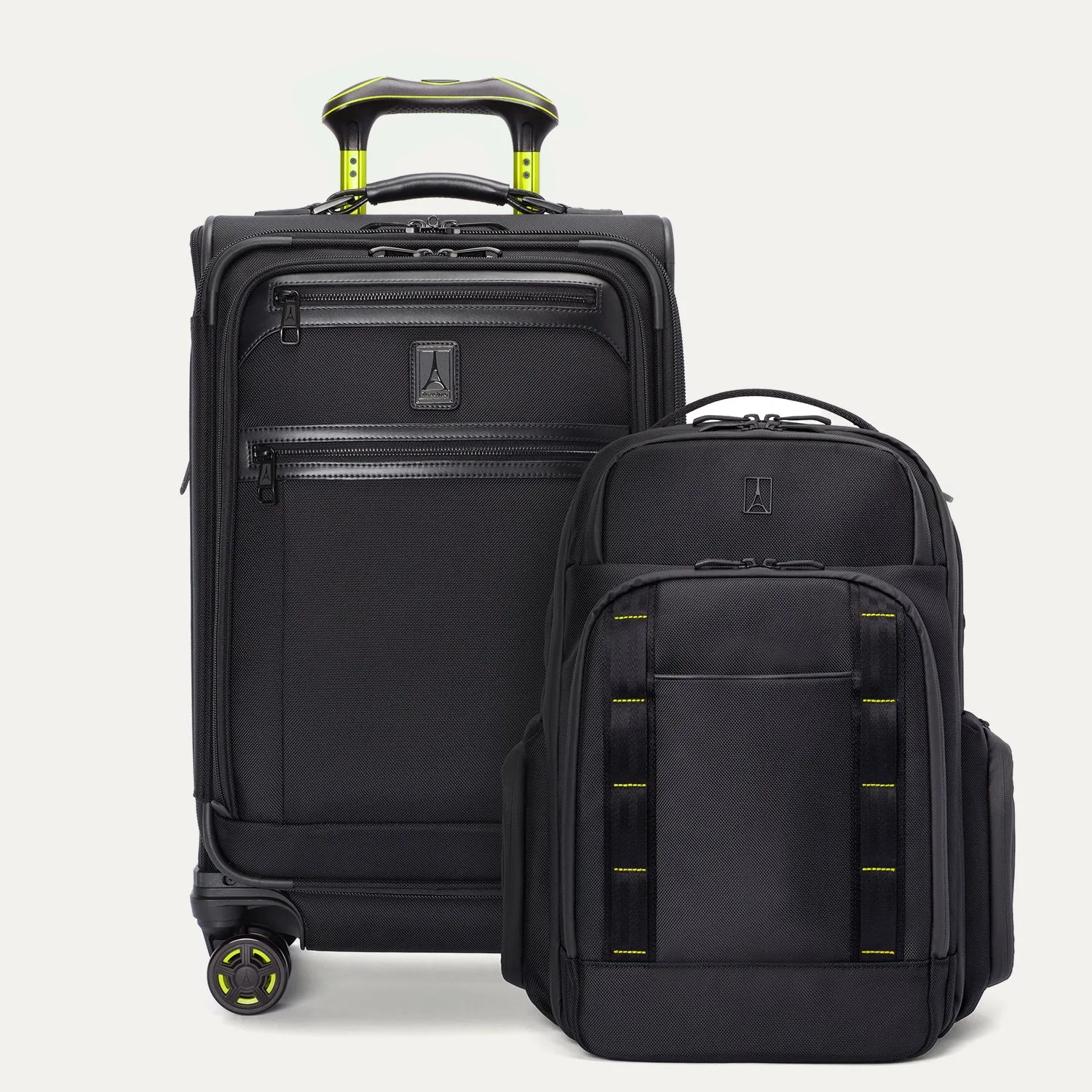
Platinum® Elite Carry-On / Travelpro® Altitude™ Large Backpack Set