Which Panasonic Cameras Use an 8-Pin Mini USB B Cable?
If you own a Panasonic Lumix FZ1000, FZ300, DC-GH4, DMC-TZ41, DMC-TZ61, DMC-TZ71, LX100, or G70, you likely need an 8-pin Mini USB B cable for data transfer and charging. This specific connector differs from standard Mini USB cables, so it's important to identify the correct fit before purchasing.
8-Pin Mini USB B Cable Details
-
8-Pin Mini USB B Camera USB Kabel voor Panasonic Lumix FZ1000 FZ300 DC-GH4 DMC-TZ41 TZ61 TZ71 LX100 G70 uvm Video-/ Foto camera's - Datakabel DMW-USBC: USB cable for charging and data transfer - Panasonic Lumix FZ1000 FZ300 DC-GH4 DMC-TZ41 TZ61 TZ71 LX100 G70 This confirms the cable is designed for these specific Panasonic models, not generic Mini USB cables.
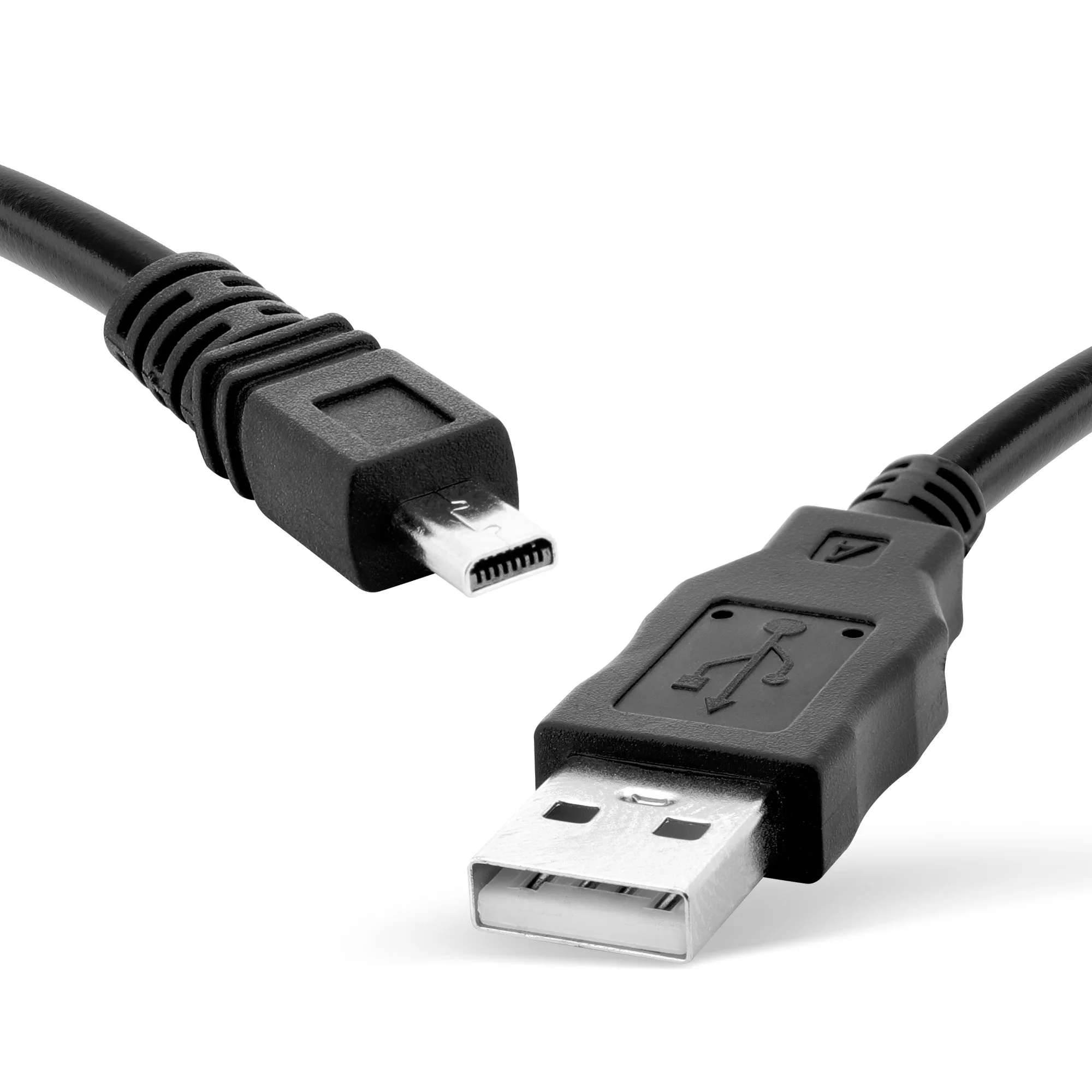
8-Pin Mini USB B Camera USB Kabel voor Panasonic Lumix FZ1000 FZ300 DC-GH4 DMC-TZ41 TZ61 TZ71 LX100 G70 uvm Video-/ Foto camera's - Datakabel DMW-USBC
-
8-Pin Mini USB B Camera USB Kabel voor Panasonic Lumix FZ1000 FZ300 DC-GH4 DMC-TZ41 TZ61 TZ71 LX100 G70 uvm Video-/ Foto camera's - Datakabel DMW-USBC: Three-year warranty included A longer warranty provides peace of mind for a frequently used accessory.
What This Cable Does and Doesn't Confirm
The cable supports both charging and data transfer for the listed Panasonic cameras. However, the listing does not specify the exact data transfer speed or charging current. For best performance, use the cable with the original camera charger or a standard USB port. If your camera is not listed, compatibility is not confirmed by the supplied information.
Comparing 8-Pin Mini USB B vs. Standard Mini USB
Always check your camera's port shape and pin count. An 8-pin cable will not fit a 5-pin port, and vice versa. The listed cable is designed specifically for the Panasonic models mentioned.
- 8-Pin Mini USB B (for Panasonic): Has 8 pins in a specific layout; used by many Panasonic Lumix cameras for both charging and data. Not interchangeable with standard 5-pin Mini USB.
- Standard 5-Pin Mini USB: Common in older hard drives, game controllers, and some cameras. Physically similar but electrically incompatible with 8-pin Panasonic cameras.
How to Use the Cable with Your Camera
Simply connect the 8-pin Mini USB B end to your camera and the standard USB-A end to a computer or USB power adapter. The cable supports both charging the battery and transferring photos or videos. No special drivers are needed for most operating systems; your camera should appear as a removable drive.