What the Pastel Dreams Collection Includes
The Pastel Dreams Collection is a set of 78 Photoshop actions, brushes, and workflow tools designed to give portraits a soft, light, and airy look. It includes Light Doctor actions for exposure correction, 12 all-in-one Pastel Color actions, 5 Sunfusion actions for sun-drenched color, and 9 bonus brushes for adding sunrays and sunbursts. The collection is compatible with Photoshop CS3-CS6, Creative Cloud, and PSE 11+.
Product Facts That Shape Your Workflow
-
Pastel Dreams Collection: The collection includes 6 Light Doctor actions, 12 all-in-one Pastel Color actions, 5 Sunfusion actions, 3 mini-retouch actions, 8 FAVE Combo actions, 9 Polisher workflow actions, and 10 Pretty Workflow Brushes. Knowing the exact tools helps you plan an efficient editing sequence: start with Light Doctor, then apply color actions, then use Polishers for finishing touches.
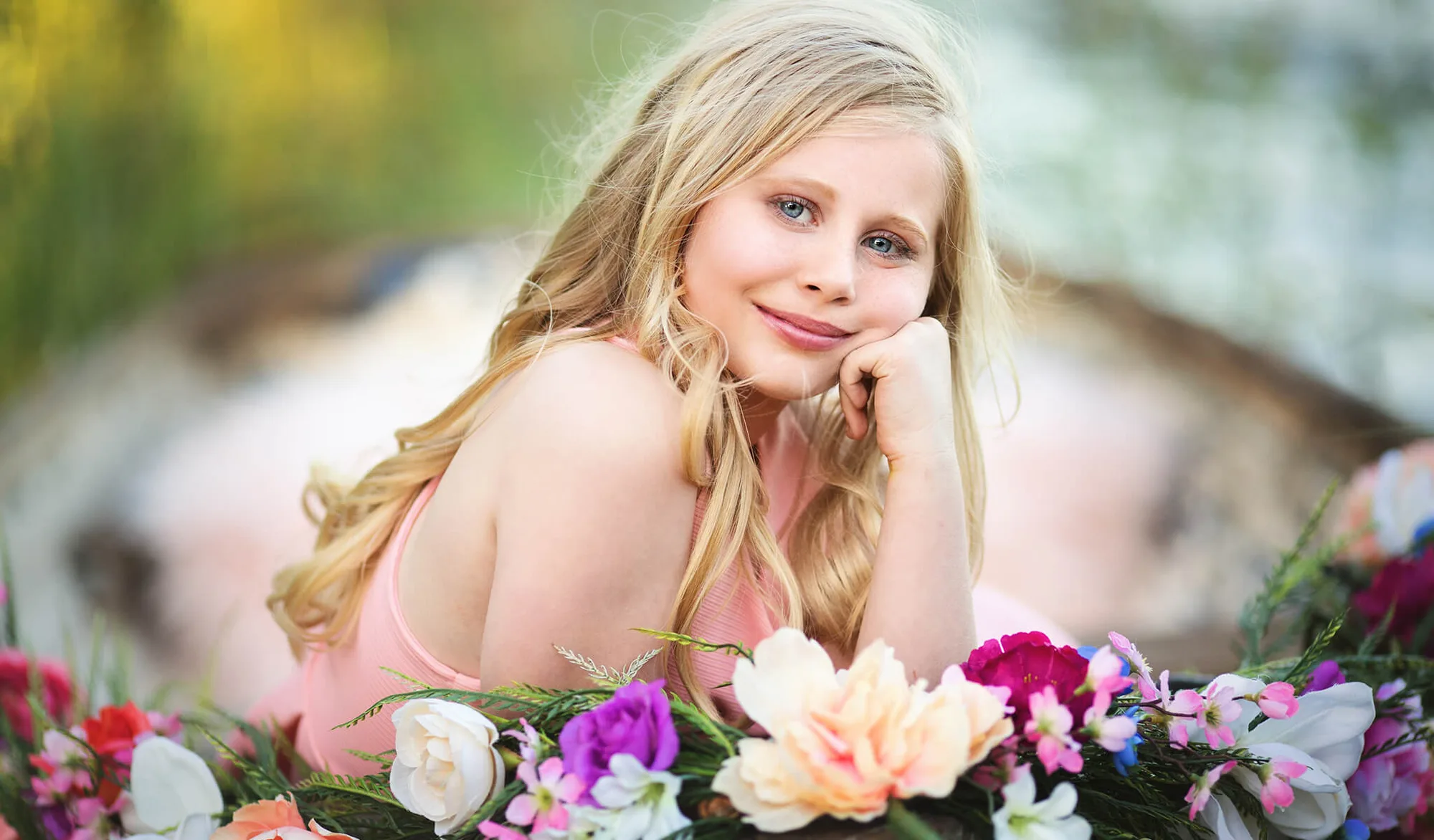
Pastel Dreams Collection
-
Pastel Dreams Collection: Actions are fully customizable and work on both Mac and PC. The set includes instruction guides and video tutorial links. You can adjust any action to fit your specific image, and the tutorials make it easy to learn the workflow even if you are new to actions.
A Supported Editing Sequence for Soft Portraits
The following order uses the supplied actions to create a soft, pastel portrait. Adjust the intensity of each action to match your image.
- 1. Correct exposure with Light Doctor: Open your portrait in Photoshop. Run the Light Doctor actions (e.g., Sun Up, Hazy Light, Backlight Perfect) to fix exposure and add or reduce hazy light. These actions work best as your first step.
- 2. Apply a Pastel Color action: Choose from 12 all-in-one Pastel Color actions like Cotton Candy or Rich Color Pop. Each adds a soft, light and airy color enhancement. You can mix and match multiple actions to create custom color combinations.
- 3. Add sun-drenched color with Sunfusion: Use one of the 5 Sunfusion actions (e.g., Golden Hour, Pretty Sunrise) to infuse the image with deep, warm color. Apply after the base pastel tone for a layered effect.
- 4. Retouch skin and eyes with Mini-Retouch: The mini-retouch set includes Eye Sparkle, Summer Skin, and Playful Cheeks & Lips. Use these to beautify skin, enhance eyes, and add a summer glow.
- 5. Finish with Polisher workflow actions: Apply Polisher actions like Pretty Center Light, Matte Vignette, or U-Pick Haze to sculpt light and add the final dreamy mood. These actions are designed to be the last step.
Using the FAVE Combo Actions for Quick Results
For a faster workflow, the collection includes 8 FAVE Combo Actions that run multiple actions with one click. These curated combinations are a great starting point, especially if you are new to the collection. You can always customize the result afterward.
What the Collection Does Not Confirm
The supplied information does not include specific instructions for every possible portrait scenario, such as group shots or extreme lighting conditions. The actions are described as fully customizable, but the exact limits of adjustment are not documented. For best results, start with a well-exposed image and experiment on a copy of your original.