Quick answer
Try gently realigning the refill, trimming the paper edge, or checking that you have the correct refill size for your Patch notebook cover.
Why refill fit issues happen
Patch notebooks are designed to work with specific refill sizes. If you're using a refill from a different brand or a wrong size, it may not seat properly. Also, slight manufacturing tolerances can cause a refill to be a bit too wide or too tall.
When to consider a different refill
If you've tried adjusting and the refill still doesn't fit, it may be time to switch to a refill designed specifically for your Patch notebook. Using a compatible refill ensures the best writing experience and prevents damage to the notebook spine.
Frequently asked questions
My refill is too wide. What can I do?
Check if the refill is designed for your Patch notebook. If it's slightly too wide, you can carefully trim a few millimeters from the edge of the paper using a sharp craft knife and a straight edge. Be sure to cut only the paper, not the cover or binding.
My refill is too tall. How do I fix it?
If the refill sticks out from the top or bottom, it may be the wrong size. Some refills can be shortened by trimming the top edge, but this may affect the printing or layout. For best results, use a refill specifically made for your Patch notebook.
The refill doesn't lie flat. What should I check?
Make sure the refill is fully inserted and that the spine of the notebook isn't bent. If the refill is warped, try pressing it under a heavy book for a few hours. If it still won't lie flat, it may be a manufacturing defect. If none of these steps work, the refill is likely incompatible. Look for refills that match your Patch notebook's exact dimensions.
Product facts
-
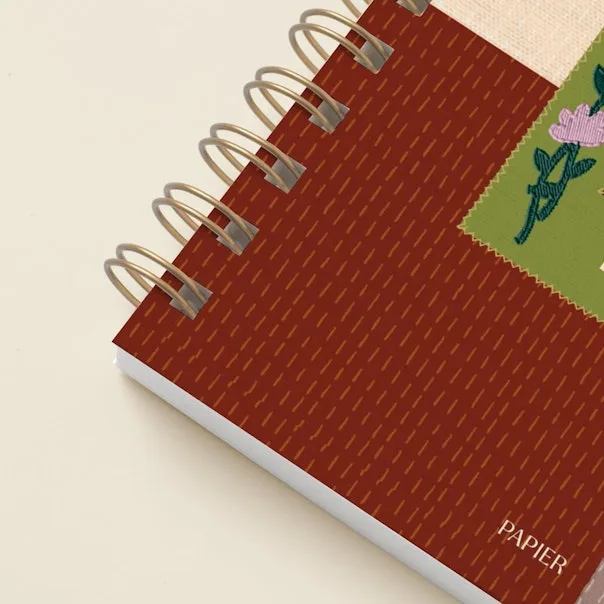
Patch: Papier's Patch is a versatile addition to your stationery collection, designed to complement your everyday writing and organizing needs. This means the Patch is built to work seamlessly with your writing system, but using a mismatched refill can disrupt that experience.
Patch