Start with the footprint, not the artwork
Before you decide where to place the Lumerius Path of Exile 2 desk mat, check whether your desk has enough room. The mat measures 900x400mm. That is a large rectangle, not a standard mousepad. If your desk is shallow or cluttered, the mat may overhang or crowd your keyboard and mouse area.
Think of the mat as a full desk cover or an oversized mousepad, not a small accessory. It works best on a clean, flat surface where the entire 900x400mm area can lie flat. A cramped corner or a surface with raised edges can cause the mat to curl or slide.
What the catalog confirms about the Path of Exile 2 desk mat
-
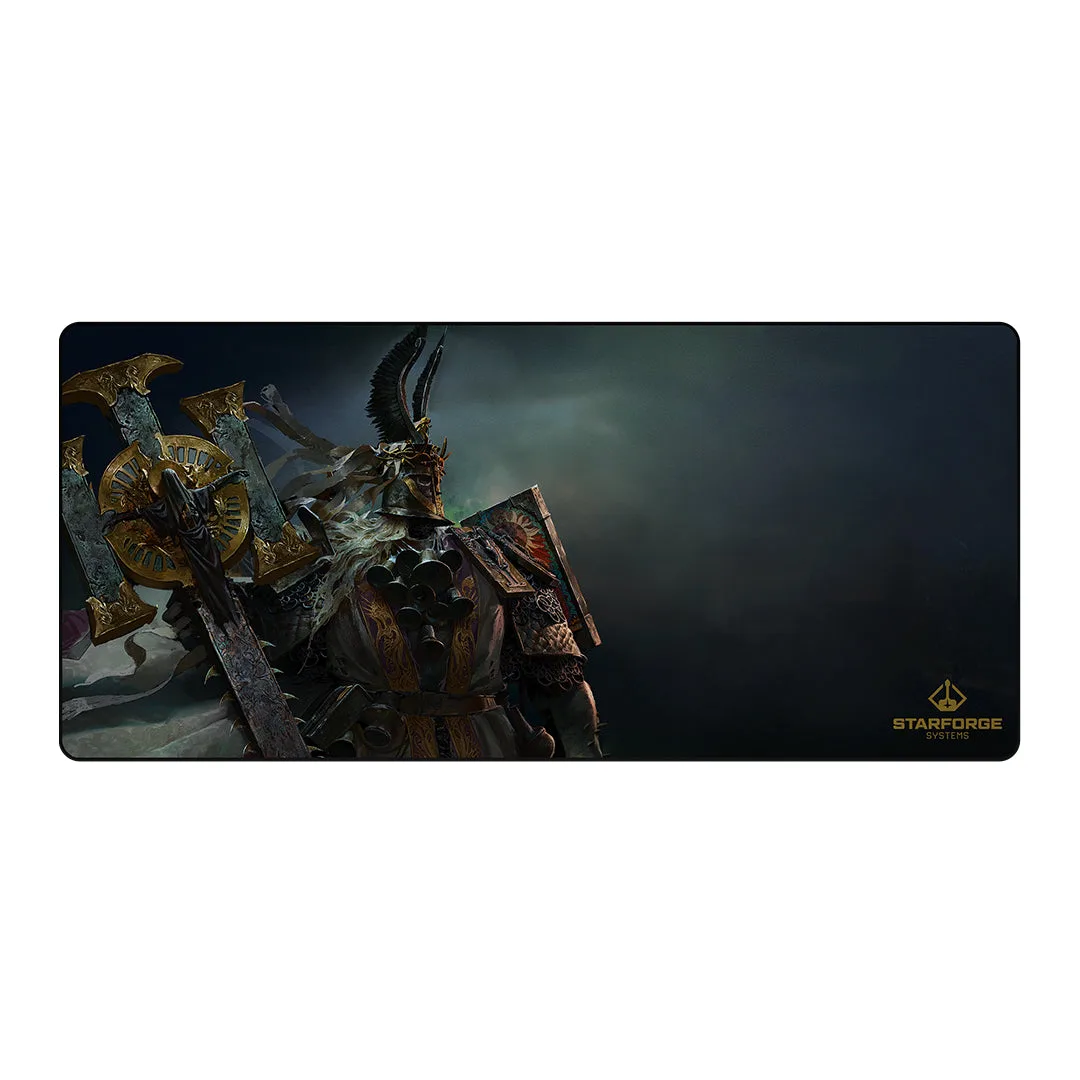
Lumerius - Path of Exile 2 Desk Mat: 900x400mm dimensions. The catalog describes it as excellent as a cover for your desk or as an extra-large mousepad. The size dictates where and how you can use the mat. It is not a small desk pad; it needs a clear area of at least 90x40 cm.
Lumerius - Path of Exile 2 Desk Mat
-
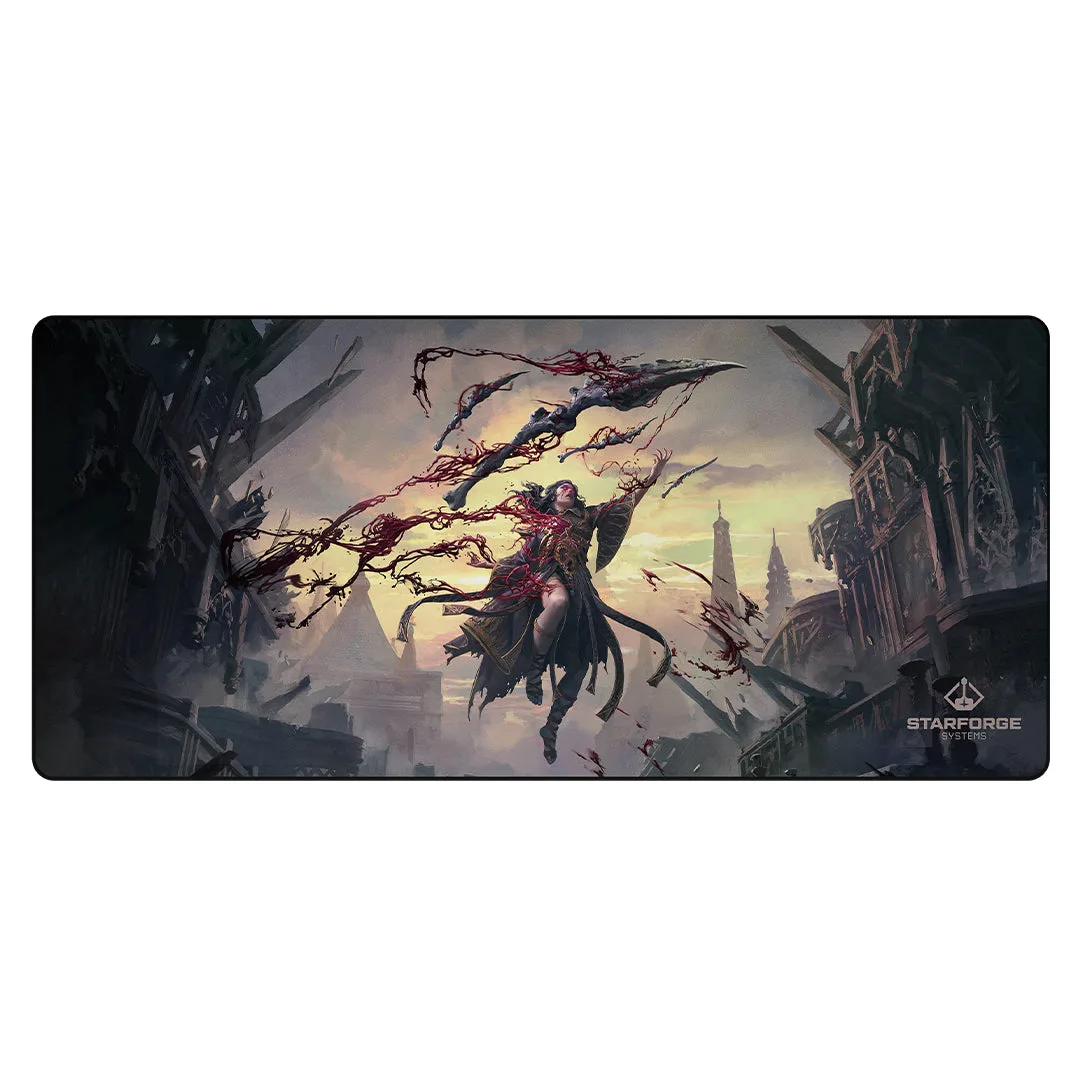
Lumerius - Path of Exile 2 Desk Mat: Featuring artwork from our favorite IPs and artists. The mat is a compliment to existing art or a foundation for a gaming room's aesthetic. The printed surface is the main feature. Care should protect the artwork from scratches, spills, and fading.
Choose a surface that keeps the print readable
The catalog does not specify the exact material of the mat surface. Based on typical large desk mats in this price range, the surface is likely a smooth cloth or coated fabric designed for mouse tracking. That means it can pick up dust, crumbs, and oils from your hands over time.
For daily use, keep the mat on a dry, stable desk away from direct sunlight to avoid fading the print. Avoid placing drinks directly on the mat; a coaster or a separate drink mat prevents moisture rings that may stain the fabric. If you eat at your desk, crumbs should be brushed off promptly rather than ground into the surface.
A simple setup and care routine for the Path of Exile 2 desk mat
The catalog does not include specific cleaning instructions. The following steps are general best practices for large printed desk mats with a fabric or coated top layer.
- Unpack and flatten: When you first unroll the mat, it may have a slight curl. Place it on a flat desk and put a few books or a flat object on the edges for a few hours to help it lie flat.
- Daily dust removal: Use a lint roller or a soft, dry microfiber cloth to wipe away dust and crumbs. Do not use a wet cloth unless you are sure the surface is waterproof, which the catalog does not confirm.
- Spot cleaning (if needed): If a small spill occurs, blot it immediately with a dry paper towel. Do not rub, as that can spread the liquid into the fabric and damage the print. Let the area air dry completely before using the mat again.
- Avoid harsh chemicals: Do not use alcohol-based cleaners, bleach, or abrasive scrubbers. They can strip the printed artwork or damage the surface coating.
Where the catalog stops, and what that means for care
The catalog does not confirm whether the mat surface is waterproof, machine-washable, or resistant to heat. Without that information, the safest approach is to treat the mat as a delicate printed textile. Avoid exposure to heat (like a laptop exhaust), direct sunlight for long periods, and liquids.
If you want to be extra cautious, place a clear desk protector or a separate mousepad on top of the mat in high-wear areas. That keeps the artwork visible while adding a layer of protection against scratches from your mouse feet or keyboard edges.