Quick Answer
Installing a Pedal Commander on your Seat Leon takes about 15 minutes with no special tools. Once connected, you can choose from four driving modes — Eco, City, Sport, and Sport+ — to adjust throttle response instantly.
Why Install a Throttle Response Controller on Your Leon?
Many Seat Leon drivers notice a slight delay between pressing the accelerator and feeling the engine respond. That lag comes from the electronic throttle control (drive-by-wire) system, which intentionally softens pedal input for comfort and fuel economy. A Pedal Commander eliminates that delay by remapping the throttle signal in real time.
The Pedal Commander for Seat Leon is model-specific, with fitment options for the 1M (2001-2006), 1P (2005-2012), 3rd Gen (2012-2020), and 4th Gen (2020+) generations. It works with both petrol and diesel engines, including TSI, TDI, and eHybrid variants. The same device also fits the Seat Ibiza if you choose the correct generation option.
What to Know Before You Start
The Pedal Commander plugs directly into the accelerator pedal connector — no cutting, splicing, or programming required. It draws power from the vehicle's OBD-II port, so you need to locate both connectors before starting.
One trade-off: the device uses the OBD-II port, which means you cannot have another device (like a code reader or insurance tracker) plugged in at the same time. If you need to access the port for diagnostics, simply unplug the Pedal Commander temporarily.
Step-by-Step Installation and Mode Setup
- 1. Locate the Accelerator Pedal Connector: Turn off the ignition. Under the dashboard, find the connector attached to the top of the accelerator pedal. Press the release tab and pull the connector free. Common mistake: pulling the wires instead of the connector body. Always grip the plastic housing to avoid damaging the pins.
- 2. Plug the Pedal Commander Inline: Connect the Pedal Commander harness between the pedal connector and the pedal itself. The connectors are keyed — they only fit one way. Push until you hear a click. Check that both ends are fully seated. A loose connection can cause intermittent throttle response or error codes.
- 3. Connect the OBD-II Power Cable: Locate the OBD-II port under the dashboard (usually near the driver's left knee). Plug the Pedal Commander's OBD cable into the port. Route the cable so it does not interfere with your feet or pedals. If the OBD port is already occupied, you will need to disconnect the existing device. The Pedal Commander requires exclusive access to the port.
- 4. Start the Engine and Test: Turn the ignition to ON (do not start yet). The Pedal Commander display should light up. Start the engine and press the accelerator lightly — you should feel an immediate response. The default mode is usually City. If the display does not light up, check the OBD connection and verify the ignition is on. Do not drive until the display is active.
- 5. Switch Between Driving Modes: Use the mode button on the Pedal Commander to cycle through Eco (reduced throttle for fuel saving), City (standard response), Sport (quicker response), and Sport+ (maximum response). Each mode has a different color on the display. Start with City mode for a few days to get used to the new feel. Sport+ can feel aggressive in stop-and-go traffic — use it on open roads or when you want maximum acceleration.
- 6. Adjust the Level Within Each Mode: Within Eco, City, and Sport modes, you can fine-tune the response using the +/- buttons (usually 1-9 levels). Sport+ has fixed maximum response. Adjust in small increments until the throttle feels natural to you. A common mistake is setting the level too high immediately. Increase by one or two levels per drive to find the sweet spot without making the car feel jerky.
Product Facts
-
Pedal Commander for Seat Leon: Pedal Commander for Seat Leon covers 1M, 1P, 3rd Gen, and 4th Gen generations with multiple engine options including TSI, TDI, and eHybrid. You can use one device across different Leon generations, but you must select the correct fitment option when ordering to match your specific engine and year.
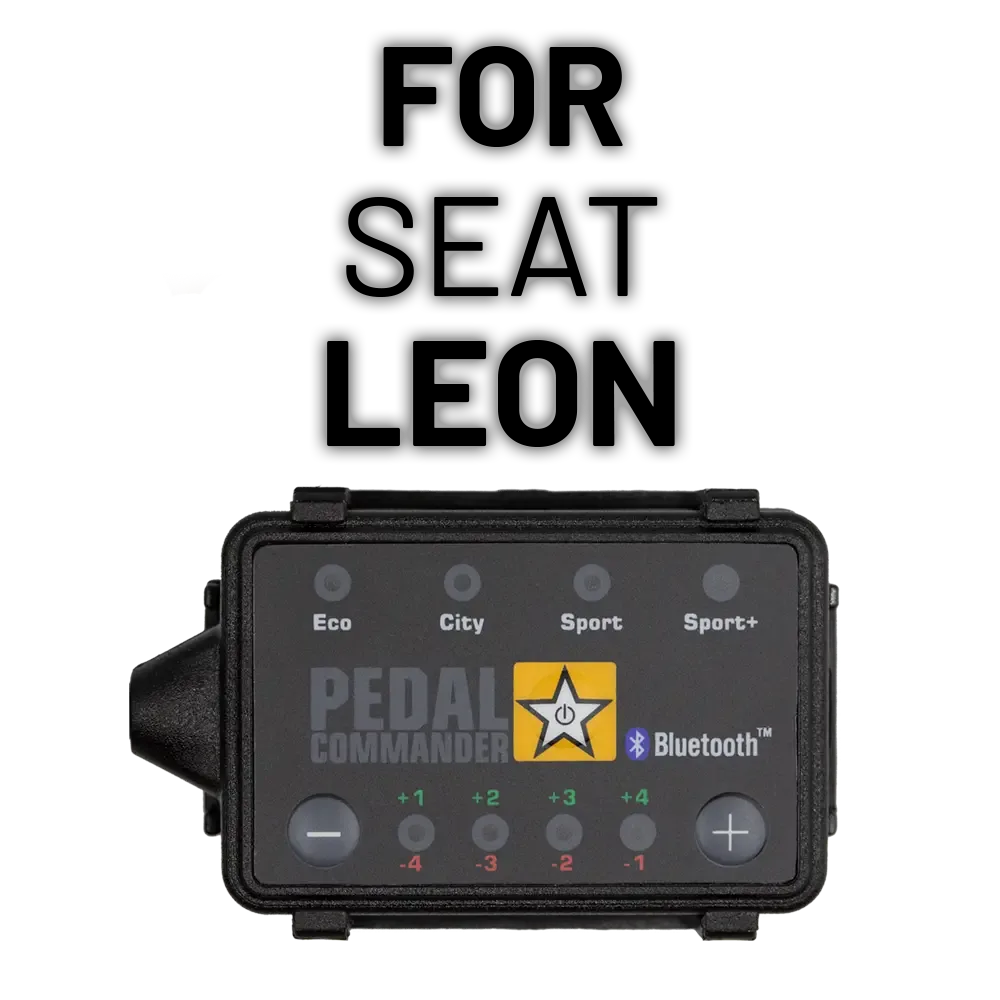
Pedal Commander for Seat Leon
-
Pedal Commander for Seat Ibiza: Pedal Commander for Seat Ibiza is available for 3rd Gen (2002-2008) and 4th Gen (2008-2014) with petrol and diesel engine choices. If you own both a Leon and an Ibiza, you can buy a second unit for the Ibiza, or share one between vehicles — just re-select the fitment option.
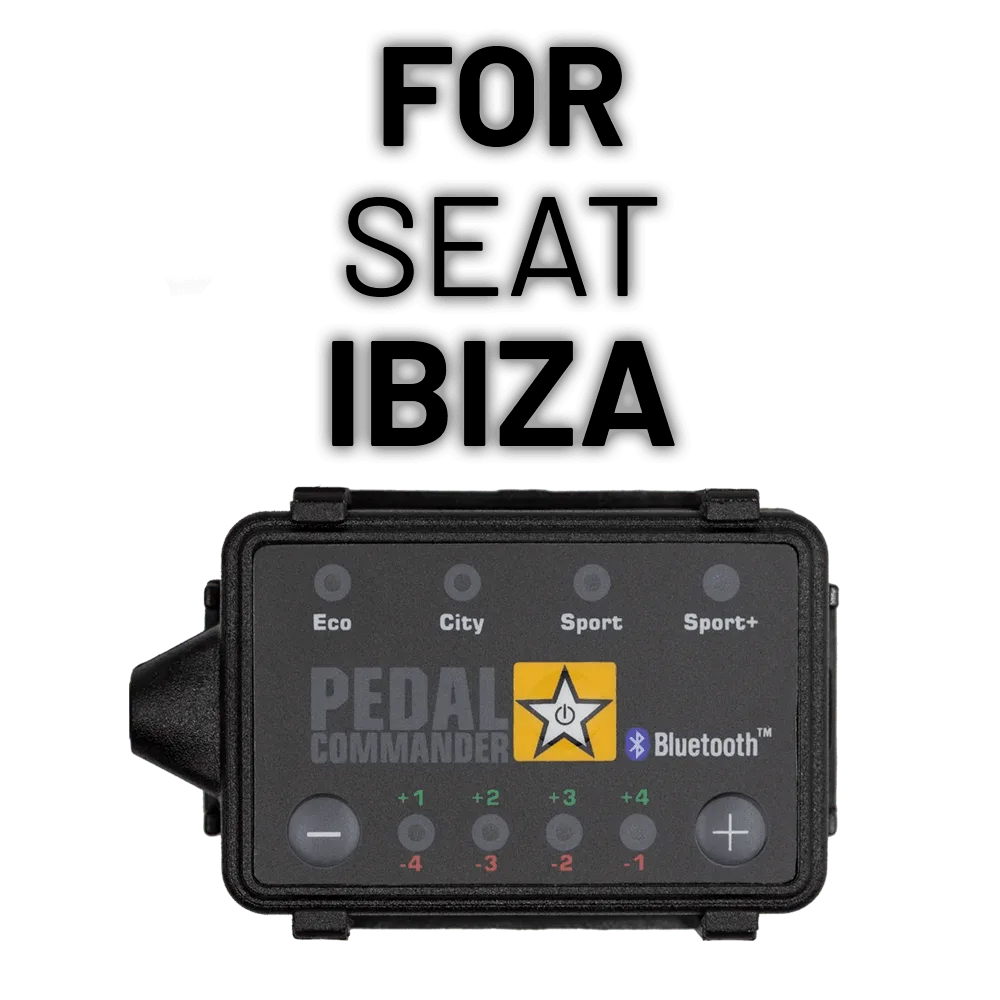
Pedal Commander for Seat Ibiza