Why stickers help your weekly spread
A weekly spread works best when you can see what matters at a glance. Planner stickers add clear labels for appointments, deadlines, and recurring tasks without rewriting the same words every week. LEUCHTTURM1917 Planner Stickers 2027 are designed to fit medium (A5) notebooks, so they align with your existing layout rather than overlapping or curling at the edges.
What the Planner Stickers 2027 provide
-
Planner Stickers 2027: Available in dedicated month and year sets, these stickers are designed to integrate smoothly with the brand's premium notebooks. You can choose the set that matches how you plan: month stickers for detailed weekly labels, year stickers for an overview of long-term goals.
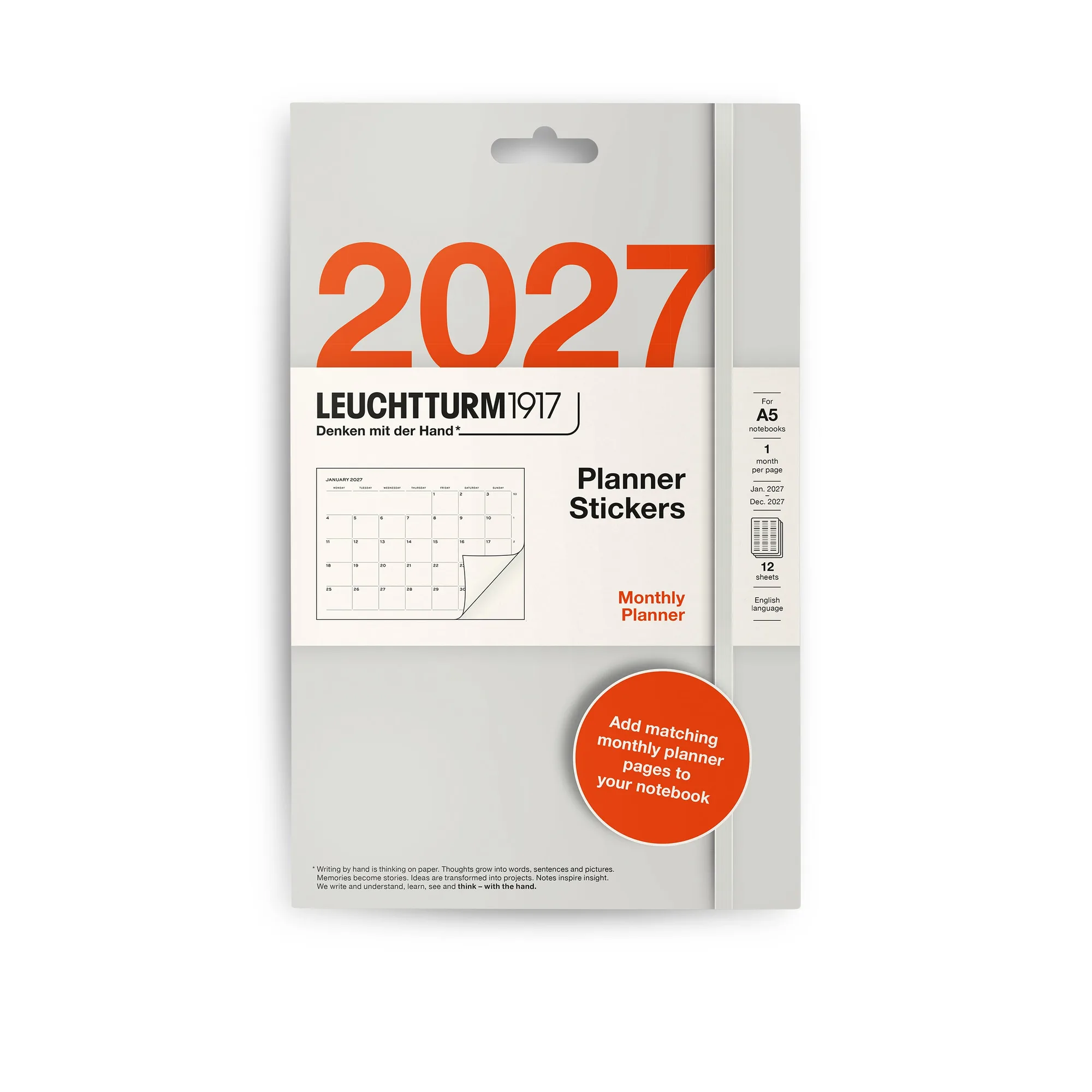
Planner Stickers 2027
-
Planner Stickers 2027: Sized specifically for medium (A5) Leuchtturm1917 notebooks, ensuring a perfect fit. No trimming or repositioning needed; the stickers match the page grid, keeping your spread clean and readable.
-
Planner Stickers 2027: Printed on high‑quality paper that adheres securely yet removes cleanly when needed. You can move a sticker if your schedule changes without tearing the page or leaving residue.
Set up your weekly spread with stickers
Start with your weekly layout already drawn or printed. Then place stickers where they add the most clarity.
- Label recurring events first: Use month-set stickers for weekly meetings, classes, or appointments. Place them on the same day each week so you don't have to rewrite the event name.
- Mark deadlines with a distinct sticker: Choose a different design or color from the month set for due dates. This creates a visual cue that stands out from routine events.
- Add yearly overview stickers for long-term goals: The year set provides yearly overview stickers for quick reference. Place them on a separate page or at the start of each month to track quarterly targets.
- Leave space for handwritten notes: Stickers work best when they complement your writing, not crowd it. Reserve a column or margin for daily tasks or meeting notes.
Choose the right set for your planning style
The Planner Stickers 2027 come in two sets: Month and Year. If you plan week by week and need labels for each month, the Month set gives you a full collection for every month of 2027. If you prefer a broader view of the year, the Year set provides yearly overview stickers for quick reference. You can also combine both sets — use month stickers for weekly details and year stickers for a glance at the full year.
Sticker layout tips for a clean spread
Place stickers on the same side of each weekly page so your eye knows where to look. For example, put all recurring event stickers in the left column and deadlines on the right. Avoid stacking stickers — if one overlaps another, the lower sticker may lose its adhesive grip or become hard to read. Since the stickers remove cleanly, you can test a layout for a week and adjust it without damaging your notebook.