Quick answer
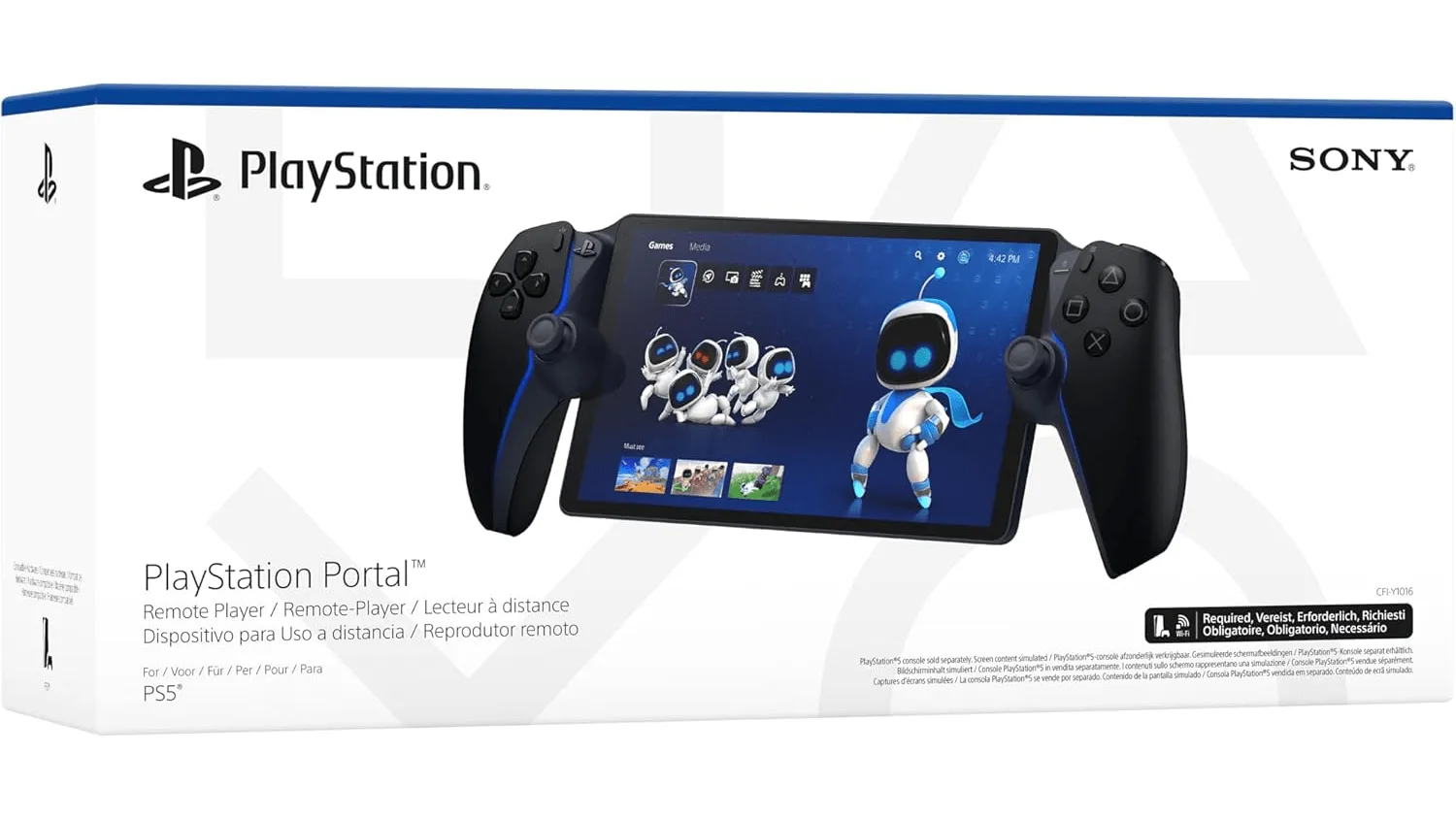
Buy the PlayStation 5 Portal Remote Player if you already own a PS5, want to play PS5 games away from the TV in another room, and have reliable home Wi-Fi. Skip it if you need offline play, VR, or a standalone handheld console.
It is a remote player, not a handheld console
The biggest mistake shoppers make is treating the PS5 Portal like a Switch or Steam Deck. It does not run games on its own. It streams from your PS5 over Wi-Fi, so your console must be on and connected. That also means games requiring VR or extra peripherals are not compatible.
If you want to play on a train, on a plane, or during an internet outage, a true handheld console is the better fit. If your goal is simply to play your existing PS5 library in bed or in another room, the Portal can do that without a TV.
Wi-Fi quality decides the experience
Because the Portal streams video, your home network matters more than the device itself. A weak signal or congested Wi-Fi can cause stutter and input lag. Before buying, test your PS5 on Wi-Fi in the room where you plan to use the Portal. If that connection is unstable, fix the network first or expect a frustrating experience.
Wired connections for the PS5 and a strong router help, but the Portal itself still relies on Wi-Fi. The catalog does not list a specific minimum speed, so treat broadband quality as a practical requirement rather than a guaranteed specification.
Screen and battery: what the catalog does and does not tell you
The Portal has an 8-inch full HD screen running at 1080p and 60fps, with haptic feedback and adaptive triggers from the DualSense controller. That makes it a comfortable way to play PS5 and PS4 games without a TV.
Battery life is not stated in the supplied catalog. That is a real decision limitation: check current owner reports or the manufacturer page if battery runtime is critical for you. Do not assume all-day play.
Decision rules for buying the PS5 Portal
- Do you already own a PS5?: If yes, the Portal can add a second screen for your existing library. If no, buy the PS5 console first; the Portal cannot play games without one.
- Will you use it mostly in the same home?: Choose the Portal if you want to play PS5 away from the TV in another room. Choose a handheld console if you need to play outside the home or offline. Test your Wi-Fi in the exact room where you plan to play before ordering.
- Is your Wi-Fi stable enough for streaming?: Run your PS5 on Wi-Fi in that room for a few days. If you see lag or drops, improve the network or reconsider a remote player.
- Do you need VR or extra peripherals?: The Portal does not support VR or games requiring additional peripherals. If those are essential, this is not the right device.
- Is battery life a dealbreaker?: The catalog does not state battery runtime. Check current owner feedback or the manufacturer page if you need long unplugged sessions.
Product facts
-
PlayStation 5 Portal Remote Player: Plays PS5 games anywhere in your home via Wi-Fi without needing a TV, and supports PS4 games too. This is the core use case: freeing the TV while keeping your existing library.
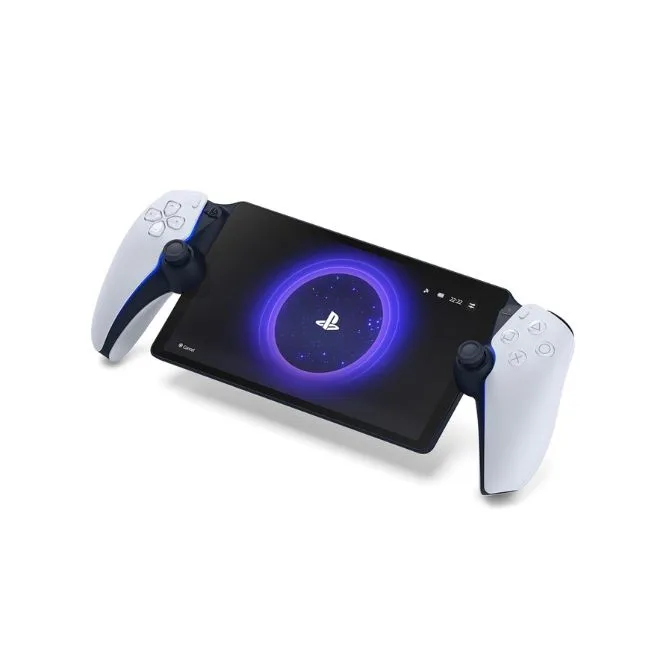
PlayStation 5 Portal Remote Player
-
PlayStation 5 Portal Remote Player: Features an 8-inch full HD screen at 1080p and 60fps with haptic feedback and adaptive triggers. The screen and controller features make it feel like a portable PS5 experience, not a basic streaming tablet.
-
PlayStation 5 Portal Remote Player: Requires a PS5 console and broadband connection; VR and games needing extra peripherals are not compatible. It is an accessory for existing PS5 owners, not a standalone console or a VR solution.
Who should buy it
Best for
- PS5 owners who want to play in another room without moving the console
- Players who share a TV and need a second screen for their PS5 library
Not for
- Shoppers who do not own a PS5
- People who need offline play or a standalone handheld console
- VR players or games that require extra peripherals