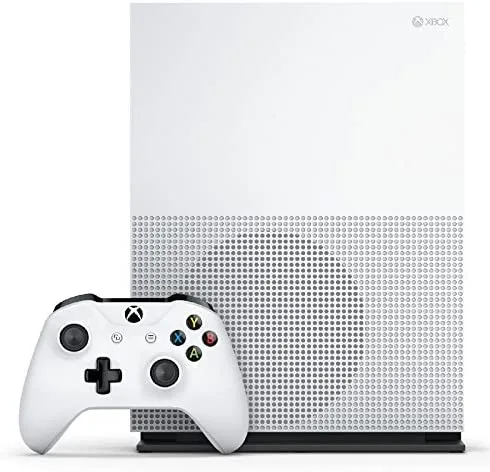
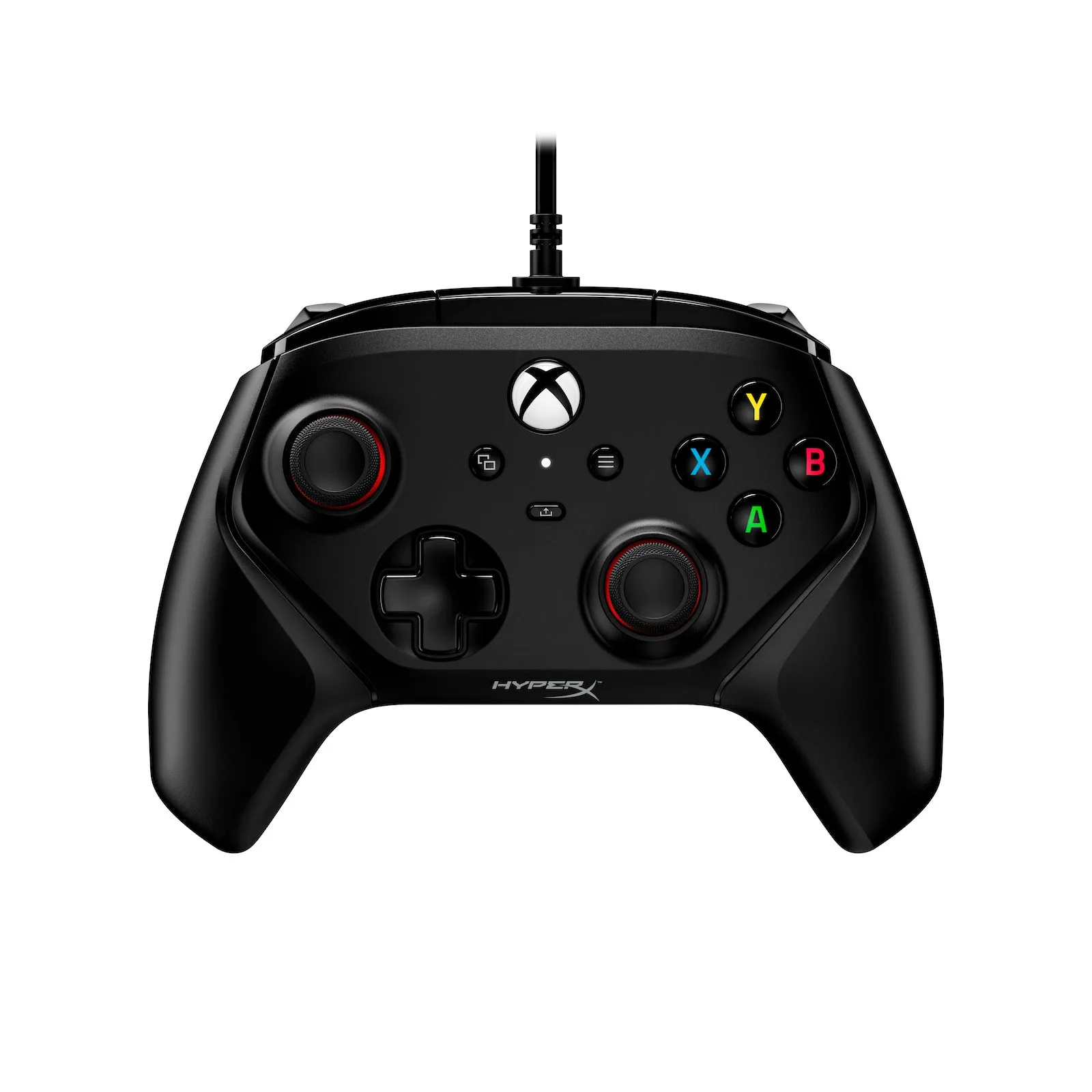
What You Get with the PowerA Wired Mexico Flag Controller
The PowerA Wired Mexico Flag Skin Gamepad Controller is designed for Xbox One and Windows PCs. It features a full Mexico flag skin on the controller body, giving it a distinctive look. The controller connects via a wired USB cable, so there is no need for batteries or wireless pairing.
Compatibility and Setup
This gamepad works with Xbox One consoles and Windows computers. To set it up, simply plug the USB cable into an available port on your Xbox One or PC. The controller should be recognized automatically without additional drivers. If you use it on Windows, the standard Xbox controller drivers included with the operating system typically handle the input.
Product Details from the Listing
-
NEW Power A Wired Mexico Flag Skin Gamepad Controller for Xbox One & Windows: The controller is wired and features a Mexico flag skin design for Xbox One and Windows. You get a plug-and-play experience with no batteries to charge or replace, and the skin adds a unique aesthetic.
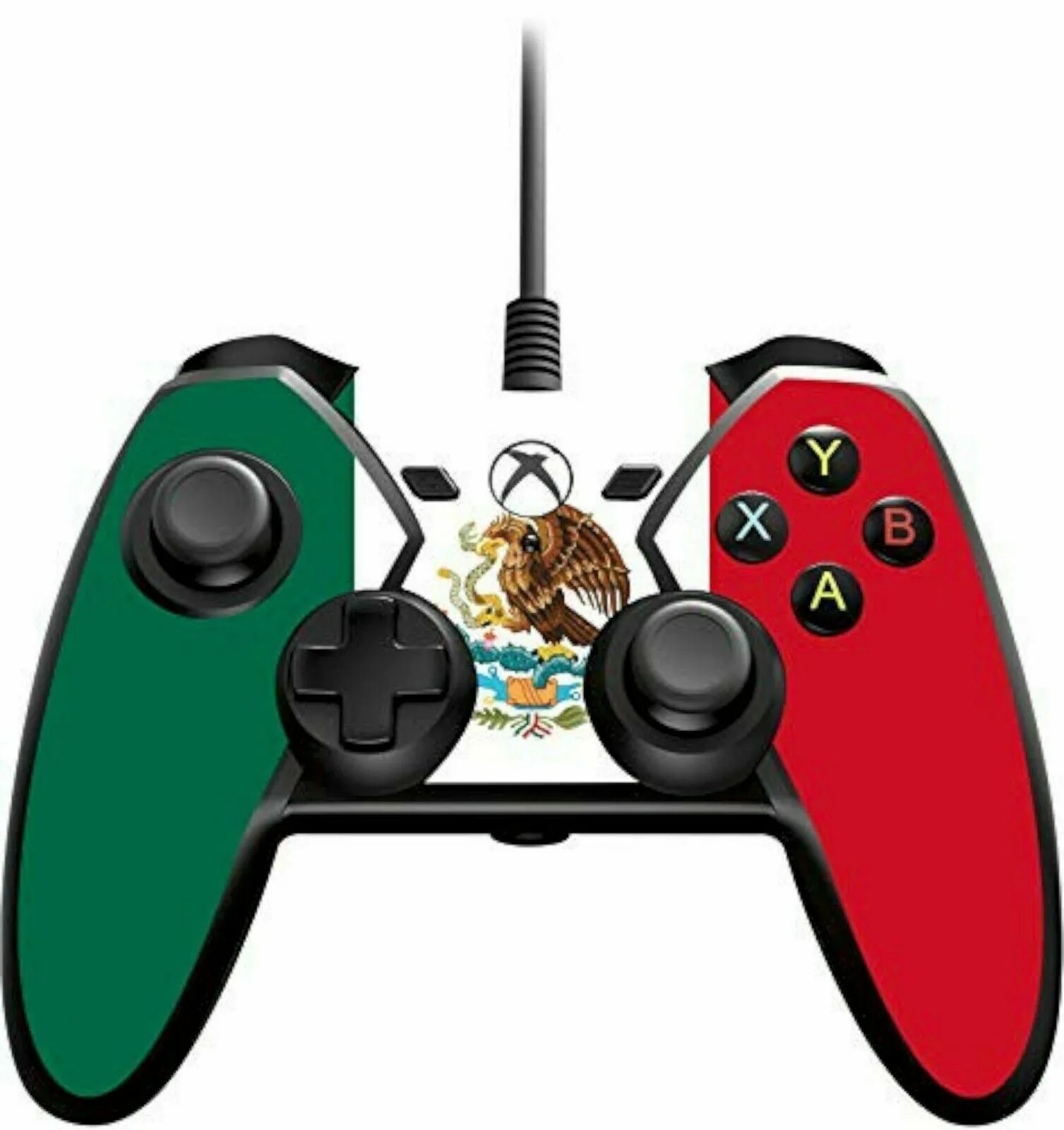
NEW Power A Wired Mexico Flag Skin Gamepad Controller for Xbox One & Windows
-
NEW Power A Wired Mexico Flag Skin Gamepad Controller for Xbox One & Windows: The listed price is USD 18.60, with a catalog comparison price of USD 26.95. This controller is offered at a discount compared to its reference price, making it a budget-friendly option for a themed gamepad.
What the Listing Does Not Confirm
The product listing does not specify whether the controller includes any additional accessories, such as a detachable cable or manual. It also does not confirm support for specific Xbox One features like vibration feedback or a headset jack. If these features are important to you, check the packaging or contact the seller before purchasing.
Basic Setup Steps
Follow these steps to get your PowerA Wired Mexico Flag controller working on Xbox One or Windows.
- Connect the controller: Plug the USB cable into an available USB port on your Xbox One console or Windows PC.
- Wait for recognition: The console or PC should automatically detect the controller. On Xbox One, the guide button may light up. On Windows, a notification may appear.
- Test the controls: Open a game or the controller settings on your device to verify that all buttons and the directional pad respond correctly.
Return and Warranty Information
The seller, Loot Hive, offers a 30-day warranty for issues. If you encounter a problem, you must contact them within 30 days of receiving the item. Note that return shipping is the buyer's responsibility, and non-defective returns are subject to a 15% restocking fee. The seller may offer a replacement before a refund, depending on stock.