Quick answer
If you want to start streaming this week with predictable performance, buy a pre-configured PC such as the MAINGEAR Classic MG-1 | Ultimate. If you already know your workload changes often, or you want a specific platform and lighting look, order a custom build such as the MAINGEAR shroud Edition | AMD or Custom RUSH | Intel Edition. The trade-off is time and certainty versus control.
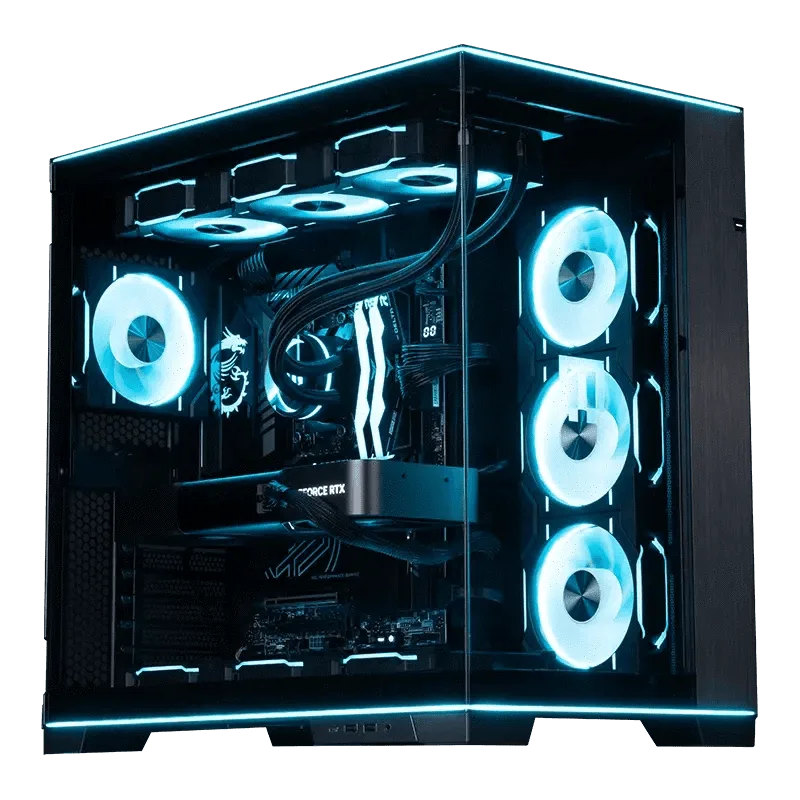
Custom RUSH
What actually matters in a streaming PC
Streaming adds a second job to your PC: encoding video while you play. The parts that matter most are the processor, the graphics card, and enough memory headroom to run your game, encoder, chat, and browser at the same time. Everything else, including case size and lighting, is preference.
That is why the prebuilt vs custom decision is less about raw power and more about how well a build matches your workflow. A pre-configured PC is tuned for a known job. A custom PC is tuned for your job, which is only an advantage if you can describe that job clearly.
Where a pre-configured PC wins
A pre-configured PC removes configuration decisions. The Classic MG-1 | Ultimate is built around an NVIDIA GeForce RTX 5090 and an AMD Ryzen 9 9950X3D2 Dual Edition, and MAINGEAR states it pairs well with high-refresh-rate 1440p and 4K monitors. For a streamer, that combination means the graphics card handles the game while the processor has room for encoding and background apps.
The practical benefit is a known outcome. You are not comparing motherboard chipsets or guessing at airflow. You order, it arrives assembled and tested, and you go live. If your goal is to start streaming without a research project, this is the shorter path.
Where a custom PC wins
A custom build lets you match the machine to your specific stream. The shroud Edition | AMD is a custom-built gaming desktop configured around AMD platform hardware with blue lighting, so you can build around an AMD platform and a look you have chosen. The Custom RUSH | Intel Edition is a custom-built desktop configured around an Intel processor, positioned in the RUSH line for high-performance desktop use.
Choose custom when you already know you want a particular platform, when you plan to change capture cards or storage later, or when the visual design of the build is part of your channel. The cost is that you own more of the decisions, and the build is configured to your specification rather than to a fixed template.
The control panel question
Many streamers add a small control surface so scene switching and muting do not require alt-tabbing. The Elgato Stream Deck Mini is an ultra-compact option that MAINGEAR describes as offering the same studio-level control, flexible functionality, and time-saving integrations as the larger Stream Deck. It is a peripheral decision, not a PC decision, but it belongs in the same budget conversation.
If you are choosing between a prebuilt streaming PC and a custom PC for Twitch, decide the PC first. A control surface works with either one.
How to decide in one sitting
Write down two things: the resolution and frame rate you stream at, and whether you use one PC or two. If both answers are settled and unlikely to change, a pre-configured PC is the lower-risk purchase. If either answer is still moving, a custom build gives you room to adjust without replacing the whole machine.
Then set a budget ceiling before you look at options. Prices and configuration options change, so confirm current pricing and available options on the product page before you order.
Trade-offs at a glance
- Time to first stream: A pre-configured PC arrives as a finished build, so you skip part selection and compatibility checks. A custom PC is configured to your specification, which means more decisions before the machine is finalized. Choose pre-configured if going live sooner matters more than choosing every part.
- Control over platform and look: The shroud Edition | AMD and Custom RUSH | Intel Edition are custom builds, one around AMD platform hardware with blue lighting and one around an Intel processor. The Classic MG-1 | Ultimate is a fixed configuration. Choose custom if you already know which platform you want or the build's appearance is part of your channel.
- Changeability later: Custom builds are configured around the platform and parts you select, so future changes follow the choices you made. Pre-configured builds follow a fixed template. If you expect to change capture hardware or storage soon, weigh how much flexibility you want to own.
- Budget certainty: Catalog prices and comparison prices are listed for each product, but configuration options and pricing can change. Confirm the current figure on the product page before ordering. Set your ceiling first, then compare the builds that fit inside it.
Products in this comparison
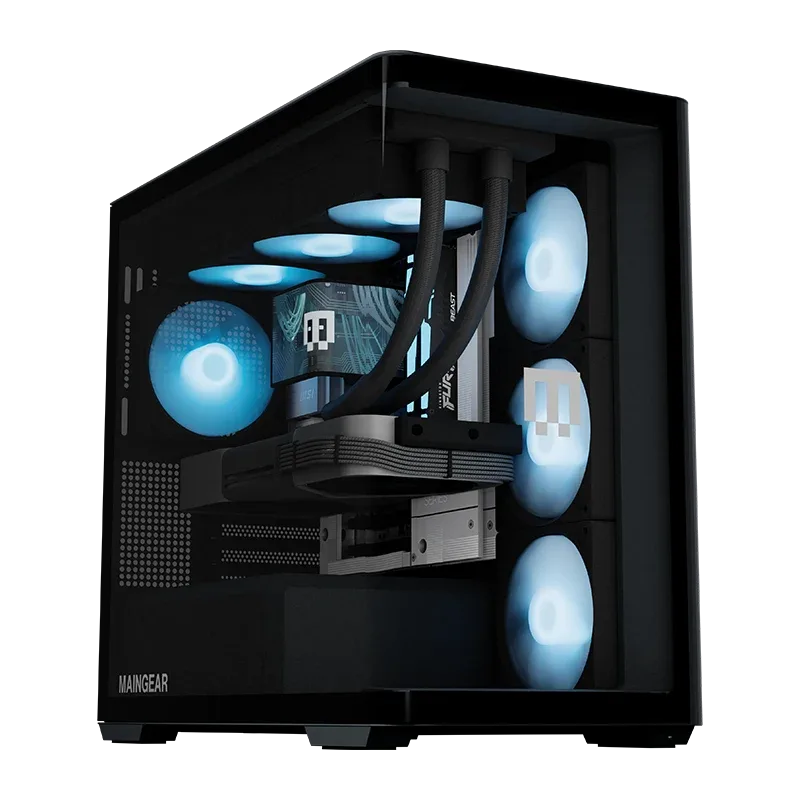
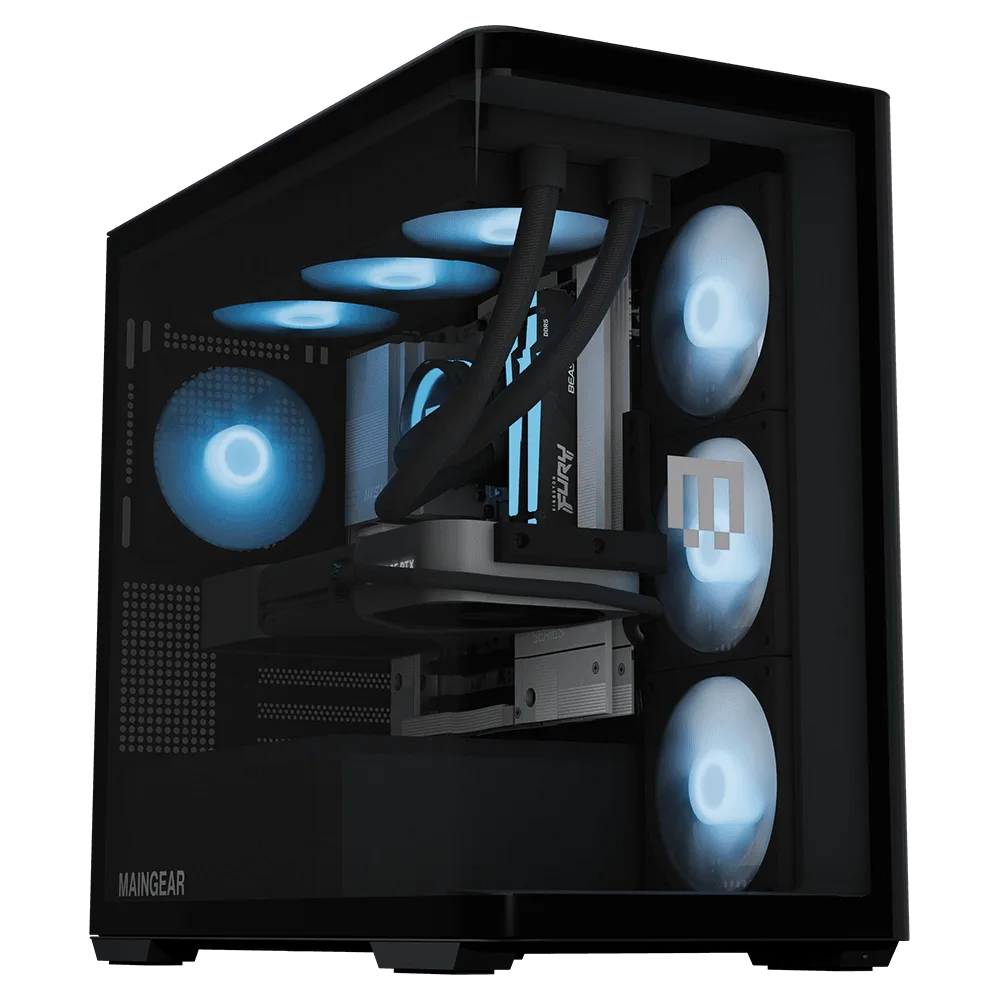
- Classic MG-1 | Ultimate: Pre-configured PC with an NVIDIA GeForce RTX 5090, AMD Ryzen 9 9950X3D2 Dual Edition, and the MAINGEAR MG-1 Mk. I (Classic) case; MAINGEAR states it pairs well with high-refresh-rate 1440p and 4K monitors. A fixed, high-performance configuration suits streamers who want to start quickly and stream at high resolution without configuring parts themselves.
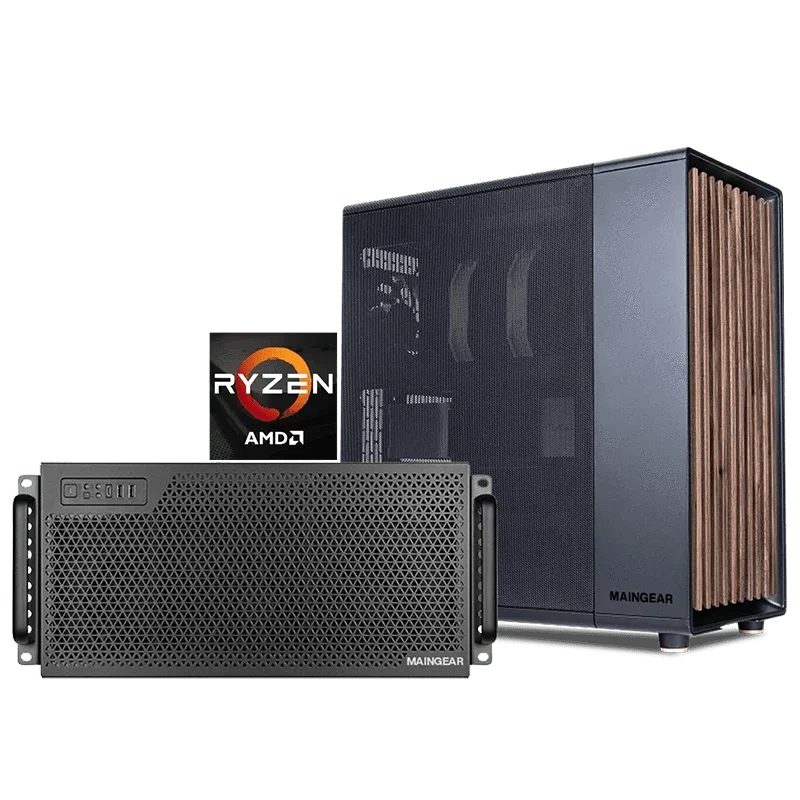
- shroud Edition | AMD: Custom-built gaming desktop configured around AMD platform hardware, with a design that includes blue lighting; MAINGEAR notes you can choose the Standard configuration to start your build. Lets you build around an AMD platform and a specific look, which matters if your channel aesthetic or platform preference is already decided.
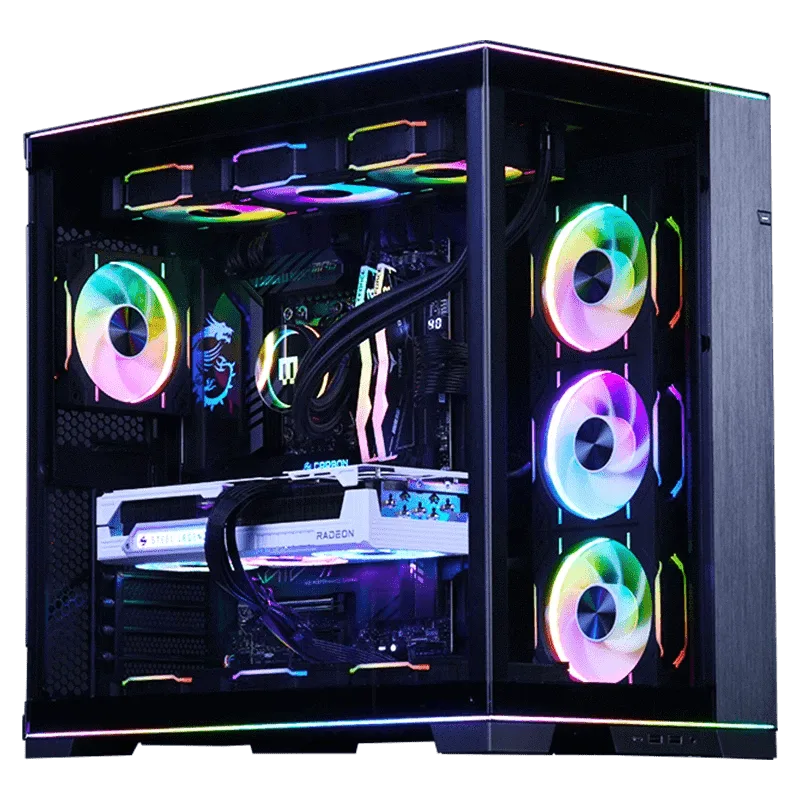
- Custom RUSH | Intel Edition: Custom-built desktop PC configured around an Intel processor, offered in the RUSH line and aimed at enthusiasts who want a high-performance desktop rig. An Intel-based custom path for streamers who want a high-performance desktop and prefer to configure the build themselves.
- Elgato Stream Deck Mini: Ultra-compact control surface that MAINGEAR states offers the same studio-level control, flexible functionality, and time-saving integrations as the larger Stream Deck. Adds scene and audio control to either PC choice, so it should be budgeted alongside the machine rather than after it.
Which should you pick?
Best for
- Streamers who want a finished, high-performance machine and plan to stream at 1440p or 4K
- Buyers who would rather not compare processors, cases, and platforms themselves
- Anyone adding a small control surface like the Stream Deck Mini and wanting the PC decision settled first
Not for
- Streamers who already know they want a specific platform or a specific build appearance
- Buyers who expect to reconfigure capture hardware, storage, or platform choices soon after purchase
- Anyone who enjoys the configuration process and wants to choose each part deliberately