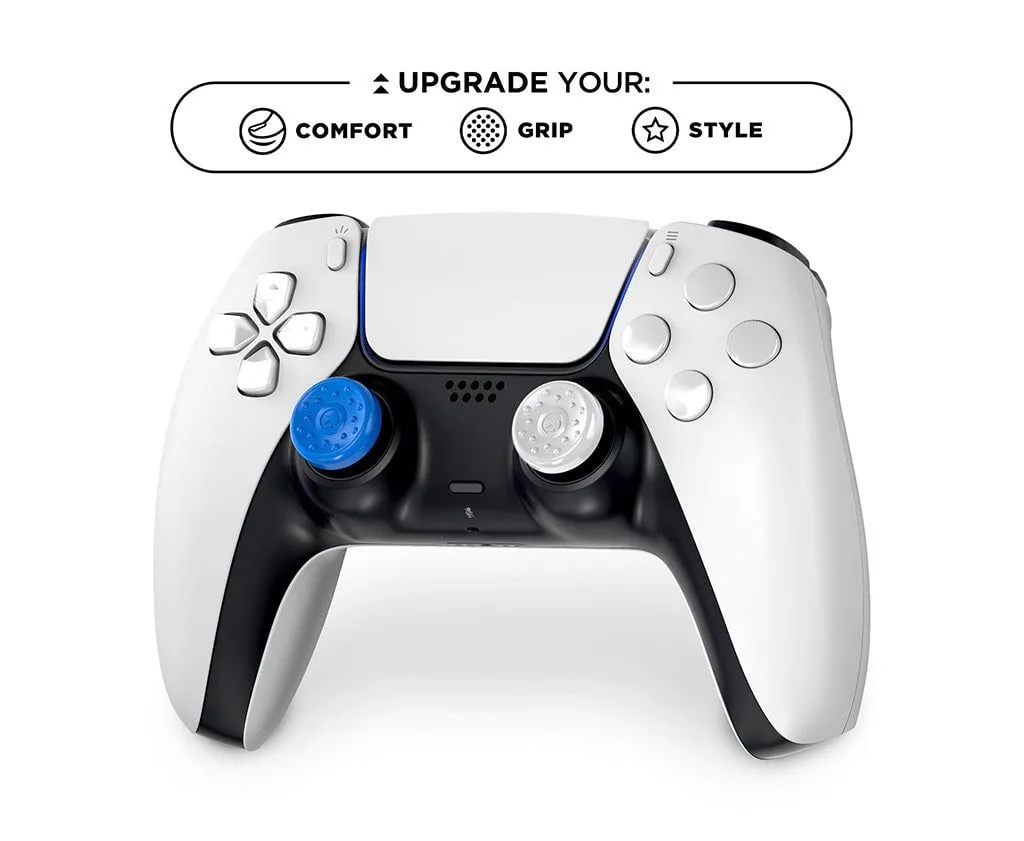
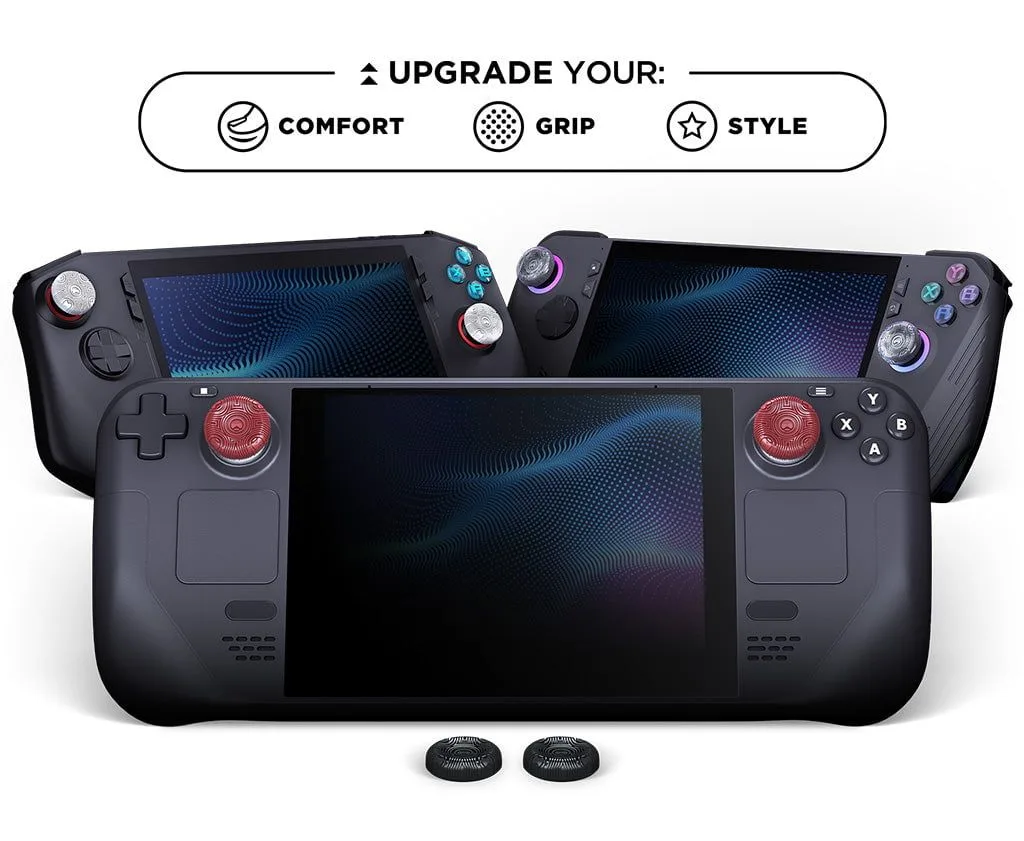
In the world of competitive gaming, every millisecond and every millimeter of stick movement matters. Whether you're clutching a round in Rainbow Six Siege or fighting for high ground in Apex Legends, the difference between victory and defeat often comes down to how precisely you can control your analog sticks. Two of the most effective accessories for enhancing controller accuracy are precision rings and thumb grips. While each offers unique benefits on its own, using them together can elevate your gameplay to a new level.
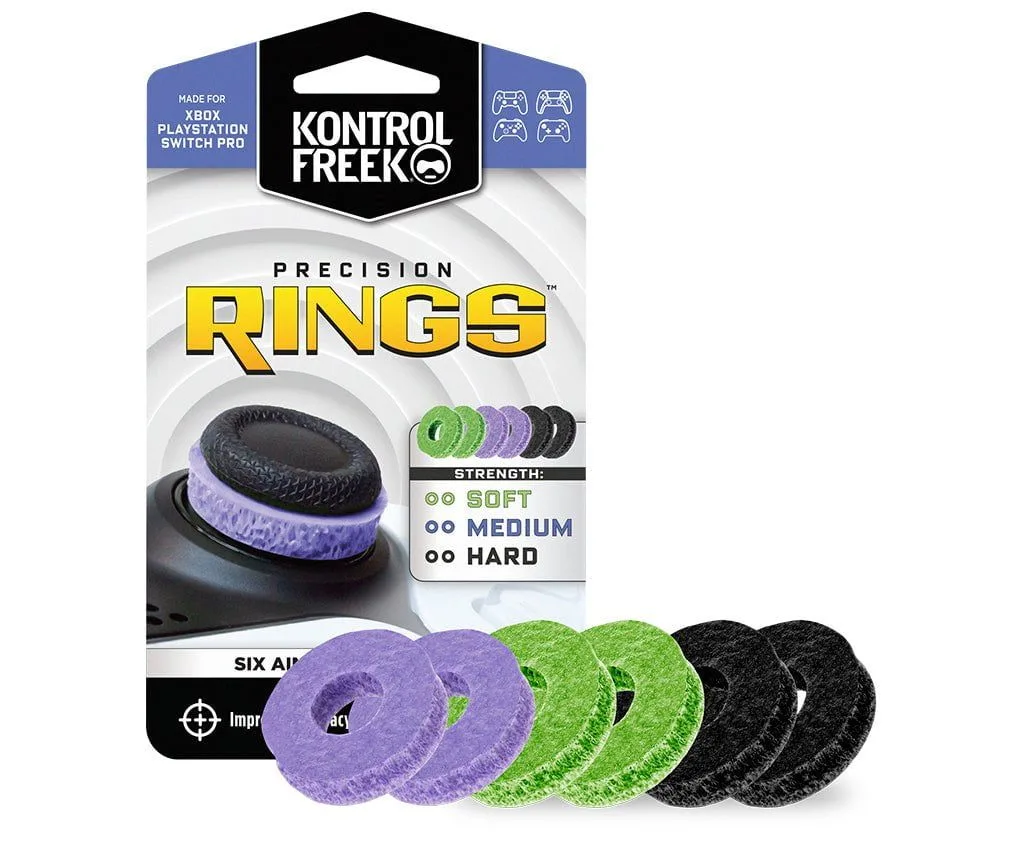
precision rings
Precision rings, also known as control freaks or stick extenders, add resistance to your thumbsticks, helping you make smaller, more deliberate movements. Thumb grips, on the other hand, provide better traction and comfort, reducing slippage during intense sessions. When paired correctly, they create a synergy that improves both fine motor control and overall response time. In this guide, we'll explore how these two accessories work together and which combinations are best for different competitive titles.
The Role of Precision Rings in Controller Accuracy
Precision rings are rubber or silicone bands that fit around the base of your analog stick. They add physical resistance to the stick's movement, which means you have to apply more force to push it to the edge. This extra resistance helps prevent accidental overcorrections and allows for more precise micro-adjustments. In games like Call of Duty, where aiming down sights and tracking targets require steady thumbs, precision rings can significantly reduce jittery movements.
The added resistance also trains your muscle memory over time. By forcing your thumb to work harder, you naturally develop a lighter touch and more controlled inputs. This is especially beneficial for snipers or players who rely on precise flick shots. Many competitive players pair precision rings with a slightly taller thumbstick to maximize leverage and control.
- Reduces overshooting when aiming at small targets
- Helps maintain steady aim during long-range engagements
- Ideal for games that require fine motor control, such as Rainbow Six Siege
How Thumb Grips Improve Stick Control and Comfort
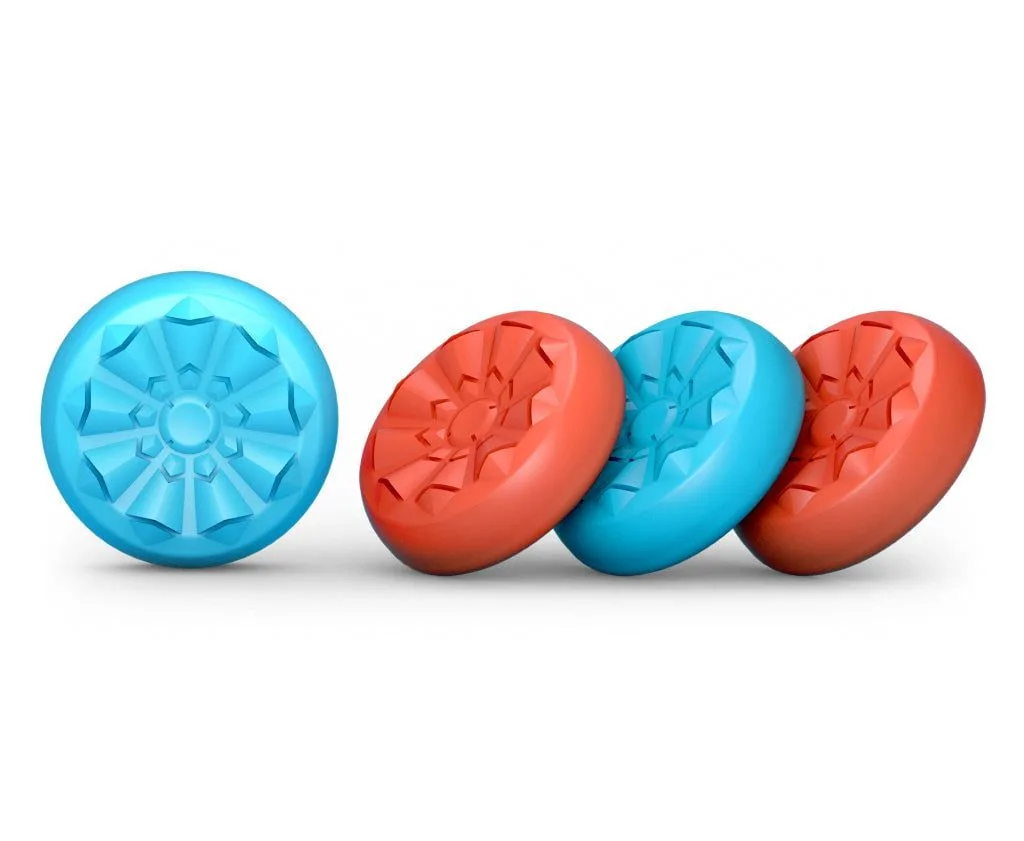
Thumb grips are concave or convex caps that attach to the top of your analog stick. Their primary function is to increase friction between your thumb and the stick, preventing your thumb from slipping during quick movements. This is crucial in fast-paced games where sweaty thumbs can lead to missed shots or accidental stick clicks. High-quality grips also add height, which can improve leverage and range of motion.
Comfort is another key benefit. Extended gaming sessions can cause thumb fatigue, especially if your controller's stock sticks are small or slippery. Thumb grips with a textured surface or a slightly larger diameter distribute pressure more evenly, reducing strain. For players who use precision rings, a good grip ensures that your thumb stays firmly planted even when pushing against the added resistance.
- Prevents thumb slippage during intense firefights
- Reduces thumb fatigue over long play sessions
- Available in various heights and textures to suit different playstyles
Synergy: Why Using Both Together Is a Game-Changer
When you combine precision rings and thumb grips, you create a feedback loop that enhances every aspect of stick control. The precision ring adds resistance, making it harder to push the stick too far, while the thumb grip gives you a larger, stickier surface to work with. This combination allows for smoother, more controlled movements, especially when making small adjustments to your aim.
For example, in Apex Legends, tracking a fast-moving enemy while strafing requires constant micro-corrections. With a precision ring, your stick won't drift as easily, and with a good thumb grip, your thumb won't slip off during rapid direction changes. Many pro players report that this combo helps them maintain a higher accuracy percentage over time. It's also a great setup for games like Call of Duty, where precise centering and quick target acquisition are critical.
One popular setup among competitive gamers is pairing the Call of Duty Deadshot Standard Edition with a precision ring. The Deadshot's concave design and medium height provide excellent grip, while the ring adds just enough resistance to keep your aim steady. Similarly, the Six Siege Black Ice thumbstick, with its aggressive texture, works exceptionally well with a precision ring for tactical shooters.
- Precision rings reduce overcorrection; thumb grips reduce slippage
- Ideal for tracking targets in fast-paced shooters
- Customizable to match your sensitivity and playstyle
Choosing the Right Combination for Your Game
Not all precision rings and thumb grips are created equal. The best combination depends on your preferred game genre and personal feel. For tactical shooters like Rainbow Six Siege, where slow, precise movements are key, a medium-resistance precision ring paired with a tall, concave thumb grip like the Six Siege Black Ice can give you the stability you need. The added height helps you make finer adjustments without overshooting.
For fast-paced arena shooters like Apex Legends, you might prefer a lighter precision ring that still offers some resistance but doesn't slow down your flicks. Pair it with a medium-height, textured grip like the Apex Legends thumbsticks to maintain speed and control. If you're unsure where to start, many players find that a standard precision ring combined with a medium-concave grip works well across most games.
Experimentation is key. Try different heights and resistance levels to see what feels most natural. Remember that your controller's sensitivity settings also play a role. Lower sensitivities often benefit from taller grips and higher resistance, while higher sensitivities may require less resistance to keep your movements fluid.
- Taller grips + higher resistance = better for precision aiming
- Shorter grips + lighter resistance = better for fast flicks
- Test combinations in training mode before jumping into ranked matches
Installation and Maintenance Tips for Longevity
Installing precision rings and thumb grips is straightforward, but proper placement ensures optimal performance. For precision rings, slide the ring down the base of the analog stick until it sits snugly against the controller shell. Make sure it's centered to avoid uneven resistance. For thumb grips, align the grip with the stick's top and press down firmly until it clicks into place. Some grips may require a slight twist to lock.
To maintain their effectiveness, clean your grips and rings regularly. Sweat and dust can reduce friction and cause the ring to lose its tension. Use a mild soap and water solution or a damp cloth to wipe them down. Avoid using alcohol-based cleaners, as they can degrade the rubber over time. Replace your precision rings every few months if you notice a loss of resistance, and swap out thumb grips when the texture wears down.
- Clean grips and rings weekly for best performance
- Store your controller in a cool, dry place to prevent rubber degradation
- Replace precision rings every 3-6 months depending on usage
By combining precision rings with high-quality thumb grips, you can unlock a new level of control and consistency in your gameplay. Whether you're grinding ranked in Call of Duty or climbing the leaderboards in Apex Legends, this simple upgrade can make a noticeable difference in your accuracy and comfort. Start experimenting with different combinations today to find the perfect setup for your playstyle. For a reliable and performance-tested option, check out the Call of Duty Deadshot Standard Edition to see how it pairs with your precision ring.