Quick answer
The Anker Prime Power Bank 27,650mAh (250W) pairs a smart display with app control so you can see real-time charging data and adjust settings from your phone. Use the display for at-a-glance status and the app when you need to change ports, check detailed battery health, or update firmware.
Why the display and app matter for a 250W power bank
A 250W power bank can charge laptops and tablets quickly, but that speed also makes it harder to know how much power is left or how fast a device is actually charging. The smart display shows key metrics without opening an app, while app control lets you fine-tune settings and monitor long-term battery health.
For a 27,650mAh power bank, knowing the remaining capacity in watt-hours or percentage helps you plan whether you can fully charge a laptop or need to conserve power for a phone. The display and app turn guesswork into a quick check.
When to use the display vs. the app
Use the display when you want a fast, glanceable readout: battery percentage, output wattage, or which ports are active. It is ideal for quick checks during travel or when your phone is not nearby.
Open the app when you need to change port priorities, set charging limits, or view detailed battery health over time. The app also lets you update firmware, which can improve compatibility with new devices. If you prefer not to install the app, the display still covers the essentials.
How to use the Prime Power Bank app and smart display
- Charge the power bank fully before first use: Connect the power bank to a wall charger using a compatible cable and let it charge until the display shows 100%. This ensures the battery is calibrated and you get accurate readings from the start. A full charge before first use helps the display show accurate percentage from day one.
- Install the app and pair your power bank: Download the Anker app from your phone's app store, open it, and follow the on-screen prompts to pair the Prime Power Bank via Bluetooth. Keep your phone within a few feet during pairing. If pairing fails, check that Bluetooth is on and the power bank is awake—press the display button to wake it.
- Read the smart display for quick status: Press the button on the power bank to cycle through screens showing battery percentage, output wattage, and active ports. Use this when you need a fast check without your phone. The display shows real-time output, so you can confirm a laptop is charging at 250W only if the laptop supports it and the cable is rated for that power.
- Use the app to adjust charging settings: In the app, open the device settings to change port priorities, set a charging limit to preserve battery health, or enable low-current mode for small devices like earbuds. Apply changes and confirm they show on the display. A common mistake is setting a charging limit and forgetting it—check the app before a trip when you need full capacity.
- Monitor battery health and update firmware: Check the app's battery health section periodically to see cycle count and overall condition. Install firmware updates when prompted to improve compatibility and performance. Firmware updates can add support for new devices, so update before relying on the power bank for a critical laptop charge.
Product facts
-
Prime Power Bank 27,650mAh (250W, 3-Port, App Control & Smart Display): 27,650mAh capacity provides ample power for multiple device charges. This capacity is enough to recharge a laptop and a phone on a typical trip, so you can rely on one power bank instead of carrying several.
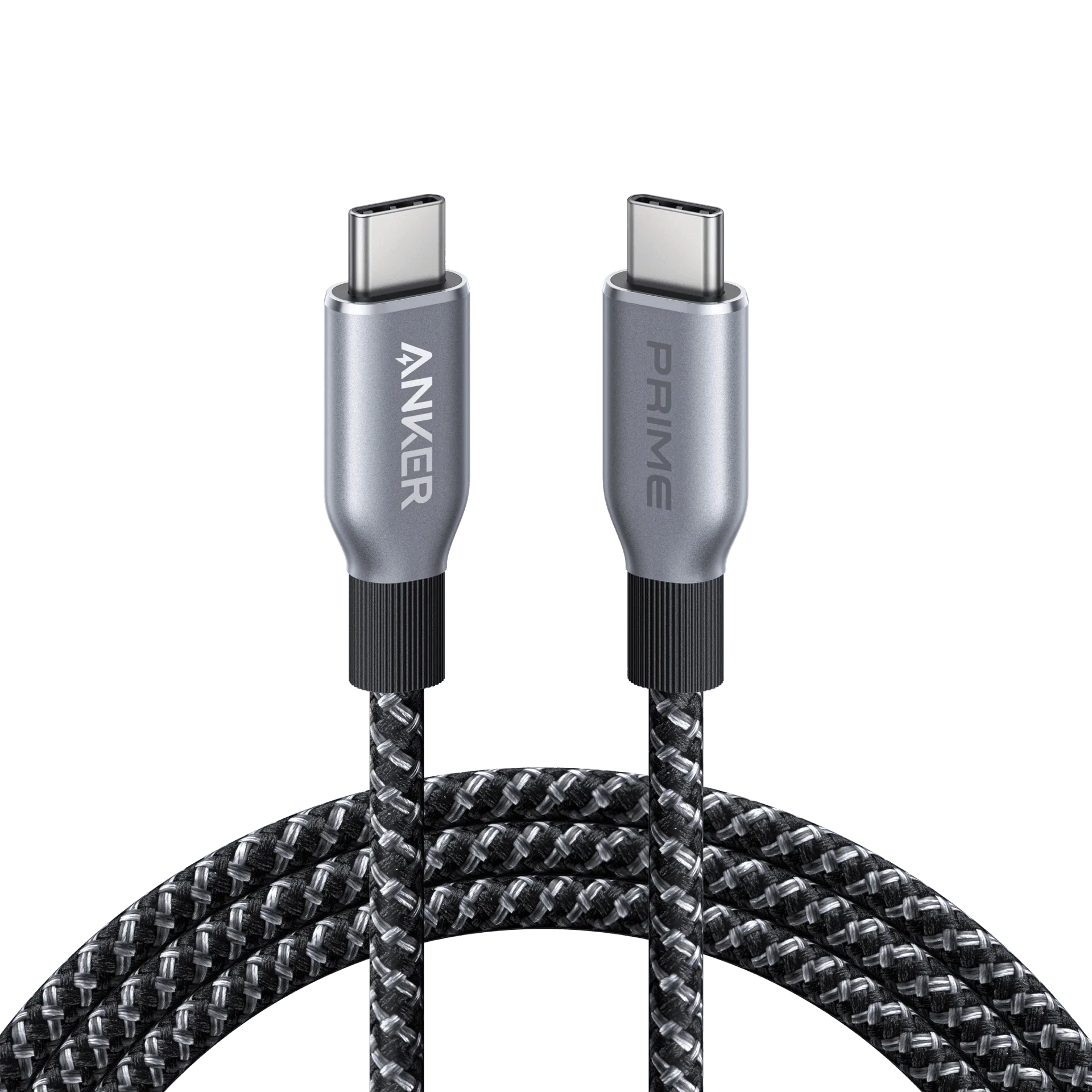
Prime Power Bank 27,650mAh (250W, 3-Port, App Control & Smart Display)
-
Prime Power Bank 27,650mAh (250W, 3-Port, App Control & Smart Display): 250W output supports fast charging for compatible laptops, tablets, and other devices. High wattage means you can charge power-hungry laptops at full speed, but you should check your device's supported charging wattage to avoid expecting faster results than it can accept.
-
Prime Power Bank 27,650mAh (250W, 3-Port, App Control & Smart Display): Smart display for at-a-glance status and app control for a personalized charging experience. The display lets you monitor charging without a phone, while the app adds control over settings and firmware updates.