Quick answer
Set up the Profoto Pro B4 1000J Air Kit by assembling the included stand, installing the two batteries, attaching the ProHead, and pairing the Air Remote transmitter. The generator delivers 1000J with a recycling time as fast as 0.03 seconds, ideal for fast-paced studio work.
Before you start: unpacking and checking the kit
The rental kit includes the Pro B4 1000J generator, two batteries, a charger, one ProHead, a Profoto Air Remote, sync cable, a medium white umbrella, and a master stand. Lay everything out on a clean, flat surface to confirm nothing is missing. The generator weighs 9.8 kg, so ensure your stand is stable before mounting.
Power management on location
Unlike a mains-powered studio flash, the Pro B4 runs on its two included batteries. Each battery provides enough charge for hundreds of full-power flashes, but always charge both fully before a shoot. The recycling time ranges from 0.03 to 0.99 seconds depending on power level, so you can shoot continuously without waiting.
Step-by-step setup process
- Assemble the stand and mount the generator: Extend the master stand legs fully and lock the riser. Place the Pro B4 generator on the stand's mounting plate and tighten the clamp knob securely. The generator's center of gravity is high due to the head, so double-check the lock. Always use a sandbag or counterweight on the stand to prevent tipping, especially outdoors.
- Install the batteries: Slide each battery into the corresponding slot on the generator until it clicks. The battery release buttons should sit flush. Press the power button on the generator to verify battery level—LEDs indicate charge status. If the generator doesn't power on, check that both batteries are fully inserted and the contacts are clean.
- Attach the ProHead and modifier: Align the ProHead's locking ring with the generator's head connector, push in, and twist clockwise until it locks. Attach the medium white umbrella by inserting the shaft into the umbrella holder on the stand and tightening the thumbscrew. Never force the head connector; if it resists, check alignment. A loose connection can cause arcing.
- Pair the Air Remote transmitter: Insert the Air Remote into the generator's sync port or use the hotshoe on your camera. Press the 'Link' button on the generator and then the 'Test' button on the remote. The generator's LED will blink green, confirming sync. If pairing fails, move the remote closer and ensure no other Profoto Air devices are on the same channel.
- Set power and test fire: Use the control dial on the generator or the Air Remote to select a power level (1–1000 Ws). Press the test button on the generator or remote to fire the flash. Adjust the umbrella angle and distance for desired coverage. Start at a low power (e.g., 100 Ws) to avoid overexposure and to check the modeling light (if enabled) for shadow placement.
Kit components at a glance
-
PROFOTO GENERATEUR PRO B4 1000J AIR – KIT: The Pro B4 1000J offers a power range of 11 f-stops (1–1000 Ws) and a flash duration t0.5 from 1/25,000 to 1/2,200 seconds. This wide power range lets you control light output precisely, from subtle fill to dominant key light, while the fast flash duration freezes motion in action shots.
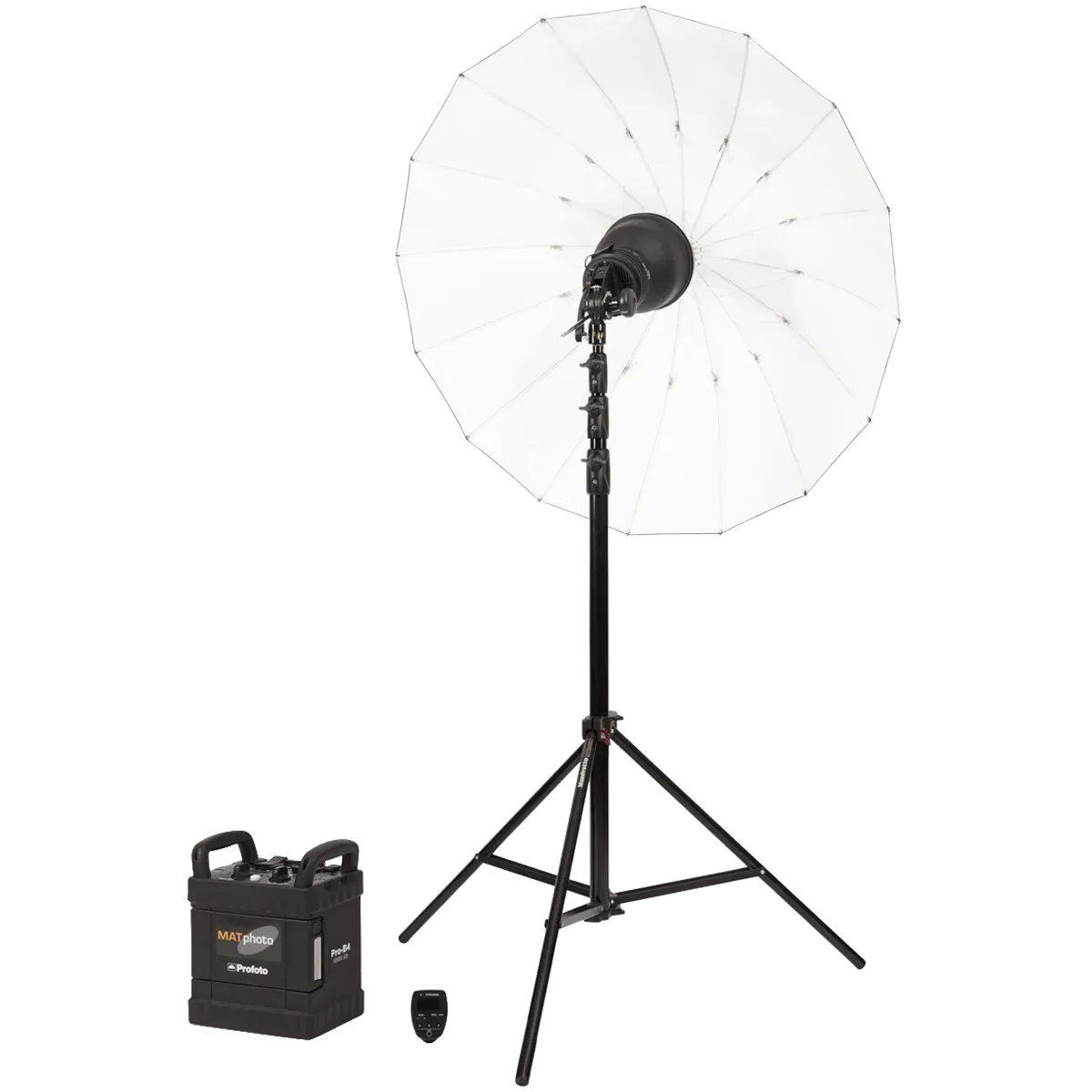
PROFOTO GENERATEUR PRO B4 1000J AIR – KIT