Quick Answer
To protect your Moto G Stylus 5G 2023, pair a drop-rated tough case with a 9H tempered glass screen protector, and install both carefully to avoid bubbles and misalignment.
Why a Case and Screen Protector Work Best Together
A case alone leaves your display vulnerable to scratches and cracks, while a screen protector alone offers no drop protection for the back or corners. Combining both gives your Moto G Stylus 5G 2023 comprehensive coverage against everyday accidents.
Look for a case with raised edges—these help keep the screen and camera lens off flat surfaces when you set the phone down. A tempered glass protector with 9H hardness adds an extra layer that absorbs impact and resists scratches.
What to Check Before You Buy
Not all cases and protectors fit every phone model. Confirm that the products are designed specifically for the Moto G Stylus 5G 2023 to ensure proper cutouts for ports, buttons, and the camera.
Also consider how the case and protector interact. A case with raised edges may interfere with a poorly aligned screen protector, so follow the installation steps carefully to avoid lifting edges.
Step-by-Step Installation Guide
- Clean the screen thoroughly: Use the included alcohol wipe and microfiber cloth to remove dust, oil, and fingerprints. Any residue can cause bubbles or reduce adhesion. Work in a well-lit area and use a dust removal sticker if available.
- Align the screen protector before peeling: Peel the backing and position the protector over the screen, aligning the cutouts for the speaker and camera. Lower it gently from one edge to avoid trapping air. If you misalign, lift and reposition immediately before pressing down.
- Press out bubbles from the center outward: Use a squeegee or your thumb to push air bubbles toward the edges. Apply firm, even pressure—do not press on the camera lens. Small bubbles near the edges may disappear within 24 hours; larger ones may require lifting and re-applying.
- Snap the Tough Case onto the phone: Start with the top corners, then press along the sides and bottom until the case clicks into place. Ensure all buttons and ports are accessible. If the case feels loose or doesn't fit flush, remove and re-seat it to avoid gaps that let in dust.
- Test the fit and touch response: Check that the screen protector doesn't lift at the edges and that the case doesn't interfere with the touchscreen. Press each button and swipe to confirm full functionality. If the case lifts the protector, remove the case and re-press the protector edges before reinstalling.
Recommended Protection Pack
-
Tough Black Case + Screen Protector - Moto G Stylus 5G 2023: The Protection Pack includes a Tough Case with 12 ft drop protection and raised edges, plus an easy-to-apply 9H tempered glass screen protector. This all-in-one kit gives you both essential layers of protection, and the raised edges help safeguard the screen and lens from direct impact.
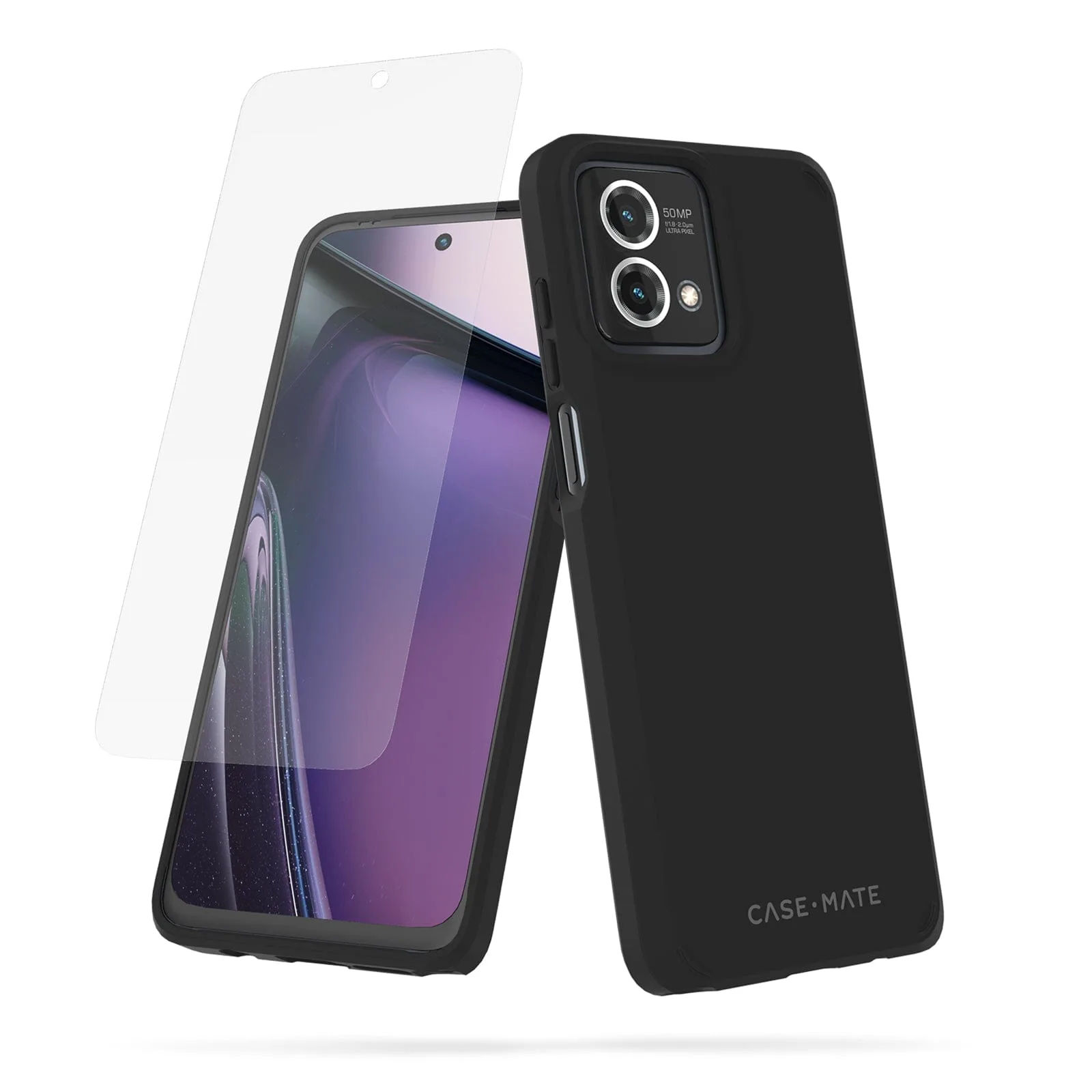
Tough Black Case + Screen Protector - Moto G Stylus 5G 2023