What to Know Before Replacing Your PS Vita 1000 Battery
If your PS Vita 1000 won't hold a charge or turns off unexpectedly, a fresh battery is often the fix. The 2210 mAh Replacement Battery for PS Vita 1000 is a direct drop-in cell designed for original Vita 1000 models. Before you open your console, it's important to understand a few compatibility limits so you don't damage the battery or your handheld.
2210 mAh Battery at a Glance
-
2210 mAh Replacement Battery for PS Vita 1000: A replacement 2210 mAh battery for your original PS Vita 1000 console. Durable and easy to install in your Vita. This battery is built to match the original Vita 1000's capacity and form factor, so you get a reliable replacement without needing to modify the shell.
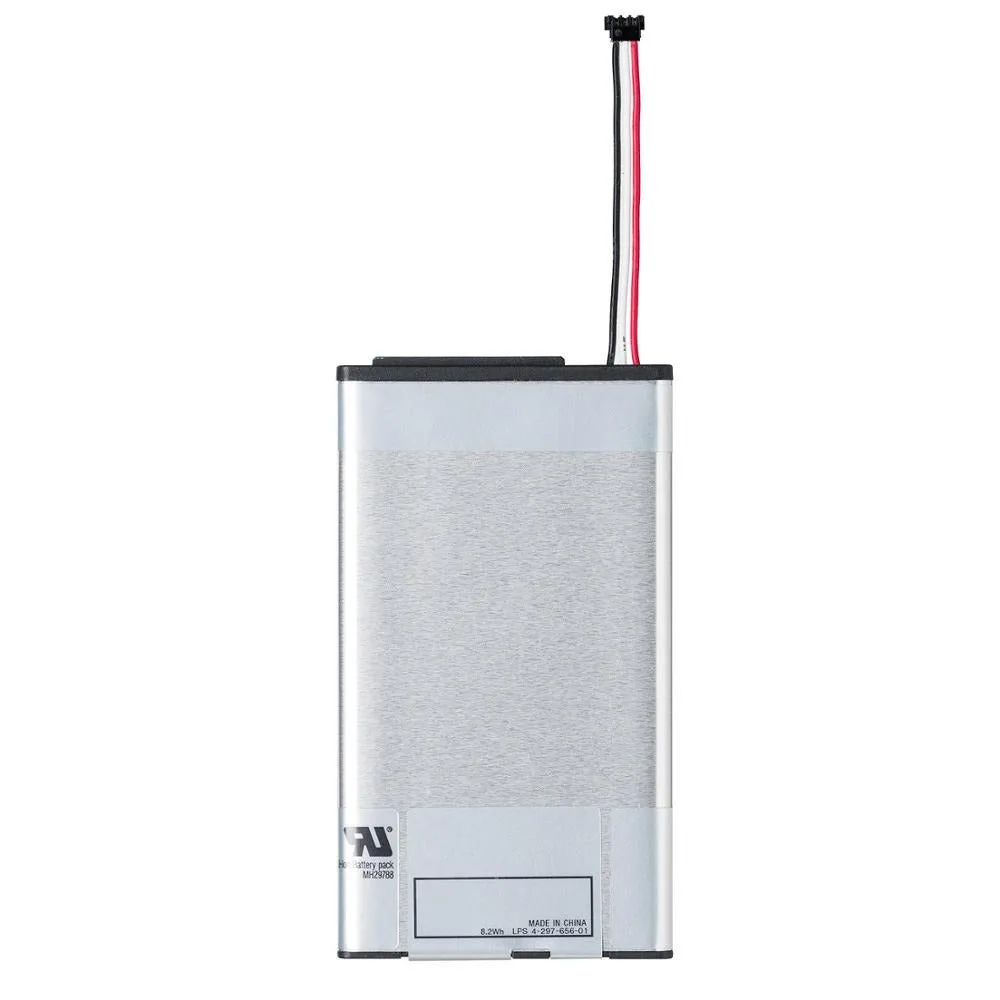
2210 mAh Replacement Battery for PS Vita 1000
Compatibility: What Works and What Doesn't
This battery is only recommended for original PS Vita 1000 models. It is not compatible with the PS Vita 2000 (Slim) or any other handheld. There are two important exceptions to keep in mind:
First, the battery may not be compatible with the original 'Blue' variant of the PS Vita 1000. If you own a blue model, check the battery compartment shape before purchasing. Second, the battery is not recommended for aftermarket shells. If you've replaced your Vita's shell with a third-party housing, the battery may not fit securely or connect properly.
Stick with an original PS Vita 1000 in good condition for the best results.
How to Install the 2210 mAh Battery
The installation is straightforward, but you will need a prying tool to remove the old battery from the shell. Here are the steps:
- Power off your PS Vita 1000: Make sure the console is completely shut down before you begin. Do not attempt a hot swap.
- Remove the back shell: Use a small Phillips screwdriver to remove the screws on the back of the Vita. Lift the back cover carefully.
- Disconnect the old battery: Locate the battery connector on the motherboard and gently unplug it. Avoid pulling on the wires.
- Remove the old battery: A prying tool may be required to lift the battery from the adhesive holding it in place. Work slowly to avoid bending the battery.
- Insert the new 2210 mAh battery: Place the replacement battery into the compartment, reconnect the cable, and press down gently to seat the adhesive.
- Reassemble and test: Replace the back shell, tighten the screws, and power on your Vita. Let it charge fully before your first full use.
What the Battery Includes
The package contains one PS Vita 1000 battery. You will need to supply your own screwdriver and prying tool. No additional brackets or adapters are required for original shells.