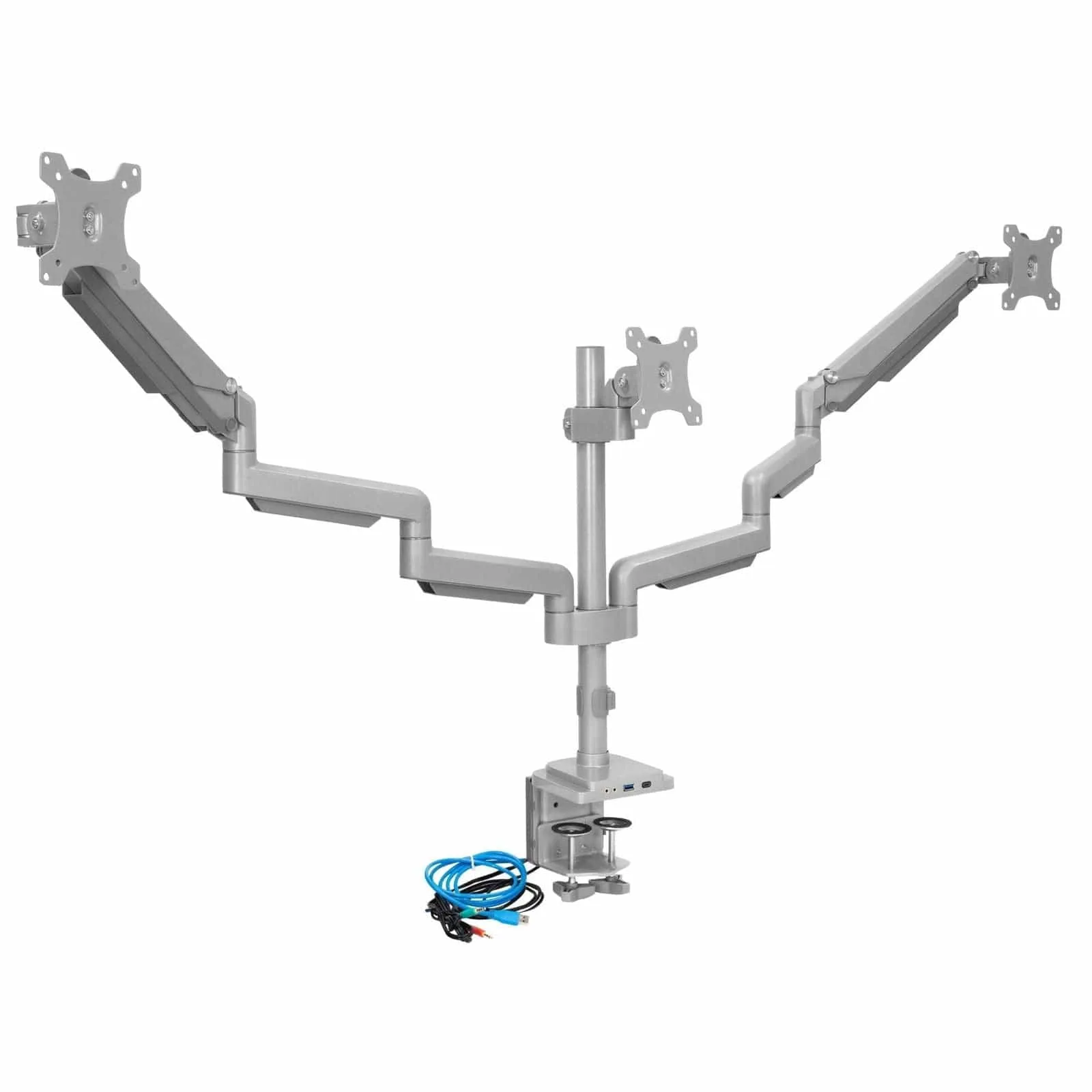
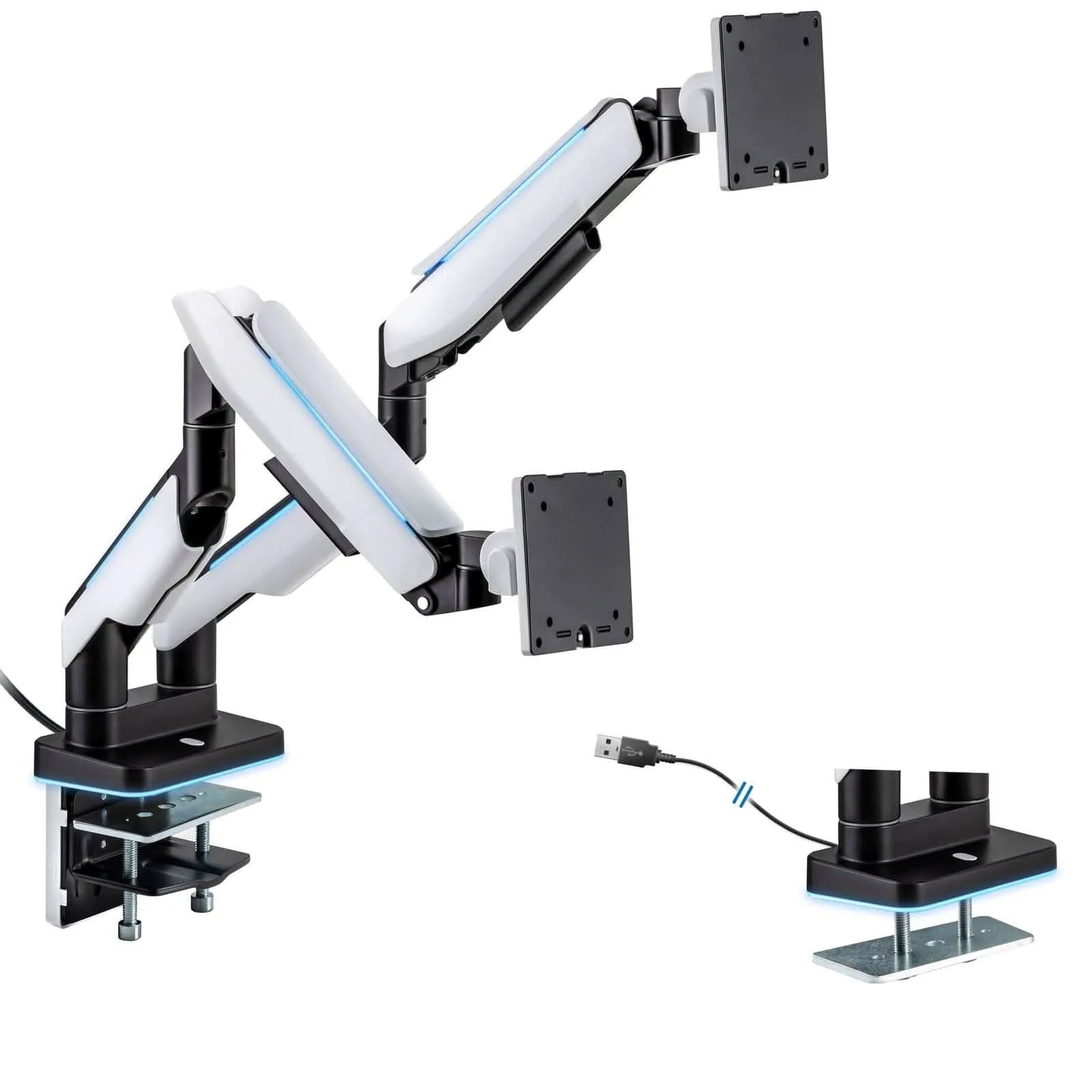
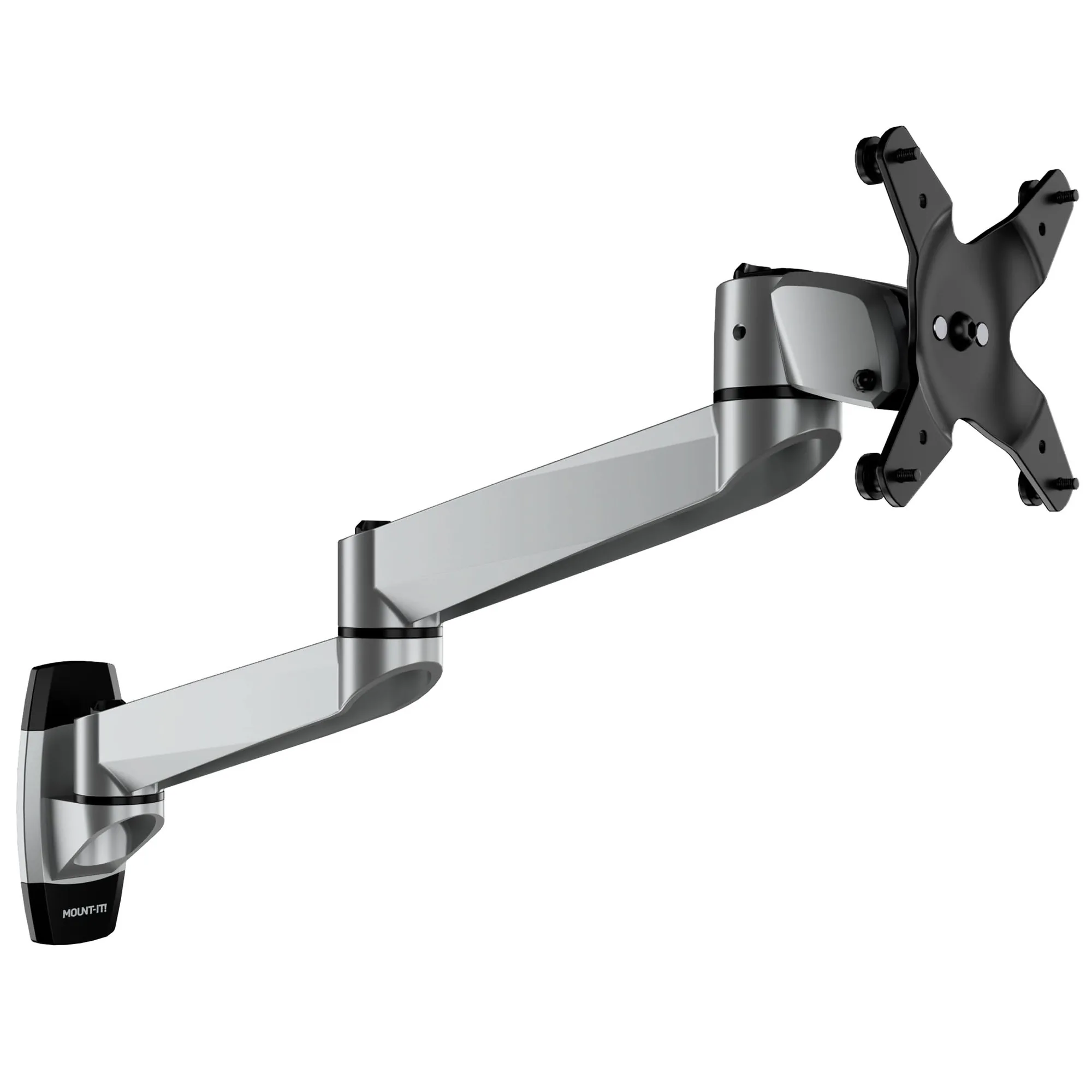
In the fast-paced worlds of trading and programming, every second counts. Traders need to monitor multiple charts, news feeds, and order books simultaneously, while programmers juggle code editors, documentation, terminals, and communication tools. A single monitor often feels like a bottleneck, forcing constant tab-switching and window resizing. This is why many professionals are turning to multi-monitor setups, and the ultimate solution for extreme multitasking is a quad monitor mount.
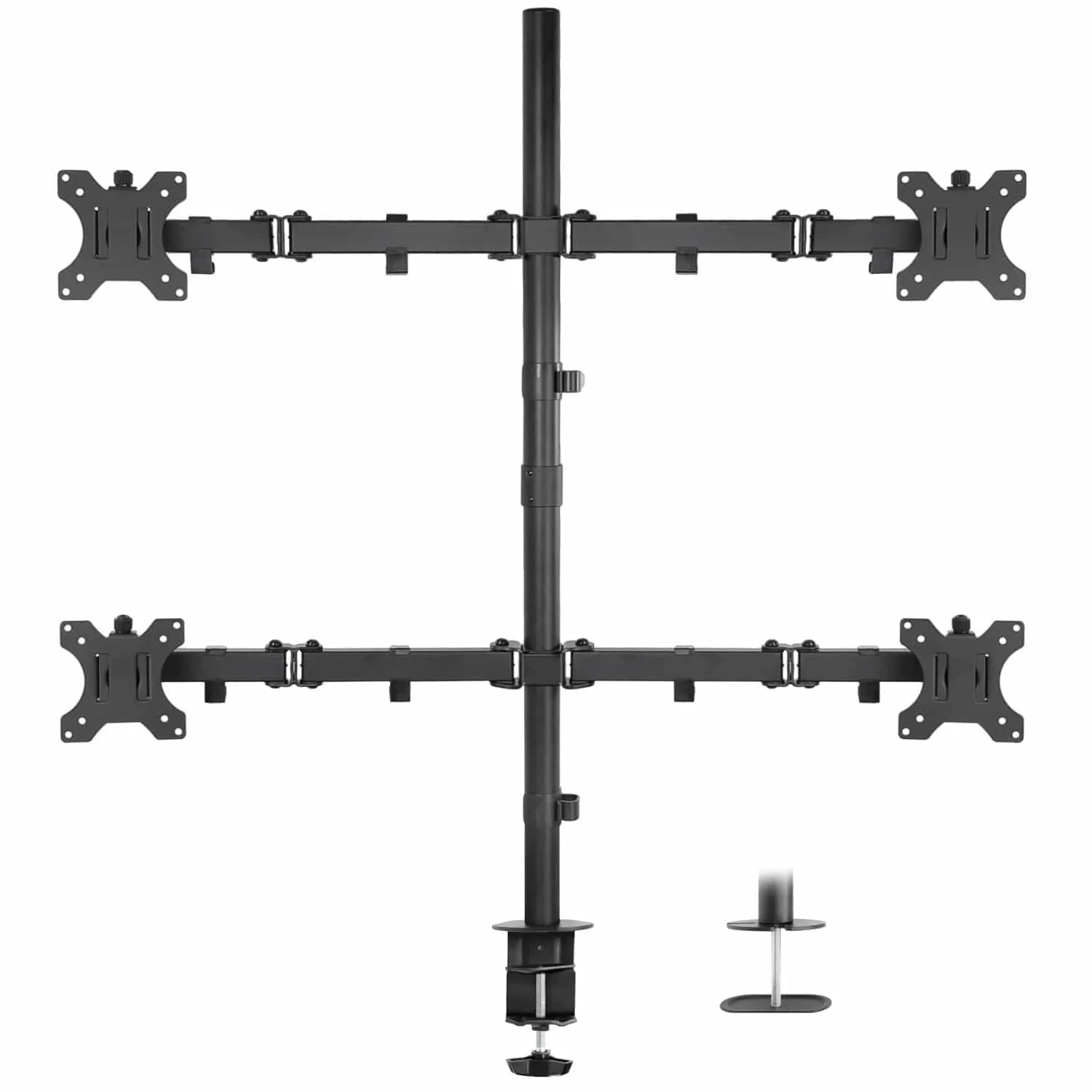
quad monitor mount
But are quad monitor mounts truly worth the investment? In this buying guide, we'll dive into the benefits, potential drawbacks, and key features to consider. We'll also explore how a 4-monitor setup can transform your productivity and whether it's the right choice for your specific needs.
Why Go Quad? The Productivity Boost
The primary reason to consider a quad monitor mount is the sheer increase in screen real estate. With four monitors, you can have your main work area front and center, while secondary displays handle auxiliary tasks. For traders, this means real-time charts on one screen, market news on another, a trading platform on the third, and a communication tool like email or chat on the fourth. No more alt-tabbing or overlapping windows.
Programmers benefit similarly. Imagine having your code editor on the main screen, a browser for documentation on the second, a terminal on the third, and a debugger or output window on the fourth. This setup reduces context switching, which is a major productivity killer. Studies have shown that multi-monitor setups can increase productivity by up to 42%, and a quad setup takes this to the next level.
- Reduces time spent switching between windows
- Enhances situational awareness for real-time data
- Improves workflow efficiency by keeping all essential tools visible
The Challenges of a 4-Monitor Setup
While the benefits are compelling, a quad monitor setup isn't without its challenges. Space is a primary concern. Four monitors require a significant amount of desk real estate, and a traditional monitor stand with individual bases would consume an enormous area. This is where a quad monitor mount shines, as it consolidates the monitors into a single, adjustable frame, freeing up valuable desk space.
Another challenge is desk stability. A quad mount with four heavy monitors can put a lot of weight on your desk. It's crucial to ensure your desk can support the combined weight. Additionally, cable management becomes more complex with four monitors, as you'll have multiple video cables and power cords to organize. A good quad mount often includes cable management features to help keep things tidy.
- Measure your desk dimensions and weight capacity before purchasing
- Plan your cable routing in advance to avoid a tangled mess
- Consider a mount with built-in cable clips or channels
Key Features to Look for in a Quad Monitor Mount
When shopping for a quad monitor mount, several features are essential. First, ensure it is compatible with your monitor sizes and VESA patterns. Most modern monitors use VESA 75x75 or 100x100, but larger monitors may require 200x200. Check the weight capacity per arm to ensure it can handle your monitors.
Adjustability is another critical factor. Look for a mount that offers tilt, swivel, and rotation, allowing you to position each monitor independently. This is especially important for traders who may want a curved arrangement for an immersive view. Also, consider the mount's build quality – a sturdy steel construction will prevent sagging and ensure long-term durability.
For those who want a clean, ergonomic setup, consider a mount with a built-in laptop tray or extra features. For example, the Full Motion Dual Monitor + Laptop Mount with Cooling Fan is a great option for those who need to integrate a laptop into their setup, though it's not a quad mount. For a dedicated quad solution, you'll want a mount that offers similar flexibility and robust construction.
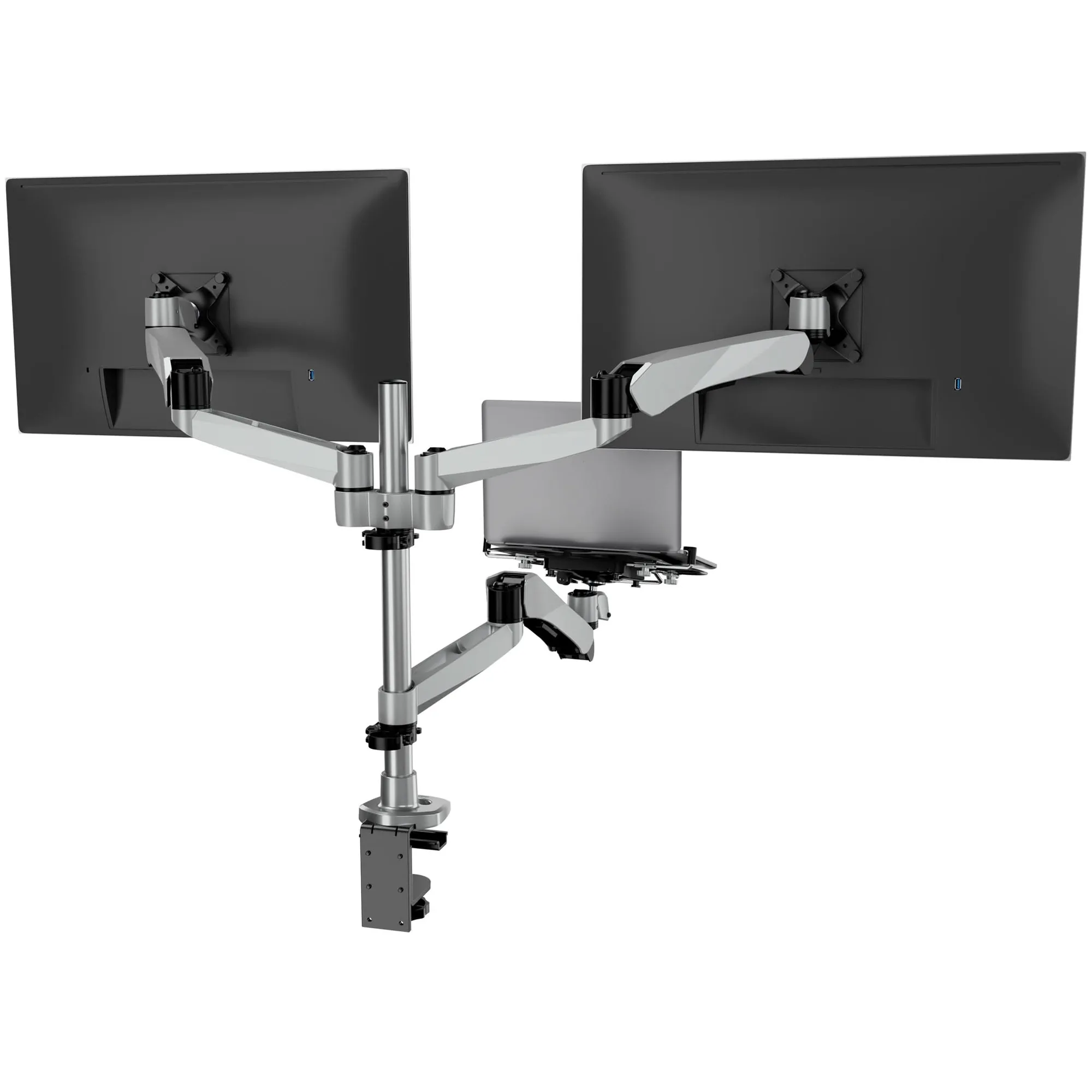
Full Motion Dual Monitor + Laptop Mount with Cooling Fan
- Check VESA compatibility and weight capacity
- Look for full-motion articulation for flexible positioning
- Prioritize steel construction for stability
Quad vs. Dual: Which Is Right for You?
If you're currently using a dual monitor setup and wondering if upgrading to quad is worth it, consider your workflow. Dual monitors are sufficient for many tasks, but if you find yourself constantly running out of screen space, a quad setup could be a game-changer. For traders who track multiple markets or programmers working with complex codebases, the extra screens can significantly reduce mental overhead.
However, it's also important to consider the learning curve. Managing four monitors requires a good window management system, and it may take some time to develop an efficient layout. Additionally, the cost of four monitors plus a quad mount can be substantial. If you're on a budget, you might start with a dual monitor mount and expand later. But if you're ready to commit, a quad mount offers the ultimate in multitasking capability.
- Evaluate your current screen usage to identify bottlenecks
- Start with a dual setup if you're unsure, then expand
- Invest in a quality mount that can be reconfigured as your needs evolve
Ergonomics and Comfort for Long Work Hours
Both traders and programmers often spend long hours at their desks, making ergonomics a top priority. A quad monitor mount allows you to position each monitor at the optimal height and distance, reducing neck and eye strain. With a full-motion mount, you can easily adjust the monitors to create a comfortable viewing arc that surrounds you.
To further enhance your comfort, consider pairing your quad mount with an ergonomic chair or a height-adjustable stool. The Height Adjustable Standing Desk Stool is an excellent companion, allowing you to alternate between sitting and standing throughout the day. This promotes better posture and circulation, which is crucial for those marathon coding or trading sessions.
- Position the top of the monitors at or slightly below eye level
- Maintain an arm's length distance from the screens
- Take regular breaks to rest your eyes and stretch
Making the Most of Your Quad Monitor Setup
Once you've installed your quad monitor mount, it's time to optimize your workflow. Use window management tools to snap windows into predefined zones, and consider using virtual desktops to organize different tasks. For traders, a common layout is to have the main trading platform on the central monitor, with charts on the sides and a news feed on the top or bottom. Programmers might dedicate one monitor to the code editor, another to the terminal, and a third to documentation.
Remember to adjust the brightness and color settings of each monitor to ensure consistency, especially if you're working with graphics. And don't forget about cable management – a clean setup not only looks professional but also prevents accidental disconnections. With a little planning, your quad monitor setup can become a powerful productivity hub.
- Use display management software to save and switch layouts
- Calibrate monitors for consistent color and brightness
- Label cables to simplify maintenance
Quad monitor mounts are undeniably a significant investment, but for traders and programmers who rely on real-time data and complex multitasking, they can be a game-changer. The increased screen real estate, improved ergonomics, and reduced context switching often translate into higher productivity and less stress. When choosing a mount, prioritize adjustability, build quality, and compatibility. If you're ready to elevate your workspace, explore our selection of monitor mounts, including the Full Motion Dual Monitor + Laptop Mount with Cooling Fan, which offers flexibility and integrated cooling for your devices.