Quick answer
Most rabbit vibrator issues come from a dead battery, a stuck control button, or improper charging. First, try a full charge cycle with the original cable. If that doesn't help, check the button for debris and clean the charging contacts with a dry cloth.
Vibrator won't turn on or charge
Start by connecting the toy to its USB charger and plugging it into a low-power USB port (like a computer or a 5V wall adapter). Leave it for at least two hours. If the indicator light doesn't show, the cable or port might be faulty. Try a different USB cable and port. If the toy still won't charge, inspect the charging pins or magnetic contacts on both the toy and the cable. Dust or lint can block the connection. Wipe them gently with a dry microfiber cloth.
Vibrations are weak or intermittent
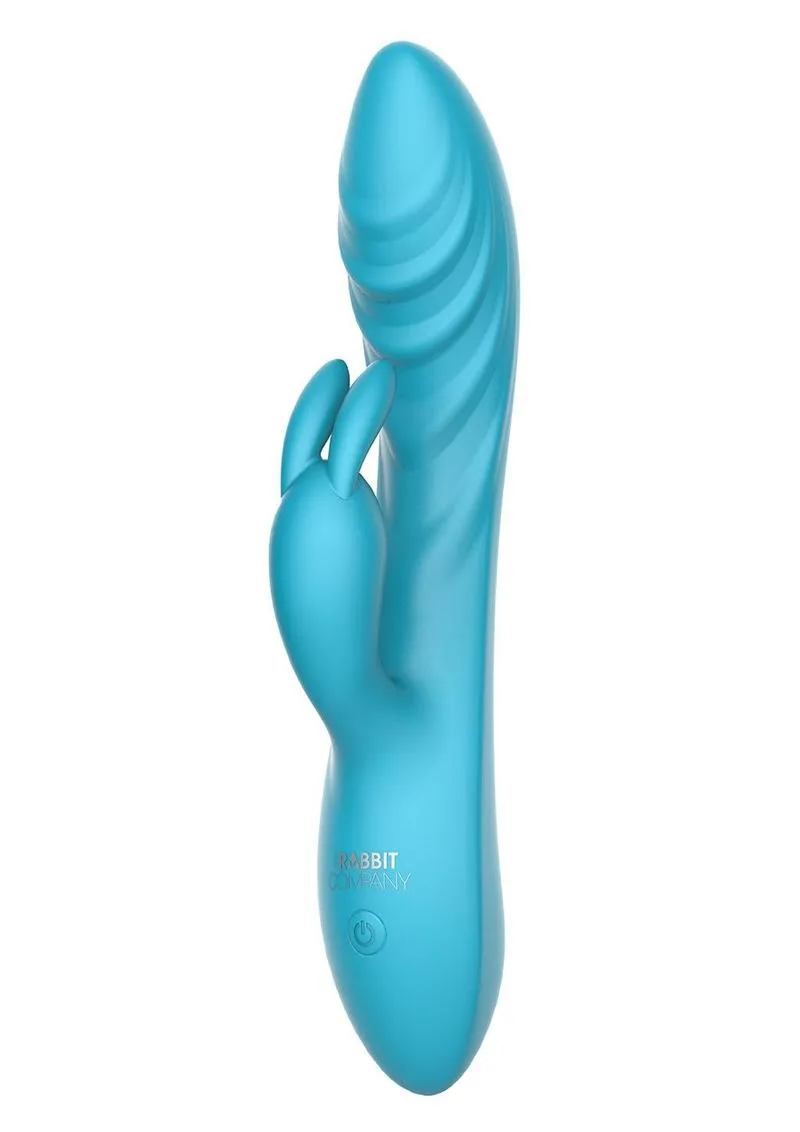
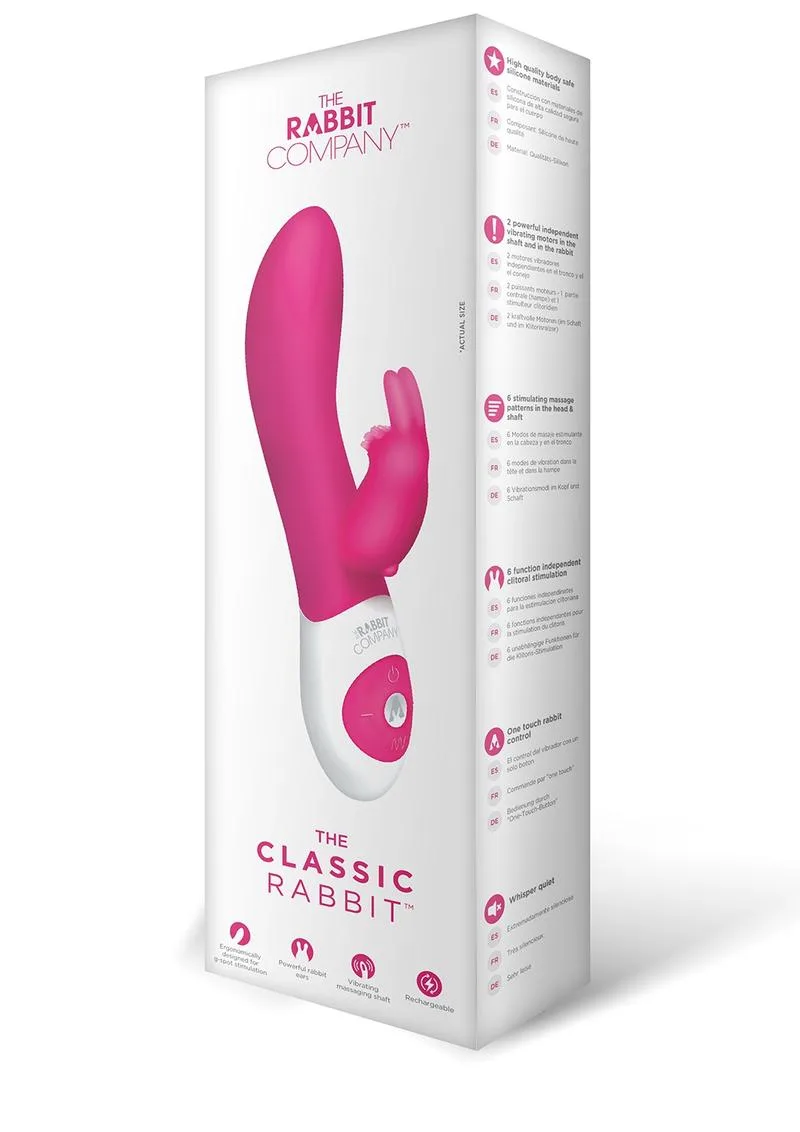
Weak vibrations often mean the battery is low. Give the toy a full charge. If the problem persists, the motor may be overloaded by pressing too hard against the body. Relax your grip and let the vibrator do the work. For models like The Classic Silicone Rabbit or The Sonic Rabbit, a single button controls multiple speeds and patterns. If you accidentally switched to a pattern mode, press the button again to cycle back to steady vibration.
Button is stuck or unresponsive
A stuck button is usually caused by dried lubricant or body oils. Clean around the button with a cotton swab dipped in isopropyl alcohol (70% or higher). Wipe the toy clean and dry it thoroughly before testing. If the button still doesn't click, the toy may need to be returned or replaced. This is not a user-serviceable part.
Diagnosis quick reference
- Toy won't turn on: Charge for 2+ hours with the original cable. Check charging contacts for debris. Try a different USB port. If still dead after a full charge, the battery or charging circuit may be faulty. Contact support.
- Weak or no vibrations: Battery may be low. Also, pressing too hard can stall the motor. Relax your grip or switch to a different pattern. If vibrations remain weak after a full charge, the motor may be worn. Consider a replacement.
- Button stuck or unresponsive: Clean around the button with isopropyl alcohol. Dry thoroughly. Avoid submerging the toy during cleaning. If the button still doesn't work, the toy likely needs professional repair or replacement.
Product facts
- The Classic Silicone Rabbit: The Classic Silicone Rabbit features multiple vibration speeds and pulsation patterns, controlled by a single button. If your toy seems to change patterns unexpectedly, you may have pressed the button too many times. Simply cycle through the modes until you find steady vibration again.
- The Sonic Rabbit: The Sonic Rabbit uses patented thrusting technology with over 850 thrusts per minute and has six functions in the rabbit ears plus multiple thrusting levels. If the thrusting mechanism stops working, check that the battery is fully charged. The powerful motor draws more power, so low battery can cause intermittent performance.
- The Mini Rabbit: The Mini Rabbit is completely waterproof and USB rechargeable with a single-button control for easy speed adjustment. Waterproof toys can trap moisture under the button if not dried properly after cleaning. Always dry the toy thoroughly before charging or storing.