Quick Answer
The RAM Drill-Down Double Ball Mount for Trimble Nomad X is a reliable way to secure your handheld PC in a vehicle. Here’s how to install it correctly.
Why Choose a Drill-Down Mount?
A drill-down base offers a permanent, secure mounting solution that won’t shift or loosen over time, unlike adhesive or clamp bases. This is especially important for heavy handheld PCs like the Trimble Nomad X, which can weigh up to 2 lbs.
The double ball design with a medium arm provides flexibility in positioning, allowing you to adjust the device to your preferred viewing angle without compromising stability.
Important Considerations Before You Start
Before drilling, verify that the chosen location has enough clearance behind the surface to avoid damaging wires or other components. Also, ensure the mount’s ball size (B size, 1 inch) matches the device holder’s ball size for a secure fit.
The mount is rated to hold up to 2 lbs, which is perfect for the Trimble Nomad X, but avoid adding extra accessories that could exceed this weight limit.
Installation Steps
- Choose the Mounting Location: Select a flat, stable surface in your vehicle that is within easy reach and doesn't obstruct your view. Hold the base in place and mark the drill holes with a pencil. Check the back of the surface for obstacles before drilling.
- Drill the Holes: Using a drill bit suitable for your surface material (e.g., metal, plastic), drill pilot holes at the marked spots. Ensure the holes are slightly smaller than the screws provided. Wear safety glasses and clear any debris from the holes.
- Attach the Base: Align the base over the holes and secure it using the provided screws and a screwdriver or drill. Tighten firmly, but avoid over-tightening to prevent stripping. Double-check that the base is level and doesn't wobble.
- Attach the Medium Arm: Slide the ball end of the medium arm into the base's socket and tighten the knob by hand. Ensure the arm is oriented in the direction you want the device to face. Don't fully tighten yet—you'll adjust the angle later.
- Attach the Device Holder: Attach the device holder (not included) to the other ball end of the arm, then tighten the knob. Place your Trimble Nomad X into the holder and adjust the arm and holder to your preferred viewing angle. Test the device's stability and adjust the tension knobs if needed.
Product Facts
-
RAM® Drill-Down Double Ball Mount for Trimble Nomad X: This RAM Drill-Down Double Ball Mount is a complete kit with a drill-down base, double ball design, and medium arm, compatible with the Trimble Nomad X handheld PC. It gives you a stable, permanent mounting solution that keeps your device secure even on rough roads.
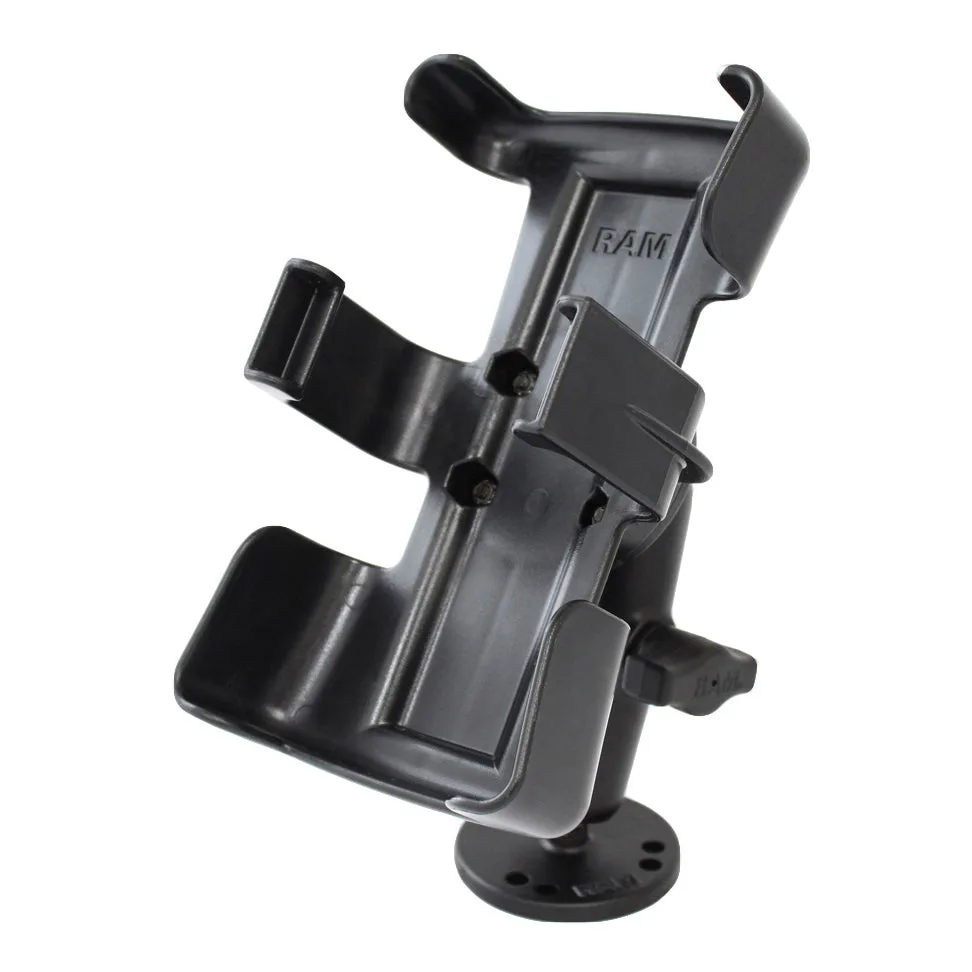
RAM® Drill-Down Double Ball Mount for Trimble Nomad X