Building a gaming setup on a standing desk means choosing peripherals that work well whether you're sitting or standing. Two popular options are the Razer Deathadder V2 X Hyperspeed mouse and the Logitech G560 speakers. Both bring unique strengths, but they serve different roles in your gaming ecosystem.
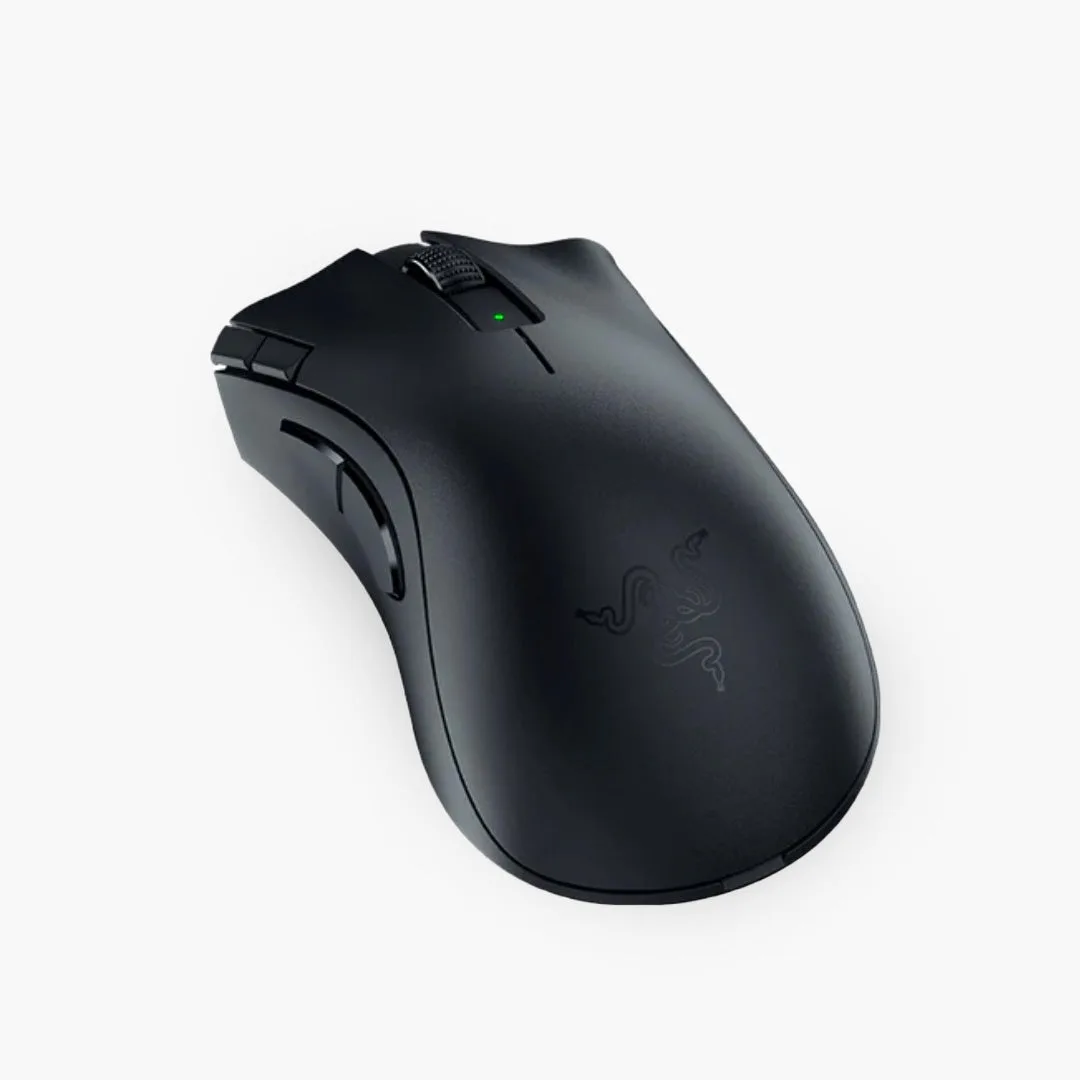
Razer Deathadder V2 X Hyperspeed
In this comparison, we'll break down how each performs with a standing desk, focusing on ergonomics, connectivity, and overall desk integration. By the end, you'll know which peripheral deserves a spot on your Omnidesk.
Razer Deathadder V2 X Hyperspeed: A Wireless Gaming Mouse Built for Movement
The Razer Deathadder V2 X Hyperspeed is a lightweight wireless mouse that excels in a standing desk environment. Its 82-gram design reduces fatigue during long gaming sessions, and the ergonomic shape supports a natural palm grip. With up to 235 hours of battery life on a single AA battery, you won't need to worry about charging cables interfering with your desk's height adjustments.
Connectivity is flexible—you can use Bluetooth or the 2.4 GHz dongle. Bluetooth is handy for switching between your gaming PC and a laptop without unplugging anything. The mouse also features Razer's mechanical switches rated for 60 million clicks, ensuring durability. For a standing desk, the wireless freedom lets you move the mouse freely without cable drag, which is especially useful when you raise or lower the desk.
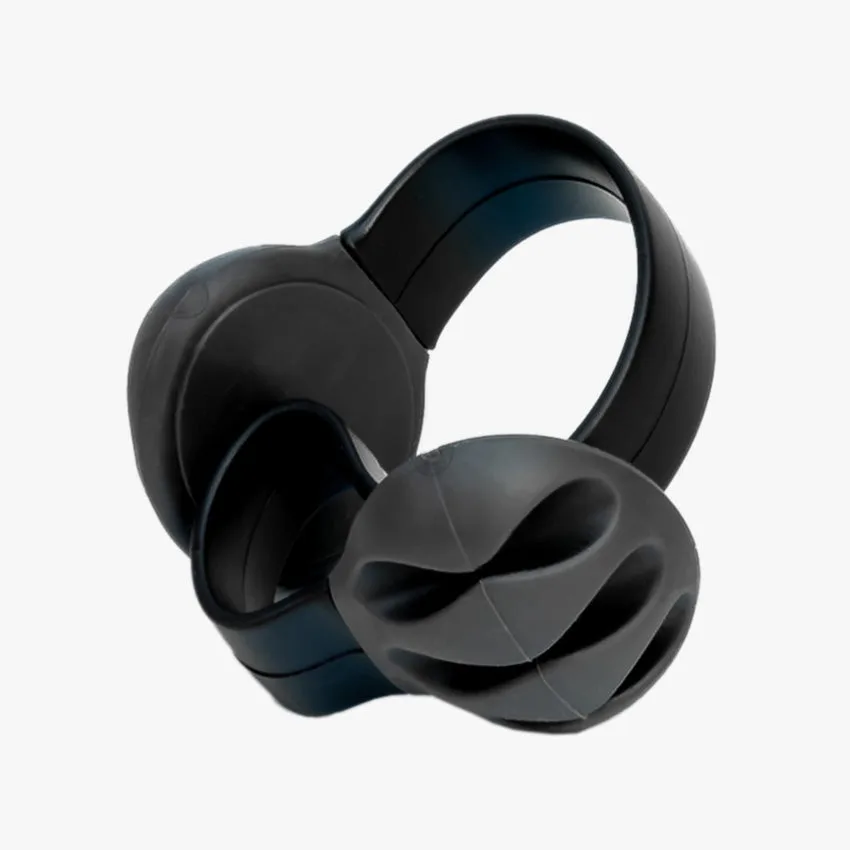
- Tip: Pair the Deathadder with a mouse bungee or a cable management solution like the Omnidesk Cable Strap to keep your desk tidy even if you occasionally use a wired mode.
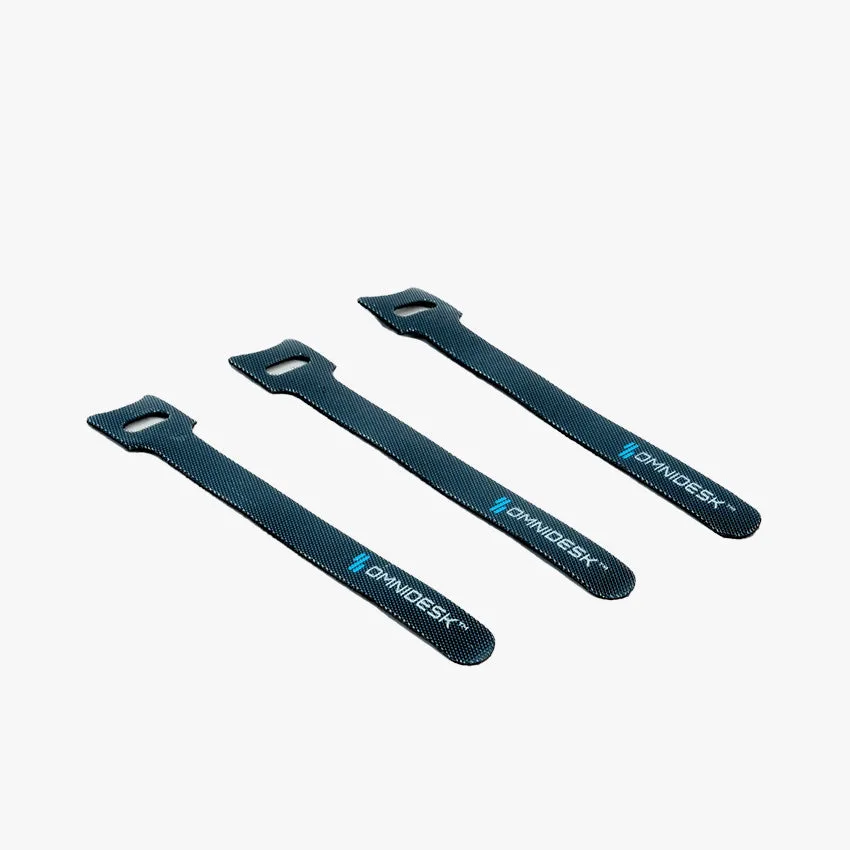
Omnidesk Cable Strap
Logitech G560: Immersive Gaming Speakers with RGB Sync
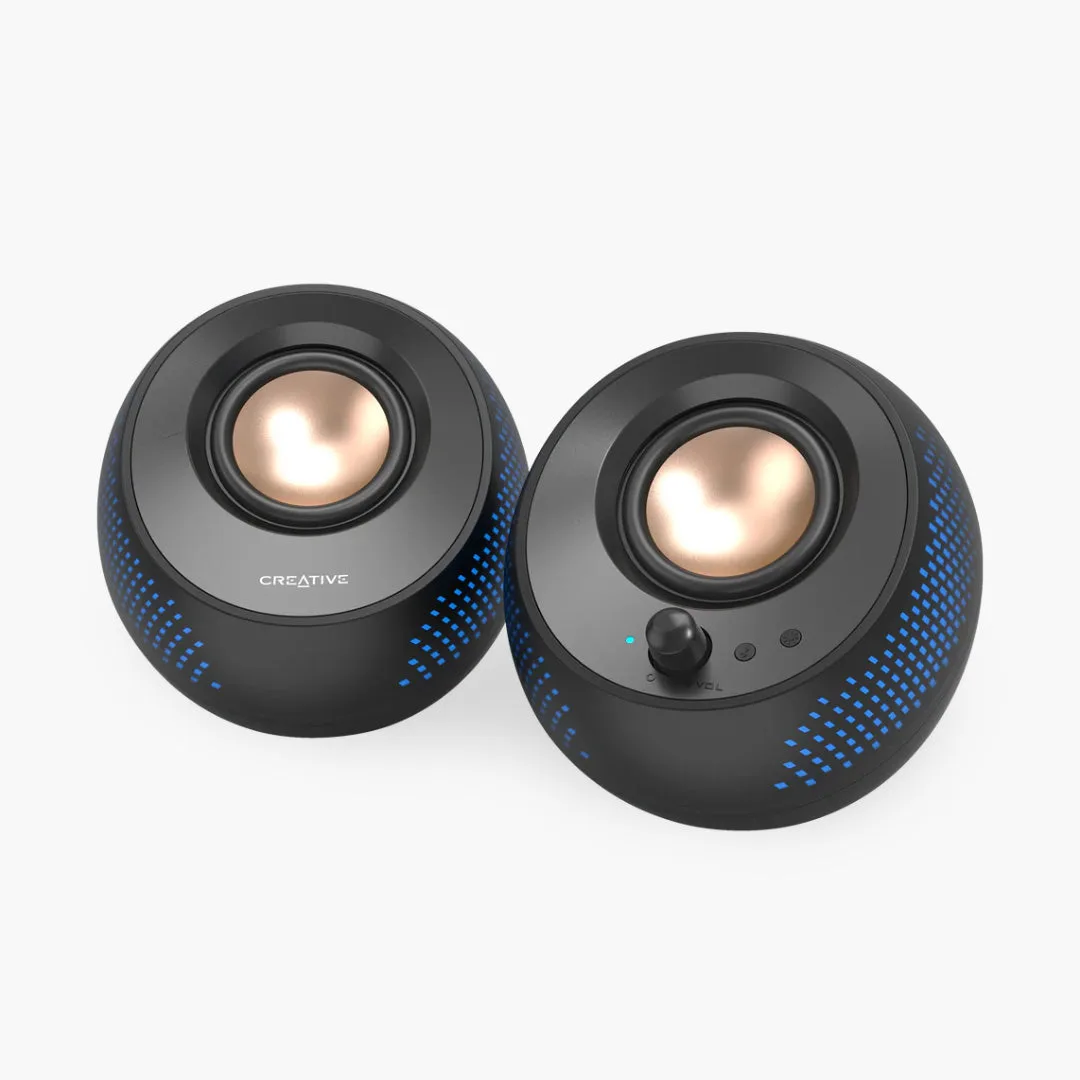
The Logitech G560 speakers deliver powerful, immersive audio with 240 watts peak power and DTS:X Ultra surround sound. They feature programmable RGB lighting that syncs with your games, creating an ambient glow that complements your desk aesthetic. For a standing desk, the compact satellite speakers can be placed on either side of your monitor, and the subwoofer fits under the desk—just ensure it doesn't obstruct your legroom when standing.
One standout feature is the Lightsync technology, which reacts to on-screen action. You can also customize lighting via Logitech G Hub. The speakers connect via USB or 3.5mm, and they have Bluetooth for streaming music from your phone. However, the wires can become messy if you frequently adjust desk height. Consider using the Privacy Panel or Audioengine DS1 Stands to elevate the satellites and improve sound staging.
- Tip: To minimize cable clutter, route speaker wires along the desk frame using adhesive clips or the Omnidesk Cable Strap.
Comparison: Which Peripheral Wins for Your Standing Desk?
The Razer Deathadder V2 X Hyperspeed and Logitech G560 serve different purposes, so your choice depends on what you prioritize. If you need a reliable, ergonomic mouse that supports sit-stand transitions, the Deathadder is the clear winner. Its wireless design and lightweight build make it ideal for dynamic workspaces. Plus, it pairs well with ergonomic chairs like the HÅG Capisco Puls 8020 - Arda for a cohesive setup.
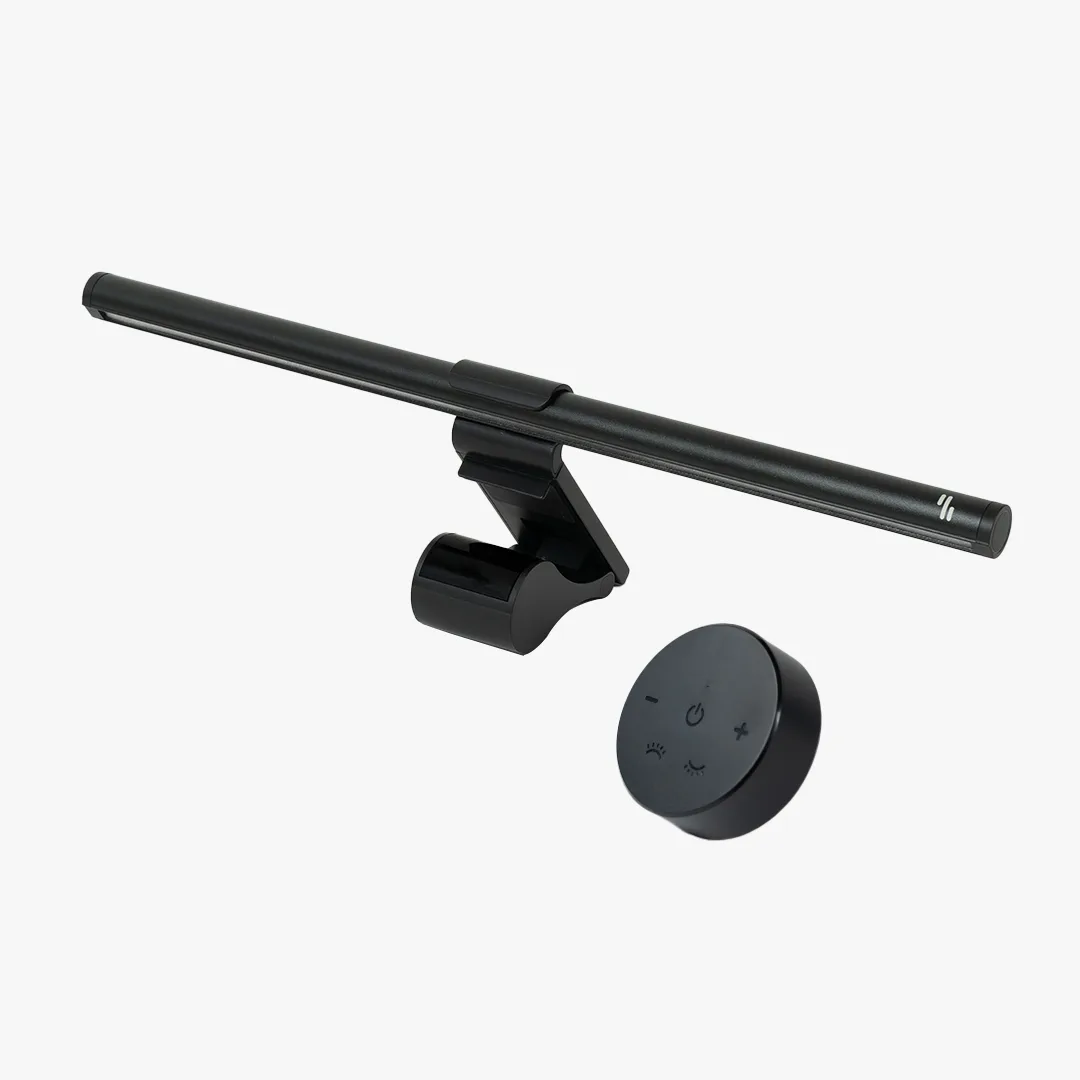
On the other hand, if audio quality and immersive lighting matter more, the Logitech G560 transforms your desk into a gaming hub. They're excellent for games with rich soundscapes, but you'll need to manage cables carefully. For a minimalist look, consider adding a Linear Dual Monitor Light Bar to reduce eye strain and balance the visual setup.
- If you already have a good mouse, invest in the G560 for audio. If your desk is cluttered, start with the Deathadder to cut the cord.
Integrating Both into Your Omnidesk Setup
You can absolutely use both peripherals together. Place the Logitech G560 satellites on sturdy stands like the Audioengine DS1 Stands to angle them toward your ears. Keep the subwoofer on the floor or on a low shelf to avoid vibrations affecting your desk. For the mouse, use the 2.4 GHz dongle for low-latency gaming, and store the dongle in the mouse's compartment when not in use.
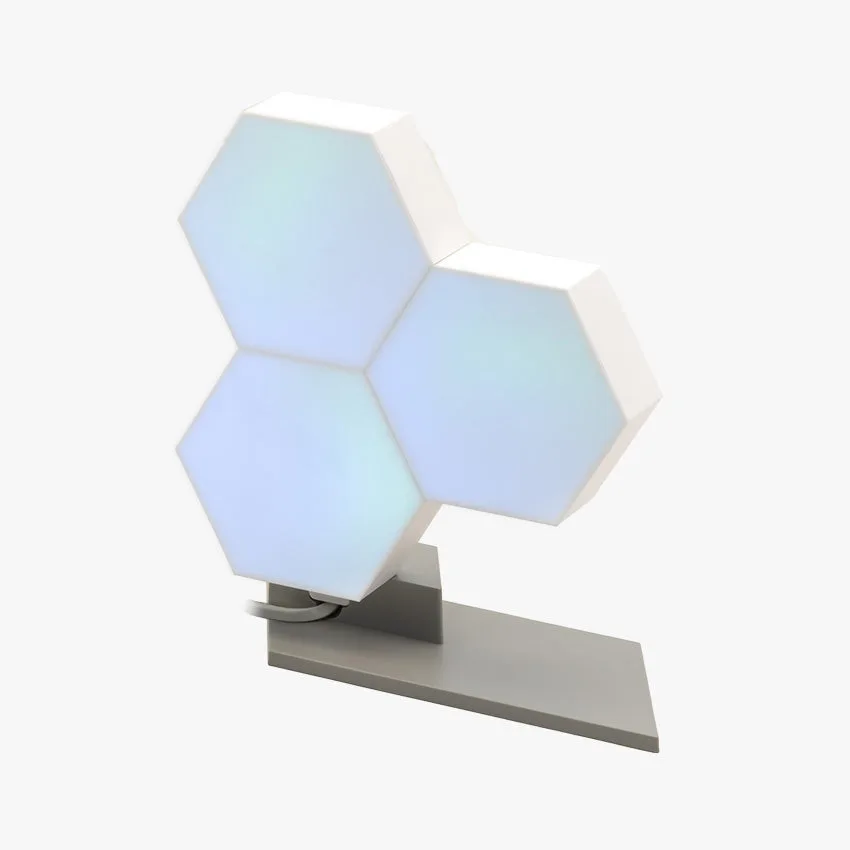
Cable management is key. Use the Omnidesk Cable Strap to bundle speaker wires and keep them out of the way during height adjustments. If you have a Nanoleaf Shapes Hexagons on your wall, sync its lighting with the G560's RGB for a cohesive gaming atmosphere. With thoughtful placement, both peripherals can coexist without compromising ergonomics or aesthetics.
- Pro tip: Attach a small cable tray under your desk to hold excess speaker wire and the mouse dongle.
Both the Razer Deathadder V2 X Hyperspeed and Logitech G560 are excellent gaming peripherals, but they cater to different needs. For a standing desk, prioritize wireless freedom with the mouse, or immersive audio with the speakers. Whichever you choose, integrate them with proper cable management and ergonomic accessories to maximize your Omnidesk experience.