Quick answer
Wipe the blades and housing with a dry or barely damp cloth, charge only until the indicator shows full, and store the fan loosely coiled at room temperature with some charge left. Skip water rinses, overnight charging, and hot cars. This routine protects the motor, the battery, and the adjustable neckband so a wearable fan keeps working through more than one summer.
Why a five-minute routine beats a deep clean
Necklace fans collect skin oil, sunscreen, and dust on the blades and vent slots. Left alone, that film makes the fan work harder and can create a faint wobble. You do not need to disassemble anything. A dry soft cloth or a dry toothbrush along the vent slots once a week removes most buildup before it hardens.
The battery is the other half of the job. Rechargeable cells age fastest when they sit fully drained or plugged in for days. Topping up to full and then unplugging keeps runtime closer to what the label promises. If your model uses AA batteries instead, the same discipline applies: remove them before long storage so they cannot leak.
What to keep away from the fan
Water is the biggest risk. Unless the manufacturer explicitly labels a fan as washable, assume the motor and charging port are not. A damp cloth is fine on the outside; a sink rinse is not. The same goes for compressed air, which can push dust deeper into the motor housing.
Heat is the second risk. A car dashboard in summer can exceed the safe storage temperature for lithium cells and warp the plastic neckband. If the fan has been sitting in a hot car, let it return to room temperature before charging.
Step-by-step necklace fan care
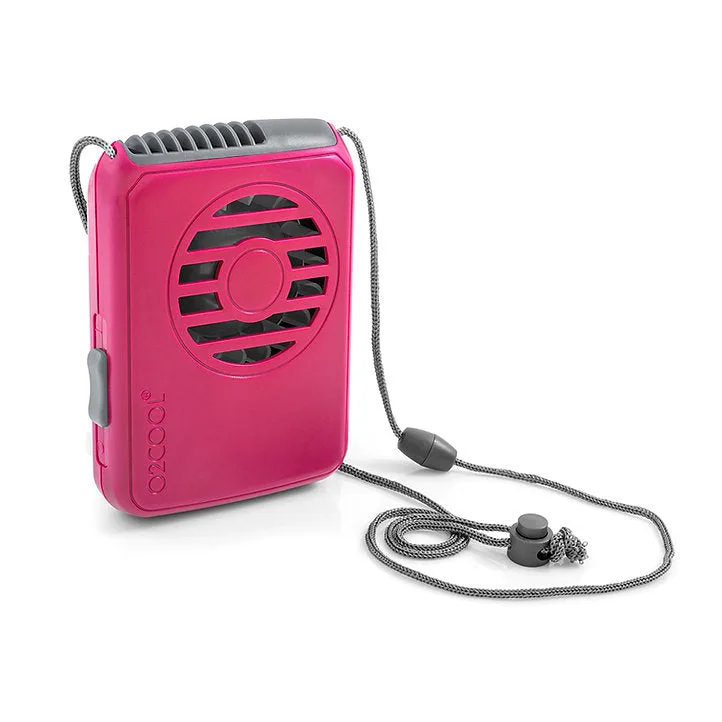
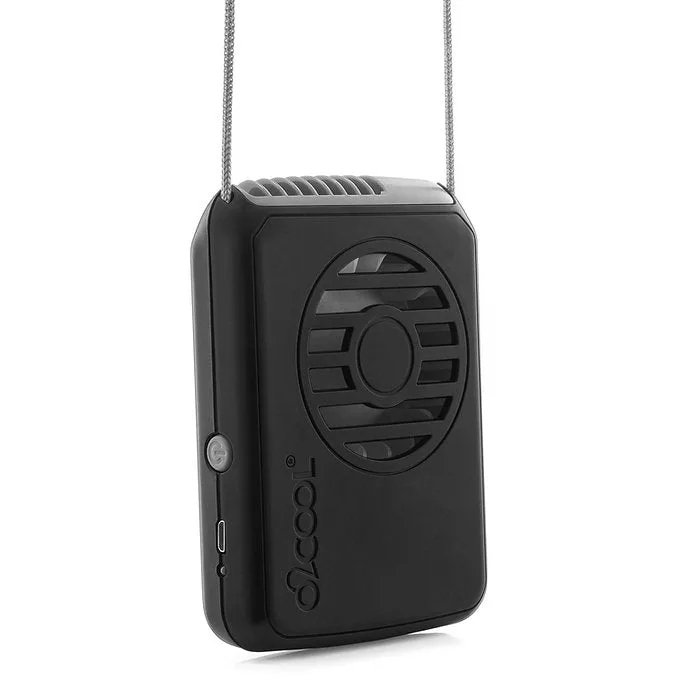
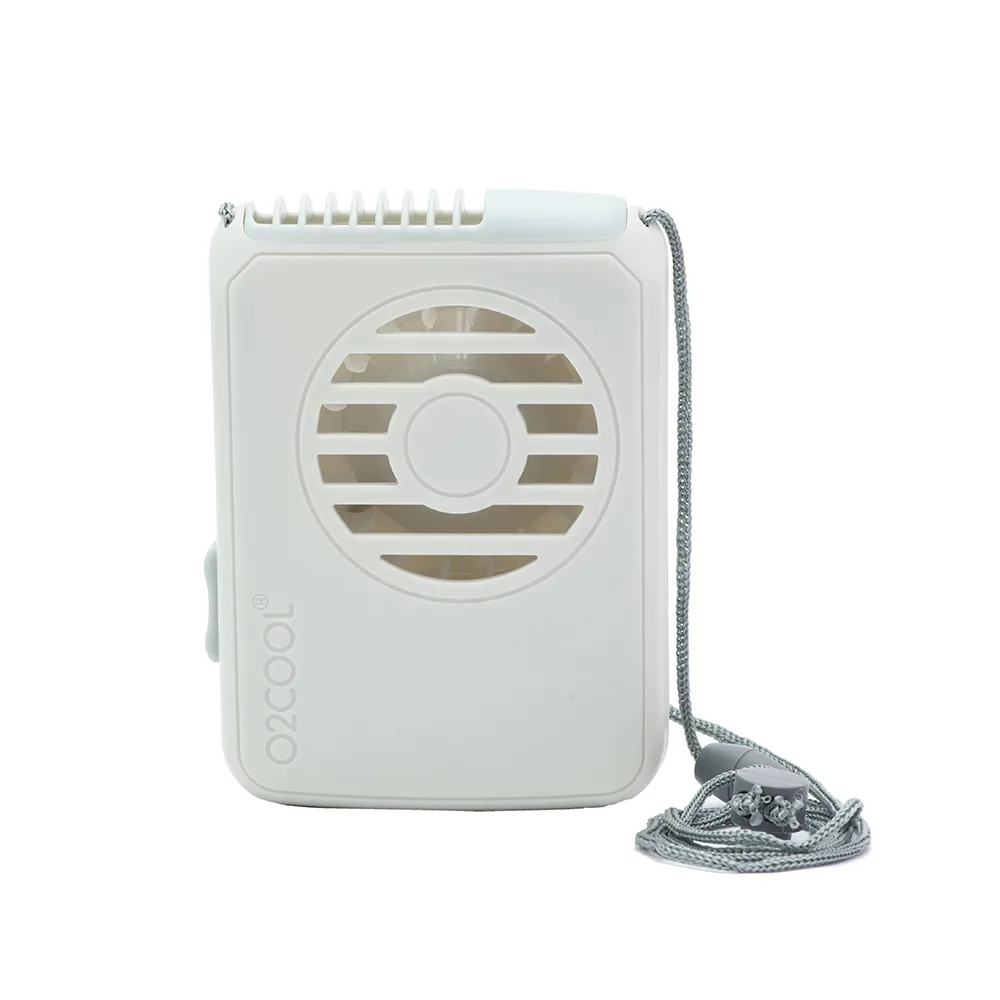
necklace fan
- 1. Power down and remove the fan from your neck: Turn the fan off and, if it uses removable batteries, take them out before you touch the blades. For a rechargeable model, unplug any charging cable first. Common mistake: cleaning while the fan is still running or plugged in.
- 2. Dry-clean the blades and vent slots: Use a dry soft cloth or a dry toothbrush to lift dust and lint from the blades and the vertical vent. Work outward, not inward, so debris does not fall into the motor. Checkpoint: the vent slots should look clear when you hold the fan up to a light.
- 3. Wipe the housing and neckband: Dampen a cloth very lightly, wring it out, and wipe the outer shell and adjustable band. Dry immediately with a second cloth. Never rinse the fan under a tap. Common mistake: using a soaking wet cloth near the charging port or battery compartment.
- 4. Charge to full, then unplug: Use the cable or battery type your model calls for. Charge until the indicator shows full, then disconnect. Do not leave a rechargeable fan plugged in overnight or for days at a time. Checkpoint: if the fan or charger feels hot, stop and let it cool before continuing.
- 5. Store loosely with partial charge: Coil the lanyard or band without sharp bends, place the fan in a dry drawer or bin at room temperature, and leave a rechargeable battery at roughly half charge for long storage. Common mistake: storing a fully drained battery or leaving the fan in a hot garage or car.
- 6. Recheck before the next season: A month before you need it, charge the fan, run it on each speed for a few minutes, and listen for wobble or grinding. Clean the vents again if dust has settled. Next step: if runtime has dropped sharply or the blades wobble, replace the batteries or the fan rather than pushing a failing motor.
Product facts worth knowing
- Rechargeable Necklace Fan: Three-speed fan with a vertical air vent and an adjustable around-the-neck design. The vertical vent directs air upward toward your face and neck, so keeping those slots clear matters more than polishing the outer shell.
- Antimicrobial Necklace Fan for Healthcare: Super slim profile with an adjustable lanyard and up to 12 hours of runtime on two AA batteries. If you prefer disposable batteries over charging, plan to remove them before off-season storage so they cannot leak inside the slim housing.